Podcast Summarizer
Turn long podcast transcripts into clear notes, takeaways, and show notes
How to Use Podcast Summarizer
Get a podcast summary in 3 simple steps
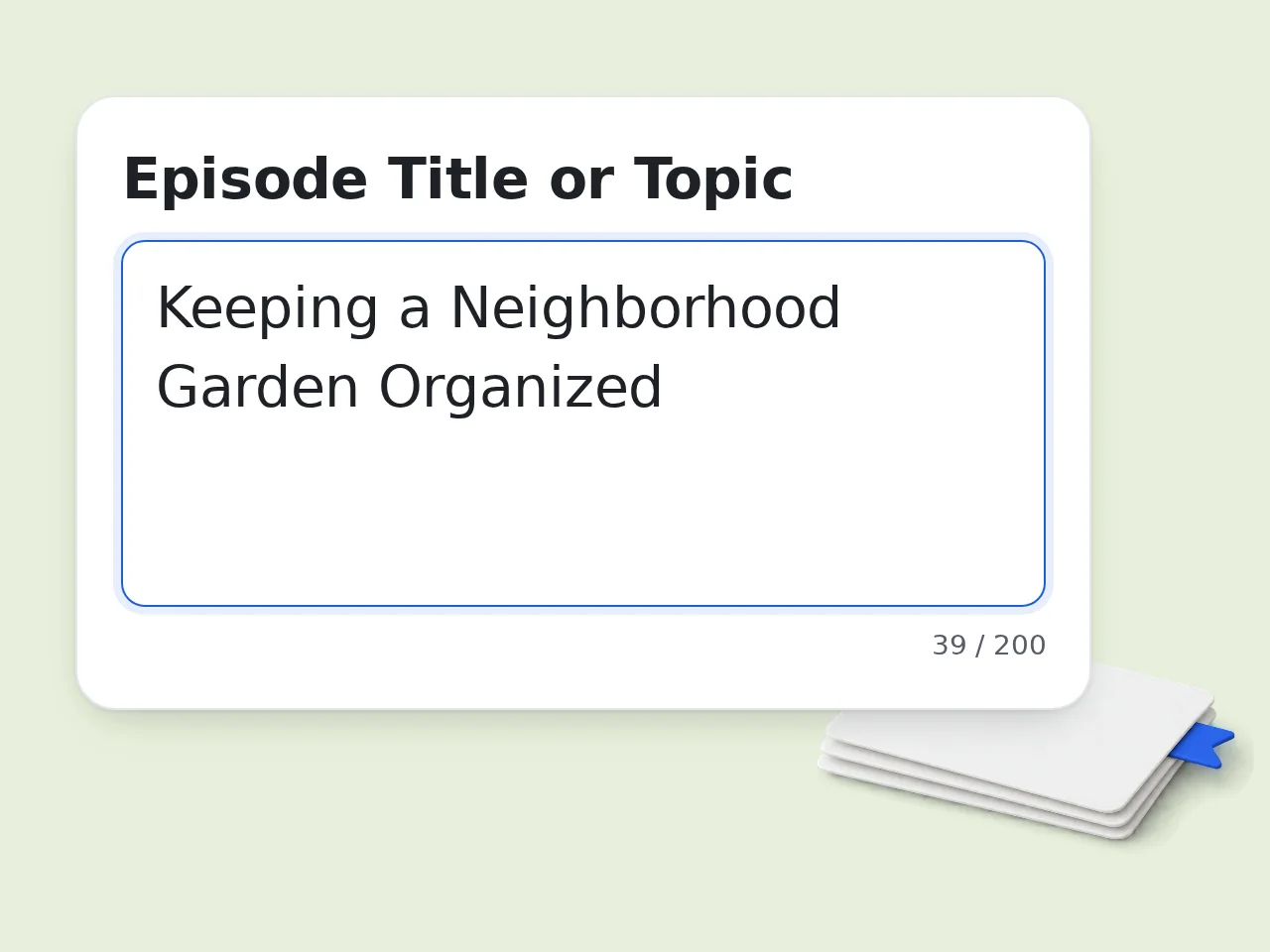
Paste the episode title and content
Enter the episode title, then paste the transcript, show notes, or your own listening notes. The podcast summarizer works even when the source is messy or incomplete.
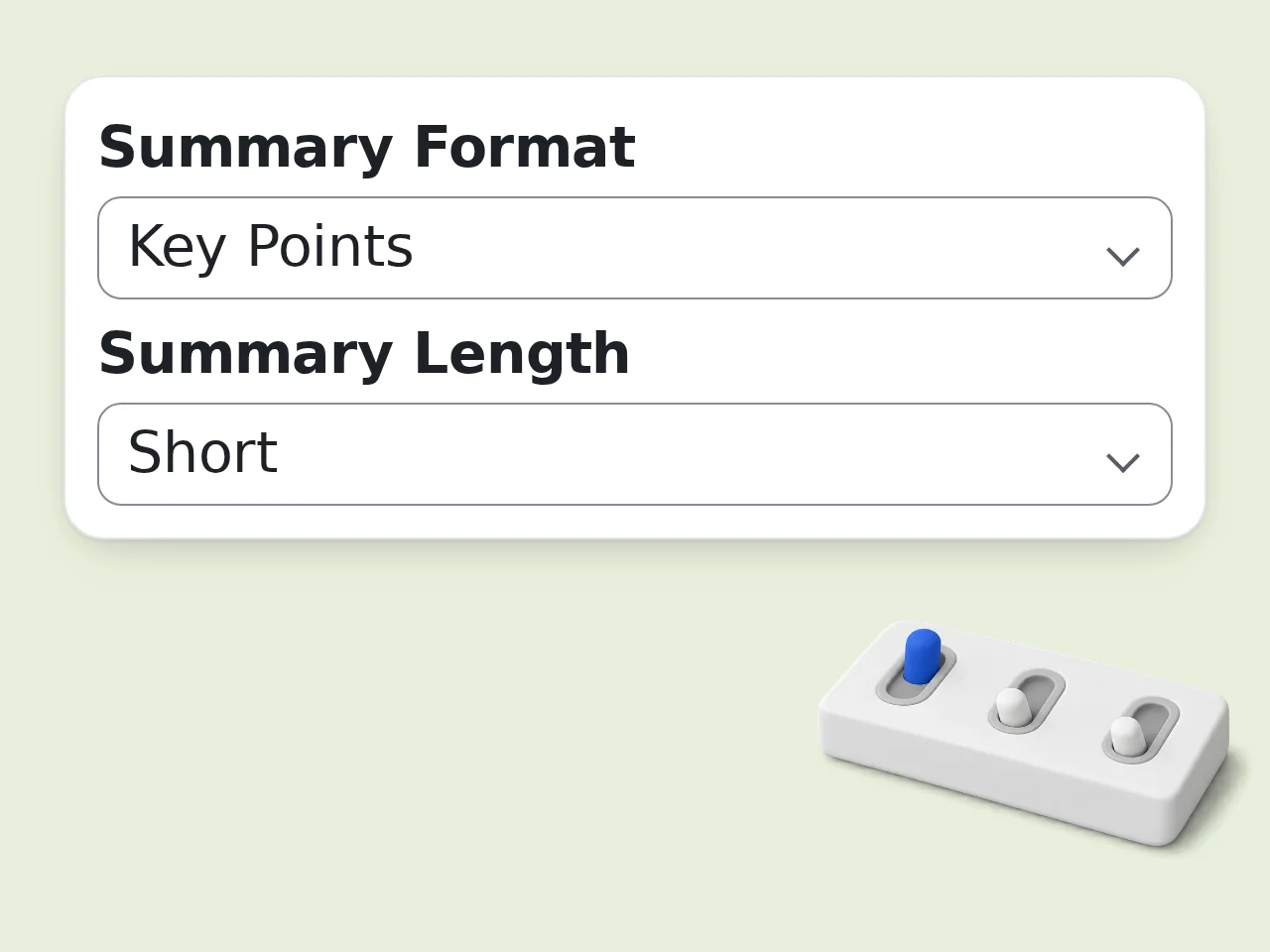
Choose the output you actually need
Pick summary format, summary length, and optional focus area. Use show notes for publishing, executive summary for speed, or chapter breakdown for deeper review.
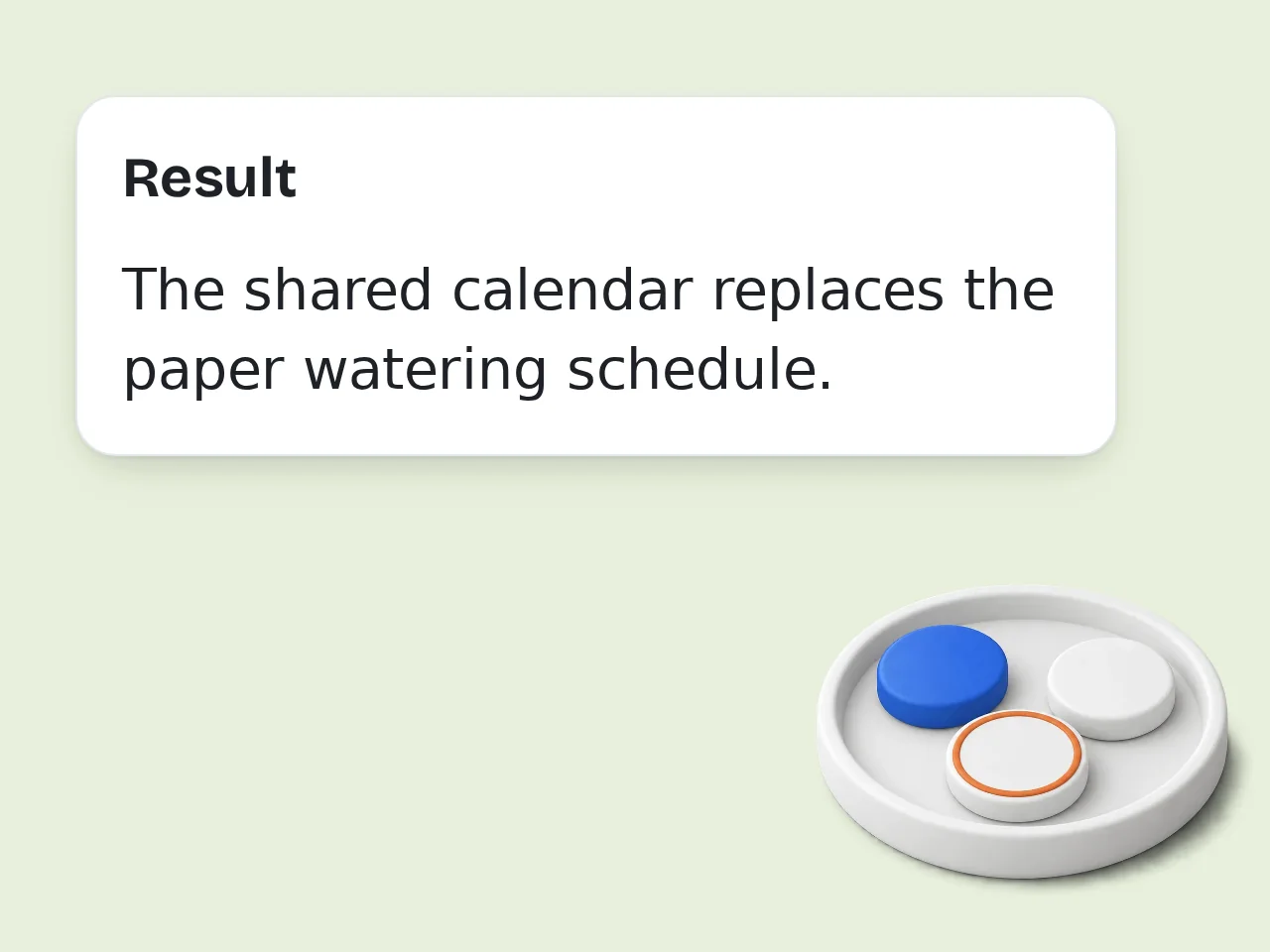
Get a clean podcast summary instantly
Click generate and the podcast summarizer returns organized notes, main ideas, and next-step takeaways you can read, save, or reuse right away.
Key Features of Podcast Summarizer
Everything needed to turn a long podcast into something readable
4 Podcast Summary Formats
Switch between key points, executive summary, show notes, and chapter breakdown. The podcast summarizer adapts the structure instead of giving the same answer every time.
Transcript and Notes Friendly
Use a full transcript, partial notes, speaker highlights, or rough show notes. You do not need perfect formatting for the podcast summarizer to produce a clean result.
Built for Reuse and Review
Turn one long episode into quick study notes, talking points, action items, or publishable show notes. That makes the podcast summarizer useful for listeners and creators alike.
Frequently Asked Questions about Podcast Summarizer
Common questions about using the podcast summarizer well
What is a podcast summarizer and how does it work?
A podcast summarizer reads a transcript, show notes, or listening notes and turns them into a shorter version with the main ideas, useful details, and takeaways. It is designed to reduce a long episode into something you can understand quickly. Instead of giving a generic paragraph, the tool can format the result as key points, show notes, an executive summary, or a chapter-style breakdown. That makes the output easier to scan and reuse. It works best when you paste the actual podcast content, even if that content is rough, partial, or taken from your own notes.
How do I use the podcast summarizer to get the best results?
Paste as much relevant source material as you can. A full transcript usually gives the podcast summarizer the strongest result, but detailed show notes or careful listening notes also work well. Then pick a format that matches your goal. Key points are best for fast review, show notes are best for publishing, and chapter breakdown is best when the conversation moves through several topics. If the episode includes timestamps or named speakers, keep them in the source. The tool can organize them more clearly when that information is already there.
Is the podcast summarizer free to use?
Yes, the podcast summarizer is free to use. Guests get limited daily free tries without creating an account, and free registered users have a monthly credit allowance for regular use. The core summary modes, including key points, executive summary, and show notes, are available without a paid plan. You can test real episodes before deciding whether you need more volume. If you summarize podcasts often for work, study, or content production, a subscription simply gives you more room, not a different basic workflow. See the pricing page for current details.
How many times can I use the podcast summarizer per day?
Guests get limited daily free tries of the podcast summarizer without logging in. Free users have a monthly credit allowance, which is enough for occasional review, class prep, or weekly listening notes. That limit works well for people who summarize only their most important episodes instead of every single show they hear. It is also enough for testing different formats on the same episode. If you produce content daily or summarize podcasts as part of your workflow, a subscription gives you higher limits and less friction. See the pricing page for current details.
Can I use the podcast summarizer without creating an account?
Yes, you can use the podcast summarizer without an account. Paste your content, choose the format you want, and generate the summary right away. A free account is helpful only if you want more usage, saved history, or a smoother repeat workflow. It is not required just to try the tool or summarize one episode. That makes it convenient when you only need a quick summary for one long interview, one class episode, or one set of notes you do not want to process manually.
What can I use the podcast summarizer for?
The podcast summarizer is useful for studying, research review, team sharing, content repurposing, and personal note-taking. It helps when an episode is too long to revisit but you still need the important points. Students use it to review educational podcasts. Professionals use it to capture insights from interviews and industry shows. Creators use it to turn spoken content into show notes, highlight bullets, or draft social copy. It also works well after meetings or recorded conversations that feel podcast-like, especially when you already have a transcript or a rough summary to clean up.
Does the podcast summarizer support different output styles?
Yes, the podcast summarizer supports several output styles so the summary matches what you need instead of forcing one format. You can choose key points, executive summary, show notes, or chapter breakdown. Each style changes the shape of the answer. Key points focus on quick scanning, show notes feel more publishable, and chapter breakdown groups the conversation into logical topic sections. You can also adjust summary length and focus area, which helps when you want more action items, more insights, or a simpler overview for a general audience.
Who benefits most from using the podcast summarizer?
The podcast summarizer helps anyone who learns or works from long-form audio. That includes students, researchers, content teams, newsletter writers, founders, and busy listeners trying to keep up with too many episodes. It is especially useful when the listening itself is not the hard part, but remembering, organizing, and reusing what was said is. A clean summary lowers that friction immediately. If you often bookmark episodes and never come back to them, this tool is a practical way to capture value before the details disappear.
Why use the podcast summarizer instead of doing it manually?
Manual summarizing takes time because you have to listen, pause, sort topics, and rewrite everything into a clean structure. The podcast summarizer compresses that work into one step once you have the transcript or notes. It also stays consistent. You can summarize three different episodes in the same structure, which is harder to maintain when you do it by hand after a long day. Manual review still matters for nuance, but the tool gives you a strong first draft fast, which is often the part that saves the most time.
Why use the podcast summarizer instead of asking ChatGPT directly?
A general chat tool can summarize podcasts, but you have to explain the format you want every time. The podcast summarizer already bakes those choices into the workflow, so it is faster and more repeatable. Instead of writing a custom prompt for show notes, key points, or action items, you just select the format and generate. That makes the output more consistent across multiple episodes. For people who summarize podcasts regularly, a dedicated podcast summarizer removes prompt-writing overhead and reduces the chance of uneven results.
How can I get better results from the podcast summarizer?
The simplest upgrade is better source material. Paste a fuller transcript or clearer notes, and the podcast summarizer has more context to work with. Short fragments tend to produce summaries that feel too broad. Also, choose the right focus area. If you only care about lessons, pick insights or action items instead of a general overview. That gives the model a clearer target. If the episode jumps between topics, chapter breakdown usually works better than a single paragraph summary because it preserves the flow of the conversation more accurately.
What if the podcast summarizer output is too generic or misses something important?
If the output feels generic, the most common reason is that the source was too short or too vague. Add more transcript, more speaker notes, or the parts of the episode that matter most, then run the podcast summarizer again. You can also switch formats. A key-point summary may flatten nuance, while chapter breakdown or show notes can preserve more structure and detail from the discussion. If one quote, topic, or action item matters a lot, include that instruction in the source notes so the summary has a better chance of emphasizing it properly.
Still have questions?
Contact our support teamReady to Summarize Your Next Podcast?
Paste the transcript or notes and get a clean podcast summary in seconds.