AI Apology Letter Generator
Write a sincere apology letter for any situation — friend, partner, boss, or customer
How to Use the AI Apology Letter Generator
Write a complete apology letter in 3 simple steps
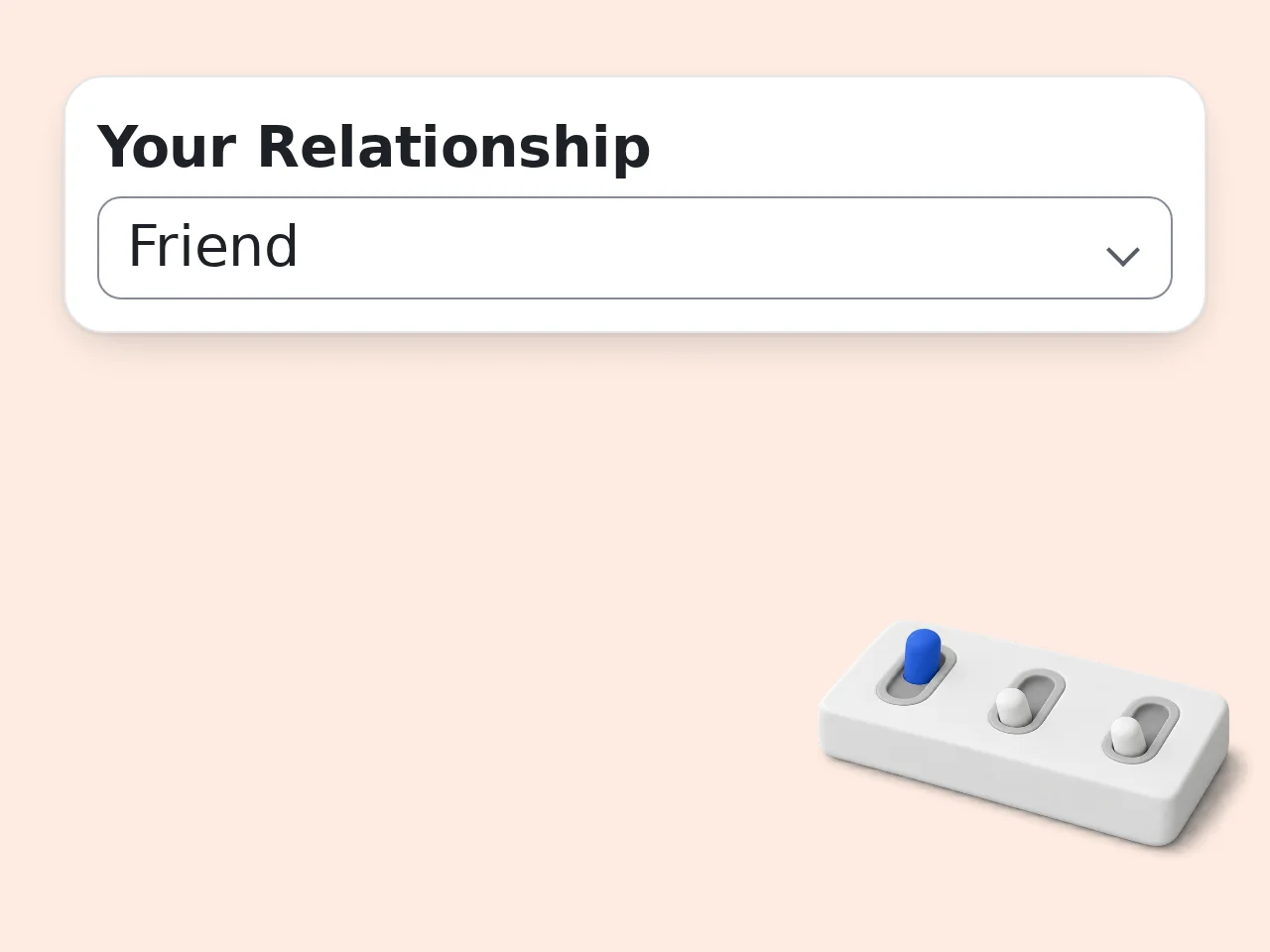
Enter the recipient's name and your relationship
Type who you're apologizing to and select how you know them. This shapes how the AI apology letter generator addresses them and sets the right tone.
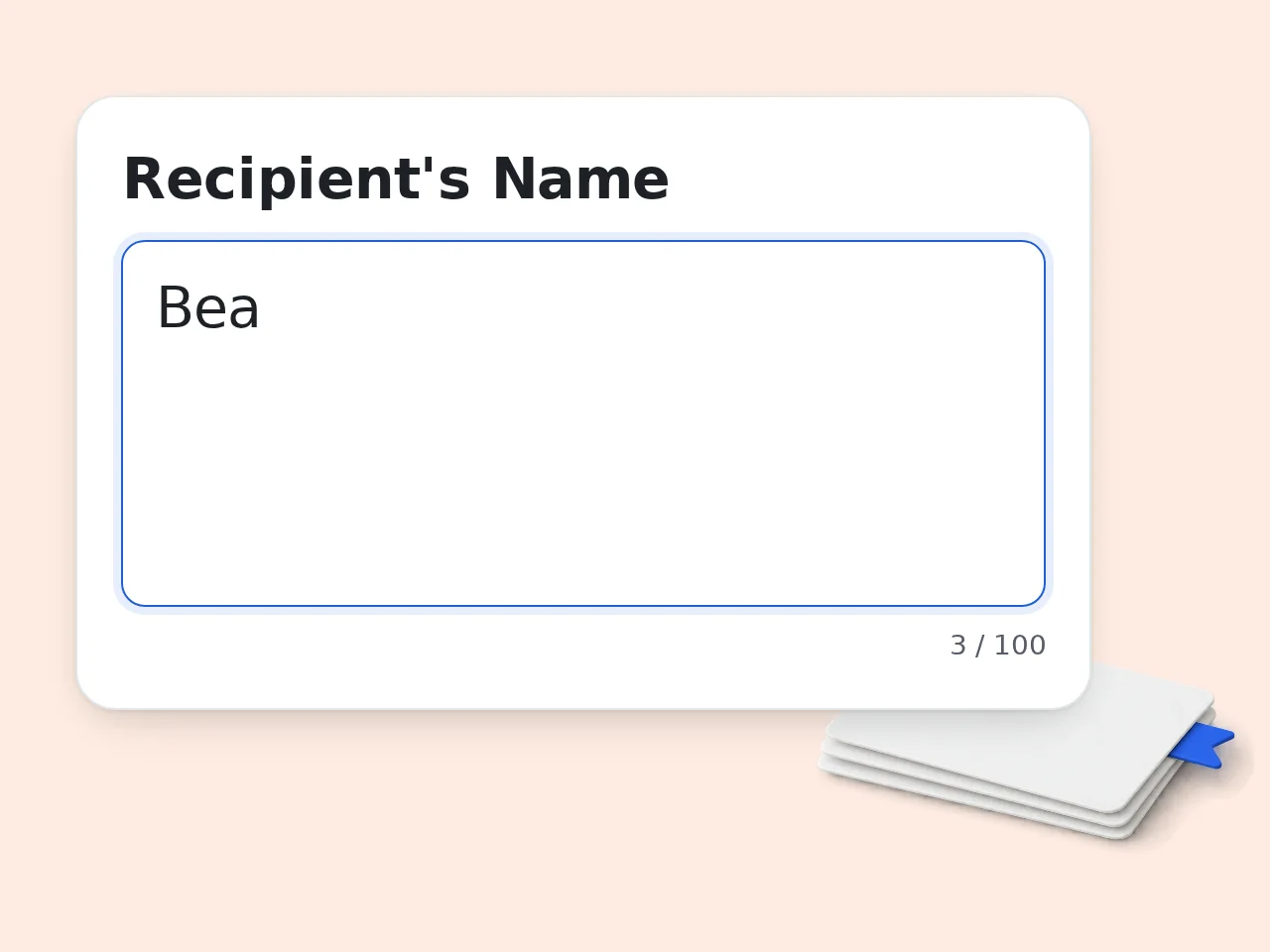
Describe what happened
Explain the situation in your own words. The more specific you are, the more personal and genuine the apology letter will feel — and the more likely it is to land.
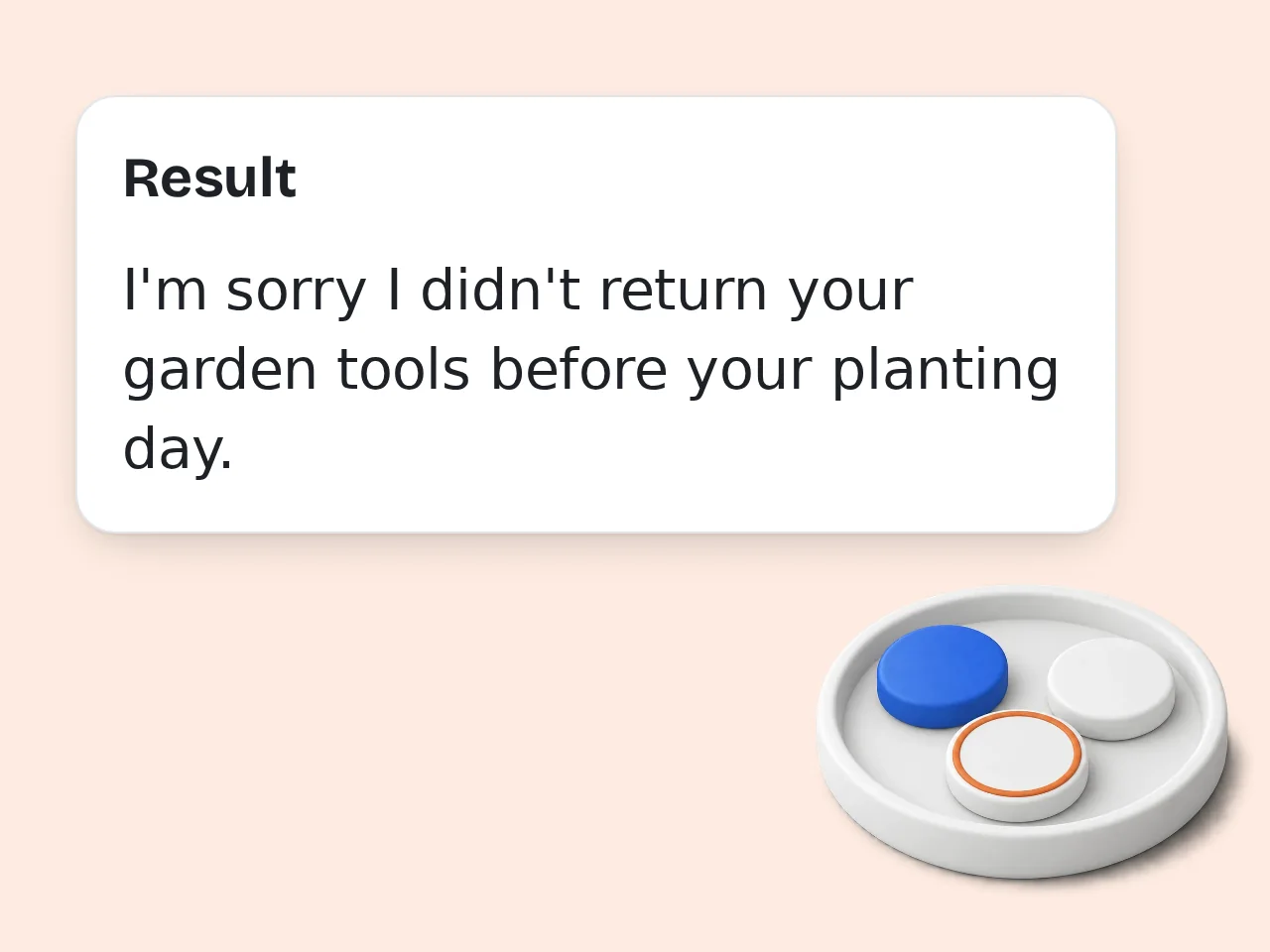
Generate and customize your apology letter
Click generate and get a ready-to-send apology letter instantly. Adjust the tone or length in Advanced Options to get it exactly right before you copy and send.
Key Features of the AI Apology Letter Generator
Everything you need to write an apology letter that actually lands
8 Relationship Types, 1 Tool
Choose from friend, romantic partner, family, colleague, boss, customer, teacher, or other. The apology letter adapts its tone and structure to fit who you're writing to.
4 Tone Styles for Any Situation
Pick sincere, formal, casual, or humble. Whether you're patching things up with a friend or writing a professional apology to a client, the tone matches the moment.
Short Notes to Detailed Letters
Need a quick one-paragraph sorry or a thorough five-paragraph letter? Set the length and the AI writes to exactly that scope — no fluff, no cutting it short.
Frequently Asked Questions about the AI Apology Letter Generator
Common questions about writing apology letters with AI
What is an AI apology letter generator?
An AI apology letter generator is a tool that writes personalized apology letters based on your specific situation, relationship, and tone preference. You describe what happened, choose who you're writing to, and the AI produces a complete, ready-to-send letter. It handles the structure — opening, acknowledgment, remorse, commitment, and closing — so you don't have to start from a blank page. It's useful whether you're mending a friendship, addressing a workplace issue, or writing a formal apology to a customer.
How do I use the AI apology letter generator to get the best results?
Write a clear, specific description in the "What Happened" field. The more detail you include, the more personal and convincing the apology letter becomes. For example, instead of writing "I messed up," try "I missed our dinner reservation last Friday and didn't call ahead — I know that was disrespectful and left you waiting." That context shapes the entire letter. Also use the Advanced Options to set the tone and length. A casual tone works for a close friend; a formal tone is better for a manager or client.
Is the AI apology letter generator free?
Yes, the AI apology letter generator is completely free to use. You don't need to sign up or enter any payment information to generate a letter. Guest users get limited daily free tries at no cost. Free registered accounts have a monthly credit allowance, and subscription plans offer higher limits. For most people who need to write an apology letter occasionally, the free access is more than enough. See the pricing page for current details.
How many apology letters can I generate per day?
Without logging in, guests get limited daily free tries to generate apology letters. Free registered accounts have a monthly credit allowance instead. Subscription plans provide more credits for frequent letter writing. Each generation still uses credits. If you hit the limit, you can create a free account in about 30 seconds to get monthly credits for more generations. See the pricing page for current details.
Can I use the apology letter generator without creating an account?
Yes, you can use the AI apology letter generator as a guest with no account required. Just fill in the form and click Generate. Guests get limited daily free tries. If you need more, creating a free account takes about 30 seconds and provides 100 credits per month. No credit card is needed; free accounts stay free indefinitely. See the pricing page for current details.
What situations can I use the apology letter generator for?
The AI apology letter generator works for a wide range of personal and professional situations: apologizing to a romantic partner after an argument, writing a professional apology to a client, addressing a mistake with your manager, or patching things up with a friend or family member. It also handles less common situations — like an apology letter to a teacher for missing class, or a formal company apology to a customer. The relationship selector and tone options make sure the letter sounds appropriate for each context.
How does the AI write a personalized apology letter?
The AI uses the details you enter — what happened, who the recipient is, and the tone you selected — to build a letter that addresses your specific situation. It doesn't pull from generic templates. The acknowledgment refers to your actual situation, and the commitment (if you include one) is tied to what went wrong. The result is a letter that reads like you wrote it, not like a form letter.
Can I write an apology letter to my girlfriend or boyfriend with this tool?
Yes, the romantic partner option is specifically designed for this. Select "Romantic Partner" in the relationship field and choose a tone — sincere and heartfelt works for most situations. Describe what happened honestly in the "What Happened" field. Specific details make the apology feel genuine rather than generic. You can also set the letter to include a future commitment if you want to show you're taking steps to change, not just apologizing.
Why use an AI apology letter generator instead of writing it myself?
Writing an apology when you're still upset or nervous is hard. Most people either write too little, go off on tangents, or accidentally make it sound defensive. The AI apology letter generator gives you a solid structure to start from. You supply the specific facts and feelings; it handles the wording and flow. Many people find it easier to edit an existing draft than to write from scratch. You can always personalize the generated letter further before sending it — it's a starting point, not a finished product unless it already feels right.
Why use this tool instead of asking ChatGPT for an apology letter?
You could ask ChatGPT, but you'd need to write the full prompt yourself — describing the situation, relationship, tone, and length before getting a result. This tool is purpose-built for apology letters. The form captures exactly the right information and feeds it to the AI in a structured way, so the output is better calibrated than a generic chat prompt. It also saves time: fill in the form, click generate, done. No back-and-forth with a chatbot.
What should I do if the generated apology letter doesn't feel right?
Try adjusting the tone or length in the Advanced Options, then regenerate. A small change — like switching from "sincere" to "humble" — can shift the entire feeling of the letter. You can also edit the "What Happened" description to add more detail or change the framing. The AI works best when the input is specific. If the letter is close but not quite right, copy it and edit it manually. The generated draft often needs only minor tweaks to feel fully personal.
Does the AI apology letter generator support other languages?
Yes. The Output Language option in Advanced Settings lets you generate the apology letter in a different language — including Japanese, Korean, Chinese, Spanish, French, and more. This is useful when writing apology letters to people whose first language isn't English, or when you want the letter to feel more natural for the recipient. The tone and relationship context still apply regardless of which language you choose.
Still have questions?
Contact our support teamWrite Your Apology Letter Now
Start with the details, get a heartfelt letter in seconds. Free, no signup needed.