Format of Friend Letter
Write a heartfelt letter to a friend using the right friendly letter format
How to Use the Friend Letter Format Generator
Write a complete friendly letter in 3 simple steps
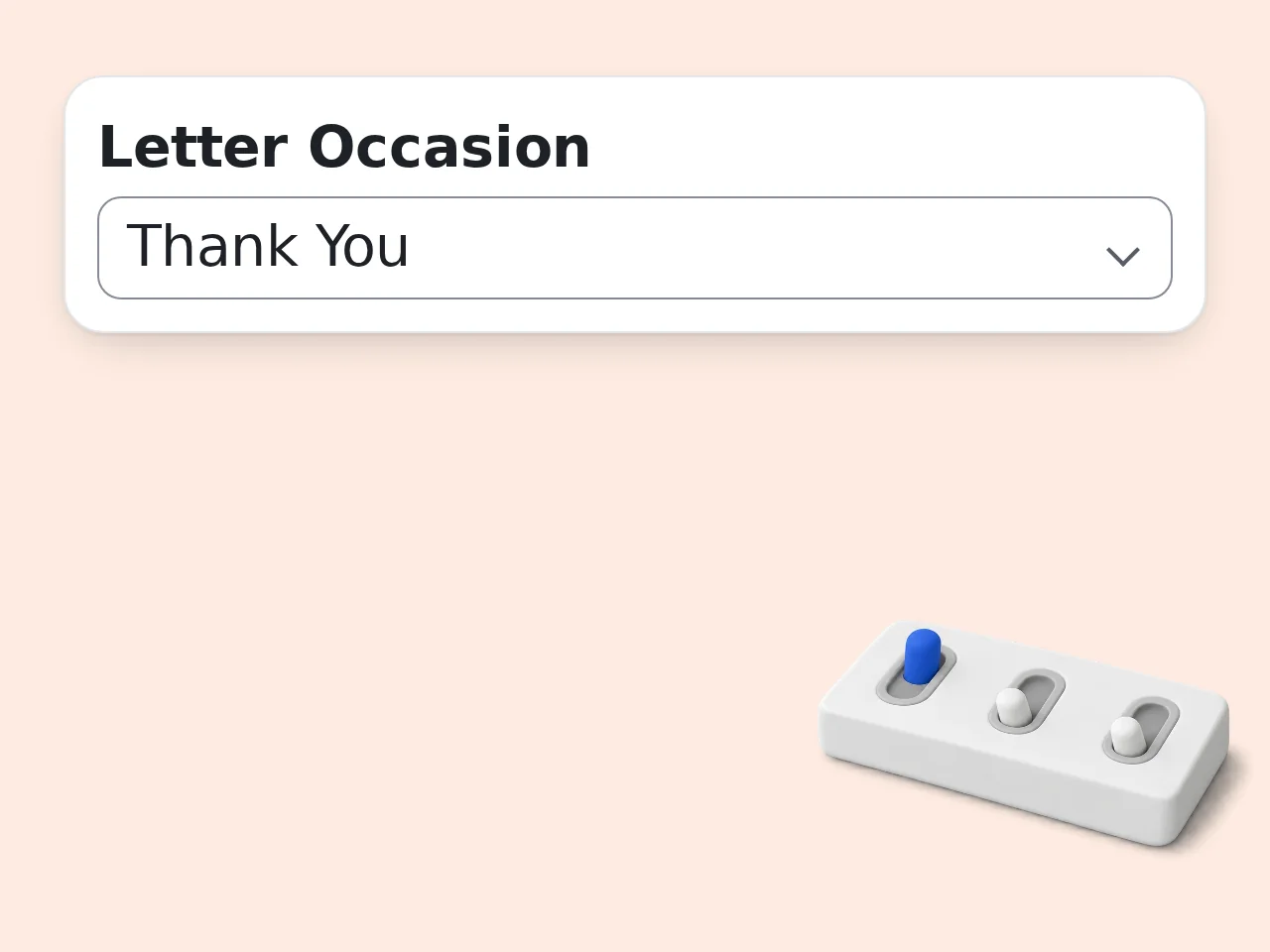
Enter names and pick the occasion
Type your friend's name and your name, then choose the format of friend letter that matches your situation — birthday, catching up, apology, and more.
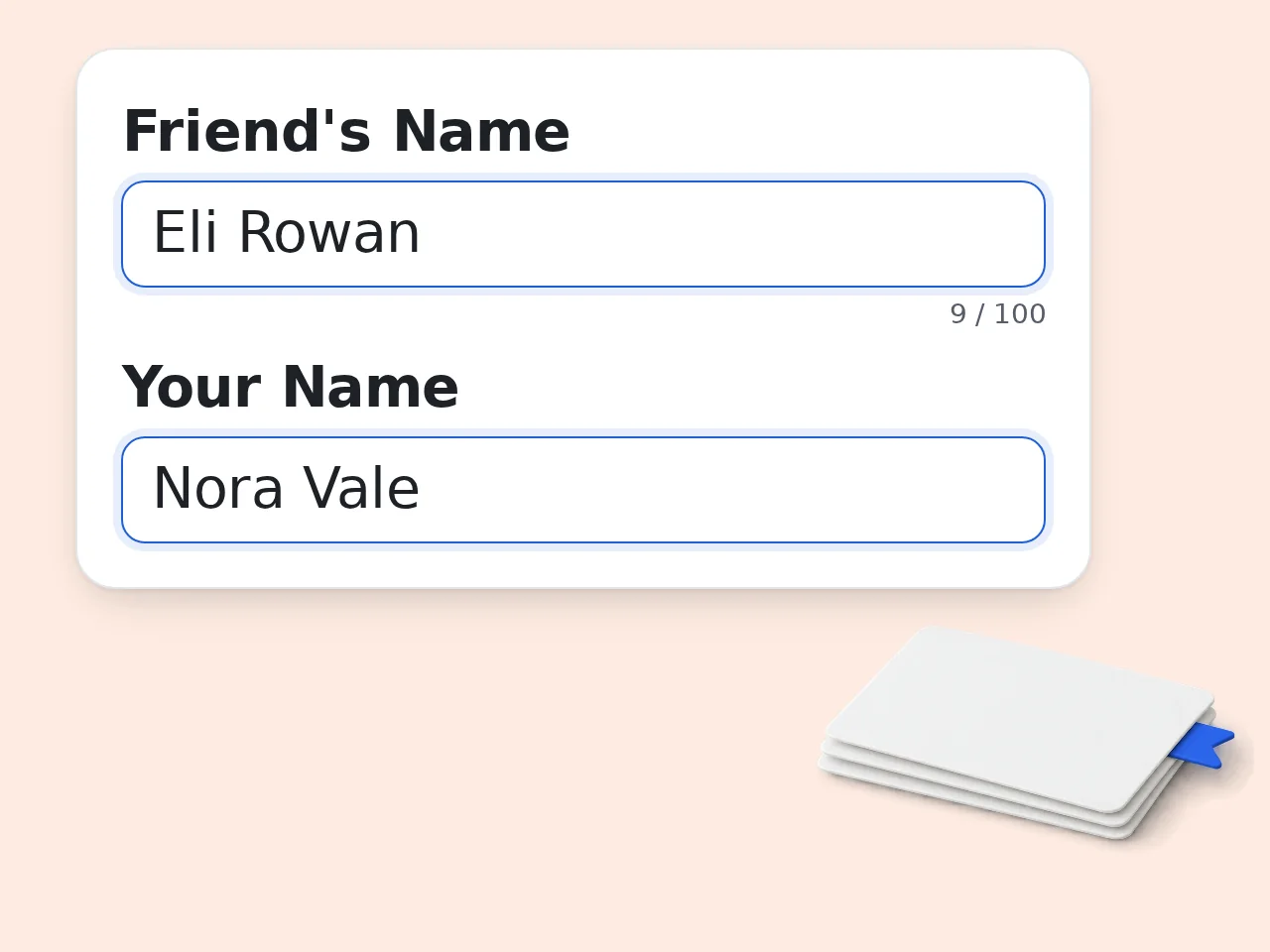
Add what you want to say
Write a few bullet points or a short paragraph of key things to include. The AI turns your notes into a flowing, natural letter with proper format.
Generate and personalize your friend letter
Click generate and get a complete, ready-to-send letter. Edit any line you want — it's yours to copy, paste, and send.
Key Features of Friend Letter Format Generator
Everything you need to write the perfect letter to a friend
8 Letter Occasions Covered
Catching up, birthdays, congratulations, thank-you, apology, missing you, support, or invitation. Pick the one that fits and the AI adjusts the format of your friend letter automatically.
4 Tones — Warm, Casual, Sincere, Nostalgic
Choose how your letter sounds. Warm and friendly for most occasions, casual and playful for close friends, sincere and emotional for meaningful moments, nostalgic for reconnecting.
Proper Friendly Letter Format Built In
Every letter includes a proper greeting, flowing body paragraphs, a natural closing, and your signature. The format of a friendly letter is handled — you just supply the words.
Frequently Asked Questions with Friend Letter Format
Common questions about writing and formatting a friendly letter
What is the format of a friend letter?
The format of a friend letter includes five parts: a heading with the date, a greeting (like 'Dear Sarah,'), the body paragraphs sharing your news and asking about your friend, a warm closing phrase, and your signature. Unlike formal letters, a friendly letter format is flexible. You don't need to include your full address if you're sending it digitally. The tone is personal and conversational — write like you're talking to your friend face to face. This tool follows the standard format of a friendly letter automatically, so you don't have to worry about structure.
How do I use the friend letter format generator?
Type your friend's name, your name, choose the occasion (birthday, catching up, apology, etc.), and write a few key points you want to include. The AI handles the friendly letter format and writes the full letter for you. You can also choose the tone — warm, casual, sincere, or nostalgic — and the length. Short letters run 100–150 words; long ones go 400+ words. After generating, you can copy the letter and edit any part. Most people tweak one or two lines to make it feel more personal before sending.
Is this friend letter format tool free?
Yes, the friend letter format generator is completely free. No payment required, no credit card, no subscription needed to generate your first letters. Guests (without an account) get limited daily free tries. Free registered users have a monthly credit allowance. Paid subscribers get more monthly credits. For most people writing occasional letters to friends, the free tier is more than enough. All 8 occasions, 4 tones, and 3 length options are available on the free plan. See the pricing page for current details.
How many letters can I generate per day?
Without an account, guests get limited daily free tries. Create a free account and you get a monthly credit allowance, enough for regular letter writing. If you're writing many letters (for a class project, for example, or catching up with multiple friends at once), a subscription gives you a larger credit allowance. The friendly letter format is the same regardless of your plan; all formats, tones and occasions are available to everyone. See the pricing page for current details.
Can I use this without creating an account?
Yes. You can generate friend letters immediately without signing up. Just fill in the fields and click generate, no email, no password, nothing. Creating a free account gives you a monthly credit allowance for more letters. It takes about 30 seconds. If you just need one friendly letter format right now, skip the signup entirely and use the tool directly. The quality is exactly the same. See the pricing page for current details.
What letter occasions does the format generator support?
The tool supports 8 different occasions: catching up with an old friend, birthday wishes, congratulations on an achievement, thank-you letters, apology letters, 'missing you' letters, support and encouragement, and invitations. Each occasion changes both the structure and the emotional tone of the letter. A birthday letter starts differently from an apology letter, even if both follow the same basic friendly letter format. You can also describe a specific situation in the 'key points' field — for example, 'she just got a promotion' — and the AI will tailor the letter to that context.
Why use a friend letter format generator instead of writing from scratch?
Most people don't struggle with having something to say — they struggle with how to say it. The blank page problem is real. This tool gives you a complete, well-formatted starting point in seconds. The format of a friendly letter has specific conventions that the AI applies automatically: proper greeting, flowing paragraphs, appropriate closing. You'd spend 20 minutes on structure alone if you did it from scratch. Use the generated letter as a first draft. Most users end up with a letter that's 80% generated, 20% personally tweaked — which still feels genuine.
How does the friend letter format generator differ from ChatGPT?
ChatGPT requires you to write a detailed prompt to get a good letter. This tool is built specifically for friendly letter format — the form fields guide you through exactly what's needed, and the AI is tuned for this task. You get a properly structured letter with the right greeting, body, and closing every time, without needing to know how to prompt an AI. It's the difference between a specialized tool and a general-purpose one. Same underlying AI technology, better results for this specific job.
What are the 5 parts of a friendly letter format?
The 5 parts of a friendly letter format are: (1) the heading — date and optionally your address; (2) the greeting or salutation — 'Dear [Name],'; (3) the body — your main message in paragraphs; (4) the closing — a phrase like 'With love,' or 'Your friend,'; and (5) your signature. For digital letters (emails or messages), the heading is less important, but the other four parts still make the letter feel complete and well-structured. This generator follows all 5 parts of the friendly letter format automatically.
Can I write a letter to a friend in another language?
Yes. Use the 'Output Language' option in the advanced settings to generate your friend letter in Japanese, Korean, Chinese simplified, Chinese traditional, Cantonese, or English. The friendly letter format adjusts for each language — Japanese letters use different opening conventions than English ones. Korean letters have their own natural greeting structure. The AI adapts the format to feel native, not translated. This makes it useful for language learners writing practice letters, for people with international friends, or for students practicing foreign language letter writing assignments.
How can I get better results from the friend letter format tool?
Be specific in the 'key points' field. Instead of 'catch up,' write: 'mention my new apartment, ask about her job change, remember our trip to Barcelona three years ago.' The more detail you give, the more personal the letter feels. Also match your tone selection to your relationship. 'Casual and playful' works for a close childhood friend; 'warm and friendly' is better for someone you're just reconnecting with after years apart. After generating, read the letter aloud. If a sentence sounds too formal or too stiff, just rephrase it — the structure is already done for you.
What if the generated friend letter doesn't match what I expected?
The most common fix is adding more detail to the 'key points' field. Vague input produces generic output. The AI needs specifics to personalize the letter. If the tone is off, try switching to a different tone option and generating again. Casual vs. sincere produces very different letters even for the same occasion. You can also just regenerate — each generation is slightly different. Most users find one of the first two or three versions works well as a starting point.
Still have questions?
Contact our support teamReady to Write Your Friend Letter?
The right words, in the right format, in seconds.