Business Letter Example for Students
Get a professional student business letter in seconds—job applications, internship requests, college inquiries, and more.
How to Use the Business Letter Example for Students
Get a professional business letter in 3 simple steps
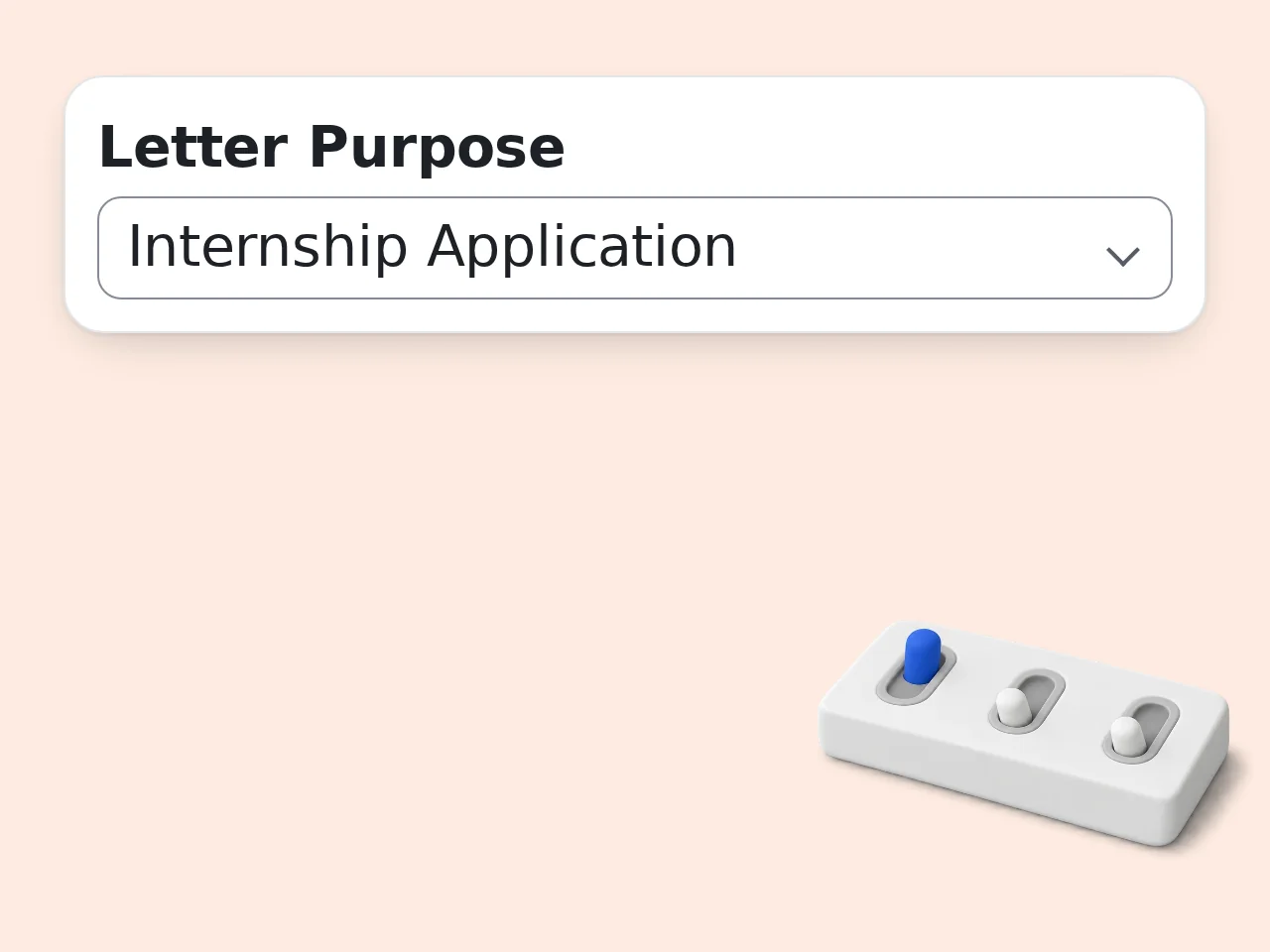
Choose your letter purpose
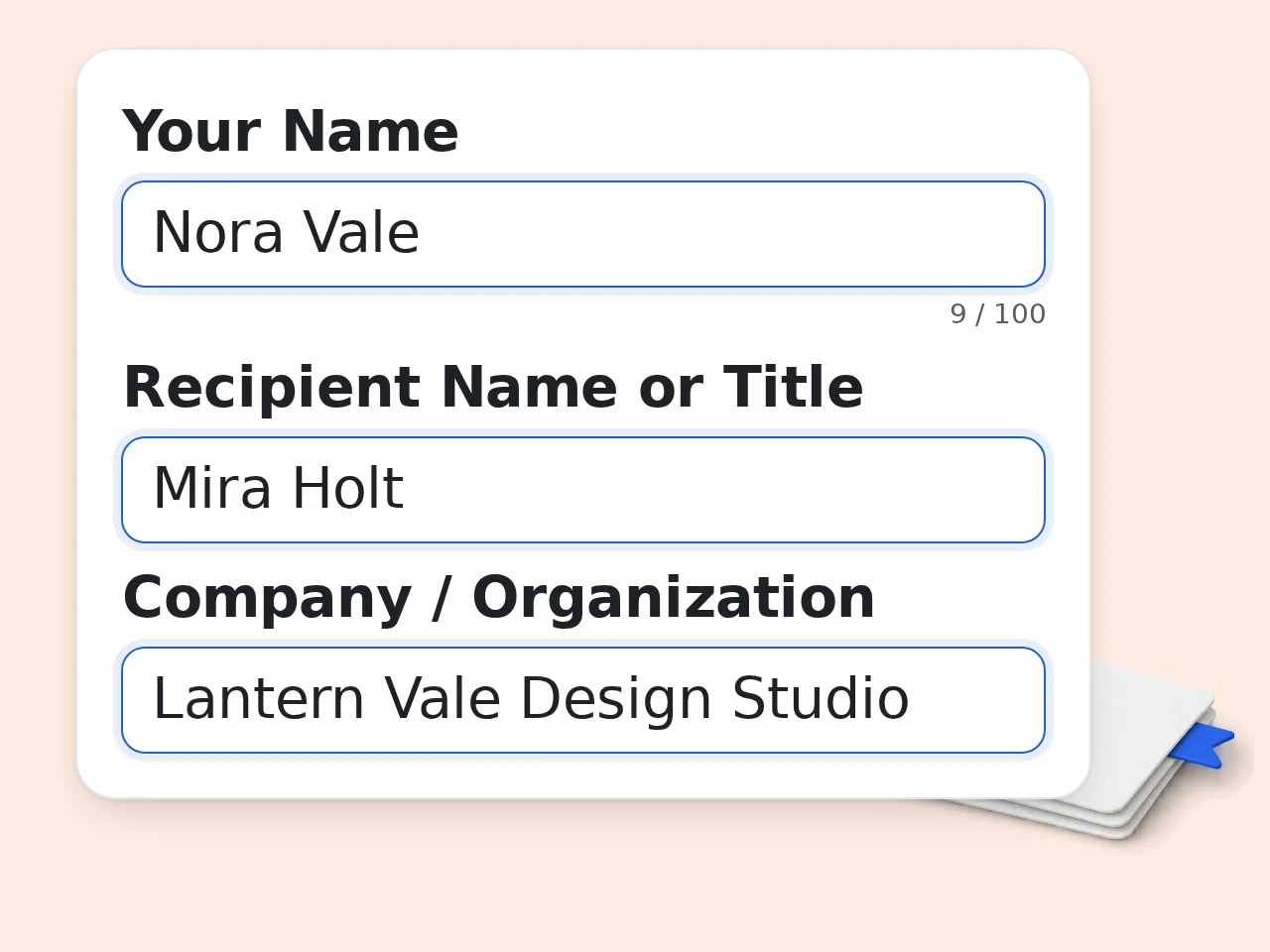
Select from 8 letter types—job application, internship, scholarship, complaint, and more. Enter your name and the recipient's name or title.
Describe your key points
Write 1–3 sentences about what you want to say. Include your background, reason for writing, or specific request. No need for perfect phrasing—just the main ideas.
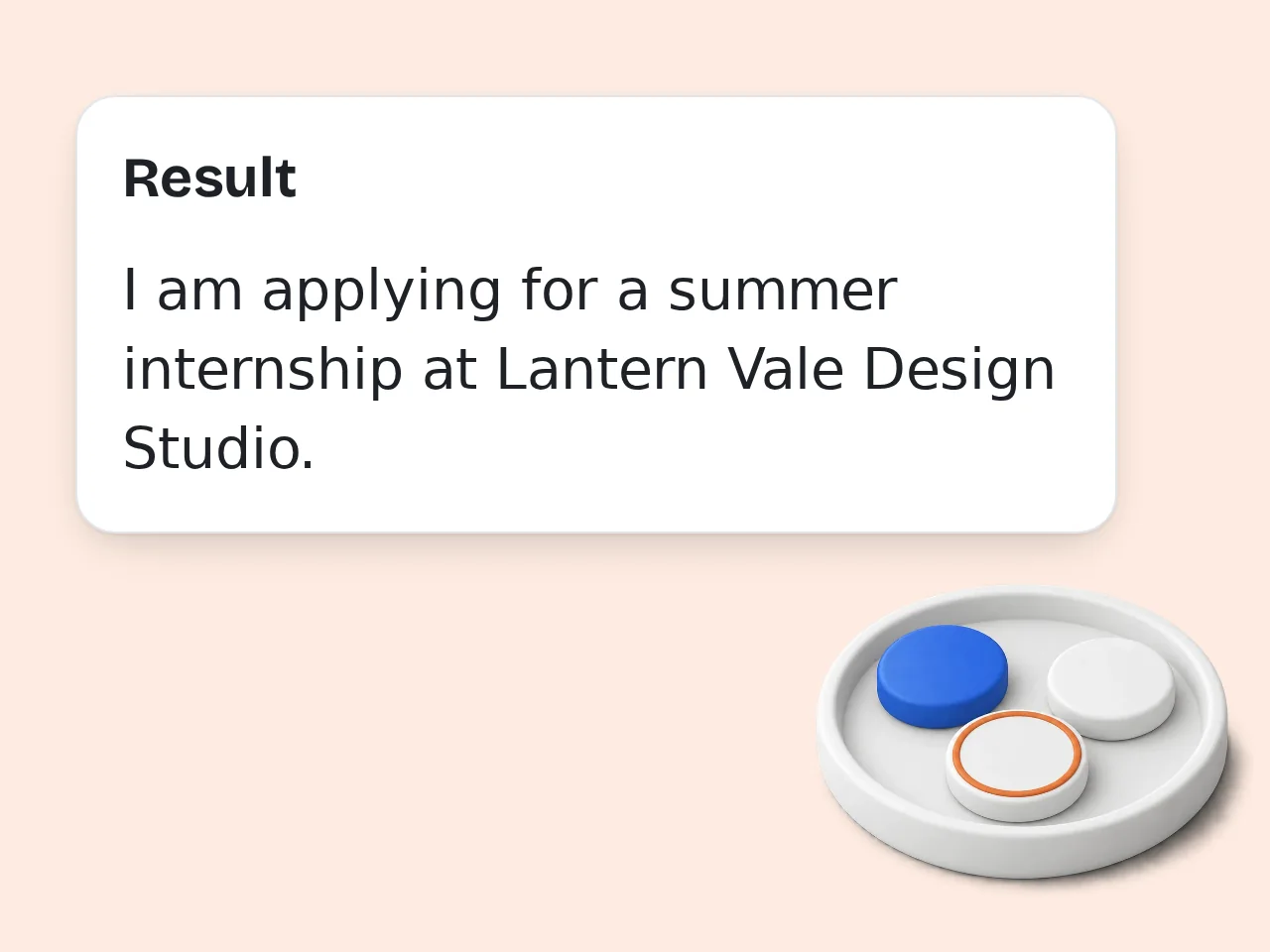
Get your business letter example
Click generate and receive a complete, properly formatted student business letter with placeholders clearly marked. Copy, edit, and send.
Key Features of Business Letter Example for Students
Everything a student needs to write a professional business letter
8 Letter Types in One Tool
Job applications, internship requests, college inquiries, scholarships, complaints, thank-you notes, requests, and introductions—pick your purpose and get a tailored letter.
Block & Modified Block Format
Choose the standard Block Format (all left-aligned) or Modified Block Format. Both follow professional business letter conventions used in academic and corporate settings.
Tone Control + Writing Tips
Select formal, warm, or confident tone. Each generated letter includes 3–5 writing tips explaining key choices so you learn while you write.
Frequently Asked Questions with Business Letter Example for Students
Common questions about writing student business letters
What is a business letter example for students and why does it matter?
A business letter example for students is a professionally formatted template showing how to write formal correspondence—job applications, internship requests, college inquiries—using correct structure and language. Students use business letters to make first impressions with employers, universities, and organizations. A well-written business letter shows professionalism before any interview or meeting takes place. Using a proper format—correct salutation, clear paragraphs, appropriate closing—can be the difference between a response and silence.
How do I write a business letter as a student?
A student business letter follows this structure: your contact info, the date, the recipient's details, a salutation (Dear [Name]:), three paragraphs (purpose, supporting details, call to action), and a professional closing like Sincerely. The opening paragraph states why you're writing. The middle paragraph gives your background, qualifications, or reason. The closing restates your ask and provides your contact information. This tool handles the full structure—just enter your purpose and key points, and get a ready-to-edit letter in seconds.
Is the student business letter generator free?
Yes, the business letter example generator is completely free to use. Guests get limited daily free tries without an account, and free registered users have a monthly credit allowance. All 8 letter types—job applications, internships, scholarships, complaints, thank-you letters, and more—are available in the free tier with no credit card required. For higher limits or bulk use during application season, subscription plans are available at low cost. See the pricing page for current details.
How many business letters can I generate per day?
Without an account, you get limited daily free tries of the business letter example generator. Free registered users have a monthly credit allowance—enough to cover most student needs during internship and job application season. Subscription users get significantly higher limits, which is useful when sending multiple applications to different companies or universities in the same day. Creating a free account takes under a minute and immediately boosts your generation limit. See the pricing page for current details.
Can I use this business letter generator without creating an account?
Yes, you can generate a student business letter without signing up. Open the tool, fill in your purpose and key points, and click generate—no account or email required to get started. Guests get limited daily free tries. Registering for a free account (no credit card required) gives you a monthly credit allowance. Bookmark this page for quick access whenever you need to write a formal business letter for school or job applications. See the pricing page for current details.
What types of student business letters can this tool generate?
The tool covers 8 common student letter types: job application, internship application, college or university inquiry, scholarship application, complaint letter, thank-you letter, request letter, and introduction or self-introduction letter. Each letter type is pre-configured with the appropriate structure and language. A scholarship application letter reads differently from a complaint letter—the generator adjusts the tone and paragraph structure automatically. You can further customize by selecting a tone (formal, warm, or confident) and a letter format (Block or Modified Block).
What is the difference between Block Format and Modified Block Format?
Block Format aligns every element—sender info, date, recipient info, body, closing—to the left margin. This is the most common standard in North American business correspondence. Modified Block Format centers or tabs the date and the complimentary close (Sincerely, your name) while keeping the body paragraphs left-aligned. It has a slightly more traditional appearance. Both formats are professionally acceptable. When in doubt, use Block Format—it's simpler and widely recognized in job applications and student letters.
Why use this tool instead of writing a business letter from scratch?
Writing a business letter from scratch means figuring out format, structure, and appropriate language all at once—especially hard if you've never written one before. This tool handles the structure automatically. Enter your purpose and a few key points, and you get a complete letter in under 30 seconds. It also includes writing tips that explain each section, so you learn while you use it. For students writing their first job application or internship request, the tool removes the guesswork and lets you focus on personalizing the content.
How is this different from asking ChatGPT to write a business letter?
ChatGPT generates generic text and requires you to write a detailed prompt explaining letter type, format, tone, and recipient. You also need to know what makes a business letter correct. This tool has those choices built in as options. Select your purpose, tone, and format—the prompt is handled automatically. The output is structured specifically for student business letters. The generated letter also includes writing tips tailored to your specific letter type, which a general AI chat doesn't provide by default.
Can I use this tool for a job application as a student with no experience?
Yes. Enter your field of study, any relevant coursework, projects, or skills in the key points field. The tool will write a letter that positions your academic background as an asset. For example: 'I'm a second-year marketing student with experience running social media for my university club and a 3.8 GPA.' The tool turns that into a professional opening and supporting paragraph. No prior work experience is required—the letter will focus on your academic strengths and enthusiasm.
What should I include in the 'Key Points' field?
Include your relevant background (year, major, school), the main reason you're writing, any skills or experience related to the purpose, and what you want the recipient to do. For a job application: 'Third-year computer science student, experience with Python and web development, applying for summer intern role in software engineering.' That's enough. For a complaint letter: 'I purchased a course on [date], it was not as described, I'm requesting a full refund.' Keep it direct—the tool handles the formal language.
How do I personalize the business letter after generating it?
Every generated letter includes [PLACEHOLDER] tags marking information you need to fill in—your address, specific dates, company details, position title, or contact information. Search for brackets and replace each one: [Your Street Address], [Company Name], [Date of Interview]. Personalizing the letter typically takes 2–3 minutes. The Writing Tips section at the bottom of each letter explains which parts to customize first and gives suggestions for making your student business letter stronger before you send it.
Still have questions?
Contact our support teamWrite Your Student Business Letter Now
Professional format, correct tone, ready to send in under a minute.