Block Letter Format Generator
Create properly formatted block letters for any professional purpose
How to Use the Block Letter Format Generator
Get a complete, formatted business letter in 3 steps
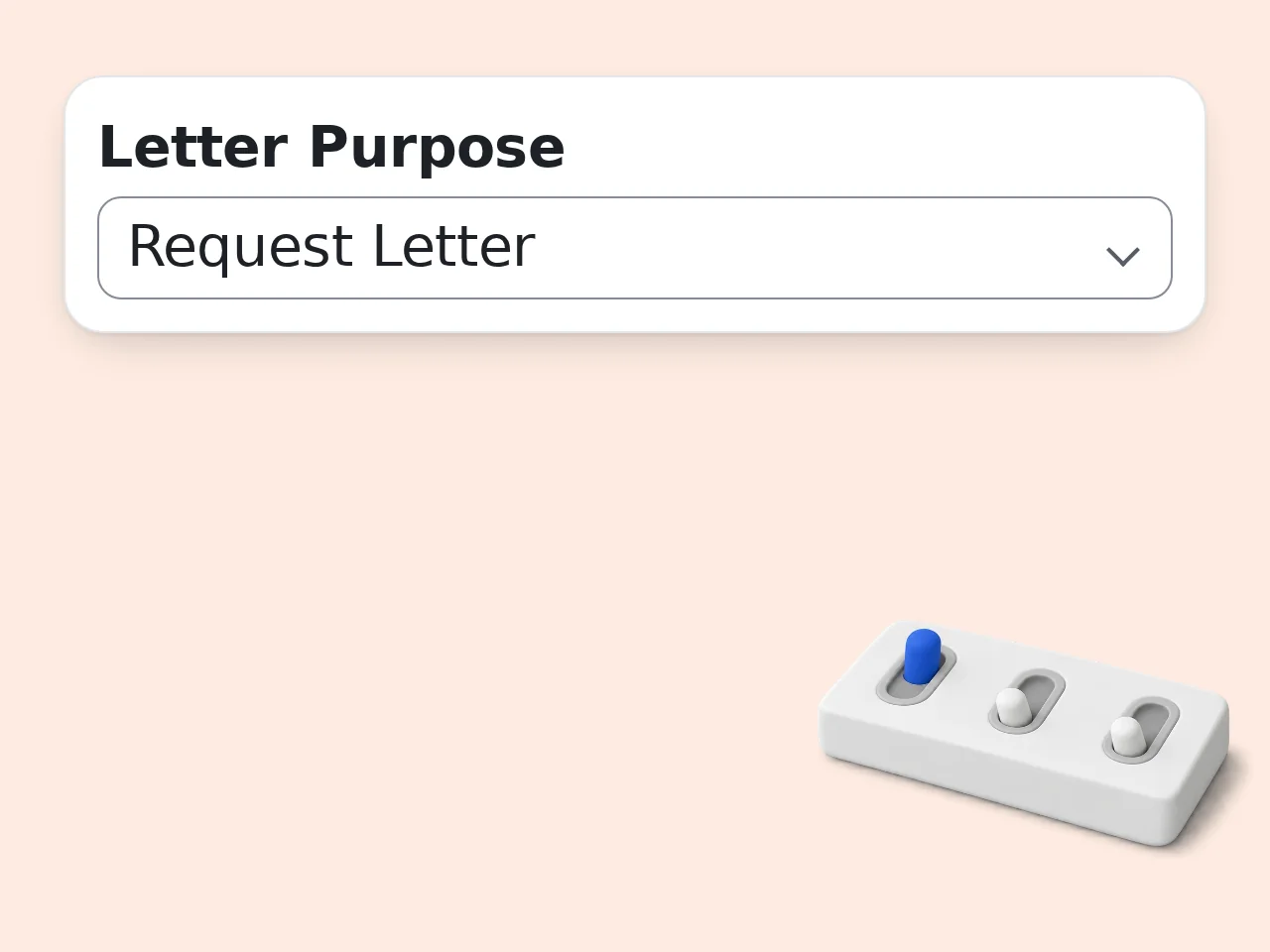
Select your letter purpose and describe your message
Choose the letter type (job application, business inquiry, complaint, etc.) and type what you want to say. You don't need to write in perfect format — just explain your main points.
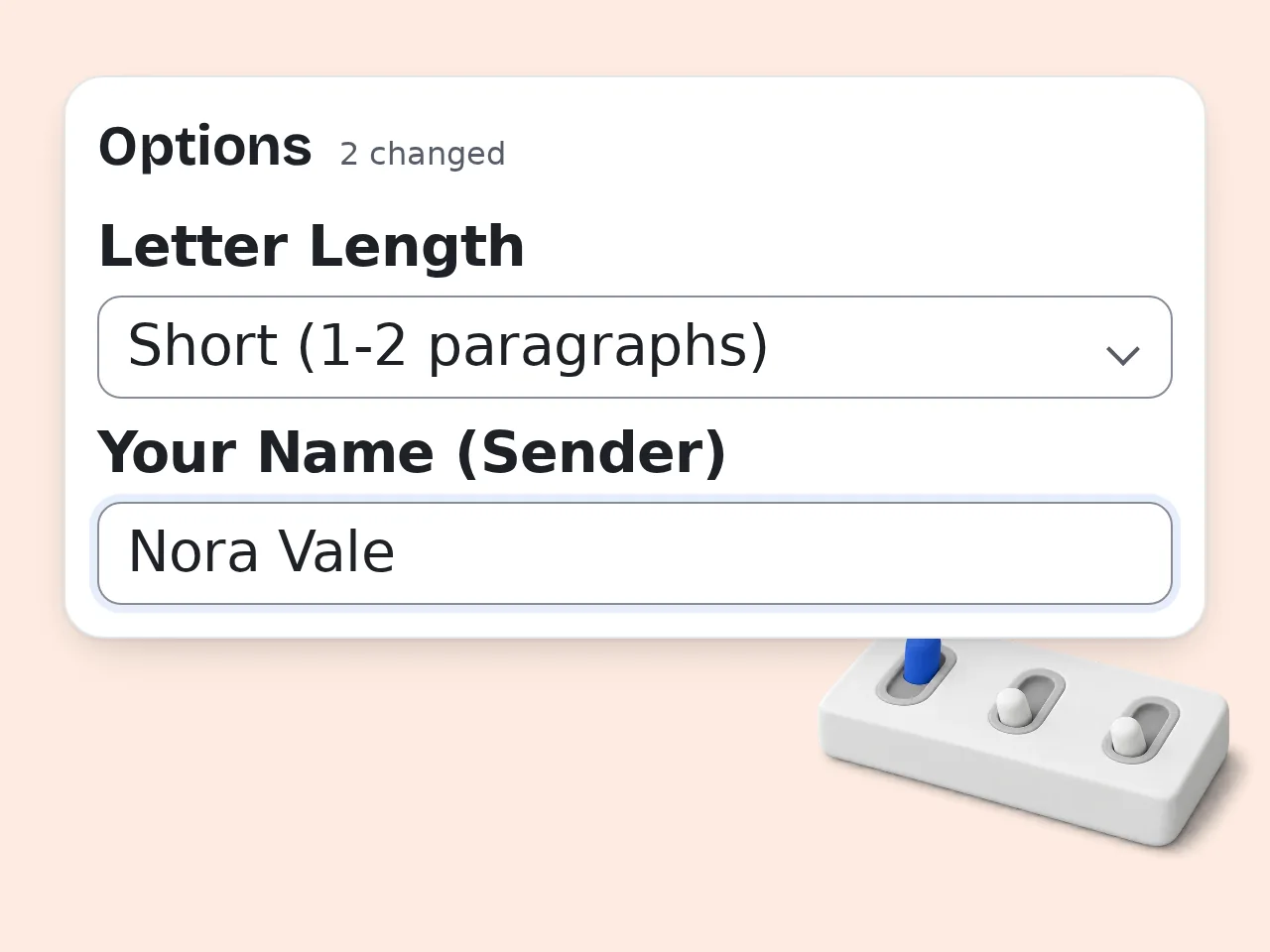
Set your format preferences
In the advanced options, pick your block format style (Full Block is standard), tone, and letter length. Add the recipient's name and your own name for a personalized result.
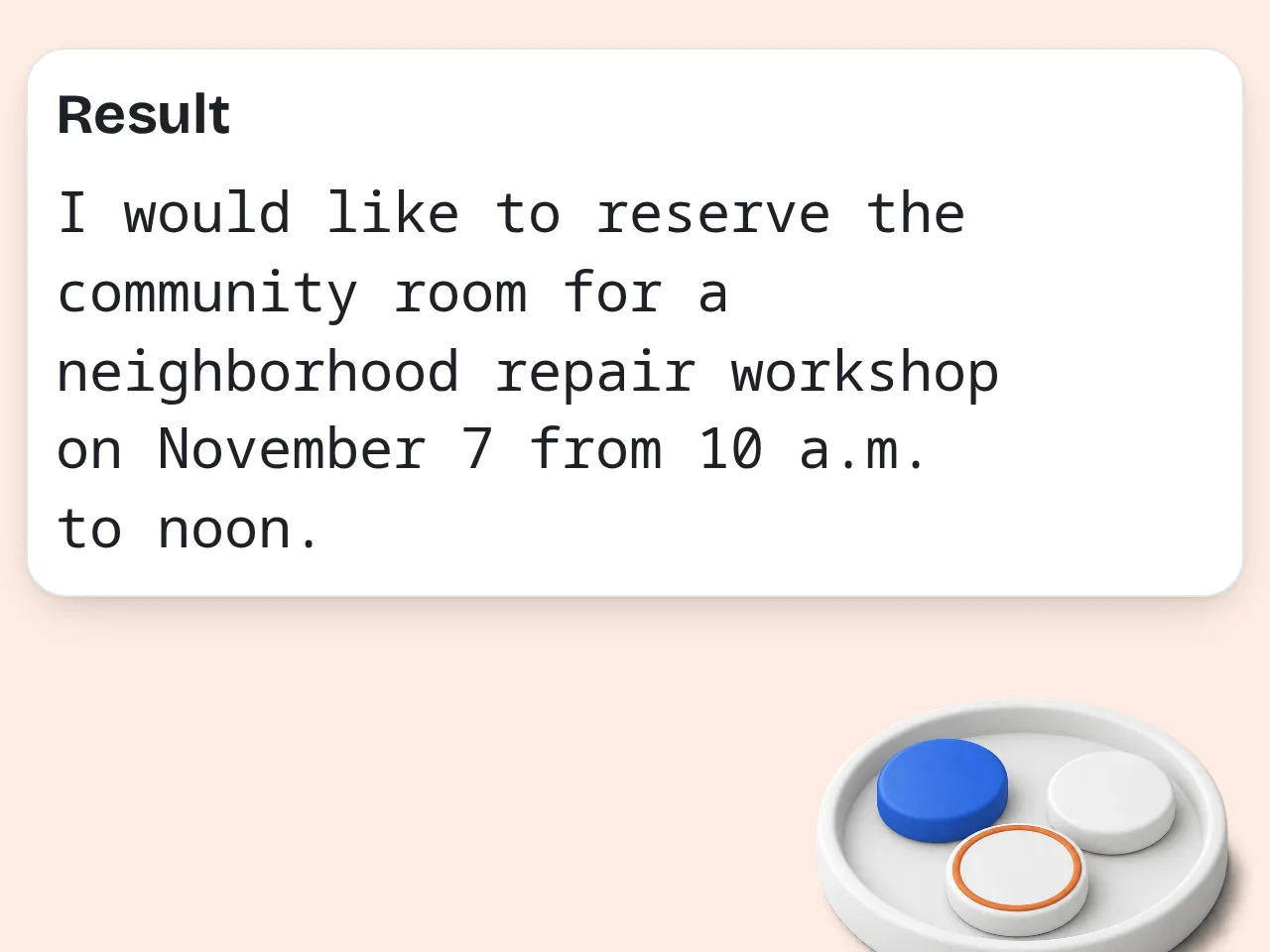
Copy and use your block format letter
The generator produces a complete, ready-to-use block letter with all required components — address block, date, salutation, body paragraphs, and closing. Copy it directly into Word or your email.
Key Features of Block Letter Format Generator
Everything you need to write a professional letter in block format
3 Block Format Styles Supported
Generate Full Block, Modified Block, or Semi-Block letters. Each style follows the correct formatting rules — alignment, spacing, and paragraph structure — so your letter looks professionally done.
8 Letter Types in One Tool
Job applications, cover letters, business inquiries, complaints, requests, recommendation letters, thank-you notes, and more. Select your purpose and get a complete, structured letter.
Tone & Length Control
Choose formal, professional-friendly, or assertive tone. Set length from short (1-2 paragraphs) to detailed (4-5 paragraphs). The AI adapts your content to match.
Frequently Asked Questions about Block Letter Format Generator
Common questions about block format letters answered
What is block letter format and how does it work?
Block letter format is a professional business letter style where every element — address, date, salutation, body, and closing — starts at the left margin with no indentation. Paragraphs are single-spaced with one blank line between them. This generator creates complete block format letters by combining your content with proper structure. There are three styles: Full Block (everything left-aligned), Modified Block (date and closing centered), and Semi-Block (modified block with indented paragraphs). Full Block is the most widely used format in modern business correspondence and is accepted in almost all professional contexts.
How do I use this block letter format generator?
Select your letter purpose from the dropdown, then describe what you want to say in the main text box — no need to write in perfect format, just explain your points clearly. Then click generate. For a more customized result, use the advanced options to set the block format style (Full Block, Modified Block, or Semi-Block), tone, and length. You can also add the recipient's name and your own name. The tool outputs a complete, formatted letter ready to copy into Word, Google Docs, or your email client.
Is this block letter format tool free to use?
Yes, the block letter format generator is completely free. Guests get limited daily free tries without creating an account, and free registered users have a monthly credit allowance. All features are available on the free plan — including all three block format styles, all 8 letter types, tone and length controls, and multi-language output. Subscription plans offer higher daily limits if you need to generate multiple letters regularly. See the pricing page for current details.
How many block format letters can I generate per day?
Without an account, you get limited daily free tries of the block format letter generator. Free registered users have a monthly credit allowance. Subscribers have no daily limit — enough to cover multiple letters per day for professional use. There's no limit on the number of letters you can draft in a single session within your quota. If you need to generate many letters, creating a free account is the easiest way to increase your limit. See the pricing page for current details.
Can I use this block letter format generator without creating an account?
Yes, you can use the block letter format generator as a guest with no signup required. Open the tool, fill in your letter purpose and content, and generate immediately. Guest usage includes all core features — all block format styles, letter types, and output options. The only difference is a lower daily generation limit compared to registered users. Creating a free account takes under a minute and increases your daily limit significantly.
What types of letters can this block format tool create?
The generator supports 8 letter types: job application letters, cover letters, business inquiry letters, complaint letters, formal request letters, recommendation letters, thank-you letters, and general formal letters. For each type, the AI uses the appropriate opening phrase, structure, and closing to match professional standards. A complaint letter uses a firm, assertive structure; a recommendation letter focuses on endorsement language. You can also describe your specific situation in the content field to get a letter tailored to your exact needs.
What's the difference between Full Block, Modified Block, and Semi-Block letter formats?
Full Block: every element of the letter starts at the left margin — no centering, no indentation. This is the most common modern business letter format. Modified Block: the date, complimentary close (like 'Sincerely,'), and signature are centered or positioned to the right; all other elements stay left-aligned. Paragraphs are not indented. Semi-Block: same as Modified Block, but body paragraphs begin with a standard indent (5 spaces or one tab). This is a more traditional style, sometimes preferred in academic or older business contexts.
Why use an AI block letter generator instead of writing one manually?
Writing a properly formatted block letter from scratch requires knowing all 8 components and their exact positions — sender's address, date, inside address, salutation, body, closing, and signature block — and getting them in the right order and format. This generator handles all of that automatically. You provide the content; it handles the structure, spacing, and professional phrasing. A well-formatted letter that might take 30 minutes to write manually takes about 30 seconds with this tool. The AI also adapts your rough notes into polished professional language, which is especially useful if English isn't your first language.
How does this block letter generator differ from just asking ChatGPT?
ChatGPT can write letters, but it requires you to specify the format, style, tone, and structure in your prompt — and the output varies based on how well you phrase the request. This tool has those choices built in as simple dropdowns. The block letter format generator follows precise formatting rules for each of the three block styles. It's purpose-built to output a complete letter with the correct structure every time, not a general-purpose AI that may or may not apply business letter conventions. The result is faster and more consistent for this specific task.
Can I generate block format letters in languages other than English?
Yes. The advanced options include an output language selector. Choose your target language and the letter will be generated entirely in that language, including the salutation and closing phrases adapted to local conventions. For example, a Japanese block letter uses 拝啓/敬具 conventions; a Korean letter uses 귀하 form. The tool doesn't just translate — it adapts to the professional writing norms of the target language. Multiple languages are supported including Japanese, Korean, Chinese (Simplified and Traditional), Cantonese, and more.
How can I get better results from the block letter format generator?
The most important field is 'What do you want to say?' — the more specific your description, the better the output. Instead of 'I want to apply for a job,' write 'I am applying for a Software Engineer position at ABC Corp. I have 3 years of Python experience and led a team of 5 on a machine learning project.' Also fill in the recipient's name and your own name — letters with specific names look more professional than ones with [Hiring Manager] placeholders. After generating, review the placeholder sections (shown in brackets) and replace them with your real information before sending.
What should I check before using the generated block format letter?
After generating, look for any text in square brackets like [Your Address] or [Company Name] — these are placeholders you need to replace with real information before sending. Also verify the date is correct (the tool uses today's date automatically) and that the salutation matches your relationship with the recipient. For someone you know by name, 'Dear Ms. Smith:' is more personal than 'Dear Hiring Manager:'. For formal correspondence, always read the full letter once before sending to confirm the tone and content match your intent.
Still have questions?
Contact our support teamReady to Write a Professional Block Letter?
Generate a complete, correctly formatted block letter in seconds — free.