Free AI Email Generator
Write professional emails in seconds — compose, reply, any tone
How to Use the Free AI Email Generator
Get a complete, ready-to-send email in 3 steps
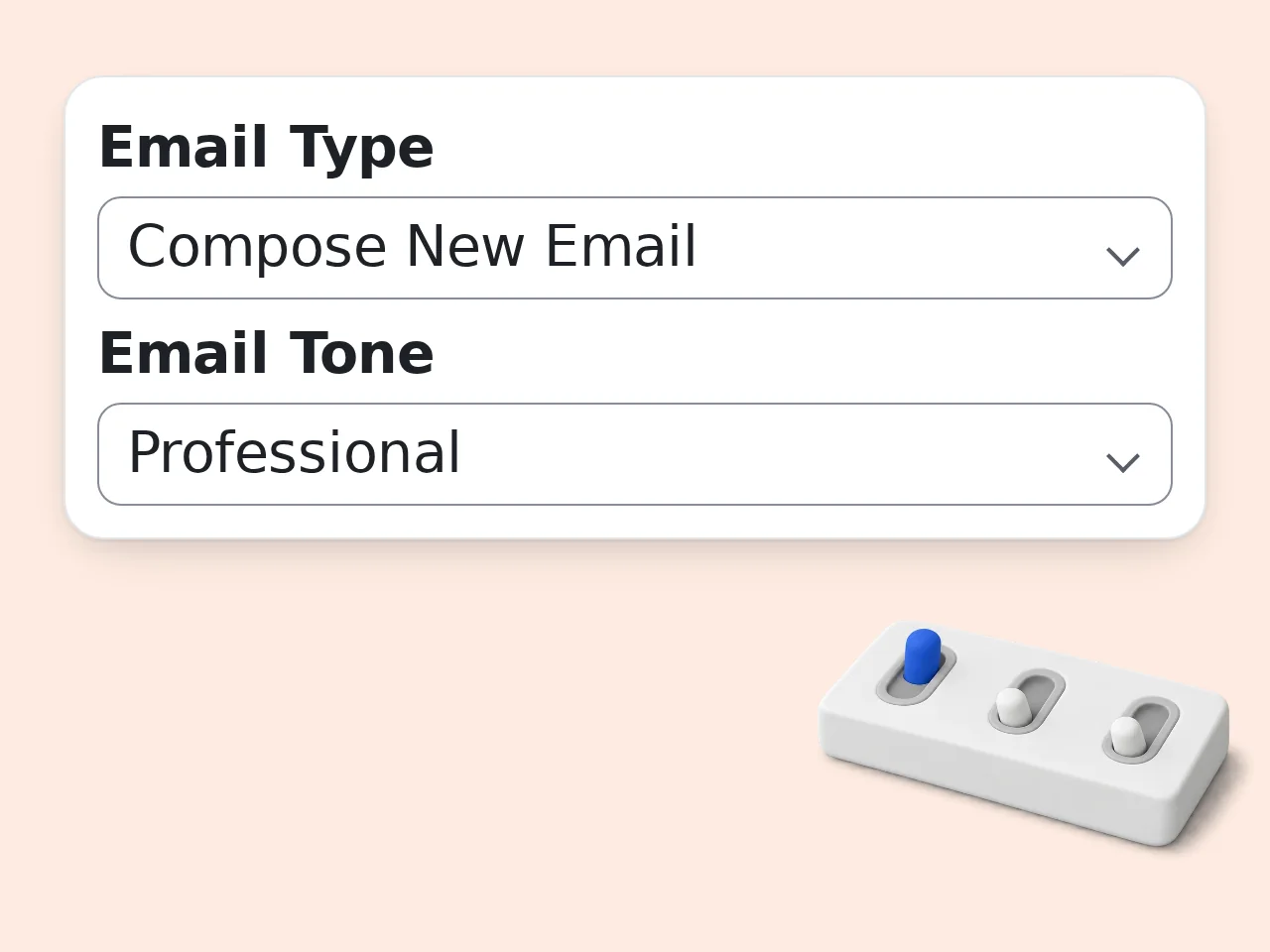
Choose compose or reply, then describe your email
Select whether you're writing a new email or replying to one. Then type your email's purpose — or paste the message you received. Include key details like what you're requesting or responding to.
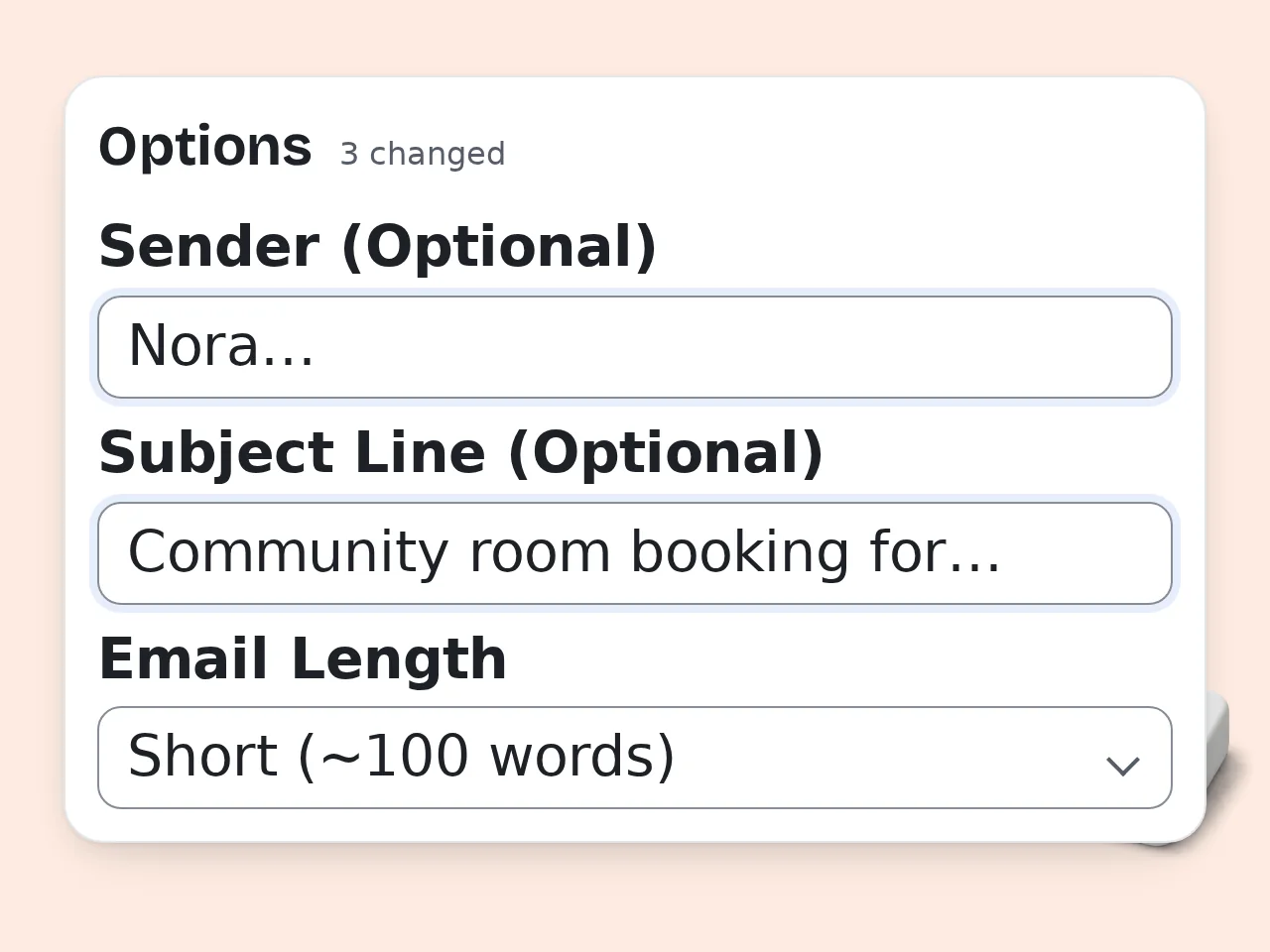
Pick your recipient, tone, and length
Enter who you're writing to (e.g. potential client, supervisor), choose a tone that fits the situation, and set the length. Use the advanced options to add a subject line or sender name.
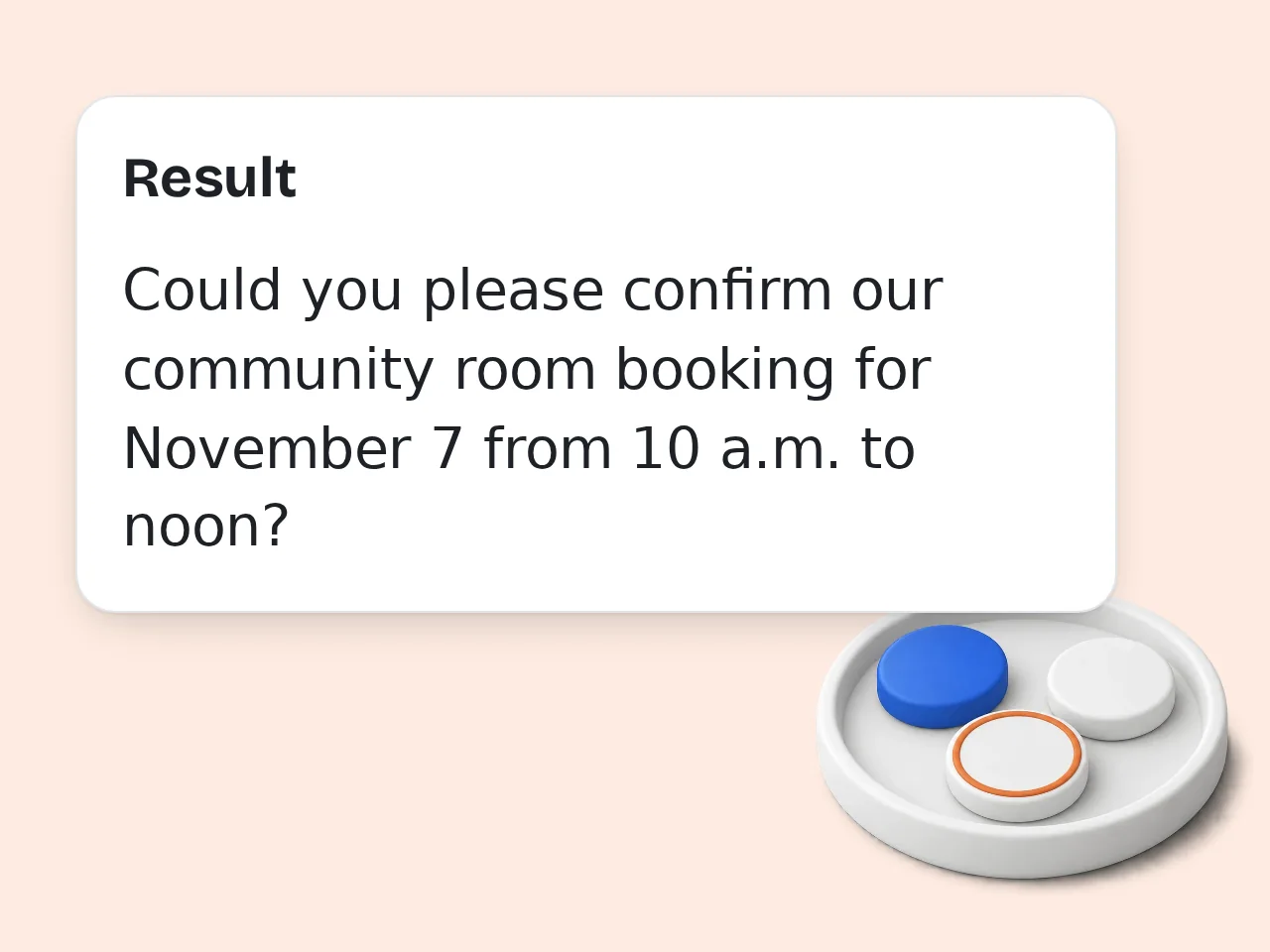
Click generate and get your free AI-written email
The AI email generator produces a complete, ready-to-send email with subject line and proper formatting. Copy it directly or use it as a starting point to edit.
Key Features of This Free AI Email Generator
Everything you need to write better emails in less time
Compose New or Reply to Emails
Write a brand-new email from scratch or generate a reply to an existing message. Paste the email you received and describe your response goal — the AI handles the rest.
6 Tone Options for Any Situation
Choose from Professional, Friendly, Formal, Casual, Persuasive, or Apologetic. Each tone produces a distinctly different email — matched to your recipient and purpose.
Multi-Language Email Output
Generate emails in English, Japanese, Korean, Chinese, Spanish, French, and 12 more languages. Useful for international teams, global clients, and non-native speakers.
Frequently Asked Questions About the Free AI Email Generator
Common questions about using the AI email generator
What is a free AI email generator and how does it work?
A free AI email generator is a tool that writes complete, professional emails based on a few inputs you provide. You describe what the email should say, choose a tone and recipient type, and the AI produces a full, ready-to-send message. This tool uses a large language model to understand your intent and generate natural, human-sounding email copy. It covers the subject line, greeting, body, and sign-off — all in one step. Unlike generic templates, the AI adapts the email to your specific purpose and tone, so each output is unique to your situation.
How do I use the free AI email generator to get the best results?
Be specific in the email purpose field. Instead of writing "follow up with client", try "Follow up on the proposal I sent last Tuesday — ask if they have questions and confirm our meeting Thursday at 2pm." More context means better output. Include the recipient's role, any relevant background, and what action you want them to take after reading the email. For replies, paste the original email directly into the purpose field so the AI can generate a contextually accurate response.
Is this AI email generator free to use?
Yes, this AI email generator is completely free. Guests can generate emails without creating an account, with limited daily free tries. Free registered users have a monthly credit allowance. Subscriber plans provide more monthly credits for heavy users. No credit card is required to start. Sign up only if you need higher usage limits. See the pricing page for current details.
How many times can I use the AI email generator per day?
Guests (no account) get limited daily free tries with the free AI email generator. This resets every 24 hours. Free registered users have a monthly credit allowance, spread across however many days you use it. Creating a free account takes under a minute. Subscription plans provide more monthly credits. Check the pricing page for current plan details.
Can I use the AI email generator without creating an account?
Yes. No account or sign-up is required to generate emails. Open the tool, fill in your details and generate, no login needed. Guests get a limited number of free daily uses. If you need to generate more emails, creating a free account provides a monthly credit allowance at no cost. Copy your generated emails or download them as .txt files to keep them for later.
What kinds of emails can I write with this AI email generator?
The free AI email generator handles a wide range of email types: business proposals, meeting requests, follow-up emails, cold outreach, customer service replies, job application emails, thank-you notes, apology emails, and more. It works equally well for formal corporate communication and casual messages to colleagues or friends. Just select the appropriate tone and describe your situation. For cold emails and sales outreach specifically, choose the Persuasive tone and include details about your offer and the recipient's potential interest.
Does the AI email generator support writing emails in other languages?
Yes. Use the Output Language setting in the advanced options to generate emails in languages other than English. The tool supports English, Japanese, Korean, Simplified Chinese, Traditional Chinese, French, Spanish, German, and more. This is useful for writing emails to international clients, communicating in a second language, or producing bilingual drafts for review. The AI generates natural-sounding emails in each language — not word-for-word translations from English.
Why use this AI email generator instead of writing emails manually?
Writing a single professional email from scratch can take 10–20 minutes — especially when you're unsure of the wording, tone, or structure. The AI email generator reduces that to under 30 seconds. It's particularly useful for repetitive email types (follow-ups, inquiry responses, introductions) where the structure is similar but the content changes. Let AI handle the drafting, then spend your time reviewing. For non-native English speakers, the tool removes language barriers entirely — just describe your intent in any language, and receive a polished English email.
How is this AI email generator different from using ChatGPT directly?
ChatGPT can write emails, but you need to craft a detailed prompt each time. This tool provides a structured form that automatically builds the right prompt — recipient, tone, type, length — so you get better results without prompt engineering. The form fields guide you toward providing the information the AI needs, reducing the back-and-forth typically required with a general-purpose chatbot. The output format is also standardized: subject line + email body, ready to copy — no need to parse through a long response to find the actual email.
How can I get better results from the free AI email generator?
Include as much context as possible in the email purpose field. Mention the recipient's name, your relationship, any prior communication, and the exact outcome you want. For replies, always paste the original email rather than summarizing it. The AI performs better with the actual text than with a paraphrase. Try generating 2–3 variations using different tones (e.g. Professional vs Friendly) and pick the one that fits your situation best.
What if the email the AI generates isn't exactly what I need?
The generated email is a strong starting point. Edit it freely before sending. Most users tweak the opener, add specific details or adjust a few phrases to match their voice. If the output misses the mark, refine your email purpose description and regenerate. More specific inputs consistently produce better-matched outputs. You can also add instructions like "make it shorter" or "change the opening paragraph" to your email purpose and generate again for quick revisions.
Can I use the AI email generator for cold emails and sales outreach?
Yes. Select Compose New Email, choose the Persuasive tone, and describe your offer and target recipient clearly in the purpose field. Include what you're offering, why it's relevant to them, and what you want them to do next (reply, book a call, etc.). For cold email sequences, generate multiple variations with slightly different angles and test which gets the best response rate. Keep cold emails short — select the Short (~100 words) length option for better deliverability and readability.
Still have questions?
Contact our support teamStart Writing Better Emails Today
Free, fast, and no signup required