Letter Opening Generator
Generate the perfect letter opening for any occasion
How to Use Letter Opening Generator
Get your letter opening in 3 simple steps
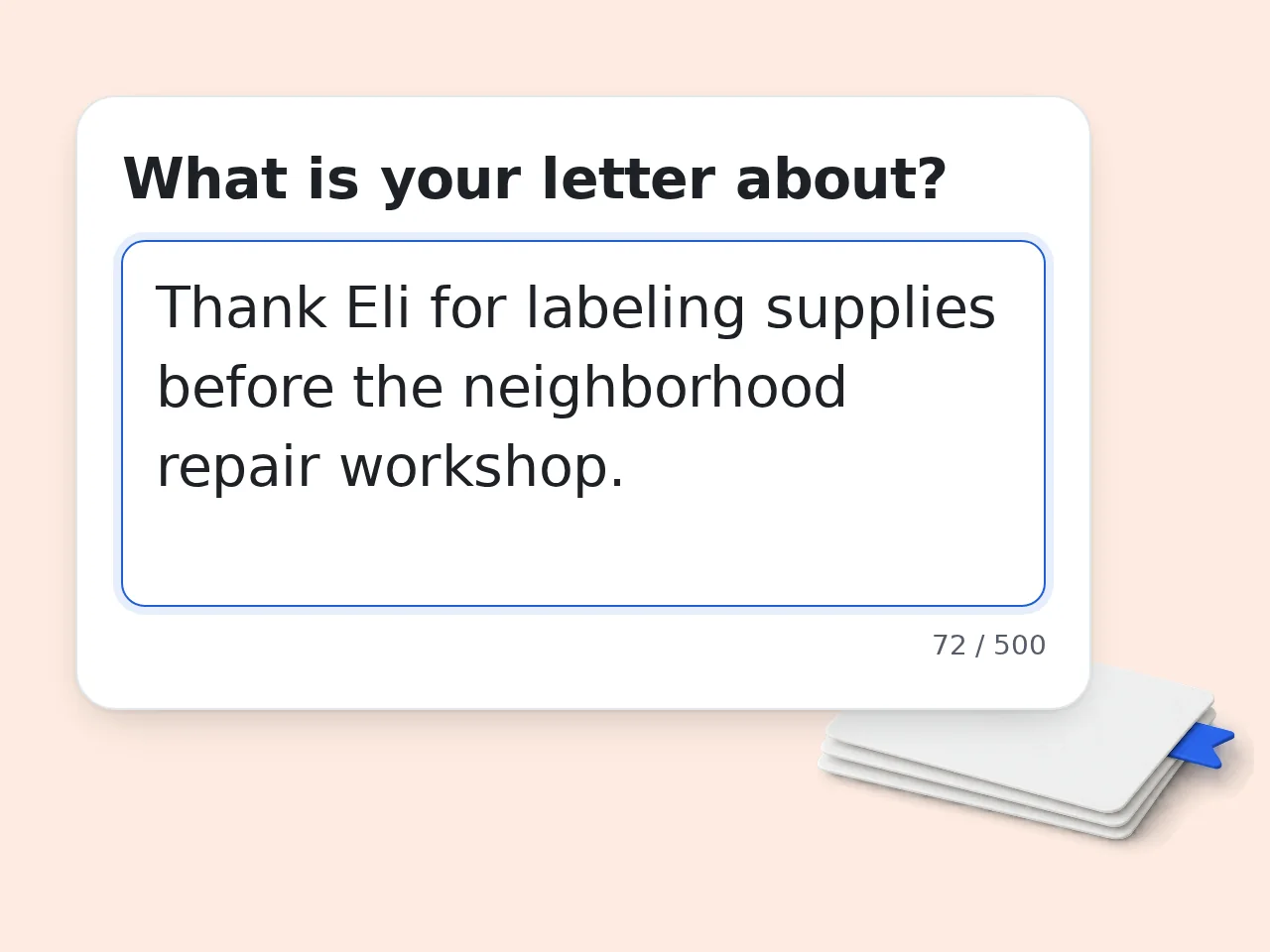
Describe what your letter is about
Type the topic or purpose of your letter — thanking a professor, apologizing to a client, applying for a job, or anything else. The more detail you give, the more relevant the letter opening will be.
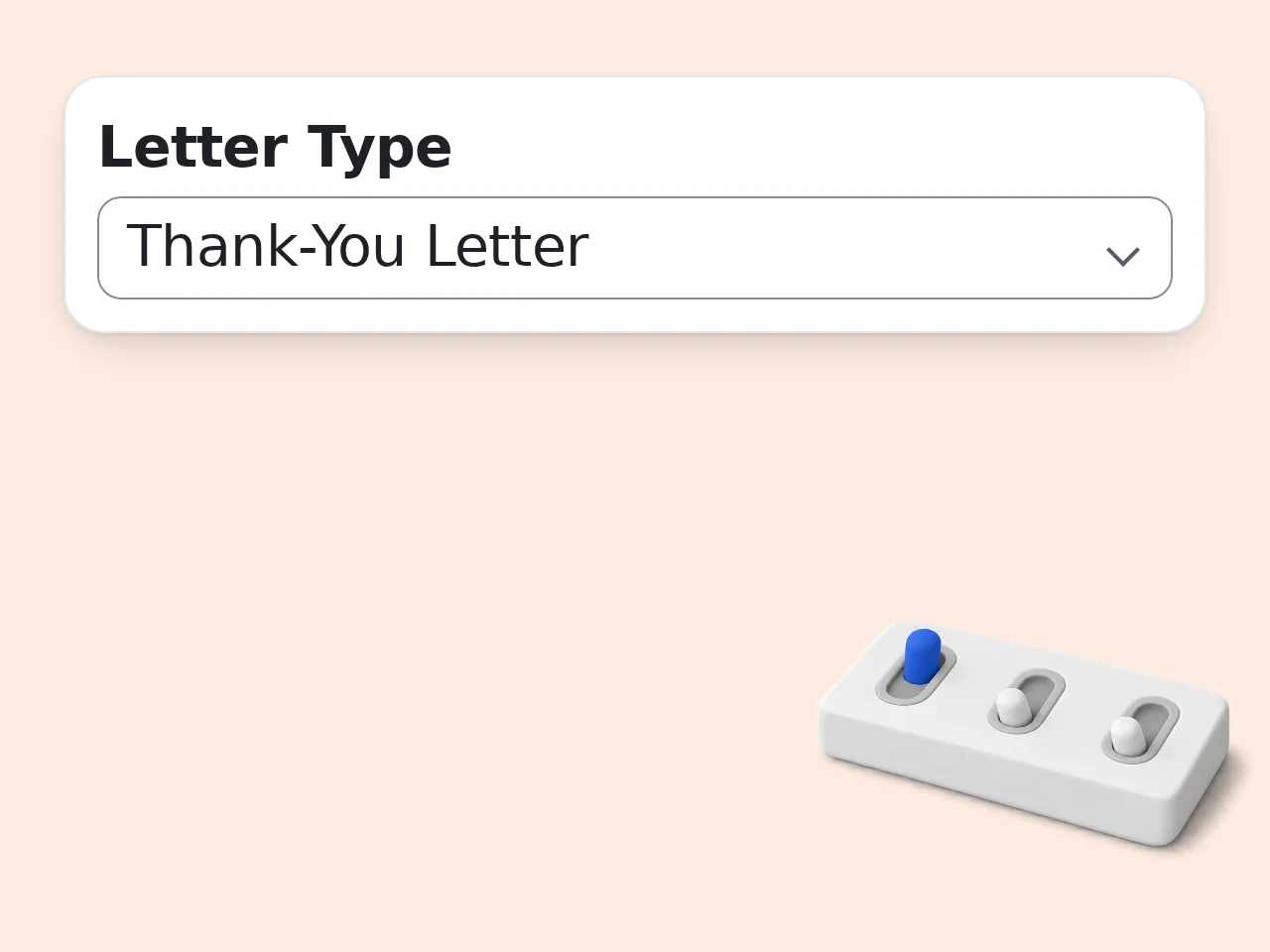
Choose letter type, tone, and style
Select the letter type (formal, personal, cover letter, etc.) and the tone that fits your relationship with the reader. Optionally pick an opening style and how many variations you want.
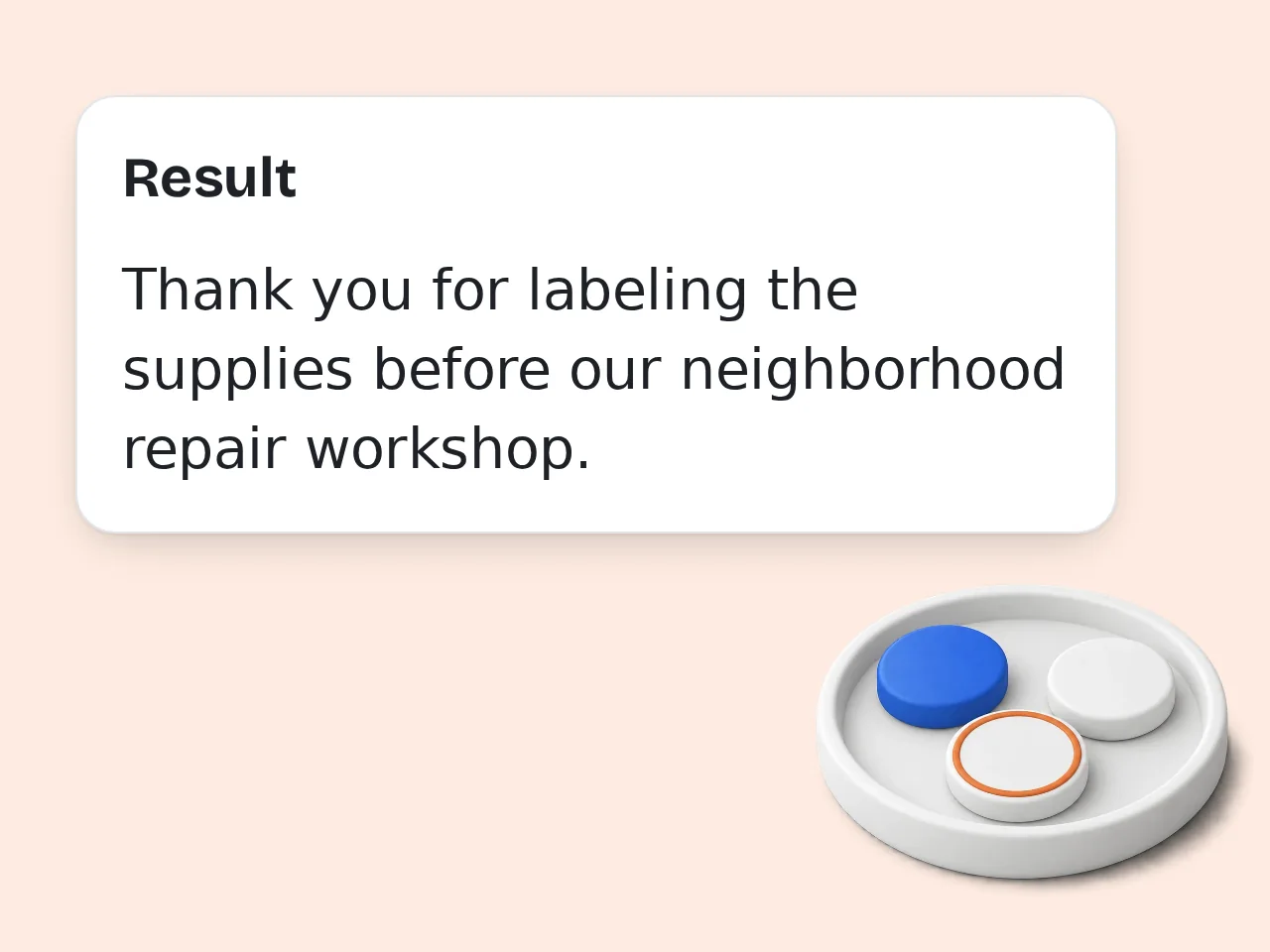
Copy and use your letter opening
Review the generated letter opening paragraphs, pick the one that fits, and paste it into your letter. Light editing is all you need — the structure and phrasing are already right.
Key Features of Letter Opening Generator
Everything you need to craft the right letter opening every time
8 Letter Types, 5 Opening Styles
From formal business letters to casual personal notes — choose the type that fits, then pick how to open: direct, context-first, compliment, shared experience, or question-based.
Up to 5 Variations in One Click
Get 1, 3, or 5 distinct letter openings per request. Each variation uses a different approach so you can pick the one that feels right.
5 Tone Options for Every Relationship
Professional, warm, formal, casual, or sincere — adjust the tone to match your relationship with the recipient and the purpose of the letter.
Frequently Asked Questions with Letter Opening Generator
Common questions about generating letter openings with AI
What is a letter opening generator and how does it work?
A letter opening generator is an AI tool that writes the first paragraph of a letter based on your input. You describe the letter's purpose and choose the type, tone, and opening style. The tool then produces 1 to 5 ready-to-use letter opening paragraphs tailored to your situation. Under the hood, the AI analyzes your topic alongside the chosen letter type and tone to construct an opening that fits the relationship and context. For example, a formal business letter opening sounds entirely different from a personal thank-you note. You can use the output directly or make minor edits. It handles the hardest part — starting from a blank page.
How do I use the letter opening generator to get the best results?
Be specific about the topic. Instead of typing "thank you letter," write "thanking my professor for writing a strong recommendation letter for my grad school application." The more context you provide, the more personal and relevant the letter opening will feel. Also, match your selections: choose the letter type that fits the relationship, pick a tone that reflects how you'd normally speak to that person, and select an opening style based on what you want to lead with. For important letters, generate 3 or 5 variations and compare them. Different approaches can reveal one that fits your voice better.
Is the letter opening generator free to use?
Yes, the letter opening generator is completely free. Guests get limited daily free tries without creating an account. Free registered users have a monthly credit allowance. All features — letter type selection, tone options, opening styles, and multiple variations — are available at no cost. Subscription plans exist for users who need higher limits. No credit card, no sign-up required to start. See the pricing page for current details.
How many letter openings can I generate per day?
Guests get limited daily free tries with no account. Free registered users have a monthly credit allowance. Subscribers have no daily limit. Each generation can produce up to 5 letter opening variations, so even the free tier covers most casual use cases. If you hit the limit, creating a free account gives you a monthly allowance. See the pricing page for current details.
Can I use the letter opening generator without creating an account?
Yes. The letter opening generator works without any sign-up or login. Just enter your topic, choose your settings, and click generate — no account needed. Guests get limited daily free tries. If you need more, registering for a free account takes under a minute and gives you a monthly credit allowance. Bookmark the page for quick access any time you need a letter opening. See the pricing page for current details.
What types of letters does the generator support?
The letter opening generator supports 8 letter types: formal business, personal/friendly, thank-you, apology, request/application, cover letter, complaint, and congratulations. Each type applies different conventions. A formal business letter opening uses structured phrasing and full names; a personal letter sounds warmer and more direct. The AI adjusts automatically based on your selection. You can also combine types with tone settings — for example, a thank-you letter with a sincere tone for a heartfelt message, or a formal tone for a professional thank-you note.
How does the letter opening generator compare to using ChatGPT?
ChatGPT can write letter openings, but you have to craft the prompt yourself — and generic prompts produce generic results. The letter opening generator has those options built in: type, tone, style, recipient, and number of variations. It also generates multiple variations at once so you can compare and pick the best fit, rather than re-prompting ChatGPT several times to get different versions. For people who write letters regularly, the specialized tool is faster and more consistent than a general-purpose chatbot.
Why use an AI letter opening generator instead of writing it manually?
The first sentence is the hardest part of any letter. Most people stare at a blank page for minutes before typing anything. The letter opening generator skips that friction entirely. It also produces phrasing that fits the formality level you need — something difficult to get right when you're writing quickly or under stress (like drafting an apology or a complaint letter). You still own the letter. The generator gives you a starting point; you refine it to match your voice and specific situation.
What opening styles are available, and when should I use each?
There are 5 opening styles: Direct & Clear (state your purpose immediately), Context First (provide background before the main point), Compliment/Appreciation (start by acknowledging the reader), Shared Experience (reference something you both know), and Question/Engage (open with a question to draw the reader in). Direct & Clear works best for business letters where the reader is busy. Compliment/Appreciation fits thank-you notes and cover letters well. Shared Experience is great for personal letters to someone you know. If unsure, start with Direct & Clear — it rarely goes wrong.
Can I generate letter openings in languages other than English?
Yes. The output language selector lets you generate letter openings in dozens of languages. Set the output language to Japanese, Korean, Spanish, French, Chinese, or many others and the AI will produce the opening natively in that language. Note that the AI respects formal register conventions per language — Japanese openings include appropriate keigo (polite form), Korean uses formal speech levels, and so on. Just set the output language before clicking generate.
What if the generated letter opening doesn't match my expectations?
Try these adjustments: First, make your topic description more specific — generic topics produce generic openings. Add details about your relationship with the recipient and why you're writing. Second, switch the opening style or tone. Sometimes "Compliment/Appreciation" fits better than "Direct & Clear" for the same situation. Third, generate 5 variations instead of 1 or 3. More options increase the chance of finding one that clicks. You can also mix and match — take the first sentence from one variation and combine it with the second sentence from another.
What details should I pay attention to when using the letter opening generator?
The most important detail is the topic field. Vague input like "job application" gives the AI very little to work with. Add who you're writing to, why you're writing, and any relevant background. Also check that the selected letter type matches your actual purpose. A complaint letter and a request letter have very different opening structures — choosing the wrong type leads to mismatched results. Finally, always read the output before using it. AI-generated text occasionally needs a word or phrase adjusted to sound more like you.
Still have questions?
Contact our support teamWrite Your Next Letter Opening in Seconds
No more blank-page paralysis. Generate polished letter openings free.