AI Email Response Generator
Paste any email, get a polished reply in seconds
How to Use the AI Email Response Generator
Generate a professional email reply in 3 simple steps
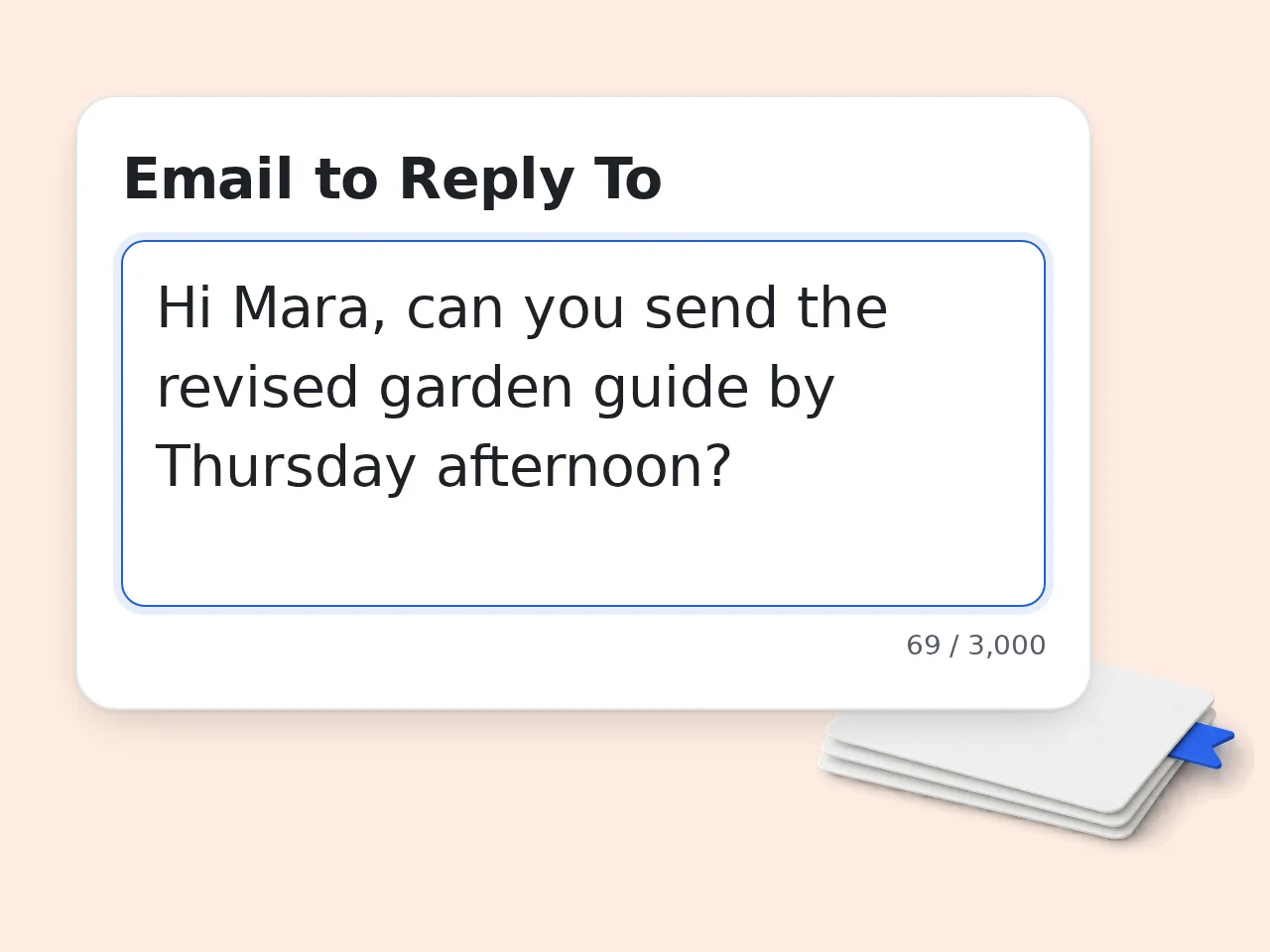
Paste the email you received
Copy and paste the original email into the first field. The AI email response generator reads the full context to craft a relevant reply.
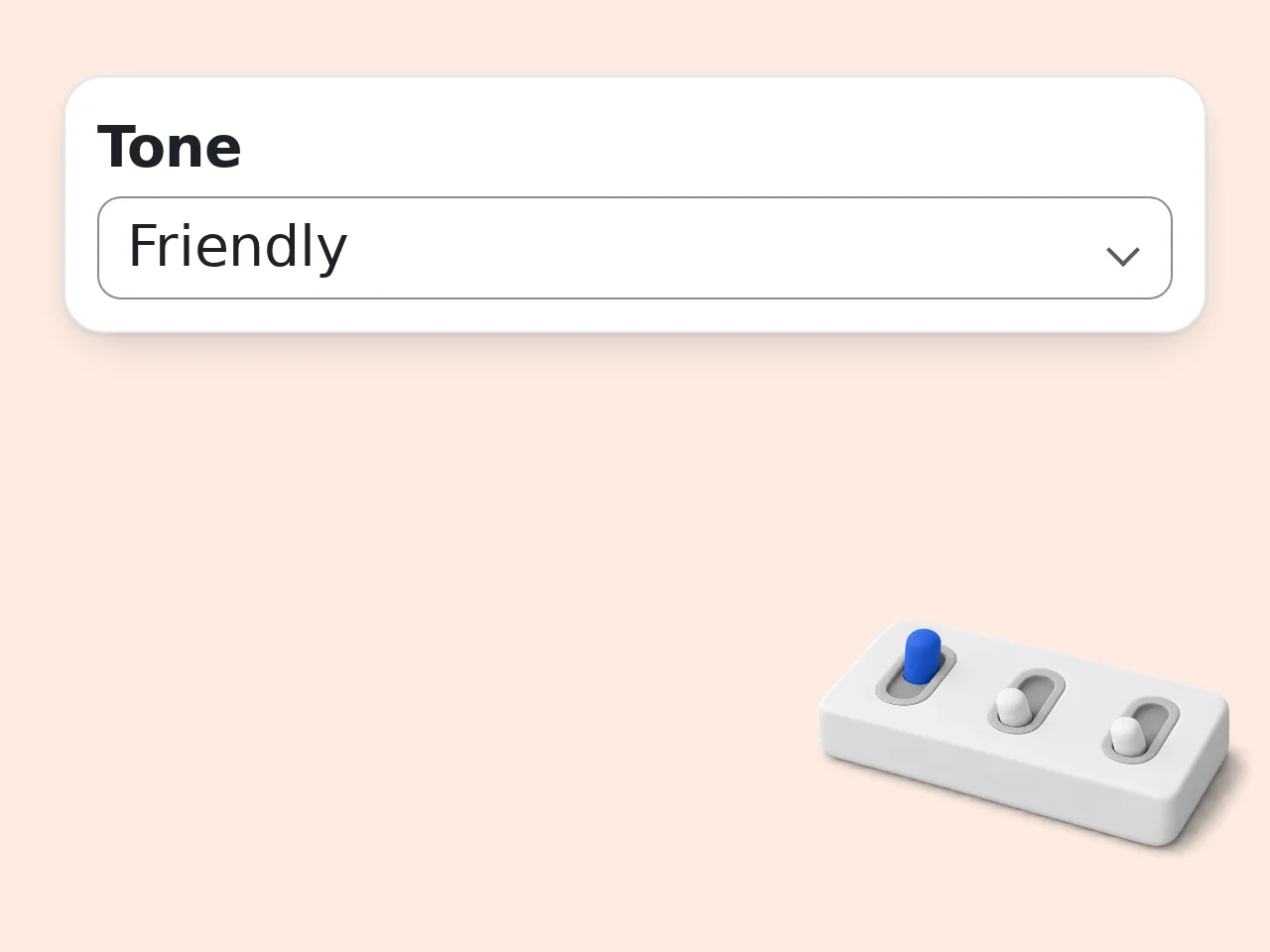
Describe your reply and pick a tone
Tell the tool what you want to say — accept, decline, follow up, clarify. Then select your preferred tone and response length.
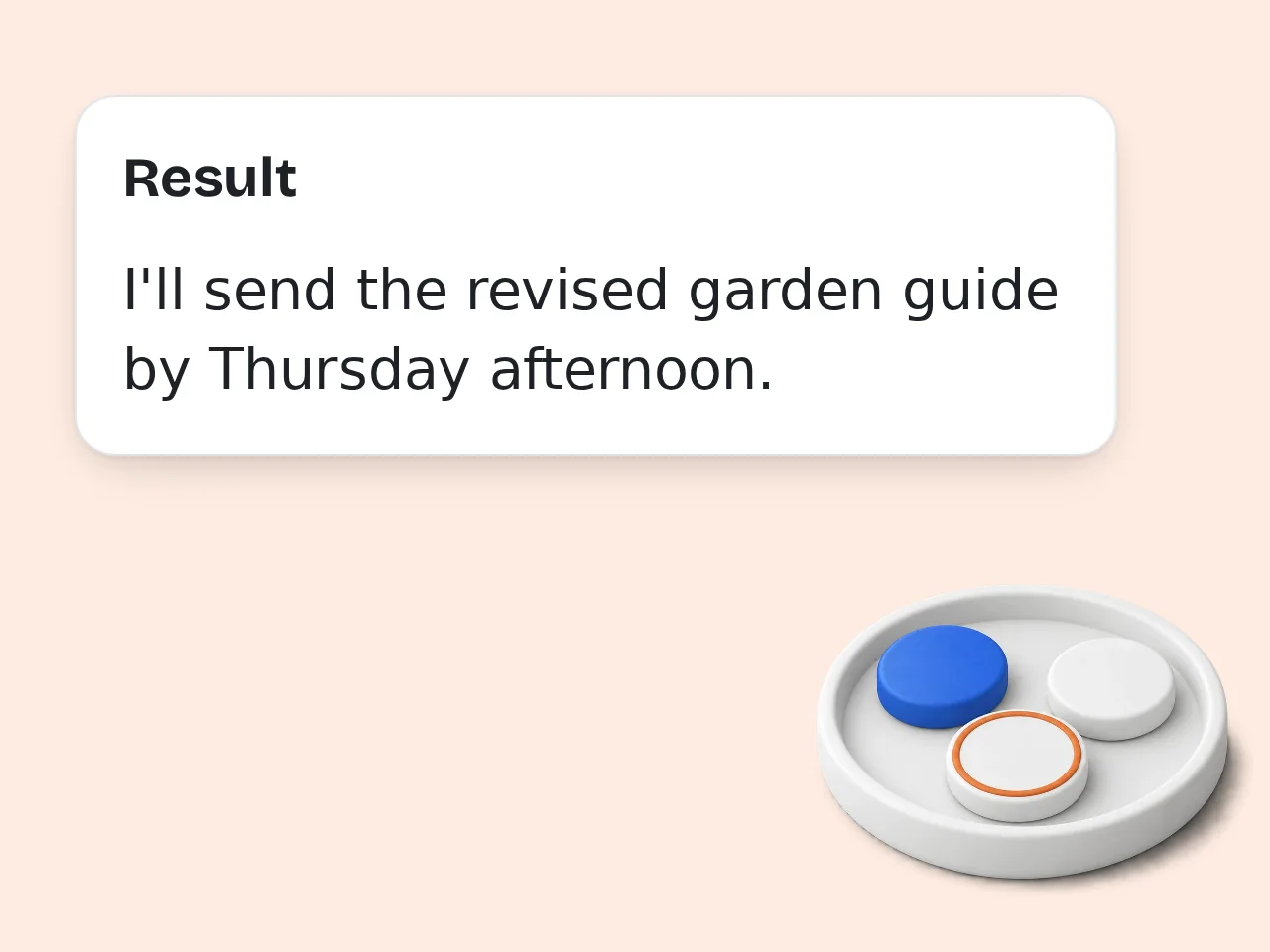
Generate and copy your email response
Click generate and get a ready-to-send email reply in seconds. Copy it directly into your inbox and send.
Key Features of AI Email Response Generator
Everything you need to write better replies, faster
6 Tone Styles for Every Situation
Choose from Professional, Friendly, Casual, Empathetic, Direct, or Persuasive. The AI email response generator matches your chosen tone across every sentence.
Short, Medium, or Detailed Replies
Need a quick 2-sentence acknowledgment or a thorough 3-paragraph response? Pick your length before generating — no editing required.
Optional Subject Line Generator
Toggle on the subject line option and the tool suggests a relevant subject along with your email reply. One less thing to write from scratch.
Frequently Asked Questions about AI Email Response Generator
Common questions answered
What is an AI email response generator and how does it work?
An AI email response generator is a tool that reads a received email and drafts a reply based on your instructions. You paste the original email, describe what you want to say, and the AI writes a professional response. The tool uses a large language model to analyze the email's context, tone, and intent — then generates a reply that matches your specified tone, length, and purpose. It's built for anyone who wants to reply faster without sacrificing quality or professionalism.
How do I use the AI email response generator to get the best results?
Paste the full email you received into the first field — the more context the AI has, the better the reply. Then describe your reply intent clearly: say what you want to communicate, such as 'decline politely and suggest rescheduling.' Choose a tone that fits the relationship and situation — Professional for clients, Friendly for colleagues, Empathetic for sensitive topics. Add optional context like your role or relationship with the sender if you want the reply to feel more personal and on-point.
Is the AI email response generator free to use?
Yes, the AI email response generator is completely free to use. Guests get limited daily free tries without creating an account, and free registered users have a monthly credit allowance. Subscription plans are available for users who need higher limits or want access to more powerful AI models for nuanced or high-stakes responses. No credit card required. Open the tool, paste your email, and generate a reply right away — takes under a minute. See the pricing page for current details.
How many times can I use the AI email response generator per day?
Guests get limited daily free tries with the AI email response generator without signing in. Free registered users have a monthly credit allowance — plenty for a regularly busy inbox and most professional use cases. Subscribers get significantly higher limits and access to more powerful AI models, which matters most for complex negotiations or high-stakes client communications. Creating a free account takes under a minute, requires no payment details, and activates your monthly allowance right away. See the pricing page for current details.
Can I use the AI email response generator without creating an account?
Yes. No signup is required to try the AI email response generator. Open the tool, paste your email, and generate a polished reply — no login, no credit card, no waiting in line. Guests get a few free generations per day. If you handle emails regularly, creating a free account gives you a higher monthly limit at no cost. The tool works in any modern browser on desktop or mobile — nothing to install.
What types of emails can this AI response generator handle?
The AI email response generator works for virtually any email type: business inquiries, client follow-ups, meeting requests, job applications, customer complaints, project updates, team announcements, and more. Describe your intent and the AI adapts the reply to that specific scenario. It can accept, decline, negotiate, apologize, thank, follow up, or clarify — all in the tone you select. It handles formal corporate correspondence and informal personal emails equally well, adjusting language style automatically.
How does the AI email response generator handle tone and length?
The tool offers 6 tone options — Professional, Friendly, Casual, Empathetic, Direct, and Persuasive — applied consistently throughout the generated email reply, not just in one sentence. For length, choose Short (2–3 sentences for quick acknowledgments), Medium (1 clear paragraph), or Detailed (2–3 paragraphs for thorough explanations). The AI stays within those boundaries precisely. Combining the right tone with the right length usually produces an email response that needs minimal editing before sending.
Why use this AI email response generator instead of writing it manually?
Writing a professional email reply takes time — especially when you need to strike the right balance between directness and politeness, or when English isn't your first language. This AI email response generator drafts a complete, polished reply in seconds. You still review and edit it, but the heavy lifting is done — no blank-page anxiety, no second-guessing your word choices. For high-volume inboxes, it can cut email time significantly without sacrificing tone or quality.
Why use this AI email response generator instead of asking ChatGPT?
ChatGPT is general-purpose — you'd need to write a detailed prompt every time explaining the email, the context, the tone, the length, and what you want to say. This AI email response generator is purpose-built for email replies. The form handles the prompting for you: paste the email, fill in what you want to say, pick tone and length, and generate. No prompt engineering required. The result is a faster, more consistent experience optimized specifically for email responses.
How accurate are the AI-generated email responses?
The AI generates a reply based on the exact content you provide. The more specific your reply intent and context, the more accurate the output will be. For straightforward emails — acceptances, declines, follow-ups, acknowledgments — accuracy is high. For complex negotiations or highly sensitive situations, treat the generated response as a strong first draft and review before sending. Always read the reply before sending to make sure it reflects your actual intent.
Can I get better results from the AI email response generator by providing more context?
Yes. The optional context field is where you can include background information — your role, your relationship with the sender, prior conversation history, or company-specific details. For example: 'I'm the project manager and we've had 3 missed deadlines — I want to be firm but not aggressive' gives the AI far more to work with than just the email text alone. More context typically produces a reply that feels more natural, relevant, and tailored to the actual situation.
Does the AI email response generator support multiple languages?
Yes. The Output Language field lets you generate the email reply in a different language — including English, Japanese, Chinese, Korean, French, Spanish, Portuguese, and more. The AI adapts not just the words but also the cultural communication norms. A formal business email in Japanese follows different conventions than the same email written in English or Korean. This feature is especially useful for replying to international clients or colleagues who prefer communication in their native language.
Still have questions?
Contact our support teamStop Staring at That Email
Paste it in. Get a polished reply in seconds. Free, no account needed.