AI Statement Generator
Write mission, vision, and personal statements faster
How to Use AI Statement Generator
Get a usable statement in 3 simple steps
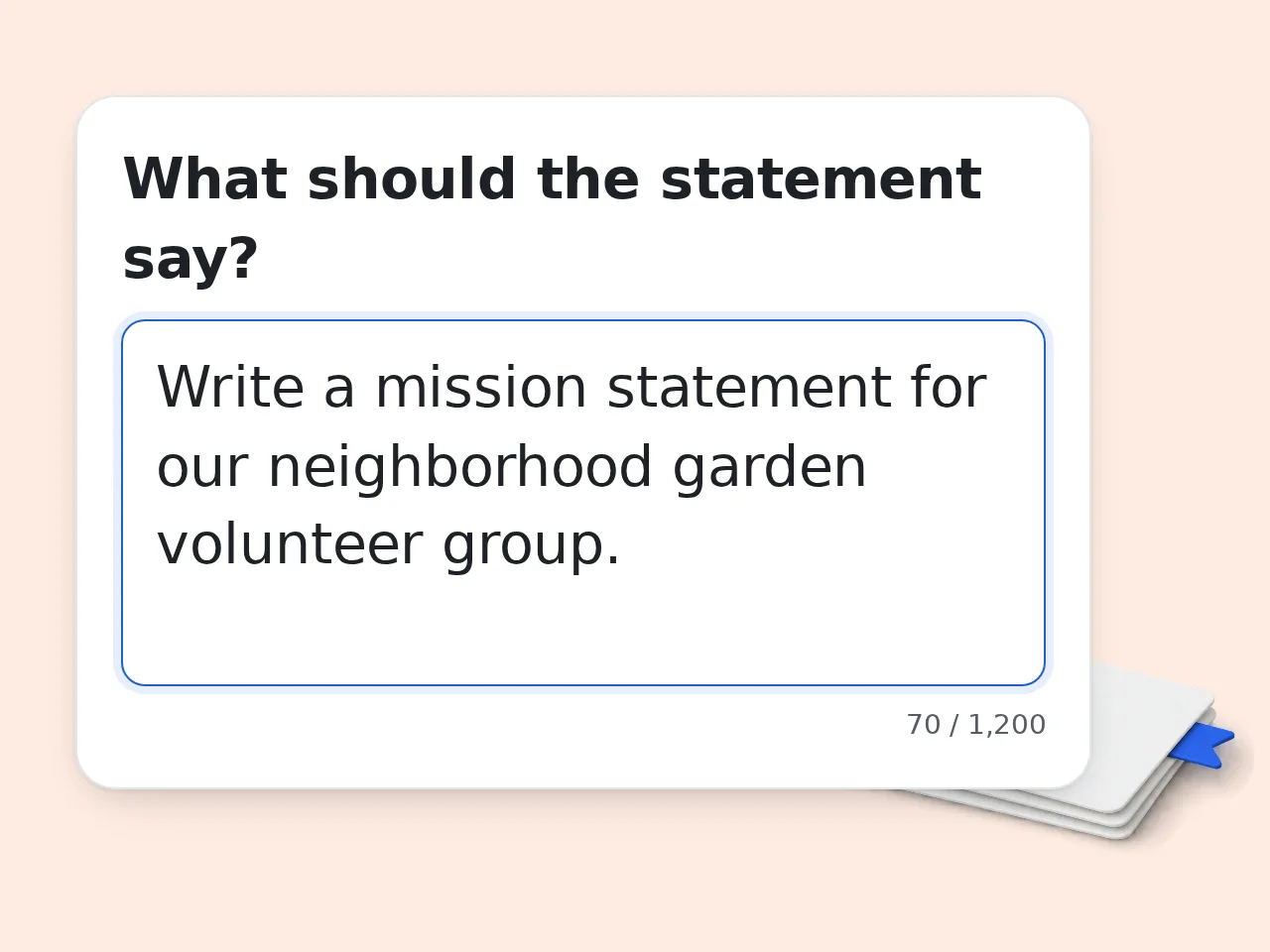
Describe your message
Tell the AI statement generator what the statement should say, who it is for, and what values or outcomes matter most.
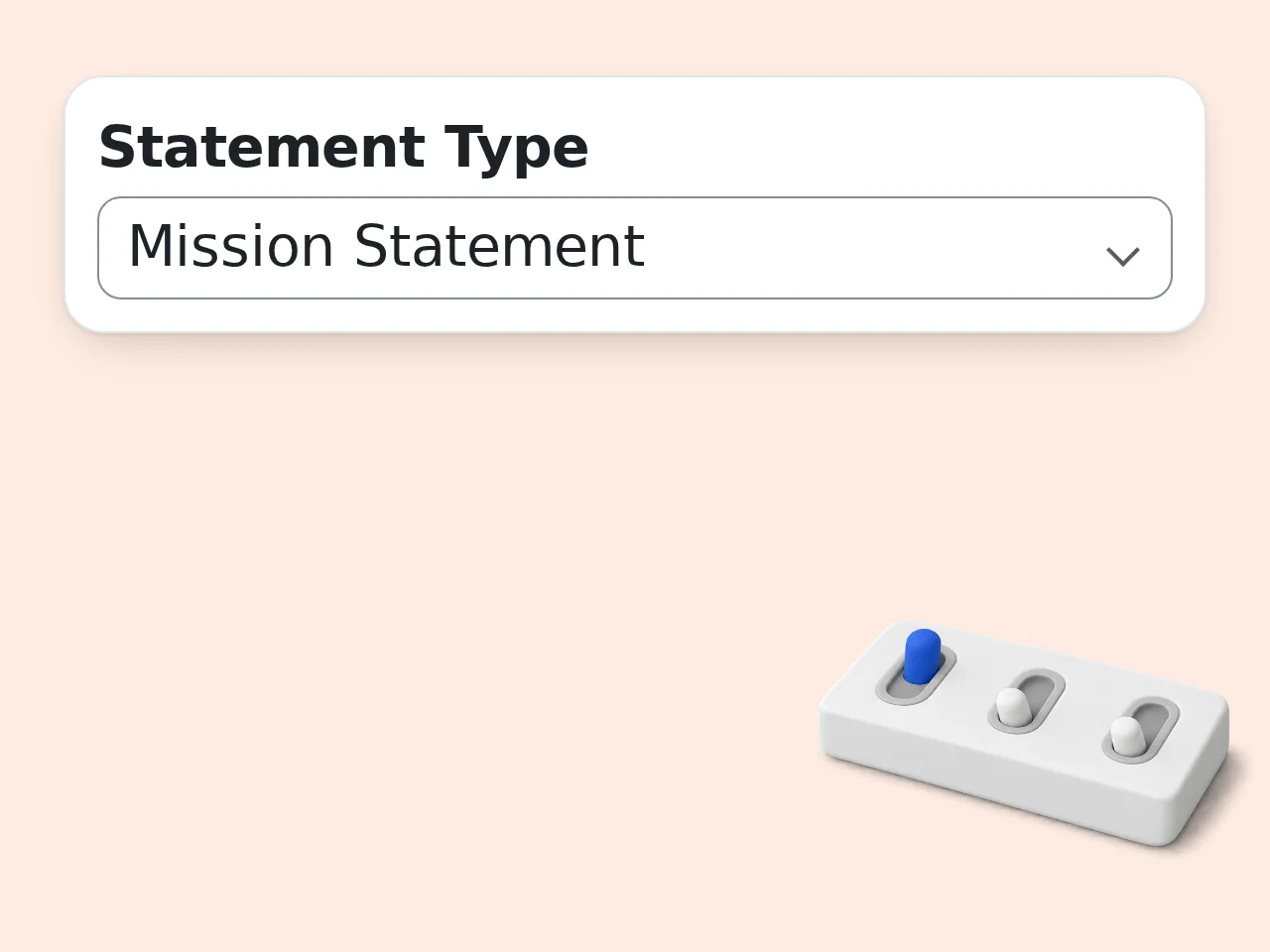
Pick type and tone
Choose whether you need a mission statement, vision statement, personal statement, purpose statement, or brand statement, then set the tone and length.
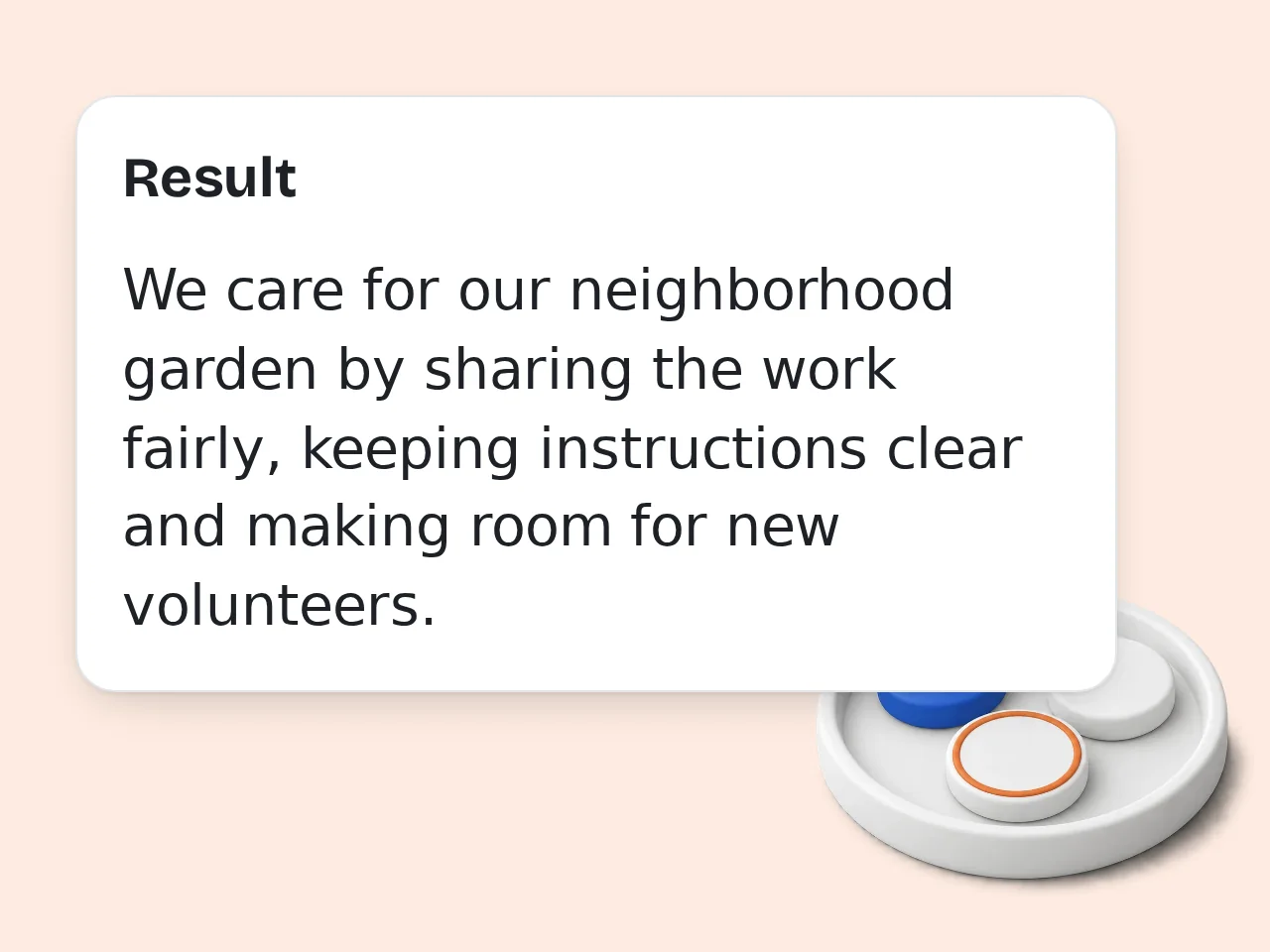
Generate and refine
Review the AI statement generator output, keep the strongest lines, and edit the final version until it sounds like you.
Key Features of AI Statement Generator
Everything needed to draft a sharper statement in one place
5 Statement Types in One Tool
Generate a personal, mission, vision, purpose, or brand statement from the same workflow. Pick the format that matches your writing goal.
Tone and Length Controls
Choose a professional, warm, confident, inspirational, or simple voice. Set short, medium, or long output before you generate.
Ideas Plus Final Drafts
Ask for one polished statement, three options, or bullet ideas with a final draft. That makes revision much faster.
Frequently Asked Questions with AI Statement Generator
Common AI statement generator questions answered clearly
What is an AI statement generator and how does it work?
An AI statement generator turns a short description of your values, goals, role, or audience into a polished statement. It reads your input, identifies the main message, and rewrites it in a tighter structure that sounds clear and intentional. A good AI statement generator can shape personal statements, mission statements, vision statements, and short brand statements in seconds. It works best when you include concrete details like purpose, target audience, and proof points instead of vague keywords alone. Think of it as a fast drafting partner, not a final judge. Review the output, adjust the tone, and keep the version that sounds closest to your real voice. For best results, include the audience, purpose, and one concrete detail so the AI statement generator can shape the draft around a real situation instead of a generic prompt.
How do I use an AI statement generator to get the best result?
Use the AI statement generator by starting with one clear goal, then adding the details that make the statement specific. Mention who the statement is for, what you stand for, and what action or outcome matters most. The strongest AI statement generator results usually come from 2 to 5 concrete facts, such as values, achievements, leadership themes, or audience needs. Picking a tone like professional, warm, or confident also helps the output land closer to your intended use. If you want a sharper result, generate more than one version. Compare them, combine the best lines, and trim any sentence that sounds too broad or repetitive. A focused prompt also makes editing easier because you can judge whether the output matches the tone, length, and use case you had in mind.
Is this AI statement generator free to use?
Yes, the AI statement generator is free to use. Guests can try it a few times without signing in, and registered users get a larger allowance for regular drafting and revision work. The free AI statement generator covers the core workflow, including statement type selection, tone control, and language output. Most casual users can draft personal or mission statements without paying, then return later to revise the wording. If you only need a statement once in a while, the free tier is usually enough. Save your favorite version somewhere safe so you can refine it later. If the first result feels broad, regenerate with a narrower angle, a clearer format, or one phrase that absolutely needs to appear.
How many times can I use the AI statement generator each day?
You get limited daily free tries of the AI statement generator as a guest, a monthly credit allowance as a free user, and more usage with a subscription plan. That covers light drafting, testing, and revision. These limits keep the AI statement generator available for everyone while still giving repeat users enough room to compare mission statements, personal statements, and brand statement versions. One session often produces several usable drafts if you structure your input well. To make each use count, prepare your key points before you click generate. Clear input reduces the number of retries you need. See the pricing page for current details. You can treat the first draft as raw material, then keep the strongest lines and remove anything that sounds too polished or too vague.
Can I use the AI statement generator without creating an account?
Yes, you can use the AI statement generator without creating an account for a small number of tries. That makes it easy to test a personal statement, mission statement, or quick brand line before committing. An account becomes more helpful when you want more usage, easier history access, or repeated revisions across multiple statement types. Many users start as guests, then sign up only after they see a version worth polishing. If privacy matters, avoid pasting sensitive identifiers. Use role descriptions, goals, and values instead of private data whenever possible. This is especially useful when you need a starting point quickly but still want the final wording to sound like you.
What can I use an AI statement generator for?
An AI statement generator is useful for personal statements, mission statements, vision statements, purpose statements, and brand statements. It can also help with team introductions, portfolio summaries, scholarship drafts, and about-page positioning. The main strength of an AI statement generator is compression. It takes broad ideas like purpose, values, audience, and differentiation, then turns them into a short piece of writing people can remember and reuse. It works especially well when you already know the message but cannot phrase it cleanly. Start messy, then let the tool shape the first draft. The tool works best when you add context before generating and review the result before copying it into a real post, class reply, song, or profile.
Does the AI statement generator support mission, vision, and personal statements?
Yes, the AI statement generator supports mission statements, vision statements, personal statements, purpose statements, and brand statements. The output changes based on the statement type you pick and the details you provide. A mission statement usually focuses on what you do now, while a vision statement points toward a future outcome. A personal statement often needs more voice, context, and examples, especially for applications or portfolios. If you are unsure which type fits, start with mission or personal. Those two formats are the easiest to revise into a stronger final statement later. Small edits after generation usually make the biggest difference: adjust names, examples, transitions, and any line that feels off.
Why use an AI statement generator instead of writing manually?
Use an AI statement generator instead of writing manually when you want speed, structure, and multiple versions fast. It helps you move past a blank page and gives you a workable draft before you spend time editing. Manual writing is still valuable, but many people over-explain or repeat themselves in a first draft. An AI statement generator tightens the wording, removes filler, and gives you a sharper foundation in less time. The best workflow is hybrid. Let the tool draft the structure, then replace generic phrases with your own real experiences and voice. If you are comparing several versions, save the best parts from each one and combine them into a cleaner final draft.
How does this AI statement generator compare to using ChatGPT directly?
An AI statement generator is more focused than using ChatGPT directly because the workflow is already shaped around one job. Instead of starting from a blank prompt, you fill in key fields and get output tuned for statement writing. ChatGPT can do the same task, but the quality depends more on how well you prompt it. A dedicated AI statement generator reduces that friction by guiding tone, format, and statement type in a simpler form. If you already write strong prompts, both can work. If you want fast repeatable results, the dedicated generator is usually easier. The goal is not to accept every sentence automatically; use the output as a structured shortcut for faster writing.
What if the AI statement generator output is too generic?
If the AI statement generator output feels too generic, add sharper details and generate again. Mention your audience, the exact change you want to create, and one or two facts that only apply to you or your team. Generic output usually comes from generic input. When you give the AI statement generator vague phrases like growth, excellence, or innovation without context, it has little to anchor the writing to. A quick fix is to paste your favorite sentence back in and ask for three tighter versions. Iteration usually improves the result faster than starting over from scratch. Clear inputs, practical settings, and a quick human edit will usually produce a much stronger final result than a one-word prompt.
Can I use the AI statement generator for a brand statement or team statement?
Yes, the AI statement generator can write a brand statement or team statement if you describe the audience, offer, and tone clearly. That works well for landing pages, startup decks, internal culture docs, and founder bios. For a brand statement, the AI statement generator should include the problem you solve, who you help, and the impression you want people to remember. For a team statement, values and collaboration language often matter more. If the first draft sounds too broad, narrow the audience. Better specificity usually produces a stronger statement immediately. You can also rerun the same idea with a different tone when the first version is accurate but not quite the right voice.
Will the AI statement generator create bank statements or financial statements?
No, this AI statement generator should not create bank statements, financial statements, or other deceptive documents. Its purpose is legitimate writing support for personal, mission, vision, purpose, and brand statements. That boundary matters because a writing tool can help with positioning, reflection, and applications without crossing into fraud or document forgery. Safe use cases stay in the lane of original language generation and editing. If you need help describing finances honestly, ask for a summary paragraph, an explanation letter, or a budgeting statement instead of a fake document. Before publishing or submitting, read the draft once from the audience's point of view and tighten anything that could be misunderstood.
Still have questions?
Contact our support teamStart Your Statement Now
Turn rough ideas into a polished statement in minutes.