Job Description Bullet Points Generator
Create ATS-friendly job responsibilities faster with role-specific bullet points
How to Use
Create job description bullet points in 3 simple steps
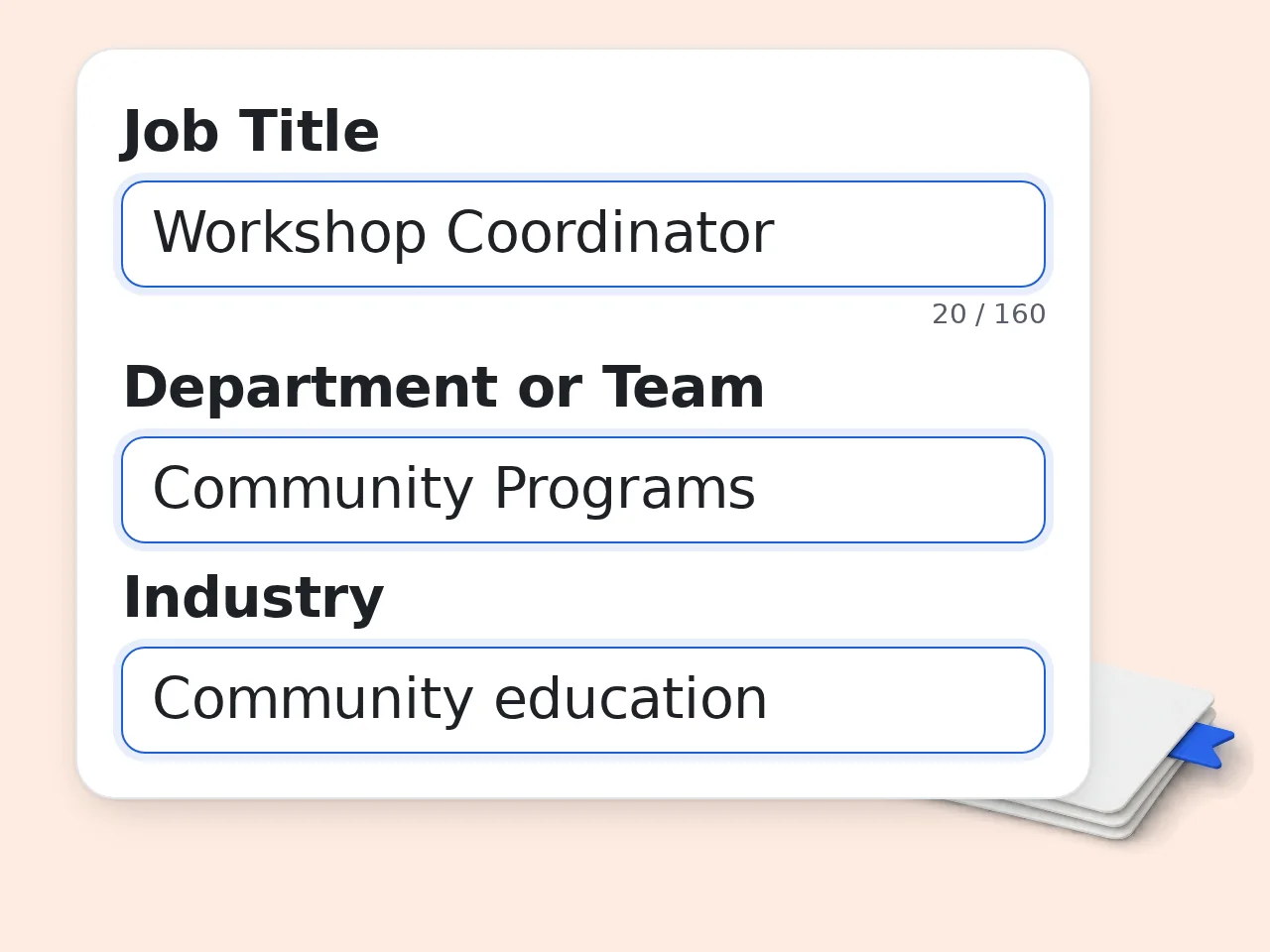
Enter the job title
Start with the exact role name so the job description bullet points generator can anchor the draft correctly.
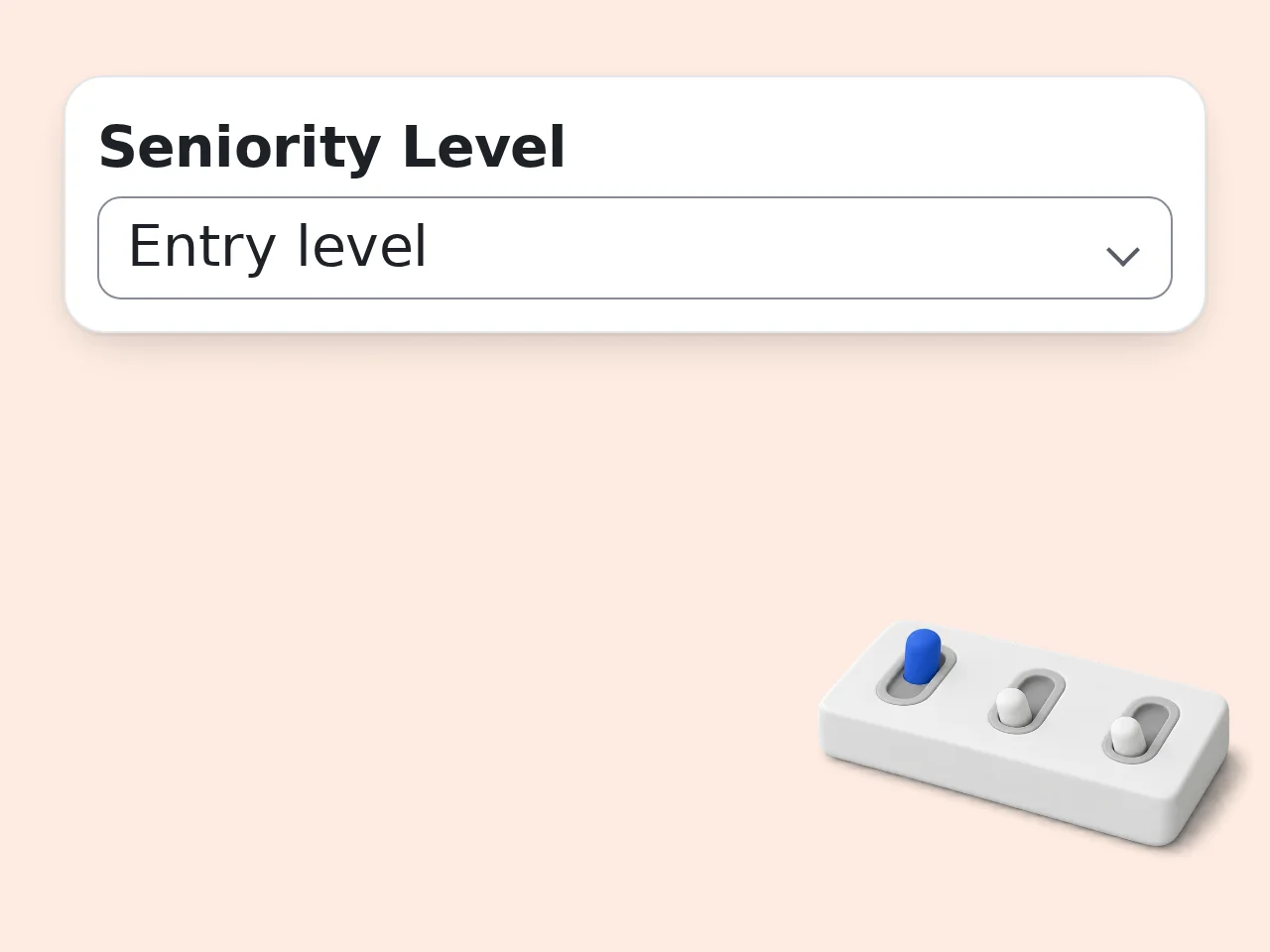
Add level and context
Choose the seniority level, then add team, industry, and tools to make the bullets more specific.
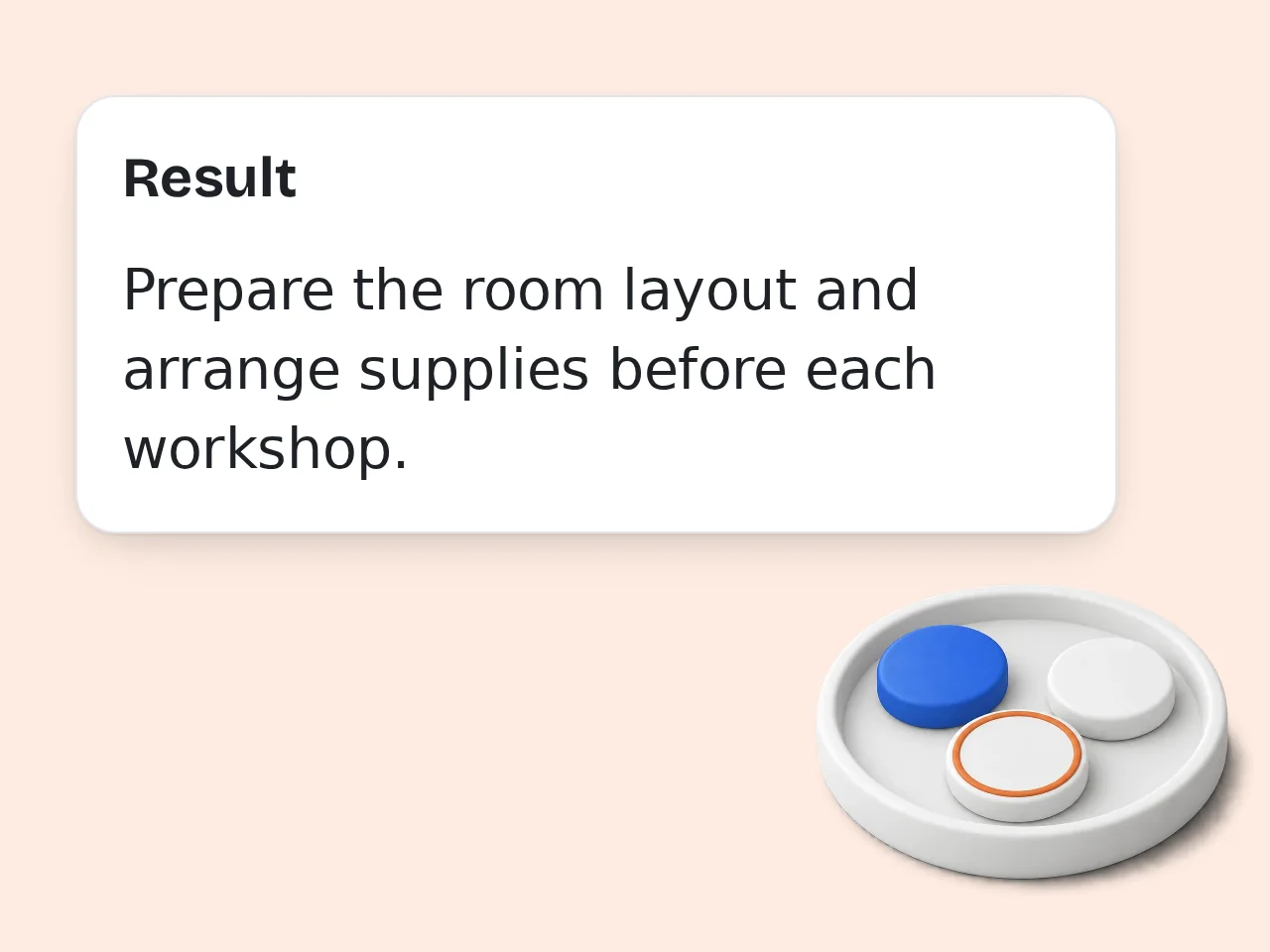
Generate and customize
Review the job description bullet points, then swap in your real KPIs, stakeholders, or workflows before posting.
Key Features
Everything needed to write cleaner job description bullet points faster
Seniority-aware job bullets
Adjusts scope, ownership, and leadership language so the role fits entry, mid, senior, or manager hiring needs.
ATS-friendly responsibility phrasing
Uses clear verbs and standard role language to create bullet points that are easy to scan and easy to edit.
Context from tools and teams
Uses department, industry, and software details to make job description bullet points feel more realistic.
Frequently Asked Questions
Common questions answered
What is a job description bullet points generator and how does it work?
A job description bullet points generator creates role-specific responsibilities from a job title and a few details such as level, team, industry, or tools. It gives you clear bullet points fast instead of forcing you to draft every line from scratch. The tool looks at job scope, likely workflows, and common hiring language, then turns that into ATS-friendly bullets with strong verbs. If you add context like seniority or software stack, the output becomes more realistic. It works best as a first draft. You can copy the bullets, swap in your real KPIs, and publish a sharper job description in minutes.
How do I use this job description bullet points generator well?
Start with the exact job title, then add the seniority level so the tool knows whether the role is junior, mid-level, senior, or management. That one detail changes ownership, decision scope, and the kind of bullets that make sense. After that, add department, industry, and 3 to 8 skills or tools if you know them. Details like GA4, Jira, Salesforce, SQL, or remote collaboration help the generator write more believable responsibilities. Before publishing, replace any generic outcome with your real deliverables, stakeholder names, or performance goals. A quick human pass usually makes the final version much stronger.
Is this job description bullet points generator free to use?
Yes, this job description bullet points generator is free to try. Guests get limited daily free tries, and registered free users have a monthly credit allowance for regular drafting work. That is enough for most hiring teams, founders, and job seekers who only need a few role drafts or rewrites at a time. If you create job descriptions often, a subscription gives you higher limits and more room for iteration. For one-off hiring tasks, the free access is usually enough. Save your best prompts so you can regenerate faster later. See the pricing page for current details.
How many times can I use the job description bullet points generator per day?
Most users can use the job description bullet points generator several times each day. Guests get limited daily free tries, while free registered users have a monthly credit allowance. That covers casual hiring needs, resume rewrites, and role planning for many small teams. Subscribers get much higher availability, which is useful if you are producing multiple job descriptions, testing variants, or localizing content. If you expect a longer hiring sprint, draft one strong prompt template first. Reusing the same structure saves credits and keeps the output more consistent. See the pricing page for current details.
Can I use the job description bullet points generator without creating an account?
Yes, you can use the job description bullet points generator without creating an account for quick first drafts. That makes it useful when you need a fast set of responsibilities during hiring planning or role scoping. An account becomes more helpful when you want more usage, easier repeat runs, or a smoother workflow across several open roles. Free accounts usually unlock a larger allowance than guest mode. If you only need a small number of bullets today, guest access is enough. If you hire often, signing in is the better long-term option.
What can I use a job description bullet points generator for?
You can use a job description bullet points generator for job ads, hiring briefs, career pages, leveling drafts, internal role docs, and even resume or LinkedIn rewrites. The output is useful anywhere you need clean responsibility bullets. Many people also use it to refresh old postings that sound vague, too broad, or out of date. It is especially helpful when a role has changed and the old job description no longer reflects the team’s current workflow. It is not limited to HR teams. Founders, recruiters, managers, consultants, and candidates can all get value from the same bullet draft.
Does the job description bullet points generator support ATS-friendly wording?
Yes, the job description bullet points generator is built to produce ATS-friendly bullet points. It uses standard role language, clear action verbs, and readable formatting that works for both candidates and applicant tracking systems. ATS-friendly wording does not mean robotic wording. The goal is to keep the bullets easy to scan while still sounding natural, specific, and relevant to the role. Adding tools, functions, and outcomes usually improves that balance. You should still review the final list before posting. A quick edit helps remove duplicate phrases and match the language your hiring team already uses.
Who benefits most from using a job description bullet points generator?
Hiring managers, recruiters, HR teams, startup founders, and consultants benefit the most because they often need to create job description bullet points quickly under time pressure. The tool shortens the blank-page stage and gives them a usable draft fast. Job seekers also benefit when they want to understand a role better or rewrite job responsibilities for resumes and LinkedIn. That makes the tool useful on both sides of the hiring process. It is especially strong for small teams without a dedicated HR writer. Instead of starting from scratch, they can begin with a structured responsibility set and edit from there.
Why use a job description bullet points generator instead of writing everything manually?
A job description bullet points generator is faster than writing manually because it gives you structure, role language, and responsibility patterns right away. That saves time when you are hiring for multiple roles or revising an old post. Manual writing still matters, especially when you need company-specific metrics, process details, or legal review. The real advantage is using the generator for the first 80 percent, then customizing the final 20 percent yourself. That mix is usually better than either extreme. You avoid a blank page, but you also keep the final posting grounded in how the role actually works.
What if the output from the job description bullet points generator is too generic?
If the output feels generic, add more context before regenerating. Seniority, department, industry, tools, work type, and focus all help the job description bullet points generator move from broad language to more realistic responsibilities. You can also tighten the prompt by asking for outcomes, stakeholder interaction, or role-specific systems. For example, saying “remote B2B SaaS lifecycle marketing with HubSpot and GA4” produces much stronger bullets than only typing “marketing manager.” After regeneration, replace one or two broad bullets with your exact team goals. That small edit usually makes the whole list feel custom.
Still have questions?
Contact our support teamStart Writing Better Bullet Points Today
Build a cleaner job description draft before your next role goes live.