Introduction Generator
Write clearer opening paragraphs with an AI introduction generator built for essays, articles, emails, and more.
How to Use Introduction Generator
Create a stronger first paragraph with the introduction generator in 3 simple steps
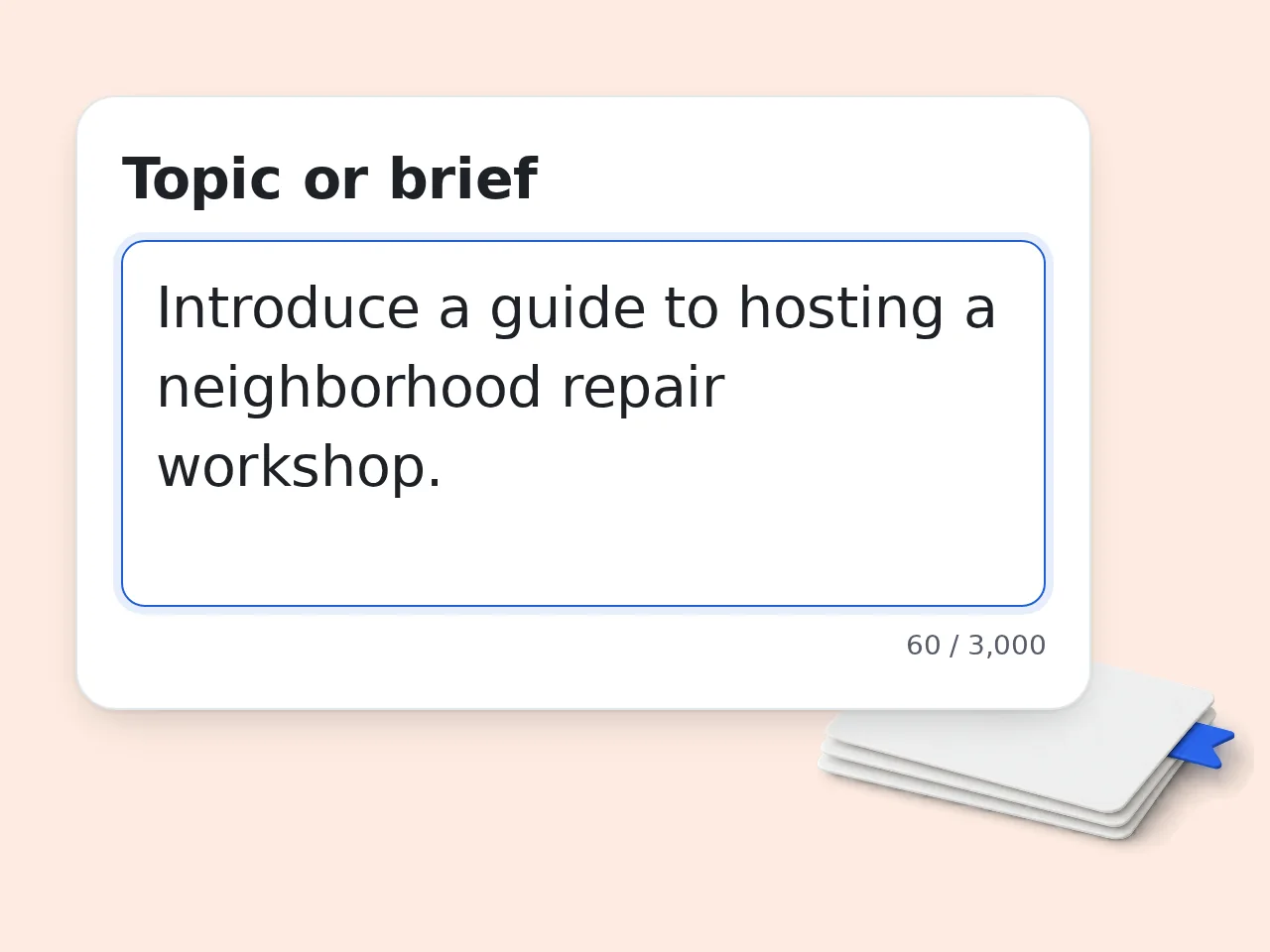
Add your topic or rough brief
Paste the subject, context, and main point you want the introduction generator to cover. A fuller brief usually produces a cleaner opening paragraph.
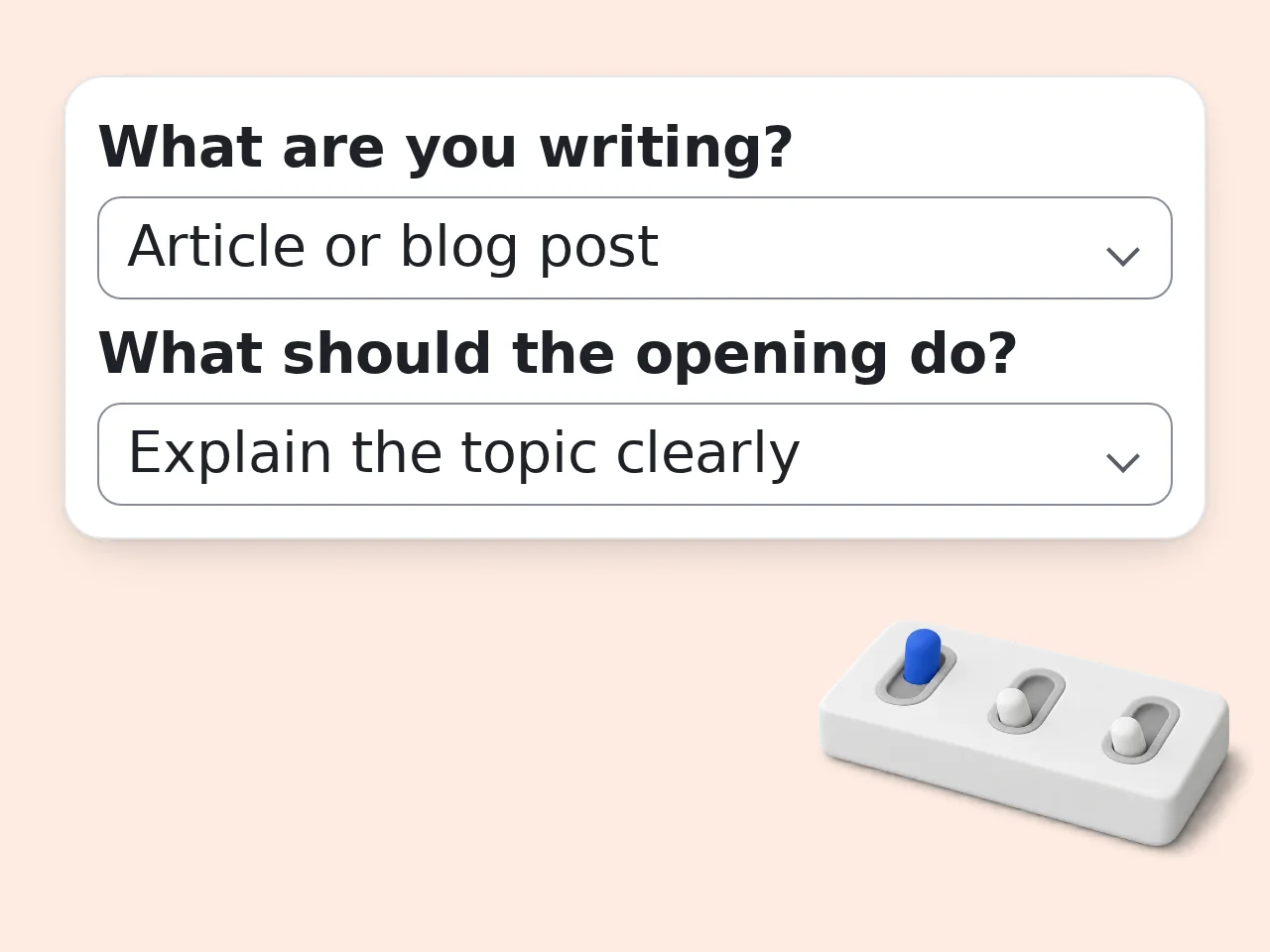
Choose the writing type and goal
Tell the introduction generator whether you need an essay intro, article opening, email start, or bio, then pick the effect you want, such as hook, clarity, or persuasion.
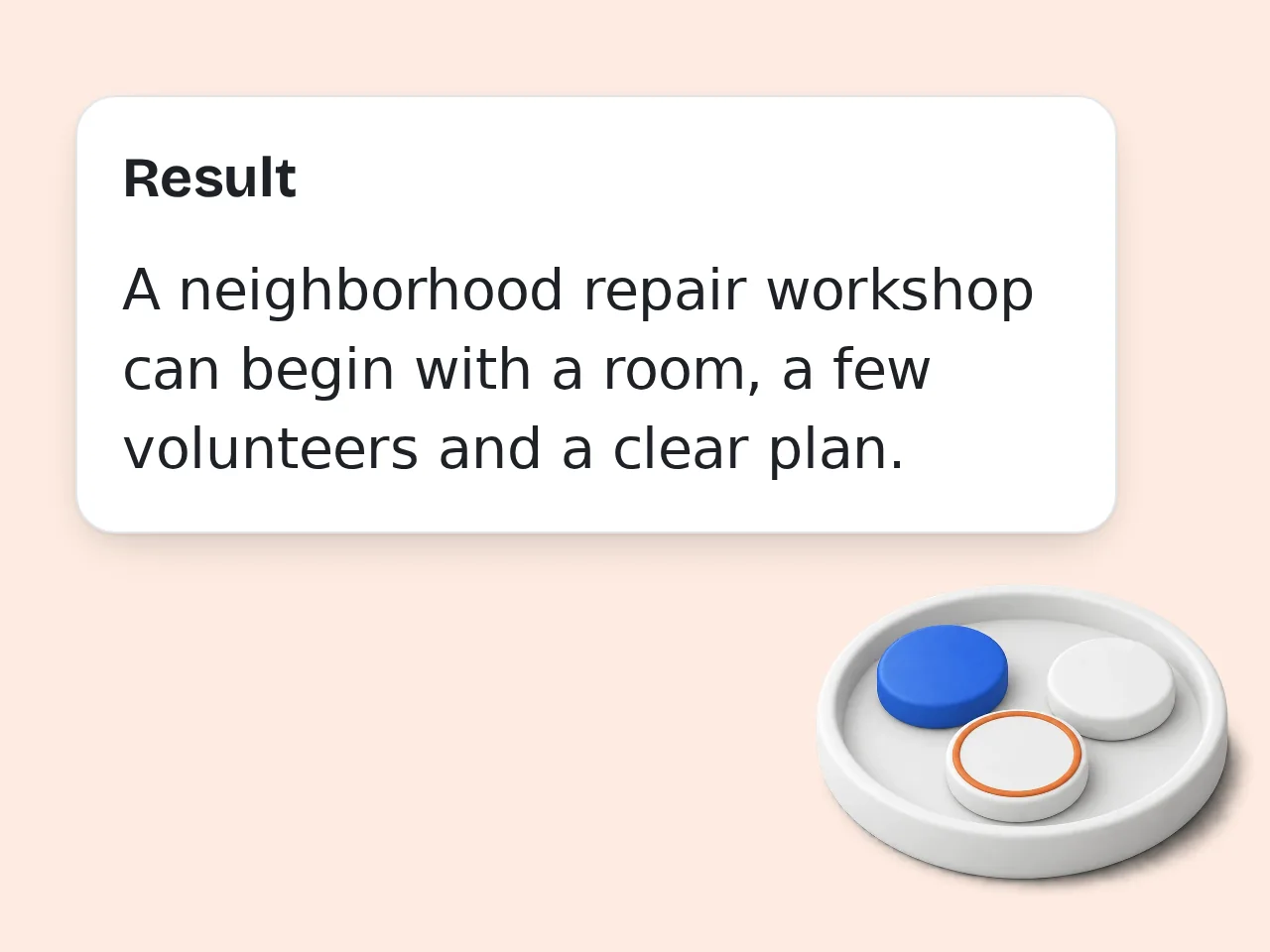
Generate, compare, and paste
Review the introduction generator options, choose the version that fits your draft best, and edit a line or two if you want a more personal finish.
Key Features of Introduction Generator
Everything needed to write a sharper opening with one introduction generator
3 Opening Angles in One Run
Get several introduction generator options at once, so you can compare a hook-first version, a clearer setup, and a more persuasive opening without starting over.
Essay, Blog, Email, and Bio Modes
Switch the introduction generator between common writing formats, including essay introduction generator use cases, article openings, bios, and short email intros.
Tone, Audience, and Keyword Control
Adjust tone, define the reader, and add one SEO phrase when needed, so the introduction paragraph generator stays useful for both academic and content writing.
Frequently Asked Questions with Introduction Generator
Common questions about using an introduction generator and introduction paragraph generator
What is an introduction generator and how does it work?
An introduction generator writes opening paragraphs from a short brief. You enter the topic, choose the type of writing, and the tool turns that input into a focused introduction generator result you can paste right into your draft. A good introduction generator looks at audience, tone, and purpose at the same time. That means an essay opening sounds different from a blog post intro, an email opener, or a short profile paragraph. If you want stronger results, give the introduction generator a few key points instead of only a title. More context usually means less editing later.
How do I use this introduction generator to get the best result?
Start with a clear topic and one sentence on what the piece should achieve. The introduction generator works best when it knows the subject, the reader, and the kind of action or feeling you want from the opening. Then choose the content type, goal, and tone that match the draft. Those options help the introduction generator decide whether to hook fast, explain the topic, persuade the reader, or sound more personal. Before you generate, add two or three must-cover points. That keeps the final opening aligned with the body of your writing.
Is this introduction generator free to use?
Yes, this introduction generator is free to try. You can open the tool, add your topic, and generate introductions without paying before you know whether the output fits your writing task. Guests get limited daily free tries, while free registered users have a monthly credit allowance. Subscription users can use the introduction generator more often and with fewer limits. For most quick writing tasks, the free access is enough to test several opening angles and pick the strongest one. See the pricing page for current details.
How many times can I use the introduction generator each day?
Guest access to the introduction generator gives limited daily free tries. That gives new visitors enough room to test the tool before deciding whether they want an account. Free users have a monthly credit allowance, which covers regular essay, article, and email drafting. Subscribers get more room to use the introduction generator across larger writing workloads. If you need several versions for one project, write a fuller brief first. Better inputs reduce the number of retries you need. See the pricing page for current details.
Can I use the introduction generator without creating an account?
Yes, you can use the introduction generator without creating an account. The guest version is designed for quick tests, so you can check the quality before signing up or saving anything. That is useful when you only need one intro for an article, essay, email, or profile. If you plan to use the introduction generator often, a free account gives you a much higher monthly allowance. A simple rule helps here: use guest mode for one-off tasks, and register only if you want repeat access or more flexibility.
What can I use an introduction generator for?
An introduction generator is useful for articles, blog posts, essays, emails, newsletters, scripts, bios, and landing pages. Any draft that needs a clear first paragraph can benefit from a faster starting point. Some writers use the introduction generator to beat writer's block, while others use it to test different angles before choosing a final direction. Both uses save time because the hardest part is often the first few lines. If you are switching between formats, change the content type each time. That helps the tool match the structure to the writing situation.
Does the introduction generator support SEO keywords?
Yes, the introduction generator can place one main keyword naturally near the beginning when you provide it. That helps article and blog openings line up with search intent without making the text feel forced. The tool is most useful for light on-page SEO, especially when you want a clean first paragraph that still mentions the target phrase early. A careful introduction generator should avoid stuffing the same keyword again and again. Use only one keyword in the form whenever possible. A single clear target usually produces cleaner writing than a list of competing phrases.
Who benefits most from using an introduction generator?
Students, content marketers, freelancers, founders, and busy professionals all benefit from an introduction generator. The tool helps anyone who knows the topic but wants a faster way to build a polished opening. Students often use the introduction generator for essays and reports, while marketers use it for blog posts and landing pages. Email writers and personal branding users also rely on it for short, clear starts. If your draft already exists, paste the key idea rather than the whole piece. That makes the output more focused and easier to revise.
Why use an introduction generator instead of writing the opening manually?
An introduction generator speeds up the slowest part of drafting, which is usually the first paragraph. Instead of staring at a blank page, you get several usable starts and can edit the best one in minutes. Manual writing still matters, but many writers lose time trying to find the right angle. A solid introduction generator reduces that friction by giving you structure, momentum, and a clearer path into the body. The best workflow is not generator or manual writing. It is generator first, then quick human editing to match your exact voice.
Why use this introduction generator instead of asking ChatGPT directly?
A focused introduction generator removes prompt-writing friction. Instead of figuring out what to ask, you fill in a few clear fields and get introduction options shaped for articles, essays, emails, and other common formats. General chat tools can do similar work, but they often require more back and forth. This introduction generator makes the task narrower, faster, and more repeatable, especially for users who just want paste-ready text. If you already know your topic but not your prompt, a structured tool usually gets you to a usable draft with fewer steps.
How can I get better results from the introduction generator?
Give the introduction generator concrete details instead of broad labels. A topic like “remote team communication” is useful, but a brief that adds audience, goal, and key points usually creates a much stronger opening. You also get better output when your tone matches the writing situation. Academic intros need a different rhythm from landing page intros, and the introduction generator responds much better when that choice is explicit. After generation, keep the best opening sentence and adjust one or two phrases by hand. Small edits often make the result feel fully yours.
What if the output from the introduction generator is not what I expected?
If the first result misses the mark, shorten the brief and make the goal more specific. Most introduction generator mistakes happen when the topic is too broad or the requested tone conflicts with the writing format. Try changing only one variable at a time, such as the goal, content type, or tone. That makes it easier to see what helped and what pushed the introduction generator in the wrong direction. A practical fix is to paste one good sentence from your draft into the brief. That gives the tool a clearer direction without rewriting everything from scratch.
Still have questions?
Contact our support teamStart Your Introduction Generator Now
Paste your topic, pick a goal, and get a cleaner opening in seconds.