Bullet Point Generator
Turn any text into clear, scannable bullet points with AI
How to Use
Get started in 3 simple steps
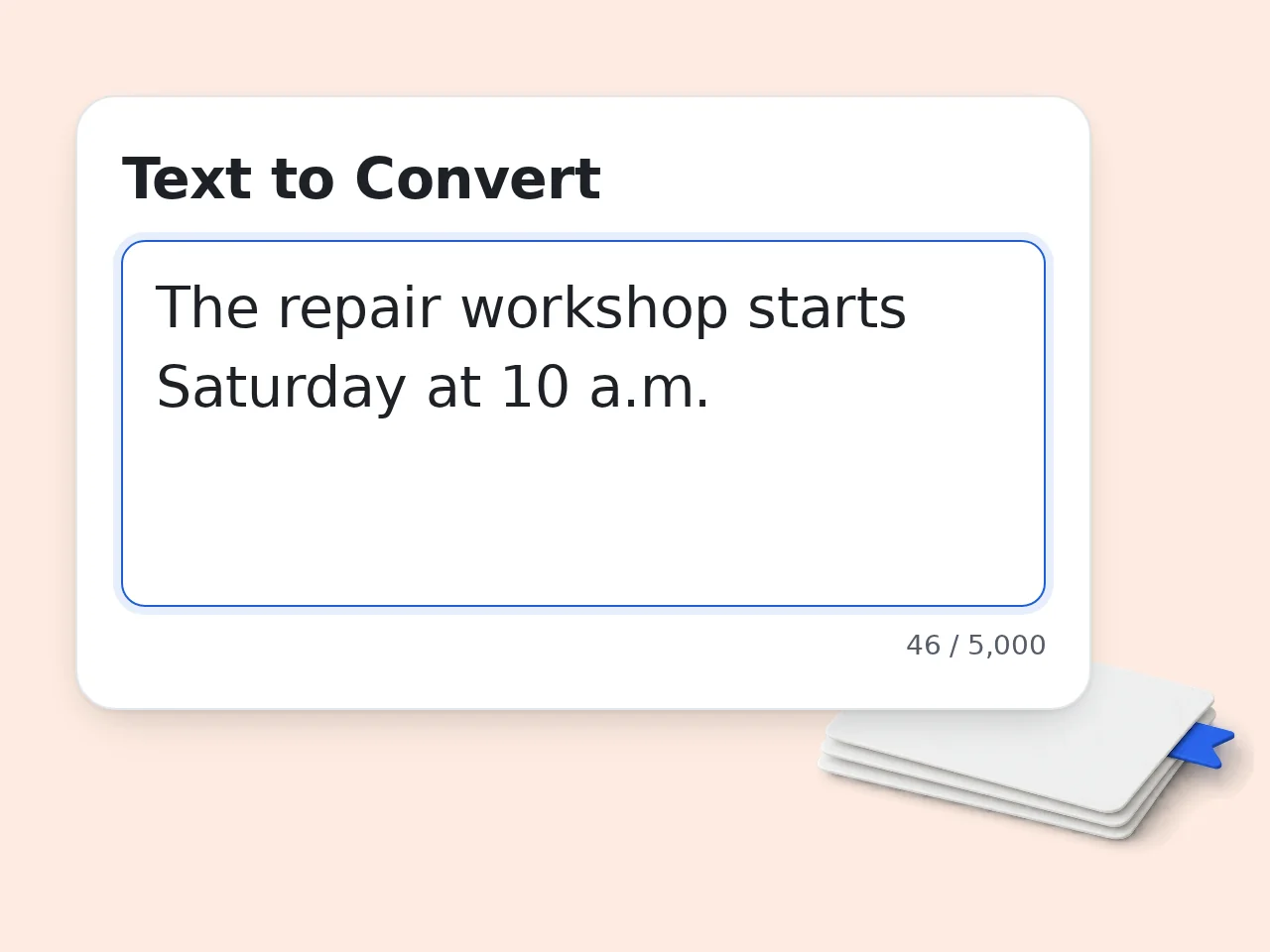
Paste your text
Drop in any paragraph, article excerpt, meeting notes, or rough draft that you want to condense into bullet points.
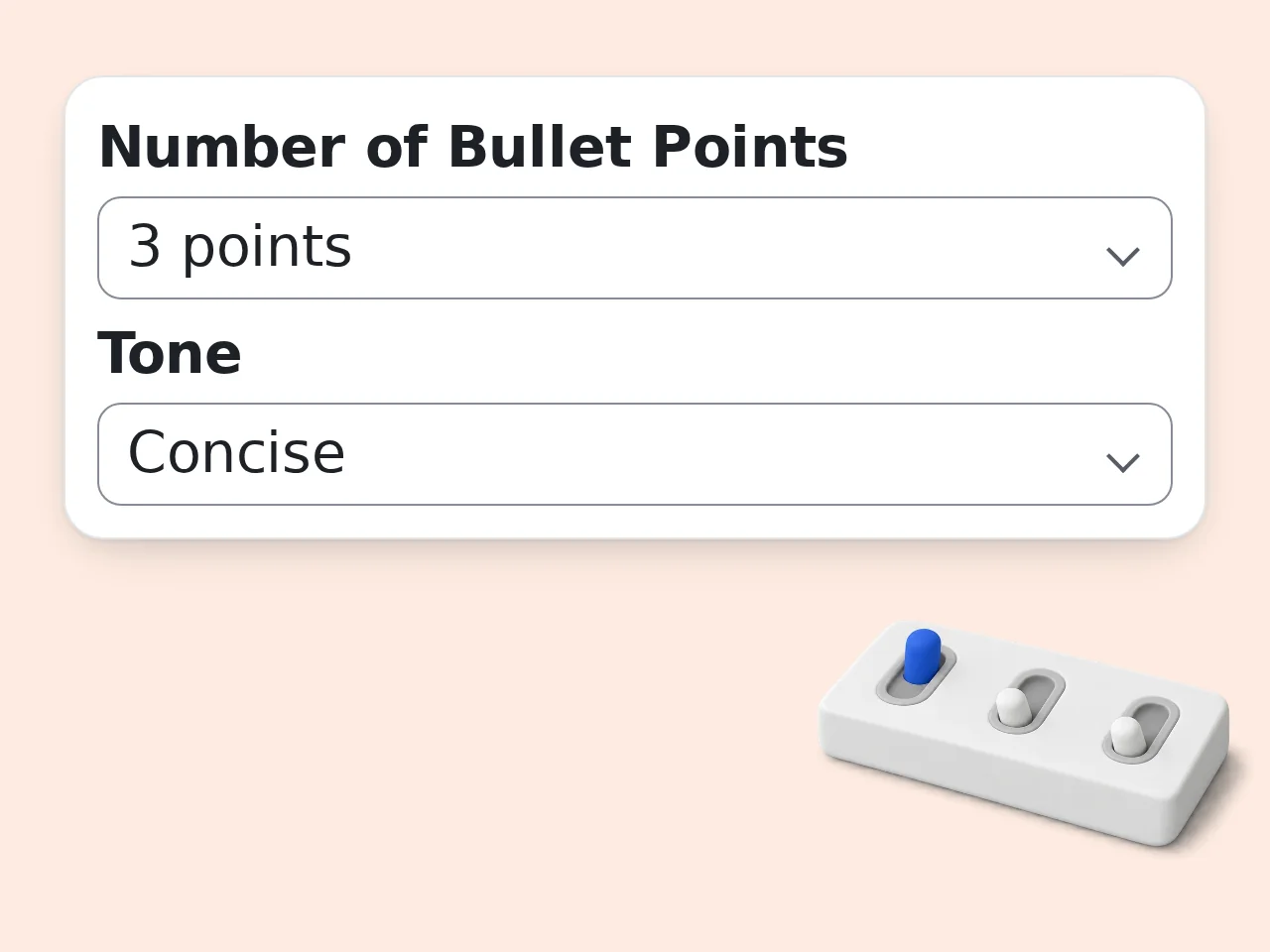
Set your preferences
Choose how many bullet points you want and select the tone that fits your purpose. Add a focus topic if you want the bullet points to emphasize a specific angle.
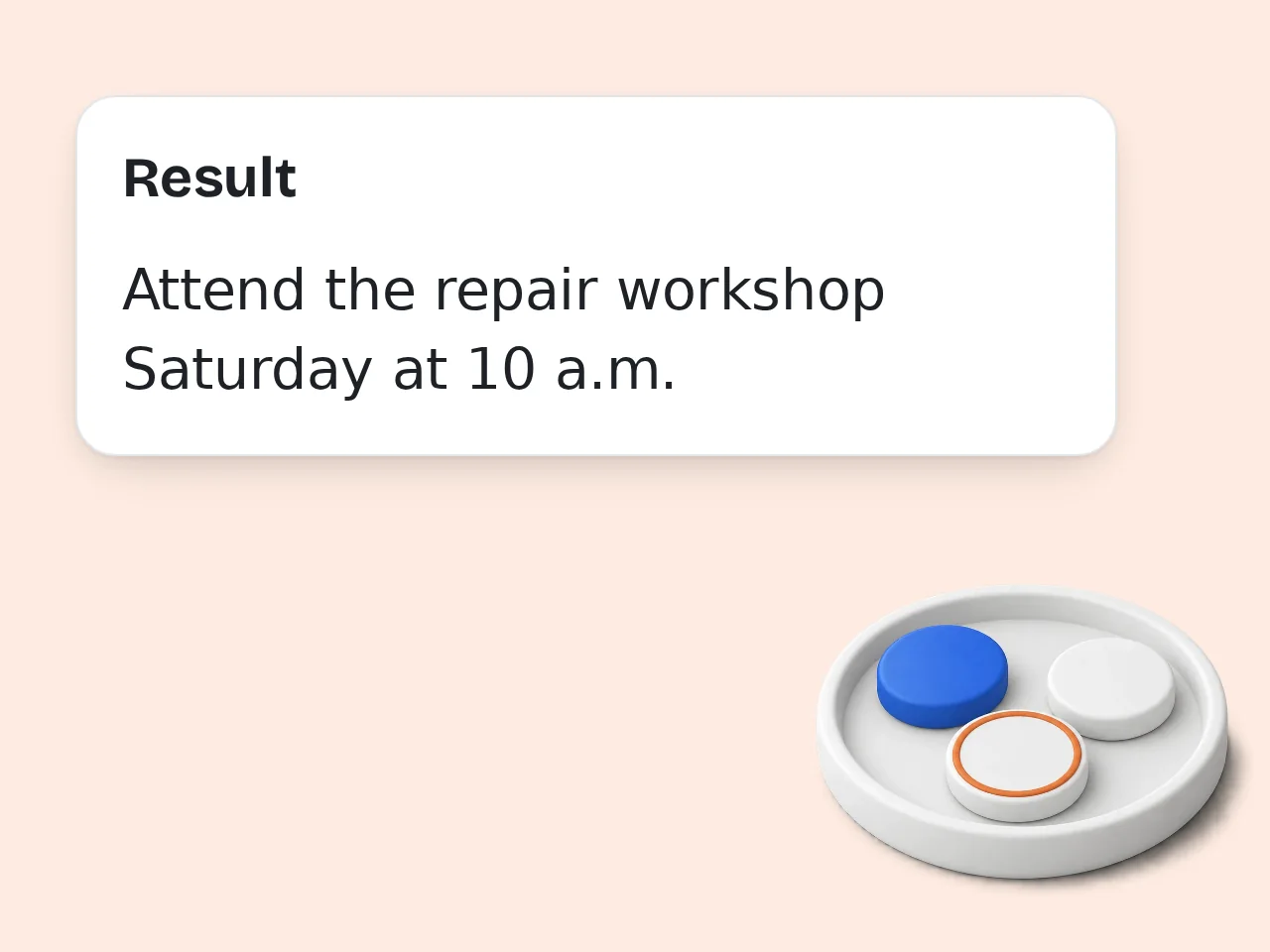
Generate and refine
Click generate, review the bullet points, and make any final edits before copying them into your document, slides, or notes.
Key Features
Everything you need to create better bullet points faster
Instant Text-to-Bullet Conversion
Paste any paragraph or notes and get a clean list of bullet points that capture the key ideas without the filler.
Adjustable Count and Tone
Choose 3 to 10 bullet points and pick from professional, casual, academic, or concise tones to match your context.
Multi-Language Output
Generate bullet points in English, Japanese, Chinese, Cantonese, or Korean to match your audience.
Frequently Asked Questions
Common questions answered
What does a bullet point generator do?
A bullet point generator takes a block of text, paragraph, or set of notes and condenses the content into clear, concise bullet points. It identifies the main ideas, removes filler, and outputs a structured list that is easier to scan and remember. This bullet point generator uses AI to keep each point accurate and relevant.
Can I choose how many bullet points to generate?
Yes. This bullet point generator lets you select between 3, 5, 7, or 10 bullet points depending on how much detail you need. Fewer points give a high-level summary while more points preserve additional nuance from the original text.
What kind of text works best as input?
Any text with clear ideas works well. Articles, meeting notes, reports, essays, product descriptions, and even rough drafts can be turned into bullet points. The bullet point generator works best when the input has enough substance to extract distinct points from.
Will the bullet points sound natural?
Yes. The AI behind this bullet point generator writes in clear, human-readable language. Each point is structured to start with a strong word and deliver one idea per line. You can also choose a tone to match your context.
Can I use this for resume bullet points?
You can use it for general bullet points from any text. If you specifically need resume-style achievement bullets with metrics and action verbs, try the dedicated resume bullet point generator for a more targeted result.
Is the output good for presentations?
Absolutely. Bullet points from this generator are concise and scannable, which is exactly what presentation slides need. Paste your draft content, generate the points, and drop them into your slides with minimal editing.
Can I adjust the tone of the bullet points?
Yes. The bullet point generator offers professional, casual, academic, and concise tone options. Professional works for business documents, casual suits blog posts or social content, academic fits research summaries, and concise strips everything to the bare essentials.
Does it work for long articles?
Yes, but the best results come from feeding 300 to 2000 words at a time. For very long articles, break them into sections and generate bullet points for each section separately. This gives more accurate and useful output. The input limit is 12,000 characters, about 2,000 English words depending on word length.
Can I edit the generated bullet points?
Yes. The output is a starting point. You should review the bullet points and adjust any wording, order, or emphasis to fit your specific use case. Small edits usually make the final list feel more personal and precise.
Is this tool free to use?
Yes. This bullet point generator is free to use with a limited number of generations. Sign in with a free account to get started. No credit card is required. You can generate bullet points immediately and copy the results.
What languages does the bullet point generator support?
The tool supports output in multiple languages including English, Japanese, Chinese (Simplified and Traditional), Cantonese, and Korean. Select your preferred output language before generating to get bullet points in that language.
How is this different from a summarizer?
A summarizer typically produces a paragraph-style condensation. A bullet point generator specifically outputs a structured list where each item stands on its own. Bullet points are better for scanning, slides, notes, and quick reference compared to paragraph summaries.
Still have questions?
Contact our support teamStart Your Free Bullet Point Generator
Turn any block of text into clear, scannable bullet points in seconds.