Creative Writing Tools
Brainstorm story ideas, outline scenes, revise drafts, and keep writing
How to Use Creative Writing Tools
Turn a rough idea into usable writing in 3 steps
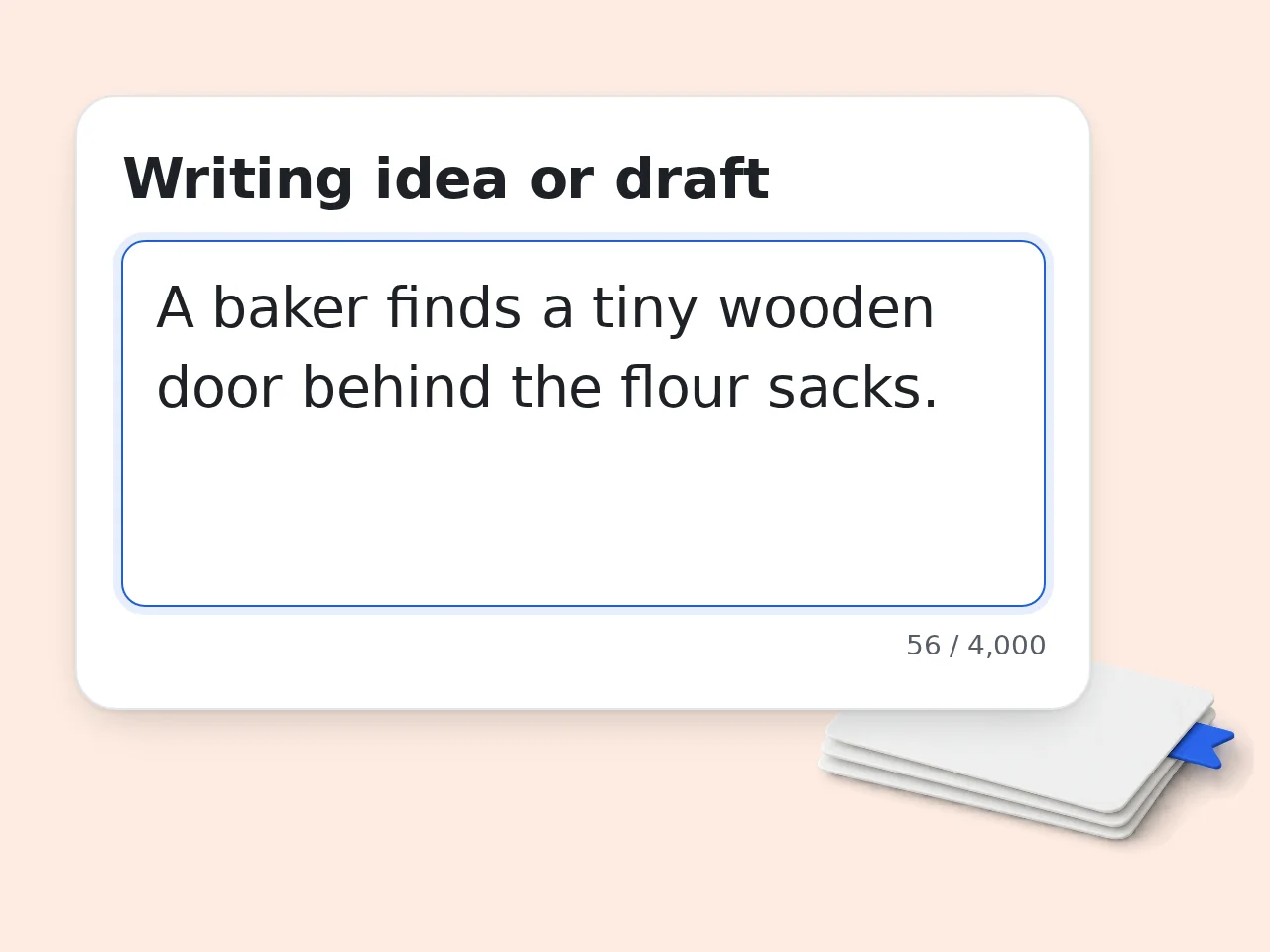
Paste your idea or draft
Enter the fragment, scene, character note, paragraph, or writing problem the creative writing tools should work with.
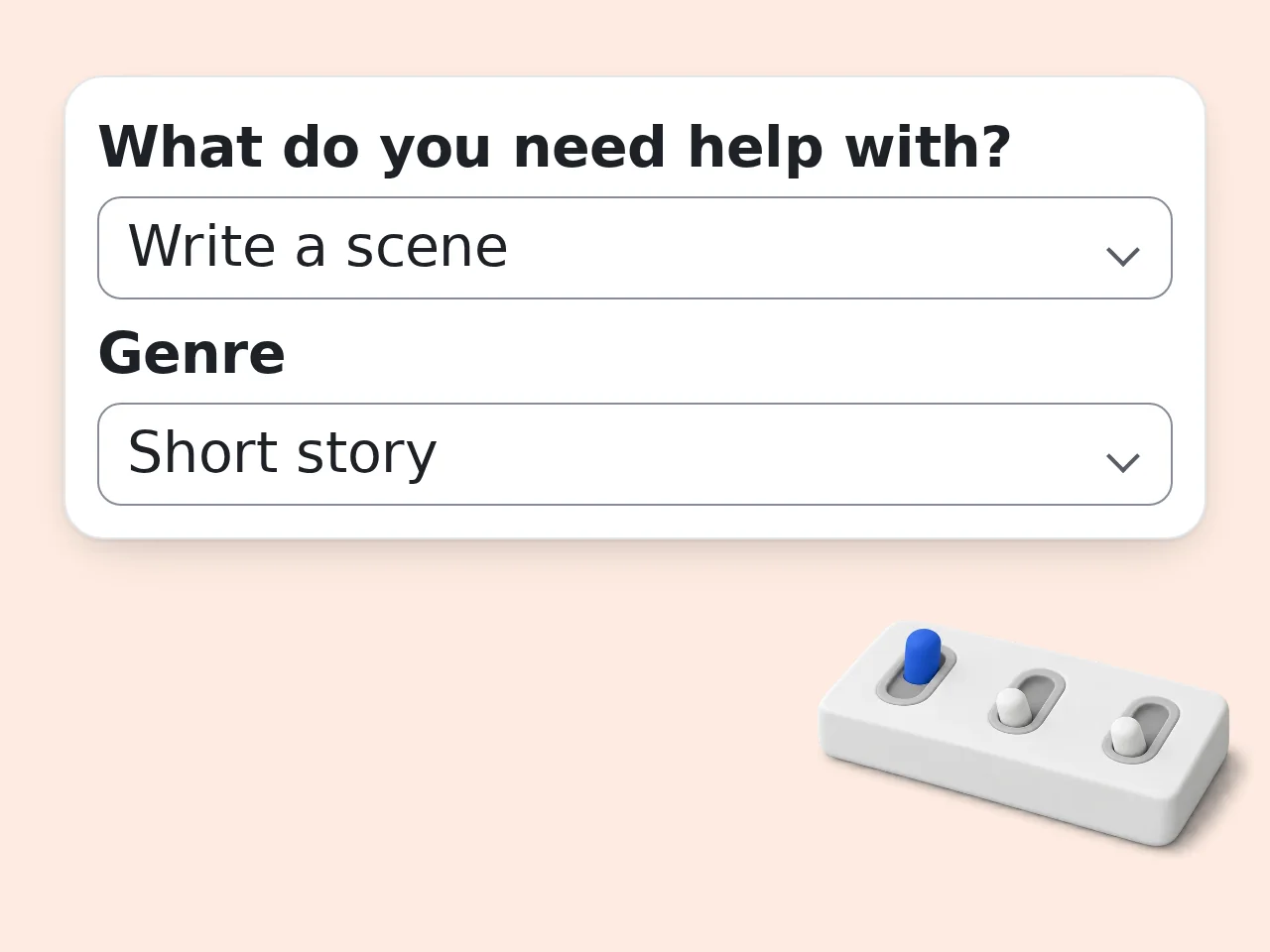
Choose the writing goal
Pick brainstorming, outline, scene draft, revision, or feedback, then set genre, tone, and audience if needed.
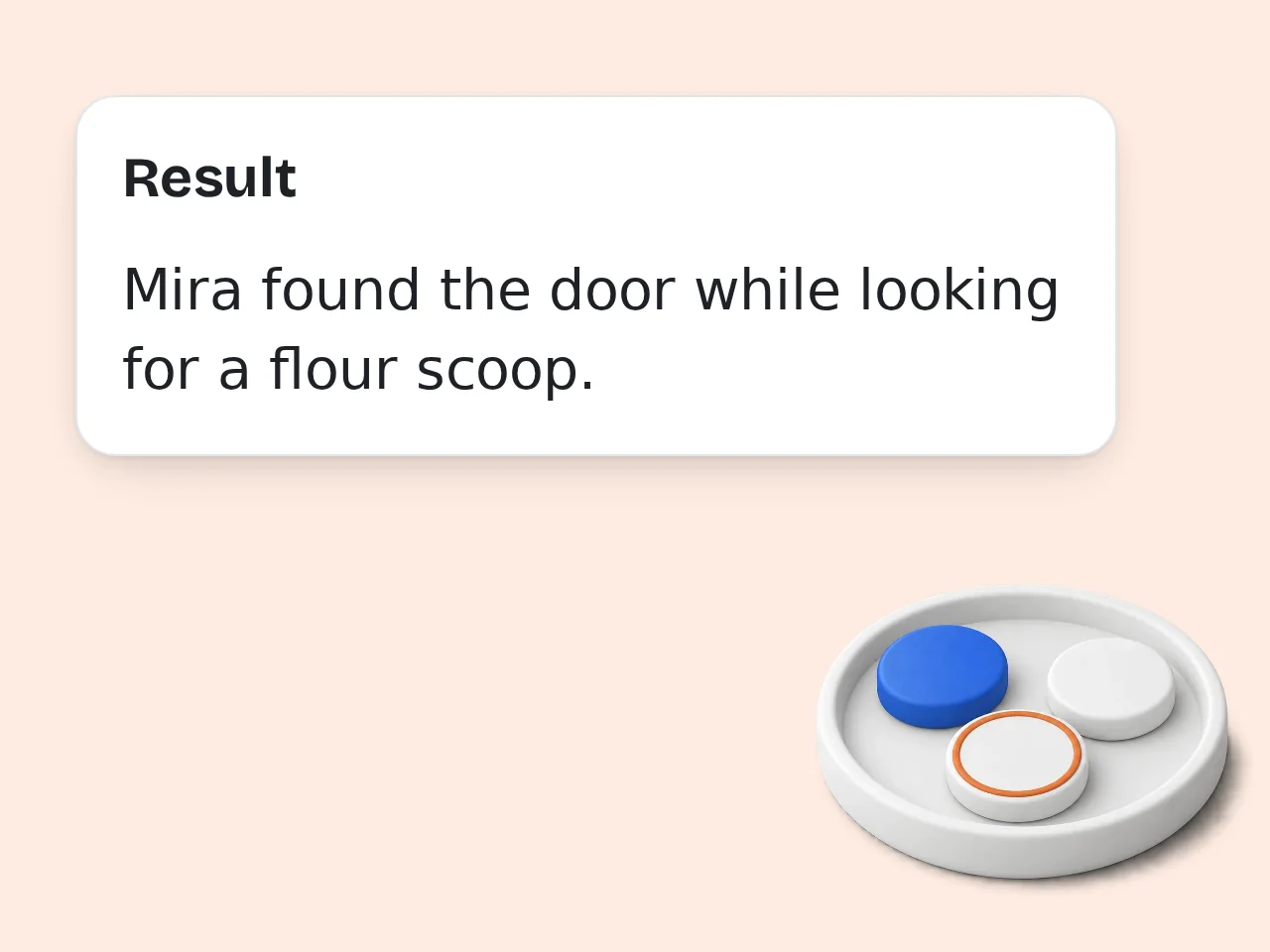
Generate and revise
Run the creative writing tools, compare the result with your intent, then edit the best lines into your own draft.
Key Features of Creative Writing Tools
Practical creative writing tools for planning, drafting, and revision
5 Creative Writing Modes
Brainstorm ideas, build outlines, draft scenes, revise existing text, or get feedback without rebuilding your prompt each time.
Genre and Tone Controls
Set fiction, short story, poetry, memoir, or script format, then choose a natural, lyrical, dark, funny, or cinematic tone.
Draft-Friendly Feedback
Get specific suggestions for pacing, imagery, conflict, and voice so the next revision has a clear direction.
Frequently Asked Questions with Creative Writing Tools
Practical answers for planning, drafting, revising, and unblocking creative work
What are creative writing tools and how do they work?
Creative writing tools help turn rough ideas, fragments, scenes, or drafts into usable writing material. You enter the project goal, genre, tone, and context, then the tool shapes a focused result. These creative writing tools can brainstorm plots, build outlines, draft scenes, revise paragraphs, or give feedback. They work best when your prompt includes character details, conflict, mood, and any limits. Think of the output as a strong starting point. Keep what fits your voice, then edit the details that feel too broad.
How do I use creative writing tools for better results?
Start by giving creative writing tools a clear task, not only a topic. Say whether you need ideas, an outline, a scene, a rewrite, or feedback before you generate. Add practical context such as genre, point of view, reader age, tone, character motive, and the problem in the draft. Specific inputs reduce generic suggestions and save revision time. If the first result is close, change one field at a time. Adjust tone, genre, or extra instructions instead of rewriting every input.
Are these creative writing tools free to use?
Yes, these creative writing tools are free to try with included credits. Guests get 10 free credits per day, and free registered users get 100 credits per month. Each generation uses the credit amount configured for this tool, so available usage depends on your remaining balance and account type. Subscribers receive more credits according to their plan. For quick prompts, outlines, and short revisions, the free credit allowance is usually enough to test the tool and compare several directions.
How many free credits do I get for creative writing tools?
Guests get 10 credits per day, free registered users get 100 credits per month, and subscribers receive more credits based on their plan. Creative writing tools use credits for each request. Credits should not be read as a fixed number of drafts because generation cost can vary by tool setup and output length. Your visible credit balance is the reliable limit. Use shorter, focused requests when exploring ideas. Save longer scene drafts or full revision passes for the direction you already like.
Can I use creative writing tools without creating an account?
Yes, you can use creative writing tools without an account while guest credits are available. Guest access is useful for testing a premise, polishing a paragraph, or getting a quick prompt. Creating a free account gives a monthly credit allowance and makes repeated drafting easier. It is better for writers who want to compare versions or return to a project. If you plan a longer session, sign in first. That keeps your available credits clearer before you generate several rounds.
What can I use creative writing tools for?
You can use creative writing tools for story ideas, character motives, scene drafts, poetry prompts, dialogue rewrites, chapter outlines, worldbuilding notes, and revision feedback. The form adapts to different writing stages. For early planning, choose brainstorming or outline mode. For an existing paragraph, choose revision or feedback so the result stays close to the draft. The tool is most useful when you know the next writing problem. Name the obstacle, and the output becomes sharper.
Do creative writing tools support fiction, poetry, and scripts?
Yes, these creative writing tools support fiction, short stories, poetry, memoir-style writing, and scripts. The genre field tells the tool what shape and conventions to follow. A poem prompt can focus on imagery and rhythm, while a script prompt can emphasize dialogue, beats, and visual action. Fiction prompts can build plot, pacing, or character choices. If your project mixes forms, mention that in extra instructions. Hybrid prompts usually work best with a clear example.
Why use creative writing tools instead of writing manually?
Use creative writing tools when you need momentum, structure, or a second angle on a draft. Manual writing gives full control, but the blank page can slow progress. The tool can produce options quickly: three plot turns, a cleaner paragraph, a scene outline, or a list of character conflicts. You still decide what survives. The best workflow is collaborative. Generate to unblock yourself, then revise by hand so the final piece stays yours.
Why use this instead of asking ChatGPT directly?
These creative writing tools give a focused form for details writers often forget to include in a general chat prompt: genre, task, tone, audience, and constraints. A blank chat box can work, but it often takes several messages to explain the same context. Here, the required fields keep the request structured from the start. Use extra instructions when you want flexibility. You get the control of a custom prompt with fewer missing pieces.
Can creative writing tools help with writer’s block?
Yes, creative writing tools can help with writer’s block by offering next steps instead of demanding a perfect idea. They can suggest conflicts, openings, scene turns, or revision paths. Writer’s block often comes from too many choices or too little pressure. A generated outline or prompt narrows the field so you can react, accept, reject, or modify. Try asking for three different directions. Choosing between imperfect options is easier than inventing everything from nothing.
How can I get more original creative writing results?
Give creative writing tools specific constraints if you want more original results. Include unusual character goals, setting details, emotional tension, forbidden clichés, or a clear point of view. Generic prompts produce generic drafts because the tool has little to work with. A sentence like “a retired cartographer lies about a map” is stronger than “fantasy story.” After generation, replace any familiar phrase with your own observation. That final human pass matters.
What if the creative writing output is not what I expected?
If the creative writing output misses the mark, change the task or constraint before regenerating. Most weak results come from unclear goals, mixed tone, or missing story context. For example, switch from brainstorm to scene draft, add the narrator’s age, or say the ending should feel unsettling rather than hopeful. Small changes can redirect the result. Do not keep a version just because it is polished. Keep the lines that serve your story and discard the rest.
Still have questions?
Contact our support teamReady to Use Creative Writing Tools?
Turn a loose idea into a clearer draft, outline, scene, or revision plan.