Writer Tools
Draft, outline, rewrite, brainstorm, and polish your writing in one focused workspace
How to Use Writer Tools
Move from rough input to useful writing in 3 steps
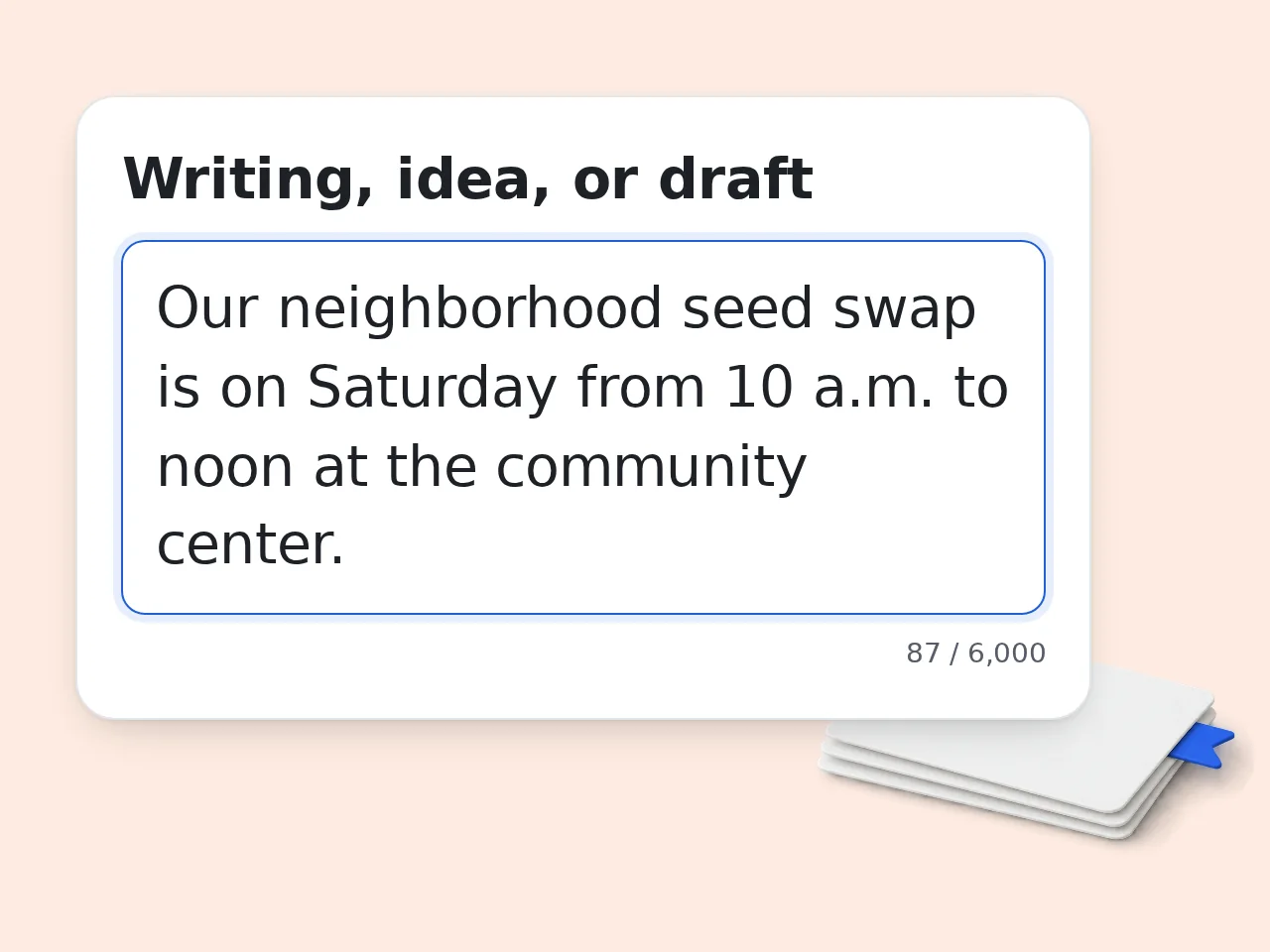
Paste your writing or idea
Add a draft, topic, notes, scene idea, message, or paragraph that needs help.
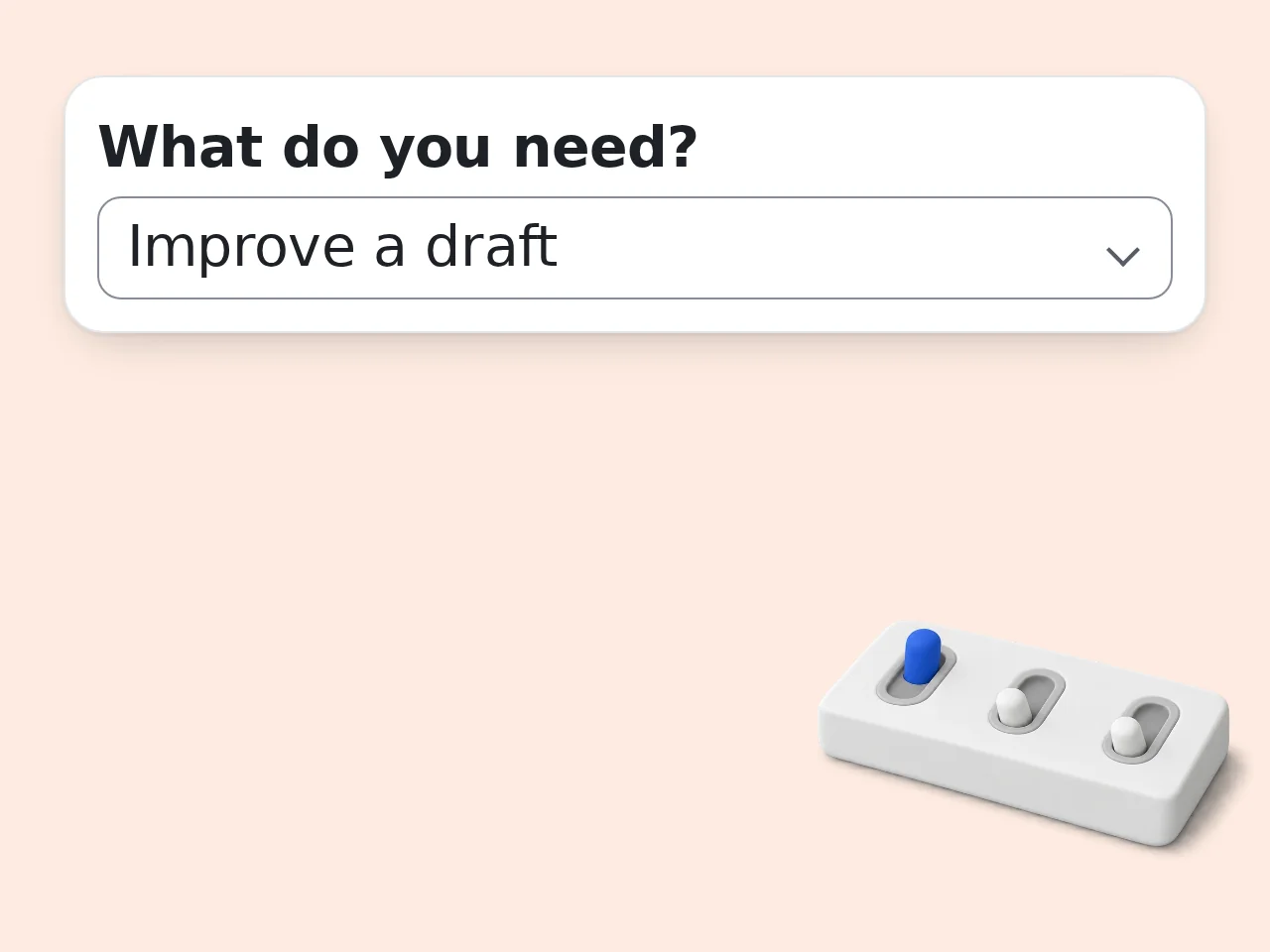
Choose the writing job
Select improve, draft, outline, brainstorm, or style edit, then add the reader and goal.
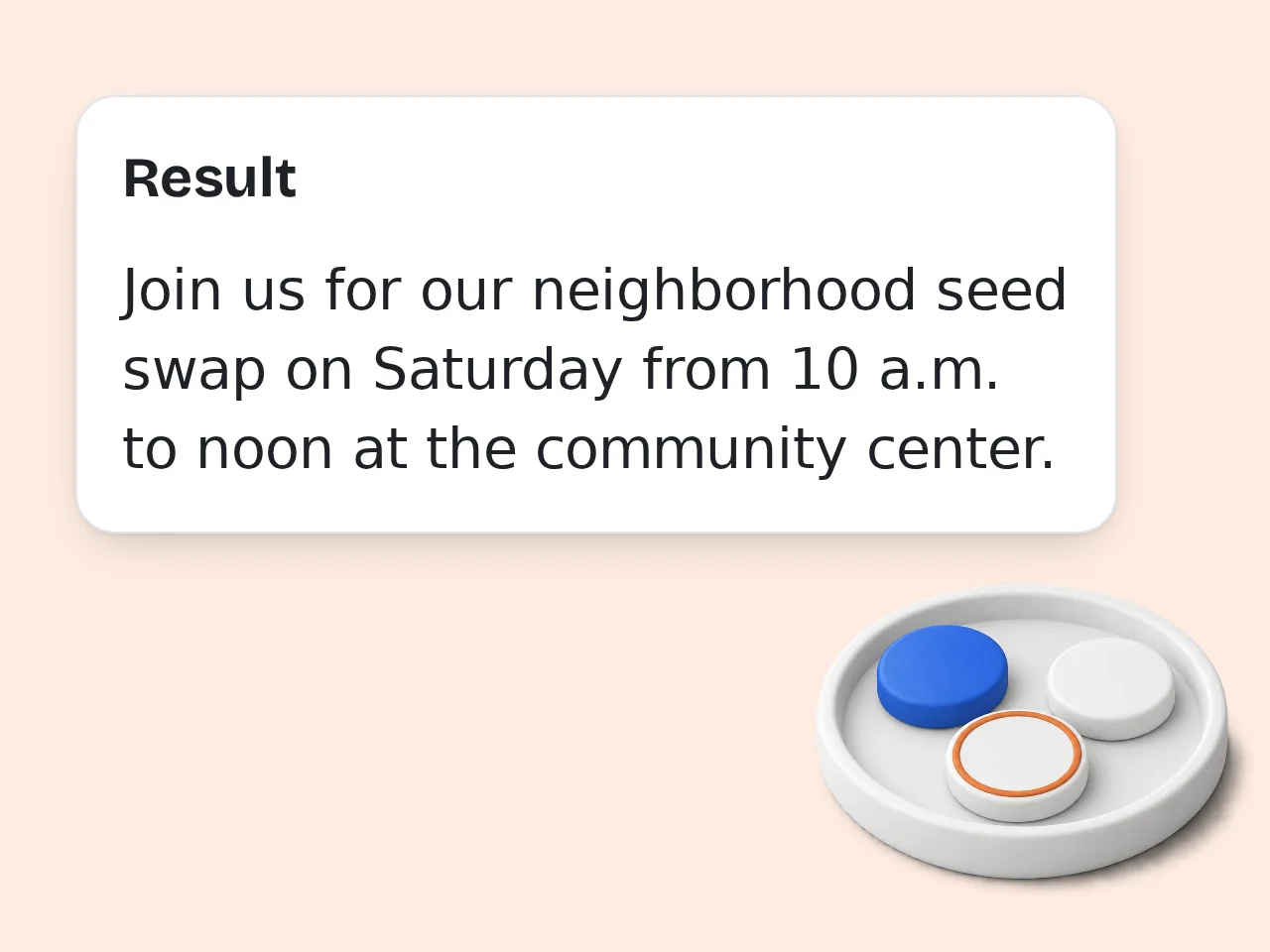
Generate and refine
Review the result, keep the best parts, and run another version with tighter instructions if needed.
Key Features of Writer Tools
Practical help for the full writing process, from first idea to cleaner final draft
Draft and Rewrite Support
Turn rough notes into usable prose, improve a weak paragraph, or reshape a message while keeping the original intent intact.
Outlines, Plans, and Options
Create article structures, story beats, message plans, section ideas, hooks, and alternate angles before you commit to one direction.
Tone and Audience Control
Adjust writing for general readers, clients, classrooms, or creative projects with clear, professional, warm, direct, or expressive tone settings.
Frequently Asked Questions About Writer Tools
Clear answers about using writer tools for drafts, outlines, edits, and ideas
What are writer tools?
Writer tools are helpers that make writing easier at different stages: planning, drafting, editing, rewriting, and polishing. This writer tools page focuses on practical AI help for people who already have an idea, messy notes, or a rough draft. Instead of giving you a blank chat box, it asks for the writing job, audience, tone, and context so the result is easier to use. This also helps you decide whether you need a full draft, a tighter outline, or a simple edit before spending time polishing small details.
How do I use these writer tools?
Paste your draft, notes, topic, scene idea, or message into the main box. Choose whether you want to improve, draft, outline, brainstorm, or edit for style. Then add the goal if the situation matters. The writer tools will return a cleaner version, useful structure, or several options depending on the task you select. If the first result is close, run another version with a stricter length, clearer reader, or one sentence explaining what felt wrong.
Are these writer tools free to try?
Yes. These writer tools are free to try with included credits. Guests get 10 free credits per day, free registered users get 100 credits per month, and subscribers receive more credits based on their plan. Each request uses the credit amount configured for this tool, so your actual usage depends on account type and balance. The page avoids fixed generation-count promises because different accounts and tool costs can change how far those credits go.
Can I use writer tools without an account?
You can use the writer tools without an account while guest credits are available. That is enough for quick rewriting, outlining, or brainstorming tests. Creating a free account gives a monthly credit allowance and makes it easier to return for longer writing sessions. If you revise many drafts, signing in is usually more convenient. For longer projects, copy the best output into your own document and return with a smaller section for the next round.
What kinds of writing can this tool help with?
The tool can help with blog sections, emails, story ideas, outlines, social posts, paragraphs, professional messages, class notes, and creative drafts. It is not limited to one format. The best results come when you explain the reader and goal, such as making a client reply calmer or turning notes into a clear article outline. It can handle practical and creative work, but it performs best when the request names the format and the situation clearly.
Is this better than a normal grammar checker?
A grammar checker mainly catches errors after you write. These writer tools can help before, during, and after writing. They can shape an idea, create an outline, improve weak structure, rewrite for tone, and then polish wording. Use a grammar checker for final proofreading, and use this tool when the writing itself needs direction. That makes it useful when the problem is not only correctness, but also order, emphasis, pacing, or reader response.
Can the tool improve my draft without changing the meaning?
Yes. Choose the improve option and add a short note such as “keep my meaning” or “do not add new facts.” The writer tools will focus on clarity, flow, sentence rhythm, and structure while preserving the original point. Always review the final text if names, dates, numbers, or private details matter. You can also ask for a short change summary so you understand what was improved and what still needs your judgment.
Can I use it for creative writing?
Yes. Creative writers can use the tool for scene ideas, character notes, dialogue cleanup, chapter outlines, opening hooks, and style revisions. Select a creative audience or tone when voice matters. The tool works best when you provide genre, mood, point of view, and any details that must stay unchanged in the draft. For fiction, add the genre and emotional beat; for nonfiction, add the claim, audience, and takeaway you want readers to remember.
Can students use these writer tools?
Students can use the writer tools for planning, studying, outlining, and improving clarity, but they should follow their school rules. The safest use is to understand structure, revise your own words, or make notes easier to study. Do not submit generated text as your own if your course or teacher does not allow it. Use it as a learning and revision partner, not as a way to hide authorship or bypass rules that apply to your assignment.
How many free credits do I get?
Guests get 10 credits per day, free registered users get 100 credits per month, and subscribers receive more credits according to their plan. Credits are not the same as a fixed number of outputs because each tool can have a different cost. Your account balance is the best place to check remaining usage. A short example of the desired style also helps, especially when you want the result to sound formal, warm, sharp, or playful.
Why use this instead of asking ChatGPT directly?
A general chat box can work, but many writing requests fail because the prompt misses the task, audience, goal, or tone. These writer tools collect those details up front. That makes results more consistent for rewriting, outlining, drafting, and brainstorming, especially when you need quick help rather than a long prompt. The form keeps those choices visible, so you can repeat the same workflow across several drafts without rebuilding the prompt.
How do I get better results from writer tools?
Give specific context. Instead of “make this better,” say who will read it, what it should achieve, and what tone you want. Add constraints such as length, format, words to avoid, or facts that must stay. Clear input lets the writer tools make sharper choices and reduces the amount of cleanup needed afterward. When a result feels too broad, narrow the job to one paragraph, one scene, one headline, or one specific reader reaction.
Still have questions?
Contact our support teamReady to Try Writer Tools?
Bring a draft, idea, or messy note and turn it into clearer writing.