Horror Story Generator
Create scary plots, creepy scenes, and twist endings in seconds
How to Use the Horror Story Generator
Build a scary story in 3 clear steps
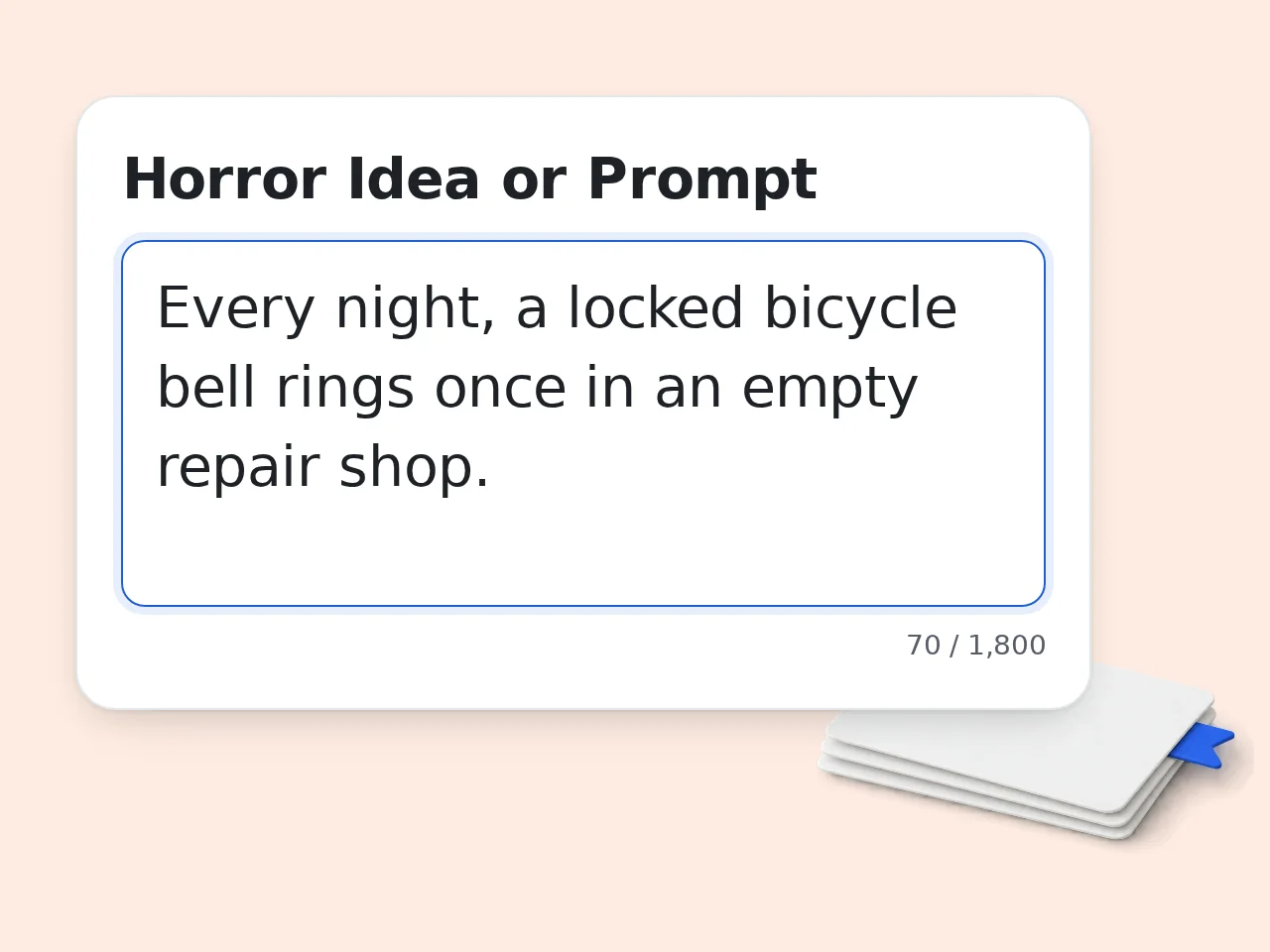
Enter one scary idea
Describe the image, rule, location, or secret that should start the nightmare. One concrete detail is enough to begin.
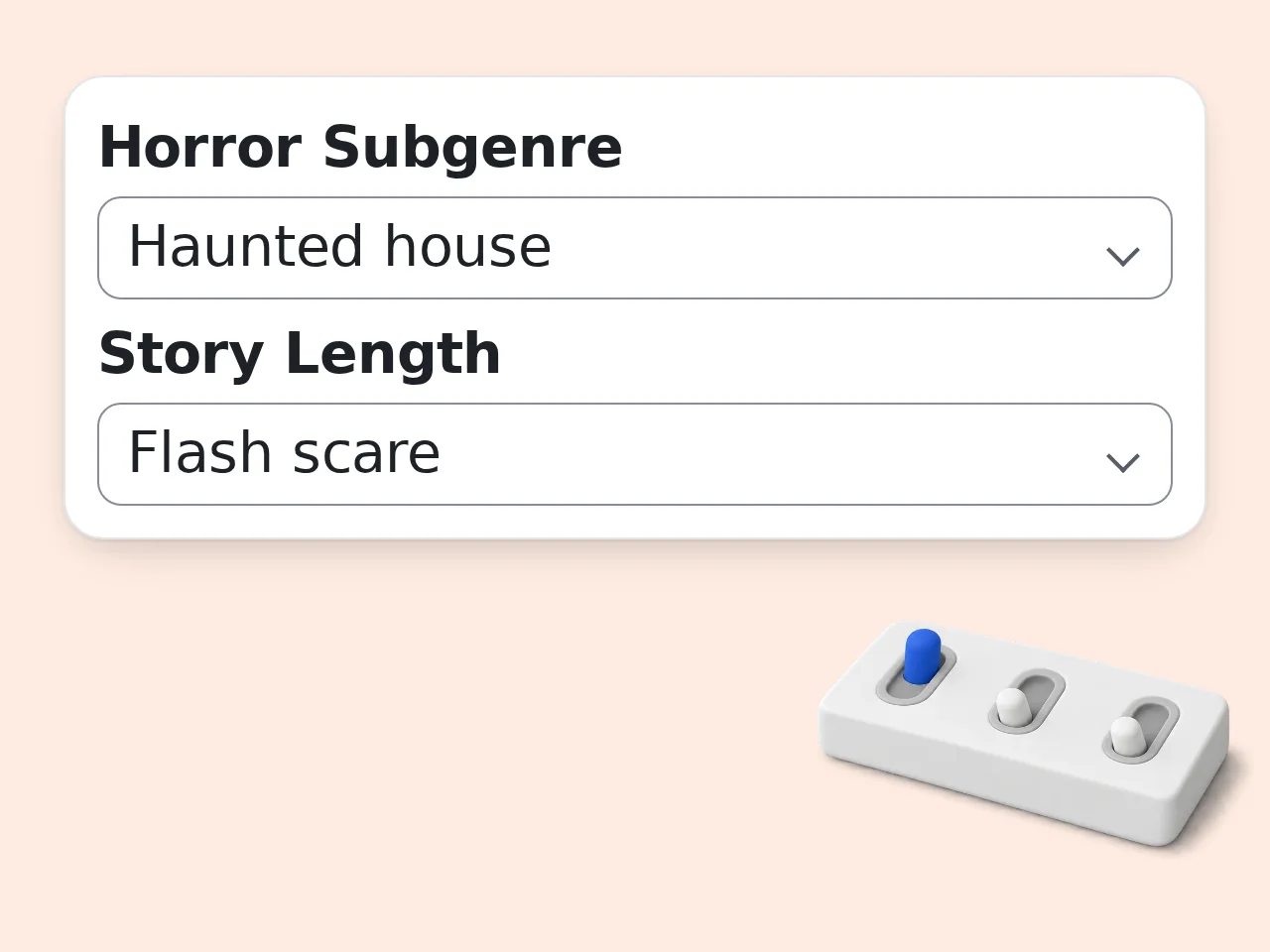
Choose genre and fear style
Set subgenre, length, fear style, ending, content level, and output language before generating.
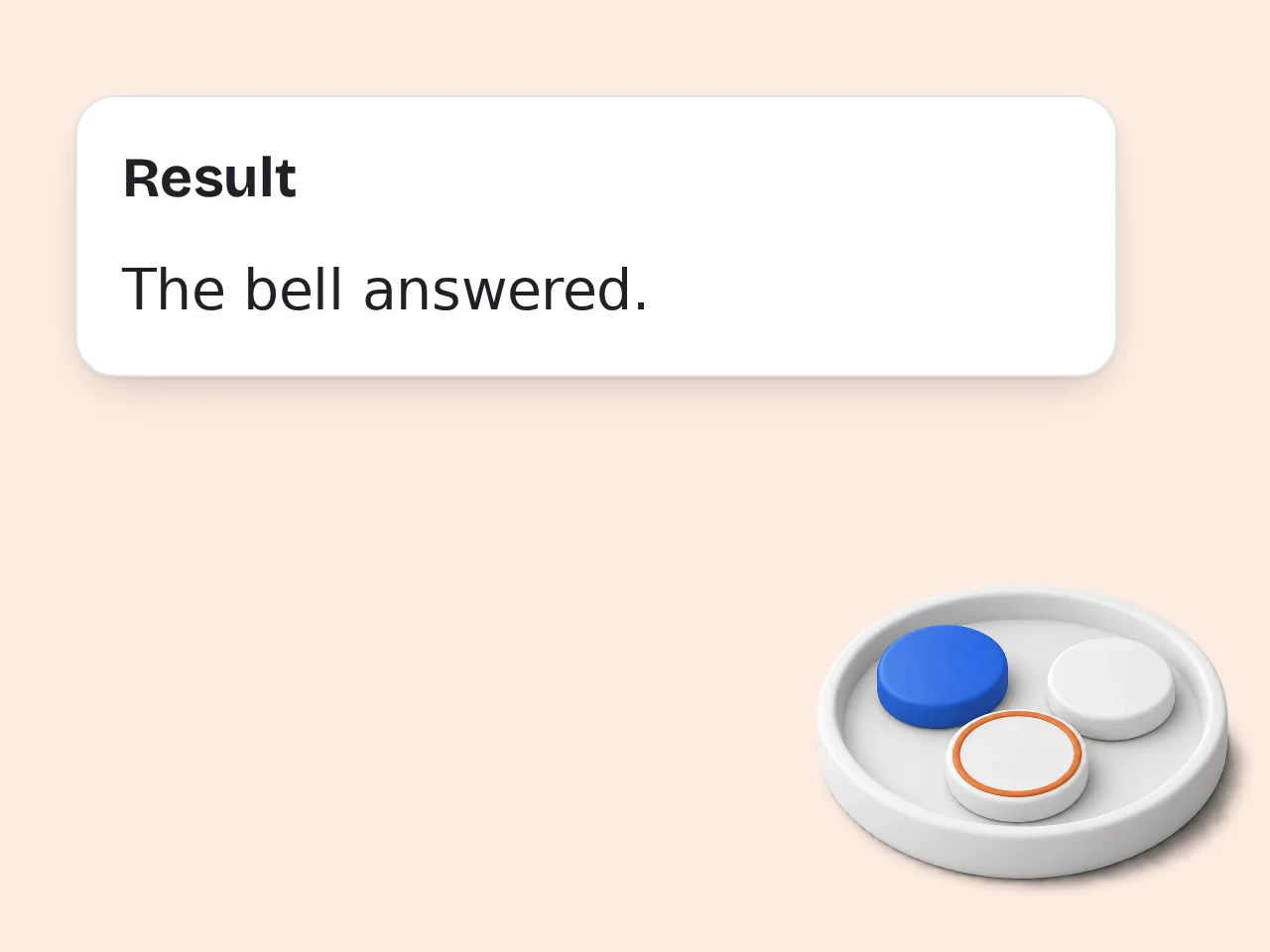
Generate and revise the draft
Read the story, strengthen the clues, cut excess explanation, and keep the final image that lingers.
Key Features of Horror Story Generator
Everything needed to turn a scary idea into a draft
5 Horror Subgenres
Use subgenre presets to guide the threat: haunted places, unstable minds, old rituals, monsters, or cosmic forces beyond explanation.
Fear Style Controls
Pick slow-burn dread, sharp scares, gothic atmosphere, or uncanny details so the draft scares readers in the right way.
Twist or Ambiguous Endings
Choose a twist, ambiguous, bleak, or survival ending. The horror story generator shapes the payoff around that choice.
Frequently Asked Questions
Common questions answered
What is a horror story generator?
A horror story generator is a writing tool that turns a scary idea into a usable horror draft. You enter a premise, choose a subgenre, and set the fear style, then the tool builds a story with tension, escalation, and an ending. It can create haunted house scenes, monster stories, psychological dread, folk horror, or cosmic horror. Use the result as a first draft, then revise character voice, pacing, and clues before publishing.
How do I use the horror story generator?
Start with one concrete fear: a room, object, sound, monster, ritual, or secret. Add the horror subgenre, length, fear style, ending type, and content level. The horror story generator uses those choices to shape the draft instead of giving a generic scary paragraph. For stronger results, include who is in danger, what they want, and what terrible truth they slowly discover. After generation, edit the final beat so it matches your own taste.
Is the horror story generator free to use?
Yes, the horror story generator can be used with included credits. Guests receive 10 credits per day, free registered users receive 100 credits per month, and subscribers receive more credits according to their plan. Each tool may use a different number of credits, so available usage depends on your balance and the configured cost. You can test a premise, compare endings, and decide which draft deserves deeper revision before spending serious writing time.
How many free credits do I get for horror stories?
Guest users receive 10 credits per day, and free registered users receive 100 credits per month. Subscribers receive larger credit allowances based on the plan they choose. The horror story generator uses credits per run, so the exact number of generations depends on the tool cost shown near the generator and your current balance. If you are drafting a longer project, save your favorite outputs and refine one version instead of rerunning small changes repeatedly.
Can I use the horror story generator without an account?
Yes, you can use the horror story generator without creating an account, as long as guest credits are available. That makes it useful for quick campfire ideas, writing warmups, video narration concepts, or testing a scary premise. Creating an account helps when you want a monthly credit allowance and easier access later. Either way, copy important drafts into your own notes so you can revise, continue, or combine them with other story material.
What can I use a horror story generator for?
A horror story generator can help with short fiction, scary YouTube narration, tabletop roleplay hooks, haunted house scenes, game quests, campfire stories, and writing exercises. It is especially useful when you have a creepy image but no plot yet. You can ask for a complete short story, a flash scare, or a structured outline. Writers often use it to test several versions of the same premise before choosing the one with the strongest dread.
Does it support different horror subgenres?
Yes, the horror story generator supports several horror subgenres, including psychological dread, haunted house stories, folk horror, creature horror, and cosmic horror. Each subgenre changes the kind of threat, imagery, pacing, and ending that fits the story. Psychological horror focuses on doubt and perception, while folk horror leans on ritual and local secrets. If your idea crosses categories, choose the closest one and explain the blend in the prompt field.
How does the tool create scary output?
The tool creates scary output by combining your premise with horror structure. It looks for a central fear, gives the protagonist something to lose, adds unsettling details, escalates danger, and pays off clues near the ending. A good horror story generator should not rely only on gore or loud shocks. The stronger drafts usually come from small wrong details, delayed explanations, and a final image that makes the reader reinterpret what came before.
Why use this horror story generator instead of writing manually?
Use a horror story generator when you need momentum, variations, or a starting structure. Manual writing gives you the deepest control, but a generator can quickly turn a loose idea into scenes, threats, and endings you can judge. It is helpful for breaking writer’s block, exploring subgenres, or finding a twist you would not have tried. The best workflow is not replacement: generate a draft, keep the strongest pieces, and rewrite in your own voice.
Why use it instead of asking a general chatbot?
A focused horror story generator gives you controls that a general chatbot may not ask for: subgenre, fear style, length, ending type, content level, and output language. Those settings push the result toward a usable horror shape from the start. A chatbot can still help with revision, but this tool is faster when the task is clearly to make a scary story. It reduces back-and-forth and keeps the draft centered on horror craft.
How can I get better horror story results?
Give the horror story generator specific pressure. Name the location, the threat, the rule that should not be broken, the character’s fear, and the kind of ending you want. Instead of “write a ghost story,” try “a night guard hears his dead daughter through the museum audio guide.” Add what to avoid if you dislike gore or jump scares. Specific limits often create scarier results because the draft has to build tension inside a clear box.
What if the horror story is not scary enough?
If the output is not scary enough, revise the prompt with a sharper fear, a worse consequence, and a more precise atmosphere. Ask for slow-burn dread, uncanny details, or a darker twist instead of simply asking for “more horror.” You can also regenerate with a different subgenre or ending type. After generation, improve fear manually by cutting explanations, adding sensory clues, and making the final image connect to something planted early in the story.
Still have questions?
Contact our support teamStart Your Horror Story
Turn one scary idea into a draft with dread, clues, and a final chill.