Text Message Creator
Write SMS, replies, reminders, and chat scripts that sound natural
How to Use Text Message Creator
Create a copy-ready text message in three simple steps
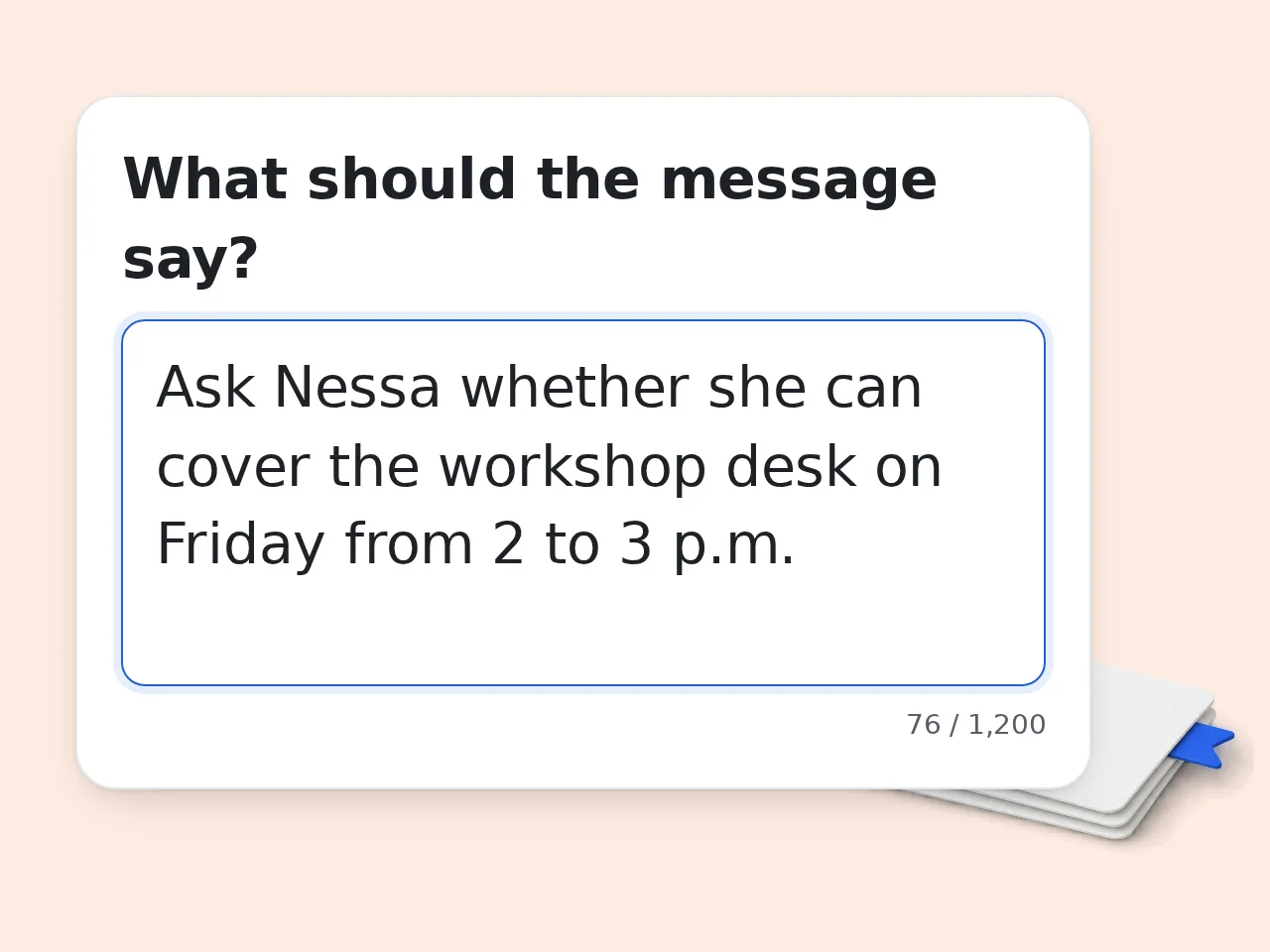
Describe the message
Write what the message should say, who it is for, and what response or action you want.
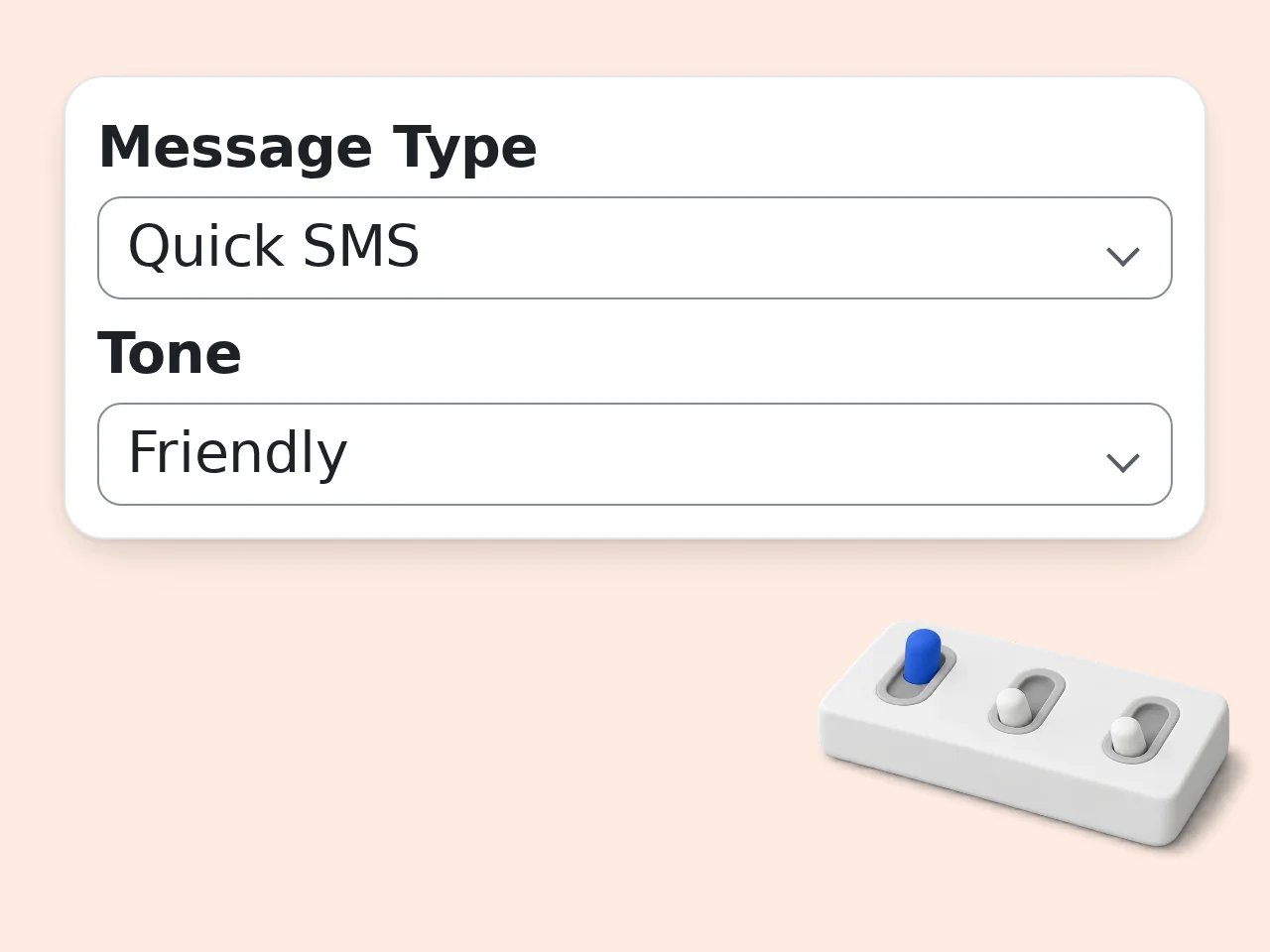
Choose style options
Select message type, tone, length, audience, and any details that must appear or stay out.
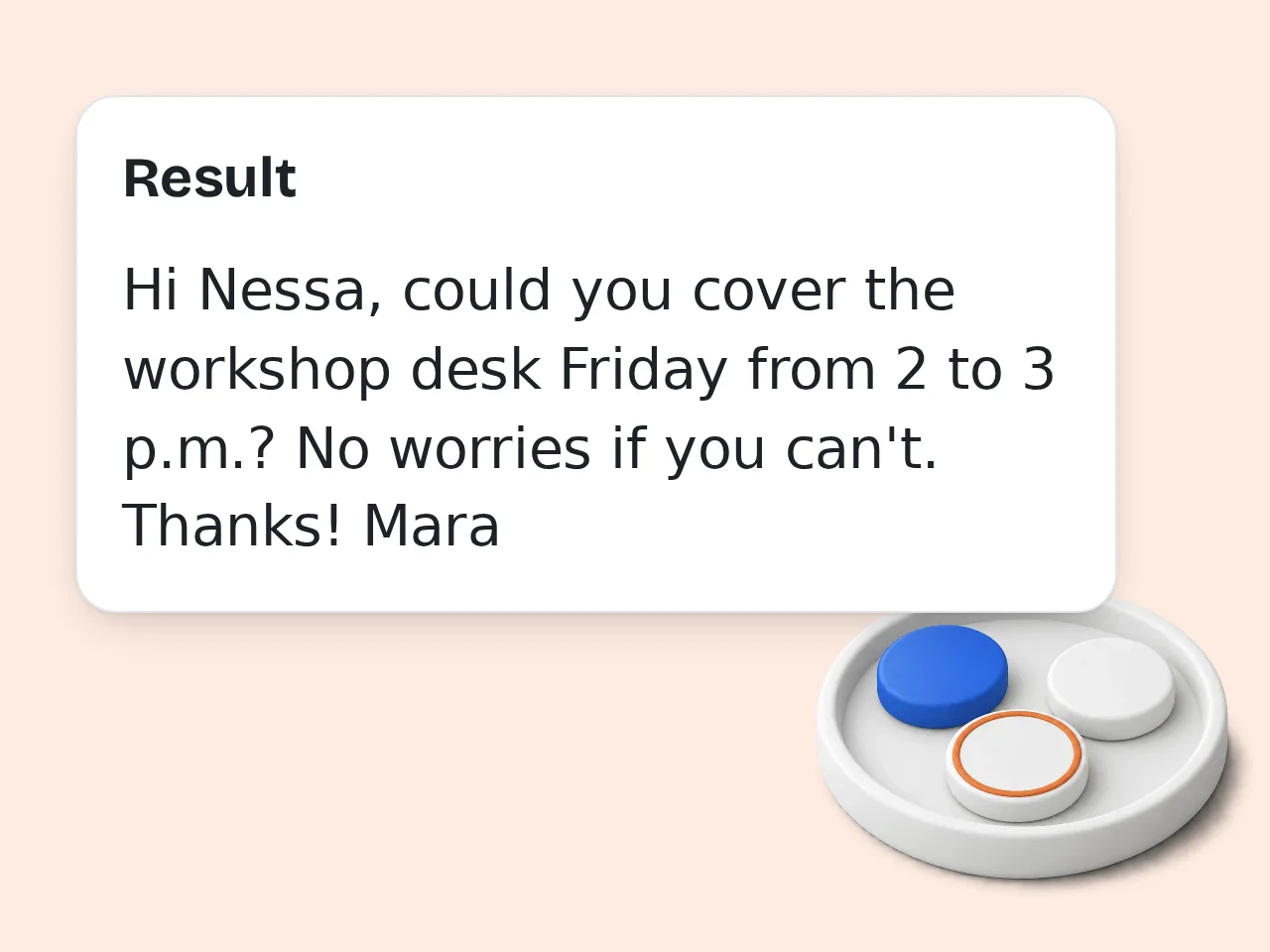
Generate and edit
Copy the best version, adjust exact facts, and regenerate if you need a warmer, shorter, or clearer message.
Key Features of Text Message Creator
A text message creator for real conversations, customer replies, and short chat scripts
Message Type Control
Create quick SMS, replies, follow-ups, invitations, apologies, customer support notes, marketing texts, or chat story scripts.
Tone and Length Options
Switch between friendly, professional, casual, warm, playful, persuasive, or firm wording, then choose short, standard, detailed, or three variants.
Context-Aware Drafts
Add recipient, deadline, relationship, link, offer, and words to avoid so each message fits the real situation.
Frequently Asked Questions About Text Message Creator
Practical answers about SMS drafts, credits, languages, and responsible use
What is a text message creator?
A text message creator turns a rough idea into a clear SMS, DM, or short chat script. You explain the situation, choose the tone, and get wording that sounds ready to send. It helps with reminders, replies, customer updates, invitations, apologies, follow-ups, and simple marketing texts. The goal is not to replace judgment; it gives you a cleaner first draft so you can adjust names, facts, timing, and relationship details before sending. Use it when the exact phrasing matters but the core idea is already clear.
How do I use the text message creator?
Start by writing what the message needs to accomplish. Add the recipient, choose a message type, pick a tone, and include details such as dates, links, offers, or words to avoid. The text message creator then drafts a message in the style you selected. If the result is close but not perfect, add sharper context and generate again. Specific input usually creates shorter, more natural messages. It is also useful when you want a softer version without losing the request.
Can it write professional business text messages?
Yes. Choose the professional tone and describe the business situation clearly. The tool can create appointment reminders, lead follow-ups, client check-ins, service updates, polite payment nudges, review requests, and customer support replies. A business text should identify the sender, explain the reason for the message, and make the next action easy. Always check names, numbers, deadlines, and any required compliance wording before using it with customers. Keep any legal, pricing, or delivery promises aligned with your actual business process.
Can I create casual messages for friends or family?
Yes. Select casual, friendly, warm, or playful tone and explain the relationship. The text message creator can help with birthday wishes, quick invitations, thank-you notes, awkward replies, gentle reminders, and messages where you want to sound natural instead of stiff. Add one personal detail when possible. A message about a real shared moment, plan, or inside context will feel more human than a generic line. If humor might land badly, regenerate with a warmer tone and compare both choices.
Does this tool make fake text message screenshots?
No. This EAST tool writes the message copy or dialogue script; it does not render fake screenshots, impersonate real people, or create visual proof. If you need a harmless chat story for a video or mockup, choose the chat story script option and use the text responsibly. Avoid presenting generated conversations as real evidence, private messages, or statements from someone who did not actually write them. For storytelling, label fictional dialogue clearly so viewers understand the creative context.
Is the text message creator free to use?
Yes, the text message creator is free to try with included credits. Guests receive 10 credits per day, and free registered users receive 100 credits per month. Each generation uses the credit amount configured for this tool, so usage depends on your account type and remaining balance. Subscribers receive more credits according to their plan. Check the credit display before making many versions. Registered use is better when you plan to save time across repeated message drafts.
Can it generate several versions of one message?
Yes. Choose the 3 Variants length option when you want different angles. The text message creator can produce a short direct version, a warmer version, and a more polished professional version from the same brief. Comparing options is useful when the message has emotional weight or a business goal. Pick the version that fits the relationship, then edit any facts that must be exact. Small wording changes can change the emotional effect, so read the options aloud once.
Can I use it for marketing SMS campaigns?
Yes, but use the SMS-safe marketing option and review the result carefully. Marketing texts should be clear, honest, permission-based, and easy to act on. Include the sender, the offer or reason, and opt-out wording when required by your market. The text message creator can draft promotional copy, but it cannot verify legal consent, phone-list quality, local telecom rules, or campaign approval requirements for you. Treat the output as campaign copy support, not approval for sending to every contact.
What information should I include for better messages?
Include the recipient, relationship, reason for the message, desired action, deadline, and any tone limits. If the message mentions an appointment, event, discount, or support issue, add the exact facts. The text message creator works best when it knows what must be said and what should be avoided. You can also paste a rough draft and ask for a shorter, warmer, or more direct version. The more constraints you provide, the less cleanup the final message will need.
Can I write messages in other languages?
Yes. Use the output language option to create messages in another supported language. For best results, still describe the situation clearly and include any names or phrases that should stay unchanged. The text message creator will localize the wording instead of translating word by word. Review cultural tone, honorifics, slang, and formality before sending, especially for business, customer support, or sensitive personal conversations. When tone matters across cultures, ask a native speaker to review sensitive messages.
Still have questions?
Contact our support teamCreate a Better Text Message Now
Type the idea, choose a tone, and get a text message creator draft you can copy, edit, and send with more confidence.