Storybook AI Generator
Create page-by-page storybooks with narration and illustration prompts
How to Use Storybook AI
Create a storybook in three practical steps
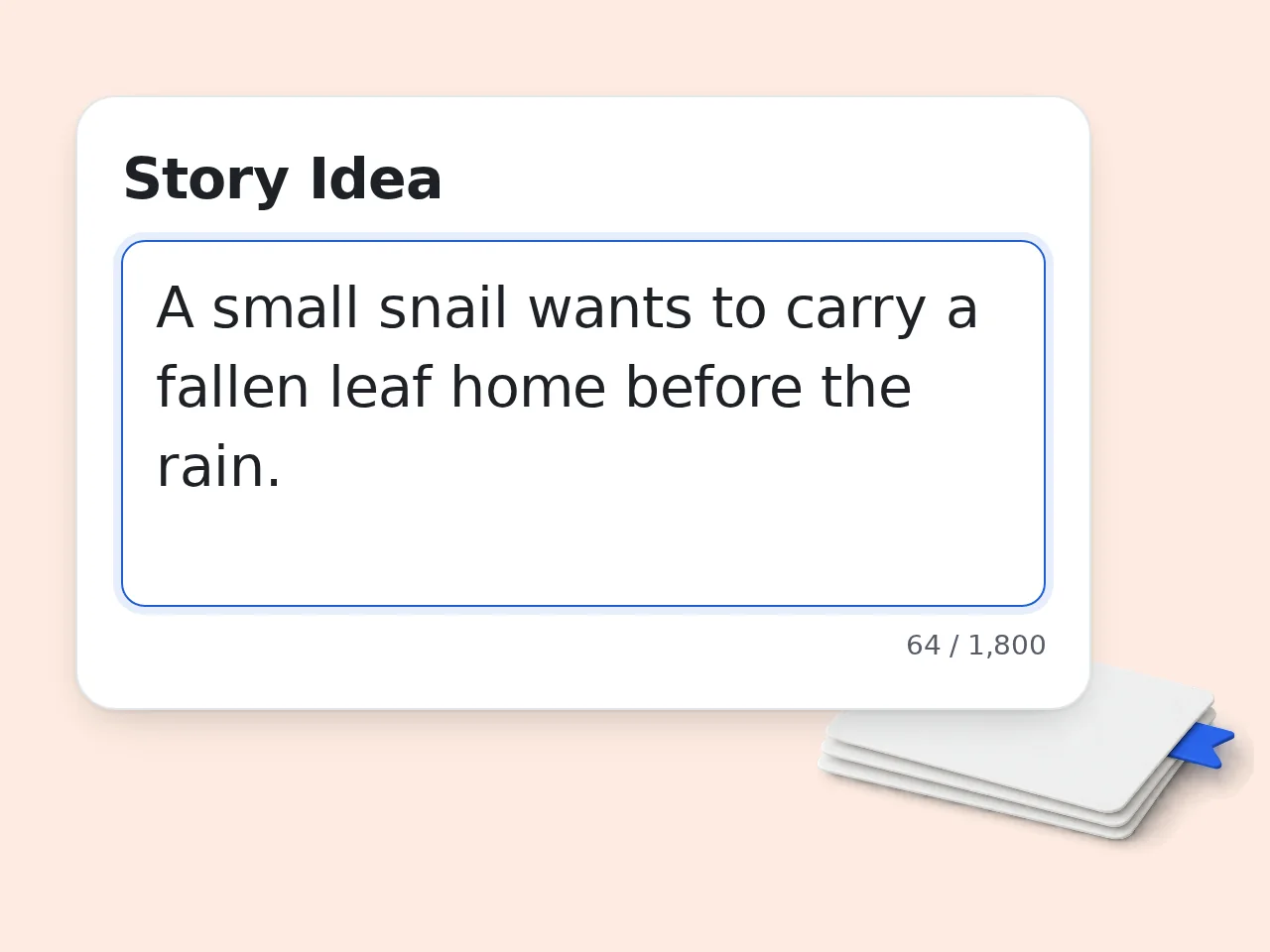
Describe the story idea
Use Storybook AI to turn one idea into a page-by-page children’s storybook draft with readable text, illustration prompts, character notes, and a warm ending.
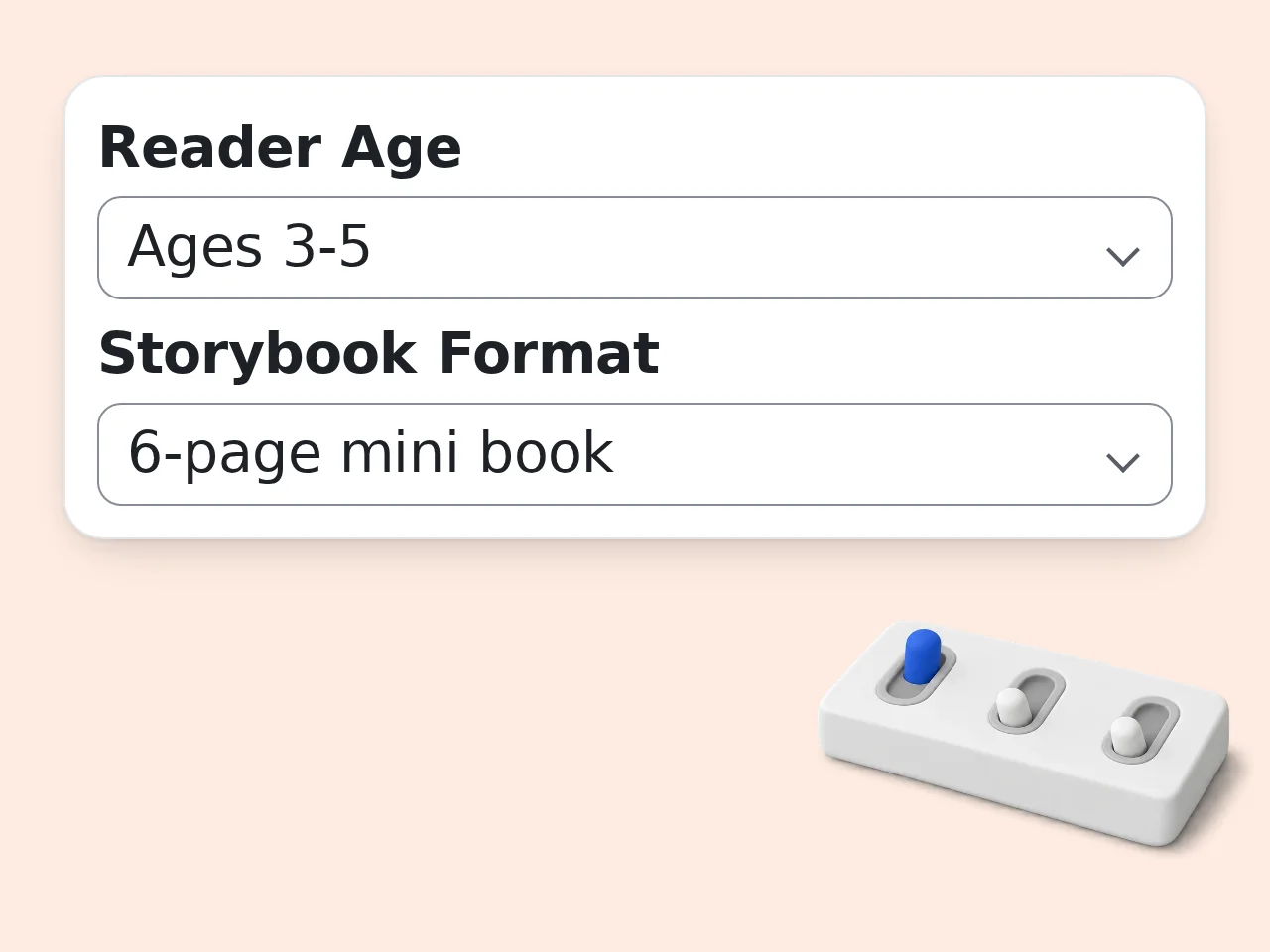
Choose age, format, and style
Set the reader age, page format, lesson, illustration style, and optional main character details before generating.
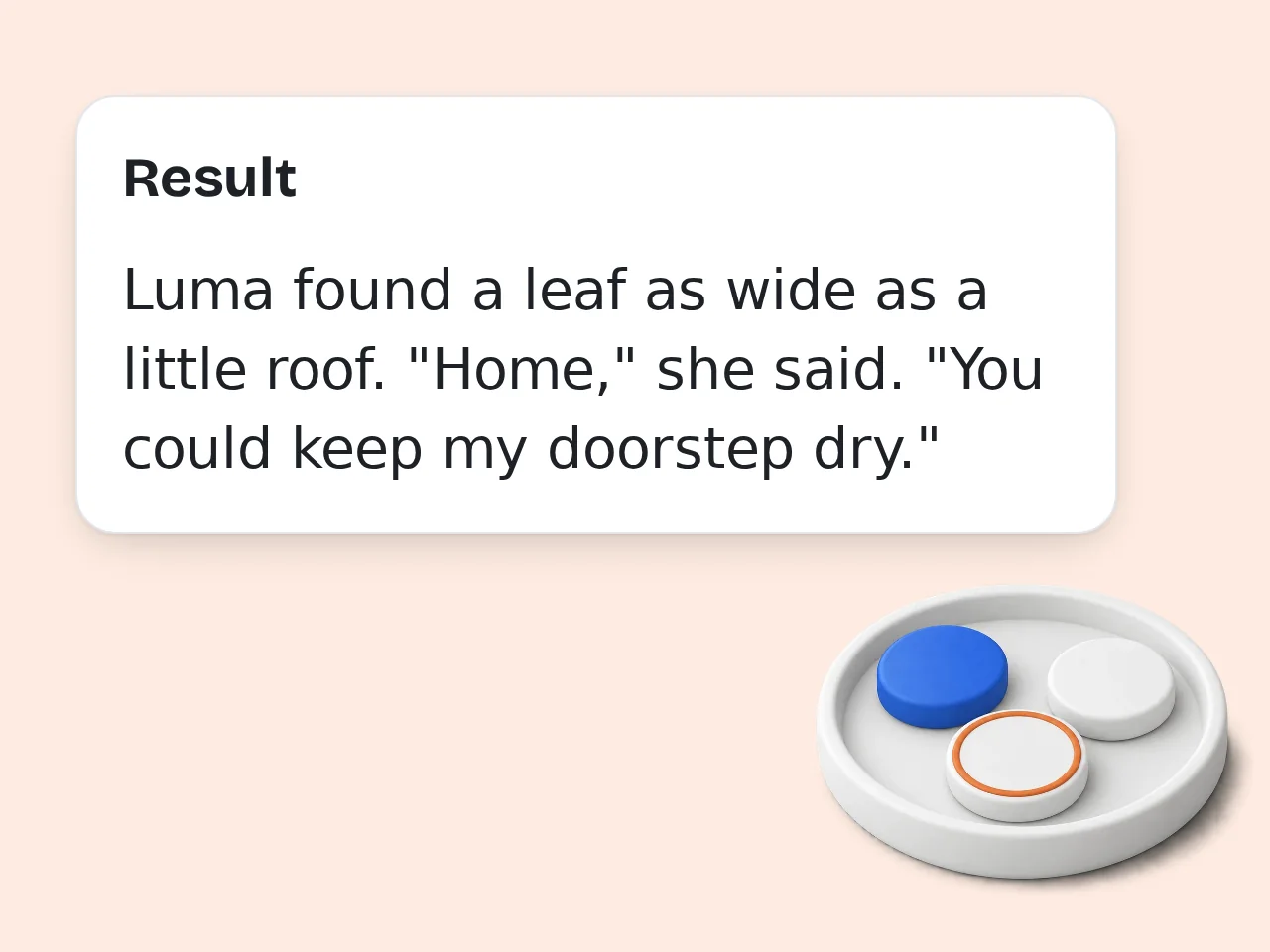
Review pages and illustration prompts
Edit crowded pages, keep character details consistent, and use the prompts for illustrations or further drafting.
Key Features of Storybook AI
Everything needed to turn an idea into a usable storybook draft
Page-by-Page Storybook Plan
Storybook AI divides your idea into readable pages with a clear beginning, challenge, turning point, and warm final scene.
Illustration Prompts Included
Each page includes visual direction for scene, emotion, composition, character consistency, and the selected storybook style.
Age and Lesson Controls
Choose reader age, theme, format, and visual style so the story feels right for bedtime, classrooms, or family gifts.
Frequently Asked Questions
Practical answers before you generate
What is Storybook AI?
Storybook AI is an AI storybook generator that turns a short idea into a page-by-page children’s book draft. You can describe a child, memory, lesson, animal, fantasy world, or classroom topic, then receive page text and illustration prompts. The goal is not just a loose story paragraph. It gives you a usable storybook structure with scenes, narration, visuals, and revision notes so parents, teachers, and creators can shape it into a polished book.
How do I use Storybook AI?
Start with one clear idea, such as a child who finds a talking moon, a classroom lesson about sharing, or a family trip turned into an adventure. Choose the reader age, format, theme, illustration style, and optional main character details. Storybook AI then creates a page-by-page draft. For best results, include the hero’s name, what they want, what makes the story meaningful, and any details that should appear in the pictures.
Is Storybook AI free to use?
Yes, you can start using Storybook AI with included credits. Guests receive 10 credits per day, free registered users receive 100 credits per month, and subscribers receive more credits according to their plan. Each run uses the tool’s configured credit cost, so available usage depends on your balance. You can test a small storybook idea first, then refine the best version before spending more time on editing or illustration.
Can Storybook AI make illustrated storybooks?
Storybook AI creates the written storybook plan and detailed illustration prompts for each page. That means you receive page text, scene direction, character consistency notes, and cover ideas that can guide an illustrator or image generator. It does not guarantee finished printed artwork by itself. The practical workflow is to generate the storybook draft, review the page sequence, then use the image prompts to create or commission matching illustrations. This makes the workflow practical even before you choose final artwork.
Can I personalize a story for my child?
Yes. Add the child’s name, personality, favorite animal, family memory, learning goal, or photo description in the main character field. Storybook AI can make the child the hero while keeping the story gentle and age-appropriate. Avoid adding private details you would not want stored in a draft. A few vivid details are enough: favorite color, a small fear to overcome, a pet, or a place that matters to the family.
What age ranges does Storybook AI support?
Storybook AI supports preschool, early elementary, older children, and family read-aloud stories. The selected age changes sentence length, conflict level, vocabulary, and pacing. A preschool story should stay simple and reassuring, while a story for ages 9 to 12 can include richer plot turns and character growth. If you are unsure, choose the younger age range and ask for gentle language that adults can still enjoy reading aloud. You can always simplify the text later for younger listeners.
What can I create with Storybook AI?
You can create bedtime stories, classroom lesson books, birthday gifts, social media story concepts, comic-style storyboards, personalized family adventures, and moral tales about courage, kindness, curiosity, friendship, or confidence. Storybook AI is especially useful when you have a cute premise but do not know how to divide it into pages. The output gives you the bones of a book: title, page text, visual prompts, and revision direction. It also helps creators compare several book directions quickly.
How is Storybook AI different from a normal story generator?
A normal story generator often returns one continuous story. Storybook AI focuses on the structure of a picture book or short illustrated book. It separates the story into pages, adds illustration prompts, keeps the reader age in mind, and explains the purpose of each page. That makes it easier to turn the result into a printable book, classroom handout, bedtime reading draft, comic storyboard, or image-generation workflow. The page structure is the main difference for book projects.
Can teachers use Storybook AI for lessons?
Yes. Teachers can use Storybook AI to turn classroom themes into short storybooks. Choose the classroom format, set a theme such as kindness or curiosity, and describe the lesson goal. The output can include a gentle narrative, visual prompts, and discussion-friendly page moments. Teachers should still review vocabulary, cultural fit, and any factual claims before sharing with students, but the tool can save time when planning reading activities or creative writing prompts.
How can I get better Storybook AI results?
Give Storybook AI a clear hero, setting, emotion, and lesson. Instead of “write a story about a dragon,” try “a shy girl helps a tiny moon dragon find its way home before sunrise.” Add the reader age and visual style so the page text and images feel consistent. After generation, improve the draft by cutting crowded pages, strengthening the final emotional moment, and keeping character descriptions stable across every illustration prompt.
Can I use the output commercially?
Storybook AI can help you draft original storybook concepts, but commercial use depends on your review process, platform rules, and any images or external tools you use later. Check the text for originality, avoid copying known characters, and make sure personal details are used with permission. If you plan to sell or publish the book, treat the output as a draft and do a careful human edit before release. When in doubt, ask a qualified professional before publishing.
What if the storybook feels too generic?
If the result feels generic, add sharper details and regenerate or revise. Name the hero’s small problem, the unusual setting, the object that matters, and the exact feeling the ending should leave. You can also change the theme, age range, or format. The strongest Storybook AI outputs usually come from specific emotional material, not broad prompts. A personal memory, odd creature, or clear lesson gives the story a stronger center.
Still have questions?
Contact our support teamCreate Your Storybook with Storybook AI
Turn one small idea into a structured storybook draft with page text, visuals, and a warm ending.