Chapter Outline Template
Design a reusable chapter planner for fiction, nonfiction, memoir, or instructional books
How to Build a Chapter Outline Template
Describe the book, choose the working format, and copy a template built for repeated use
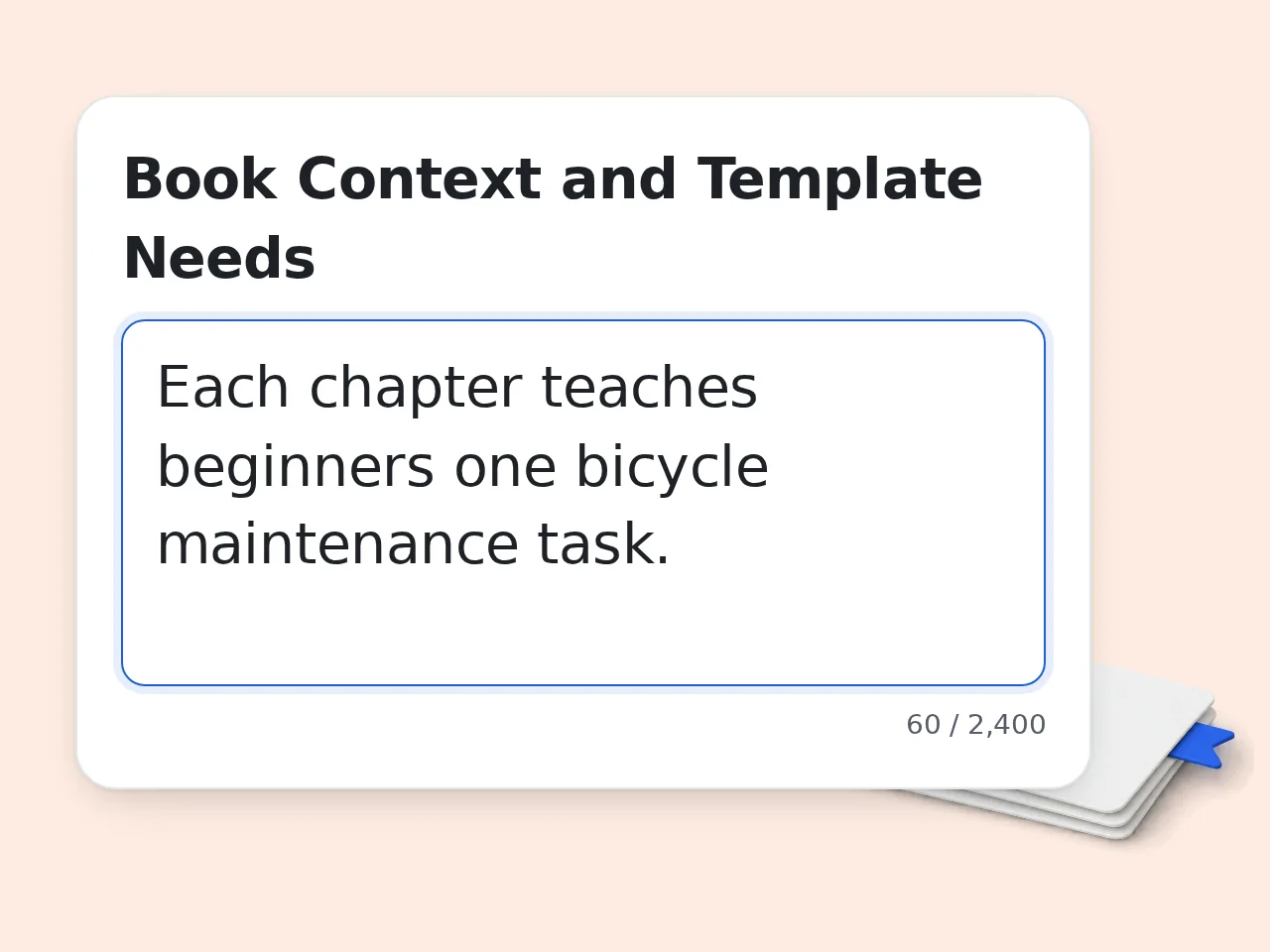
Describe the Repeated Chapter Decisions
Choose the book type and explain what each chapter must accomplish. Add the audience, recurring structure, continuity, evidence rules, or review questions so the chapter outline template fits your manuscript.
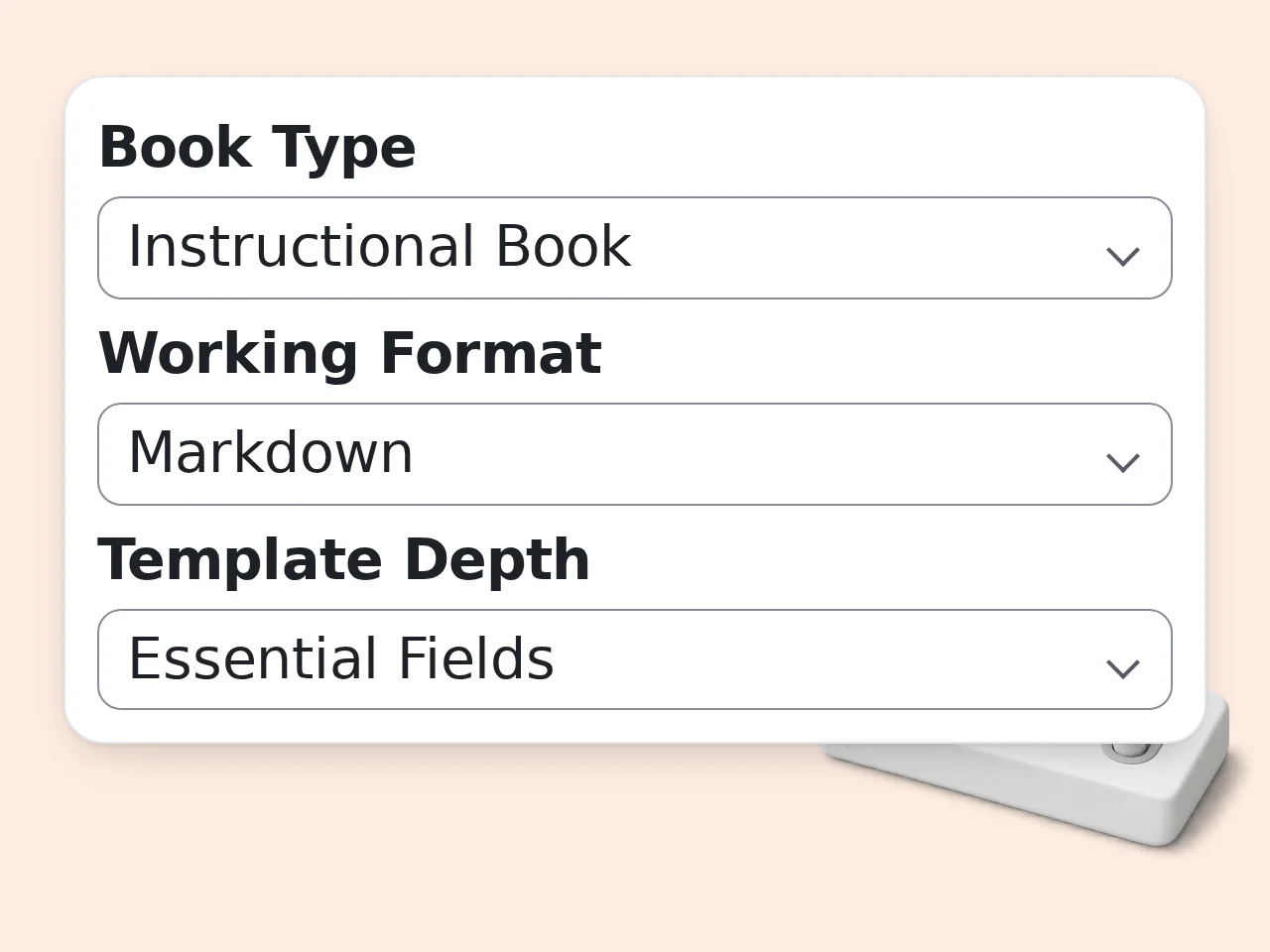
Choose Format, Depth, and Priorities
Pick Markdown, Notion, document, or spreadsheet output and choose essential, standard, or editorial depth. Add priorities and house fields for statuses, sources, owners, learning goals, or checks.
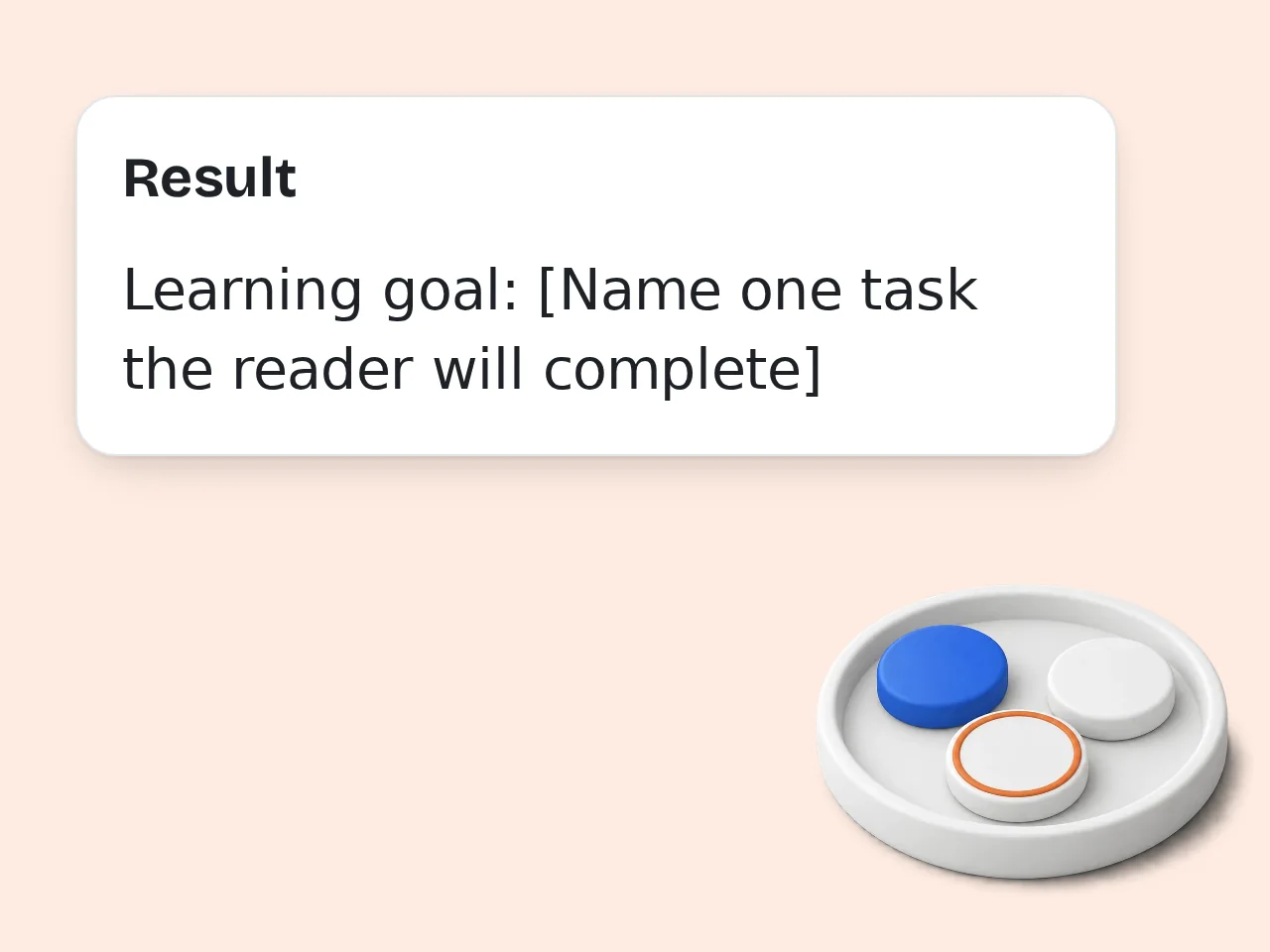
Copy, Test, and Refine the Template
Generate the blank card and tracker, then test them on one chapter. Use the field guide and fitness check to remove busywork, clarify vague prompts, and retain useful information.
Chapter Outline Template Features for Repeatable Planning
Build a chapter planning template around your book, workflow, and review needs
Reusable Chapter Card and Master Tracker
Create one blank card for every chapter plus a manuscript table for comparing purpose, status, dependencies, and key checks. The chapter outline template keeps detailed planning separate from a quick drafting overview.
Four Book-Specific Field Sets
Choose fiction, nonfiction, memoir, or instructional writing. Fiction tracks POV and change, nonfiction tracks evidence and objections, memoir tracks memory and reflection, and instructional books track learning outcomes.
Format-Ready Template Fitness Check
Shape the result for Markdown, Notion, Google Docs, Word, or a spreadsheet. A four-part check reviews field coverage, repeated-use consistency, format portability, and editorial handoff before adoption.
Chapter Outline Template Questions Answered
Practical answers about reusable chapter cards, trackers, formats, credits, and customization
What is a chapter outline template, and how does this one work?
A chapter outline template is a repeatable set of prompts for planning every chapter, paired here with a master tracker that shows how chapters connect. Choose book type, format, depth, and priorities. The generator builds blank fiction, nonfiction, memoir, or instructional fields and explains each field's purpose. Use the card throughout the manuscript, then remove prompts that create busywork and clarify those that fail to guide a concrete decision after real use.
How do I use the chapter outline template effectively?
Describe decisions that repeat in every chapter instead of requesting a complete plot. Include the audience, recurring pattern, workflow, and checks needed during drafting. Choose essential depth for a lean process, standard for planning and revision, or editorial when owners, sources, statuses, and handoffs matter. Match the output format to your workspace. Fill one real card before duplication. Remove fields you skip and rewrite prompts that invite vague answers or duplicate information.
Is the chapter outline template free to use?
Yes. You can try the chapter outline template with included credits, and no paid plan is required. The generator displays its current per-use cost before you run it. Guests receive 10 credits daily, free registered users receive 100 credits monthly, and subscribers receive more according to their plan. Available use depends on your balance and the displayed cost. Save the resulting blank card in your writing app and reuse it there without spending another credit.
How many free credits can I use for a chapter outline template?
Guests receive 10 credits per day, free registered users receive 100 credits per month, and subscribers receive more credits according to their plan. These are balances, not fixed template counts. Each run uses the amount displayed for the chapter outline template, so available runs depend on your user type, current balance, and the tool's current cost. Reuse a strong blank template outside the generator. Run it again when the book, workflow, or field system changes.
Can I create a chapter outline template without an account?
Yes. Guests can create a chapter outline template without registering and receive 10 daily credits, subject to the displayed per-use cost. Copy the result immediately after generation. A free account provides 100 credits per month, while subscription plans provide more by plan. Registration is optional for the initial guest workflow. Before closing the page, move the blank card and tracker into Markdown, Notion, Google Docs, Word, or a spreadsheet for continued reuse.
Which book types does this chapter planning template support?
The chapter planning template supports fiction, nonfiction, memoir, and instructional books, with fields suited to each form instead of one universal story framework. Fiction can track POV, conflict, change, and payoff. Nonfiction tracks argument, evidence, objections, and sources. Memoir adds memory and reflection; instructional work adds learning goals, exercises, and success checks. Choose the closest type, then add custom fields when your book is hybrid or follows a specialized house method.
Can I use the chapter outline template in Notion, Google Docs, Word, or a spreadsheet?
Yes. Shape the chapter outline template for Markdown, a Notion-style database, Google Docs or Word, or a spreadsheet, then copy it into that destination yourself. Database output emphasizes properties and a page body. Documents favor headings and prompts. Spreadsheets use one row per chapter, while Markdown combines portable tables, headings, and checkboxes. Choose the workspace where you already plan and draft. Familiar tools reduce maintenance and make consistent use more likely.
How is this different from a single-chapter outline planner?
A single-chapter planner fills the sequence, purpose, continuity, and word budget for one chapter. This chapter outline template designs blank fields and a tracker reused across many chapters. It asks about book type, format, field depth, priorities, and custom columns rather than previous and next chapter context. The job is system design, not solving chapter content. Use this template for consistency; use a single-chapter planner when one chapter needs a detailed drafting map.
How is a chapter outline template different from a novel outline generator?
A novel outline generator proposes a chapter sequence from a premise, genre, structure, and chapter count. A chapter outline template creates blank cards and tracking fields for chapters you decide yourself. This tool does not invent a full story arc or fill every chapter with events. It concentrates on field design, consistent metadata, review prompts, and destination format. Choose the template when you own the content decisions; choose a novel generator when you want a proposed narrative sequence.
Why use this template designer instead of asking a general AI chat?
A dedicated designer creates a reusable chapter card, tracker, field dictionary, and fitness check without drifting into plot invention or chapter prose. Structured inputs expose decisions a short chat often misses. Book-type logic changes fields for fiction, nonfiction, memoir, and instructional work. Format logic adapts the same system to a database, document, spreadsheet, or Markdown layout. Use general chat for open brainstorming; use this designer when repeatability and clear field purpose matter.
Can editors or writing groups customize the chapter card and master tracker?
Yes. Select editorial depth and list required statuses, owners, review questions, source fields, or house columns. The generator merges related concepts and explains renamed fields. The tracker supports manuscript-level review, while each chapter card holds detailed planning and handoff information. Editors can scan progress without opening every card, and authors retain local context. Test the result with one collaborator. Fix unclear labels and ownership rules before duplicating the approved chapter outline template across the project.
How should I improve the chapter outline template after using it?
Review the chapter outline template after three to five chapters and change it based on actual use. Remove ignored fields, split overloaded prompts, and add only decisions that prevented rework. Compare cards with the master tracker. Repeated inconsistencies may reveal a weak completion test, uncontrolled status label, or misplaced field. Preserve useful custom fields during revision. Keep the blank template as the source of truth. A generated sample is a demonstration, not mandatory content or a story formula.
Still have questions?
Contact our support teamBuild Your Reusable Chapter Outline Template
Create a blank chapter card and master tracker that fit the way you write and review.