Plot Outline Template
Build a grid that tracks causes, subplots, and payoffs.
How to Use the Plot Outline Template
Choose the right grid, add what you know, and inspect the links before drafting.
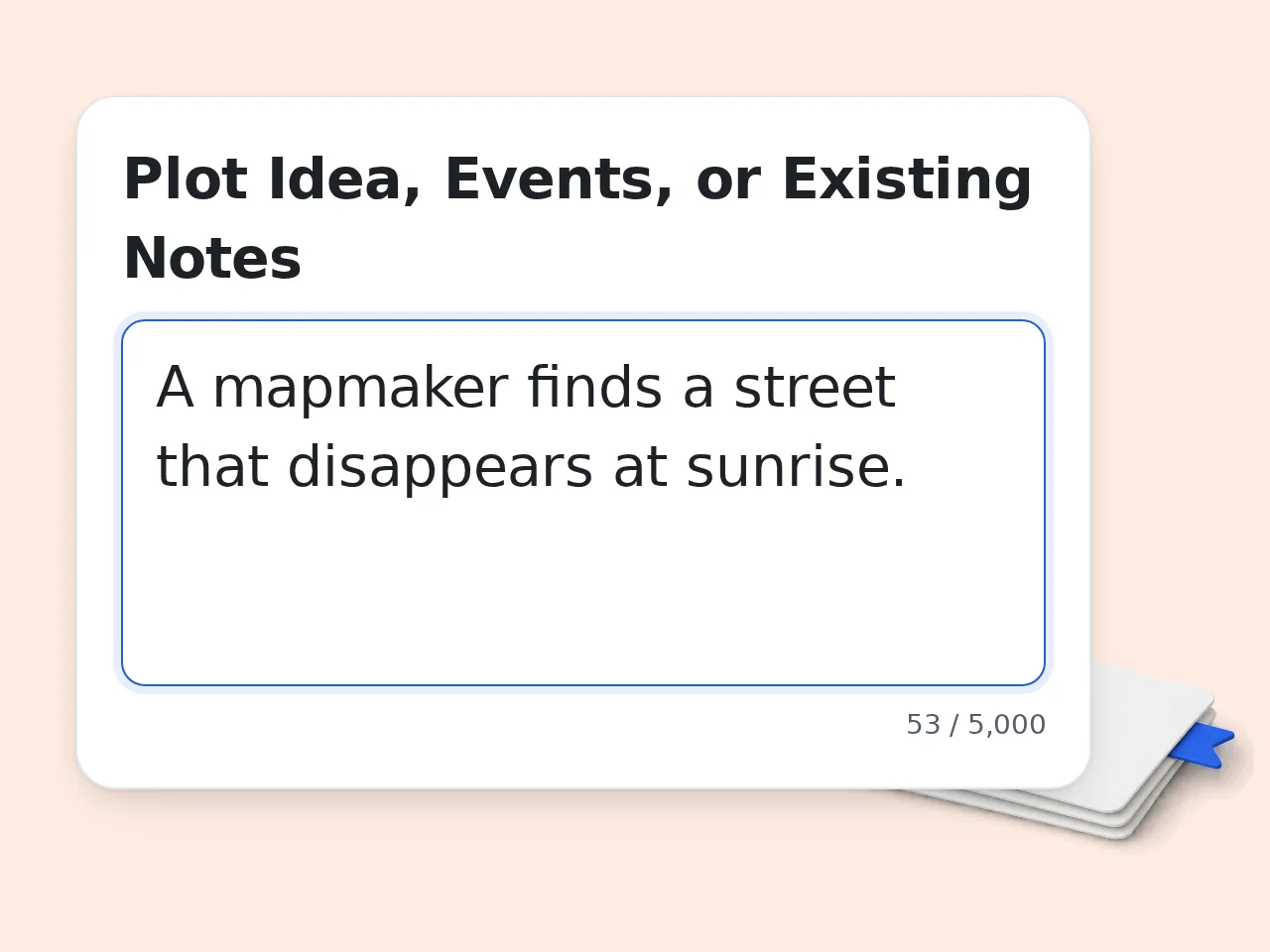
Add Your Plot Material
Paste a premise, events, clues, or a partial plot. Leave the field empty to request a blank plot outline template without invented facts.
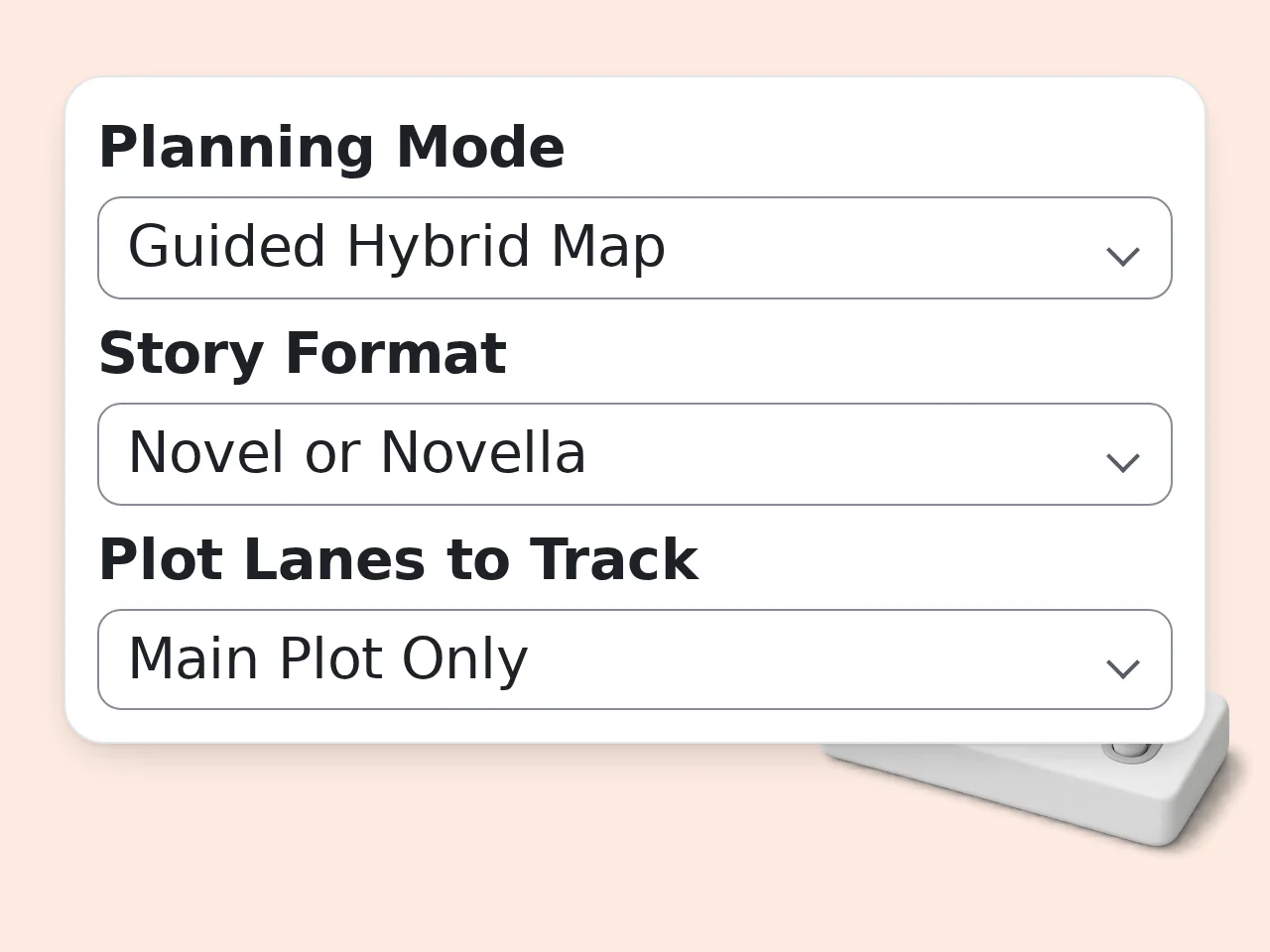
Set Lanes and Resolution
Choose your format, one to four plot lanes, and act-, sequence-, or scene-level rows. Then select blank, hybrid, or map-my-events mode.
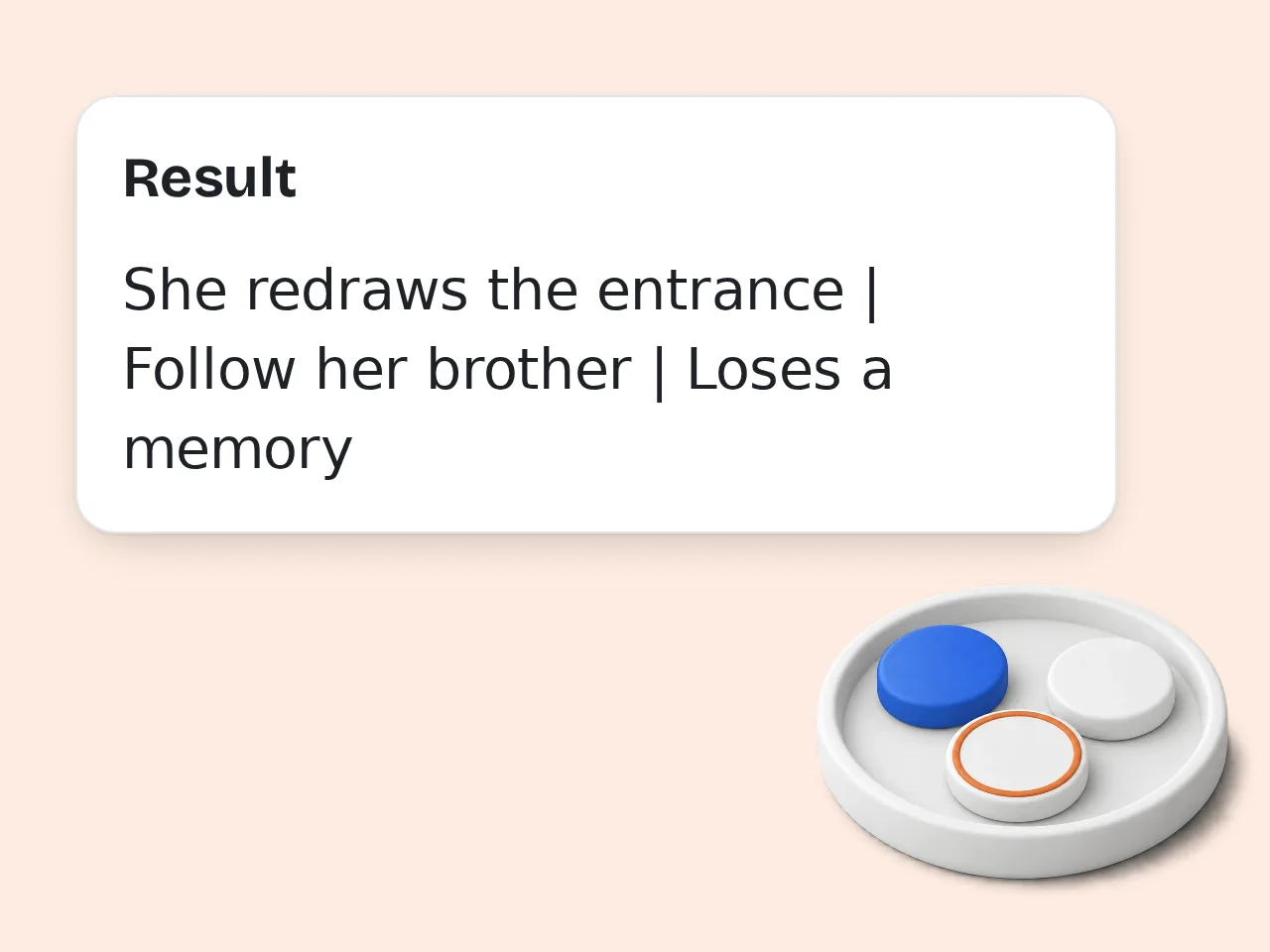
Review Links and Payoffs
Read from trigger to consequence, then check the thread map and payoff ledger. Fix named gaps, move weak turns, or cut a distracting subplot.
Plot Outline Template Features for Connected Events
See the whole plot as linked decisions, not a loose list of things that happen.
Main Plot and Subplot Lanes
Track one central plot beside as many as three subplots. Each lane records its entrance, turns, collisions, and final contribution, making long disappearances visible.
Cause-and-Effect Plot Grid
Each row links an event to a choice, consequence, pressure change, and next causal question. The plot outline template exposes coincidences and missing bridges.
Setup and Payoff Audit
Pair clues, promises, and decisions with their payoffs. Evidence-based scores flag weak escalation, late subplot returns, unsupported reveals, and crowded turns.
Frequently Asked Questions About the Plot Outline Template
Practical answers about grids, subplots, causality, clues, formats, and free credits.
What is a plot outline template and what does this one include?
A plot outline template is a reusable map of the events, choices, and consequences that carry a story from its opening situation to its ending change. This version uses a grid rather than a chapter list. It includes separate plot lanes, causal questions, pressure changes, setup and payoff links, a continuity audit, and a blank event card. Missing decisions remain visible instead of being silently filled. Use it when you need to inspect story mechanics before spending time on scenes or prose.
How do I use this plot outline template with scattered notes?
Paste your scattered notes into Plot Material, choose Map My Events, and select the row resolution that matches their detail. The tool places supplied events into a plot grid without replacing your ideas. Each row identifies the event, resulting choice, consequence, pressure shift, plot lane, and unanswered causal question. Orphan notes and uncertain ordering appear as gaps rather than made-up bridges. Add must-keep moments separately so important reveals or confrontations remain visible during rearrangement.
Is the plot outline template free to use?
Yes. You can try the plot outline template with included credits, including guest credits that do not require registration. The page shows the current credit cost before you run the tool. Guests receive 10 credits each day, registered free users receive 100 credits each month, and subscribers receive more credits according to their plan. Each run uses the configured cost for this tool. Start with an act-level blank grid if you want to test the workflow with a compact request.
How many free plot grids can I create with my credits?
The exact number depends on your available credits divided by the current per-use cost, so it should not be treated as one fixed generation limit. Check the credit badge before each request. Guests receive 10 credits daily, free registered users receive 100 credits monthly, and subscribers receive the amount included in their plan. Different tools can have different costs. A focused request also makes each paid credit more useful: gather related events before generating another grid.
Can I use the plot outline template without creating an account?
Yes. Guests can use the plot outline template without an account while their daily credit allowance remains available. Registration is optional for the first planning session, not a condition for opening the tool. Guest access includes 10 credits per day. A free account changes the allowance to 100 credits per month and can make returning work easier, while subscribers receive plan-based credits. Avoid pasting confidential manuscript details if you would not normally share them with an online service.
Which planning mode should I choose for my plot outline?
Choose Blank Plot Grid when you want prompts only, Guided Hybrid Map when you have a premise plus unresolved gaps, and Map My Events when your notes already contain the events you want preserved. Blank mode never invents facts. Hybrid mode places confirmed material and leaves targeted blanks. Event-mapping mode rearranges only what you supplied, then identifies missing causes, consequences, or returns. If you are unsure, hybrid mode provides structure while keeping creative decisions visibly yours.
How does the plot outline template track multiple subplots?
The template gives the main plot and each selected subplot its own lane, then records when every thread enters, turns, collides with another lane, and contributes to the ending. Empty stretches become easy to spot. A subplot that never changes the central conflict is marked as a possible distraction. A late return or repeated beat is tied to specific grid rows, so the warning is actionable. Select fewer lanes when a project needs focus; more lanes do not automatically create depth.
How can a plot grid reveal weak cause and effect?
A strong plot link can be read as “because this happened, the character chose that, therefore the situation changed.” The grid separates those parts so a mere sequence of events cannot pass as causality. Rows with no trigger, no meaningful choice, or no changed pressure receive a specific warning. The audit also flags bridges that depend on luck, unexplained knowledge, or sudden off-page decisions. Repair the first broken link before polishing later turns, because downstream events may move afterward.
Can this plot outline template track clues and payoffs?
Yes. The setup and payoff ledger records what is planted, where it appears, what the audience knows, the expected payoff, and the row where that payoff occurs. Unresolved promises stay visible. This works for mystery clues, emotional promises, objects, rules, relationship decisions, and game branches. Reveal Timing mode also checks whether clues cluster too late or a reveal produces no consequence. A fair surprise usually needs traceable preparation, but the template does not force one universal number of clues.
What story formats work with the plot outline template?
The plot outline template supports novels and novellas, feature screenplays, limited series, and narrative games. It changes the grid language so each format uses useful planning units instead of forcing everything into chapters. Screenplays can use sequence rows, series can track episode movement, and games can mark branches and convergence points. Novels can work at act, sequence, or scene resolution depending on planning depth. For short fiction with a hard word budget, use a dedicated short-story planner instead.
How is this different from a story outline or chapter generator?
This tool focuses on the event system: plot lanes, causal bridges, pressure changes, clues, payoffs, and continuity risks. It does not create character biographies, a generic story worksheet, or finished chapter summaries. A story outline may cover theme, character change, setting, and overall narrative meaning. A chapter generator divides material into draft units. This grid stays between them by testing how events connect. Choose it when your problem is structural visibility rather than a lack of prose or chapter titles.
How can I improve a plot outline that scores poorly?
Start with the lowest evidence-based dimension and the earliest affected row. Fixing an initial causal break often improves escalation, subplot timing, and later payoffs at the same time. For flat pressure, make a consequence close an easy option or raise a cost. For weak subplots, connect their turn to a main-plot choice. For unsupported reveals, add or reposition traceable setup. Regenerate only after making decisions; repeated audits cannot replace choosing what the story must change.
Still have questions?
Contact our support teamBuild a Plot Outline Template That Shows Every Link
Map events, follow every subplot, and catch missing causes before drafting.