AI Help With My Lab Report
Get lab report help fast with a section-by-section AI lab report writer
How to Use AI Help With My Lab Report
Three simple steps to turn notes into a usable lab report
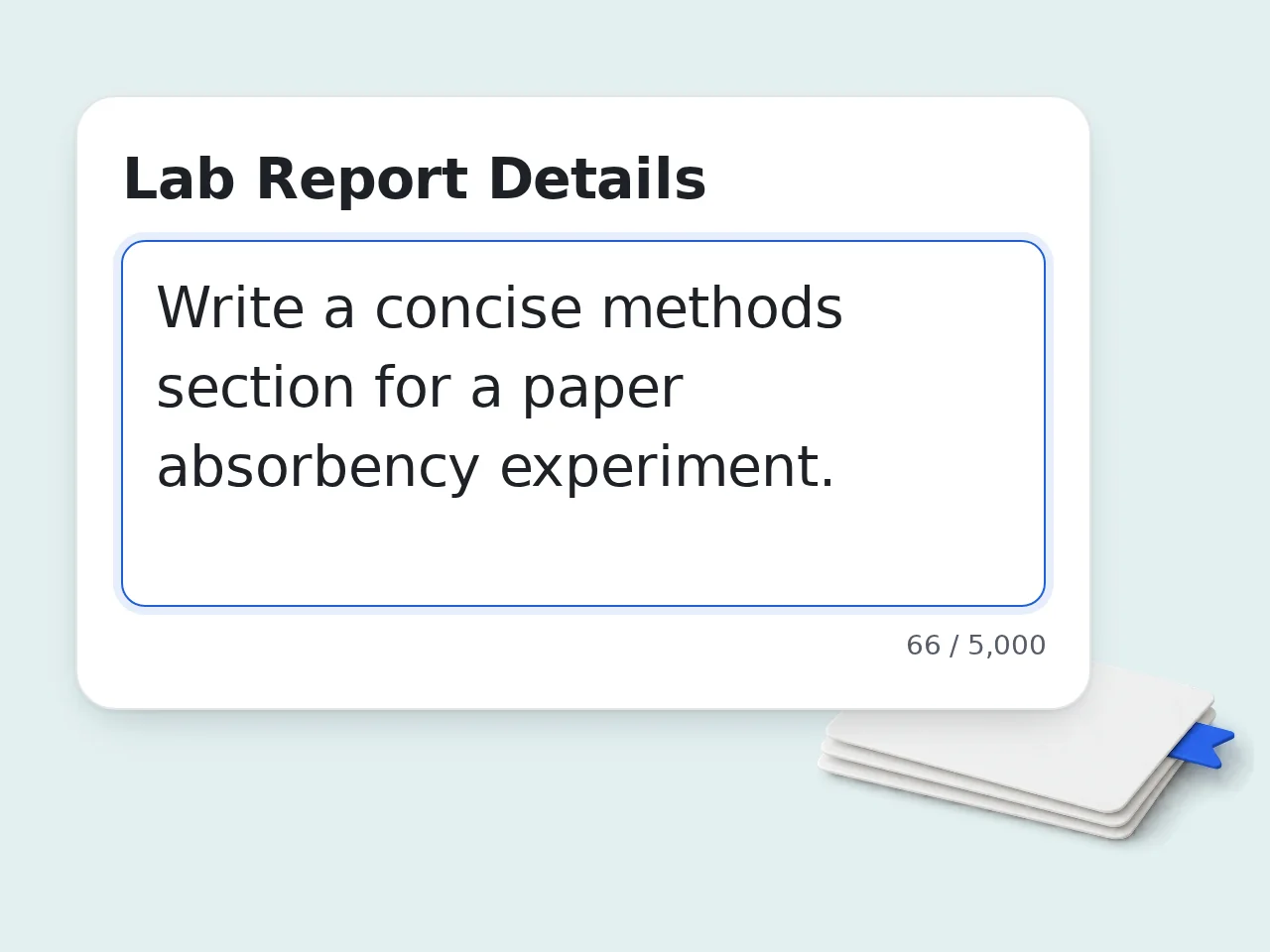
Paste your assignment and experiment details
Add the prompt, experiment topic, procedure notes, and any rough draft text you already have. AI help with my lab report works best when it can see the real classroom instructions.
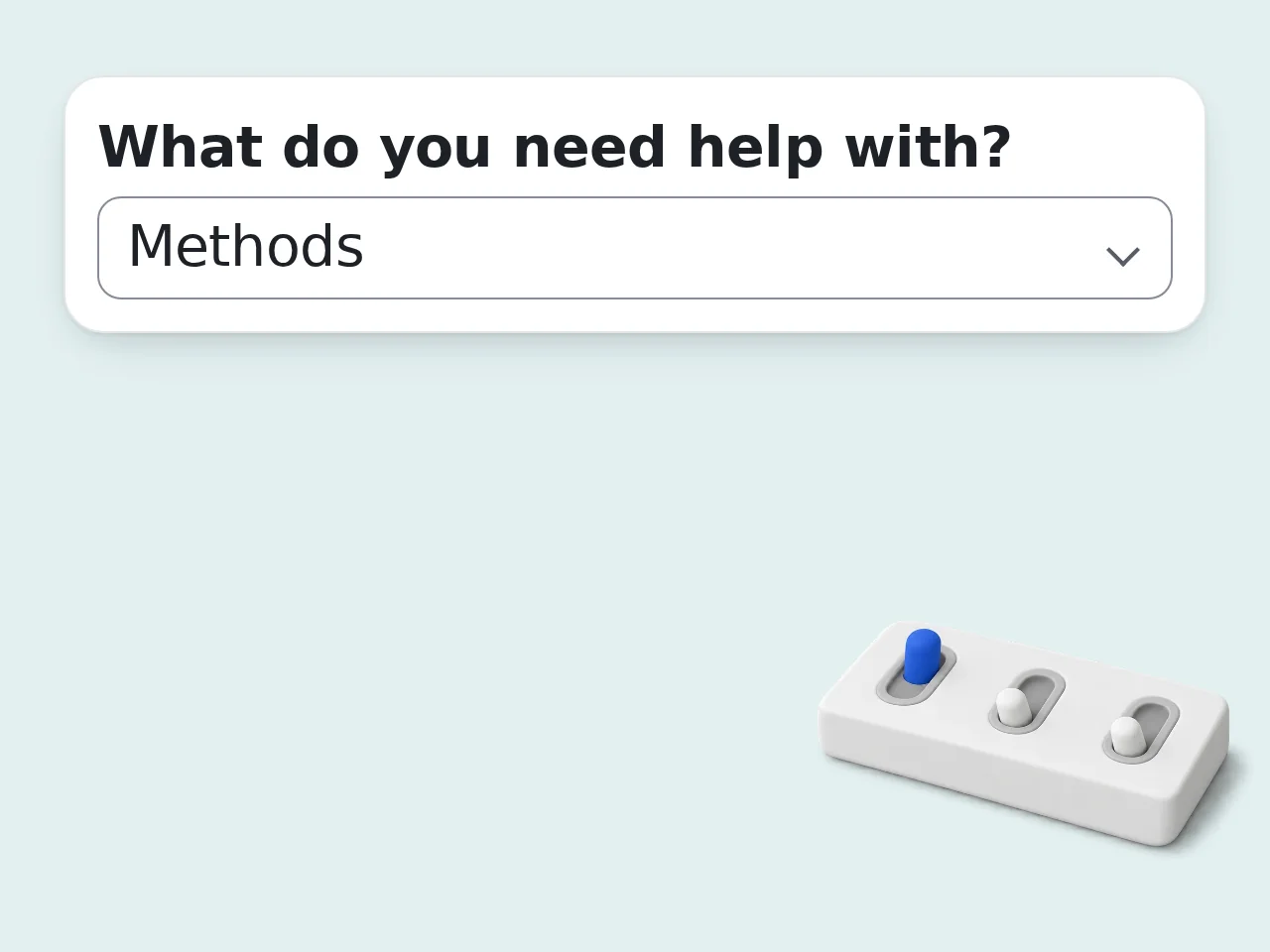
Choose the report section and options
Select whether you need a full lab report, abstract, methods, results, discussion, or conclusion. Then set level, citation style, tone, and any extra requirements.
Generate, review, and tighten the draft
Use the first draft as a strong starting point. Then confirm the science, check the wording against your real results, and adjust any placeholders before submitting your lab report.
Key Features of AI Help With My Lab Report
Everything needed to turn experiment notes into a cleaner lab report draft
Full Report or One Section
Generate a full lab report or focus on one part such as the abstract, methods, results, discussion, or conclusion. Useful when the deadline is close and only one section still feels weak.
Built for Real Class Requirements
Add assignment rules, citation style, word-count limits, and teacher notes so the output matches the lab report you actually need to submit, not a generic essay template.
Results and Findings Stay Central
Paste your measurements, trends, and observations into the form so the AI lab report writer organizes real information instead of drifting into unsupported claims.
Frequently Asked Questions with AI Help With My Lab Report
Common questions about lab report help, limits, and output quality
What is AI help with my lab report and how does it work?
AI help with my lab report is a writing assistant built for lab reports, not a generic chatbot page. You paste your assignment details, choose the section you need, and the tool turns scattered notes into a clearer lab report draft. It can organize a full report or focus on one part such as the abstract, methods, results, discussion, or conclusion. That makes it useful when you already know the science but need help with structure and wording. It works best when you include the real experiment topic, observations, and teacher instructions instead of a one-line request.
How do I use AI help with my lab report to get the best result?
Start by pasting the full assignment prompt or your experiment notes into the main box. Add the experiment topic, then choose whether you need a full lab report or only one section. If you already have data, trends, or error notes, place them in the key findings field. This gives the AI lab report helper something specific to organize instead of forcing it to stay vague. Use the extra requirements field for word count, citation style, and any grading rules. The clearer the input, the cleaner the report.
Is AI help with my lab report free to use?
Yes, AI help with my lab report is free to try. Guests get limited daily free tries without creating an account, which is enough for quick assignment support. Free registered users have a monthly credit allowance, so they can come back for multiple experiments, revisions, or different report sections during the term. Subscribers get higher limits for heavier use. With a free account, the monthly credits can cover testing the tool, drafting one section and polishing a report before submission. See the pricing page for current details.
How many times can I use AI help with my lab report each day?
Usage depends on your account level. Guests receive enough daily credits for one run, so include your experiment details and revision needs together. Free users have a monthly credit allowance, so they can use the AI lab report writer across several classes or repeat assignments. Subscribers get more room for ongoing work. With a free account or subscription, a smart pattern is to use one generation for structure, one for rewriting a section and one for a final cleanup. See the pricing page for current details.
Can I use AI help with my lab report without making an account?
Yes, you can use AI help with my lab report as a guest. You do not need an account just to test the tool or draft a section for an upcoming assignment. Guest mode is useful when you need fast lab report help for one experiment, especially if you only want an introduction, discussion, or conclusion. The limits are lower, but the core workflow stays the same. If you expect to revise often, a free account makes more sense because it gives you more monthly generations.
What can I use AI help with my lab report for?
You can use AI help with my lab report for full report drafting, section rewrites, discussion paragraphs, abstract summaries, and conclusion cleanup. It is especially handy when your ideas are correct but the writing feels messy or repetitive. The tool also helps turn bullet-point notes into formal academic sentences and can follow section-specific needs such as methods wording or discussion logic. That saves time when you are stuck between raw notes and a finished report. It is not just for science majors. Any course using a lab-report format can benefit from the same structure.
Does AI help with my lab report support different sections and citation styles?
Yes, the lab report helper supports full reports plus single sections like abstract, introduction, methods, results, discussion, and conclusion. That is useful when the teacher only wants one part revised instead of a full rewrite. It also lets you choose citation preferences such as APA, MLA, Chicago, Harvard, or IEEE when your class expects a specific format. If no citation style is needed, you can leave that setting off. This keeps the output closer to classroom requirements and reduces cleanup work afterward.
What kind of output should I expect from AI help with my lab report?
You should expect a structured draft, not magic facts. AI help with my lab report can organize your material into clean sections, rewrite awkward wording, and point out missing information. When your notes are detailed, the output usually feels much closer to a submit-ready lab report. When your notes are thin, the tool should leave placeholders or clearly show what data is still missing instead of pretending it knows the experiment results. That balance is exactly what makes a good lab report AI tool useful in real coursework.
Why use AI help with my lab report instead of writing everything manually?
Writing a lab report manually often means switching between raw notes, course instructions, rubric points, and awkward half-finished sentences. AI help with my lab report shortens that cleanup step and gives you a clearer structure fast. Instead of staring at a blank page, you get an organized starting draft with headings, flow, and more formal phrasing. That makes revision easier because you are editing a real report instead of inventing one from scratch. It still leaves you in control of the facts, which matters more than speed in graded work.
Why use AI help with my lab report instead of asking ChatGPT directly?
You can ask ChatGPT directly, but AI help with my lab report removes prompt-writing friction. The form already asks for the exact details that matter for a lab report: topic, section, level, findings, citation style, and special requirements. That structure helps the output stay closer to lab report conventions instead of drifting into generic essay writing. It also reminds users to include real data and assignment rules before generating anything. So the difference is not the idea of AI itself. The difference is a workflow shaped for lab report tasks.
How can I get better results from AI help with my lab report?
Give the tool facts, not just requests. Paste the experiment goal, short procedure notes, actual observations, and the teacher's instructions whenever possible. If the assignment has a rubric, add the exact requirements in the extra field. If you already know the main trend or conclusion, place it in key findings so the AI lab report writer can build around it instead of staying broad. After generation, read the draft once for scientific accuracy and once for formatting. That two-pass check catches most problems quickly.
What if the output from AI help with my lab report is not quite right?
If the output is close but not fully right, do not start over blindly. Keep the useful structure, then regenerate only the section that needs improvement, such as the discussion or conclusion. Add more concrete details the second time, especially measurements, trends, error sources, or wording your teacher prefers. The lab report helper improves when the input gets more specific. If something sounds too certain, soften it and verify it against your real experiment notes before submitting the final version.
Still have questions?
Contact our support teamReady to Fix Your Lab Report Fast?
Turn rough notes into a cleaner lab report draft in minutes.