Main Idea Finder
Find the main idea fast with clear, classroom-ready explanations
How to Use the Main Idea Finder
Get the main idea in 3 simple steps
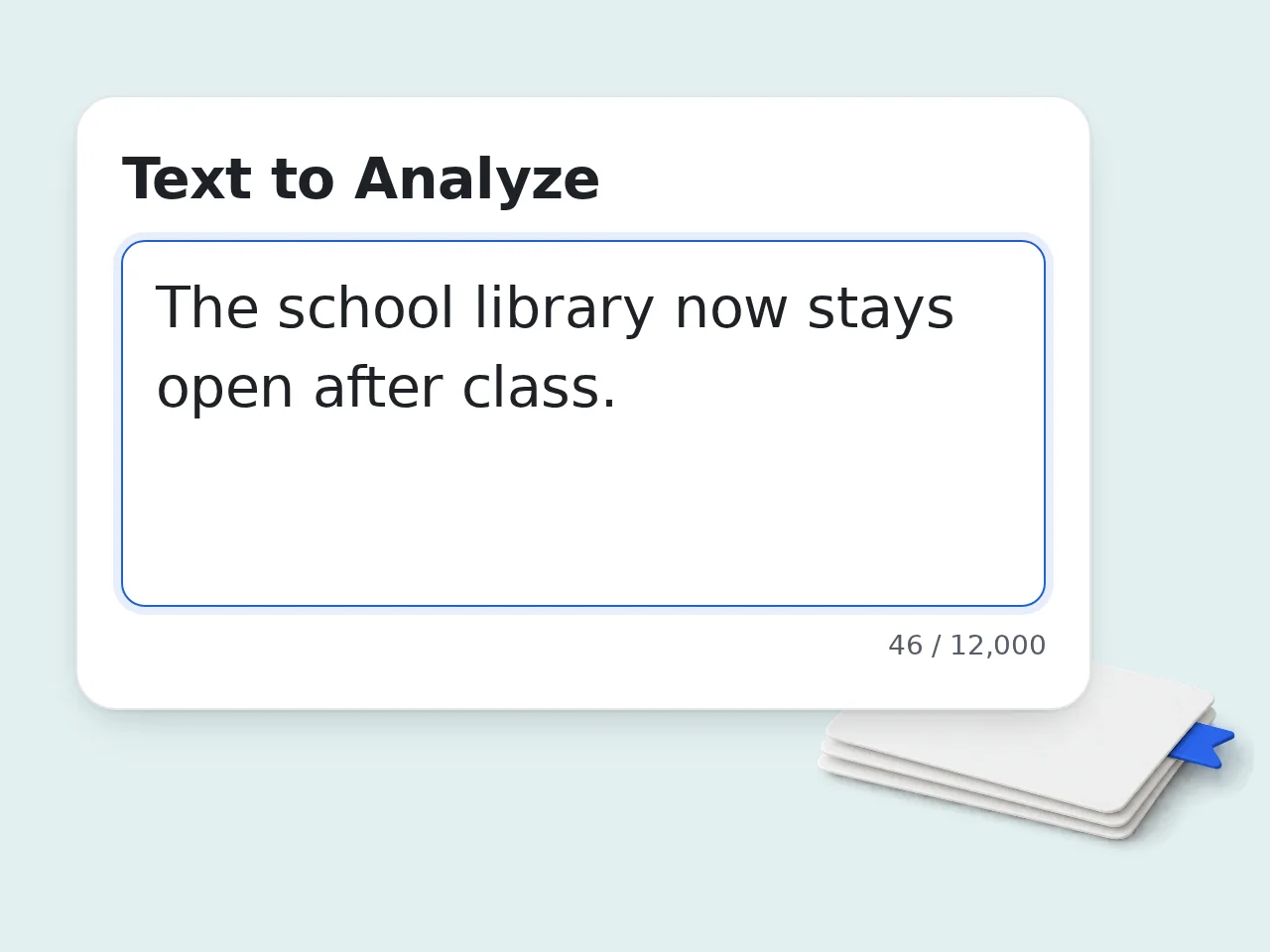
Paste the text you want to understand
Add the paragraph, article, report, or passage you want the main idea finder to analyze. Include the title too if it helps explain the context.
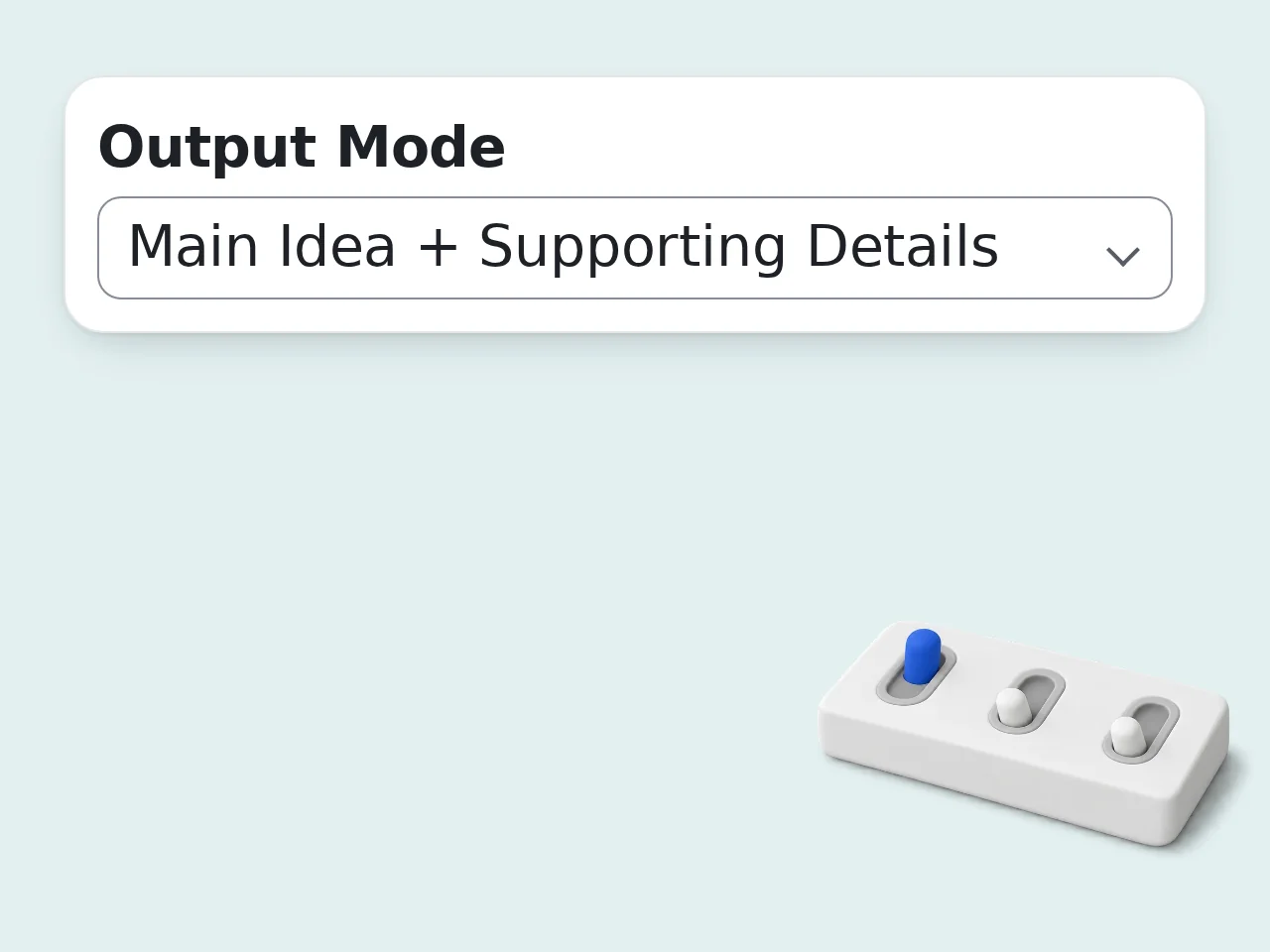
Choose the answer format you need
Pick main idea only, main idea plus supporting details, a simple explanation, or a topic-versus-main-idea comparison. Then set the reading level if needed.
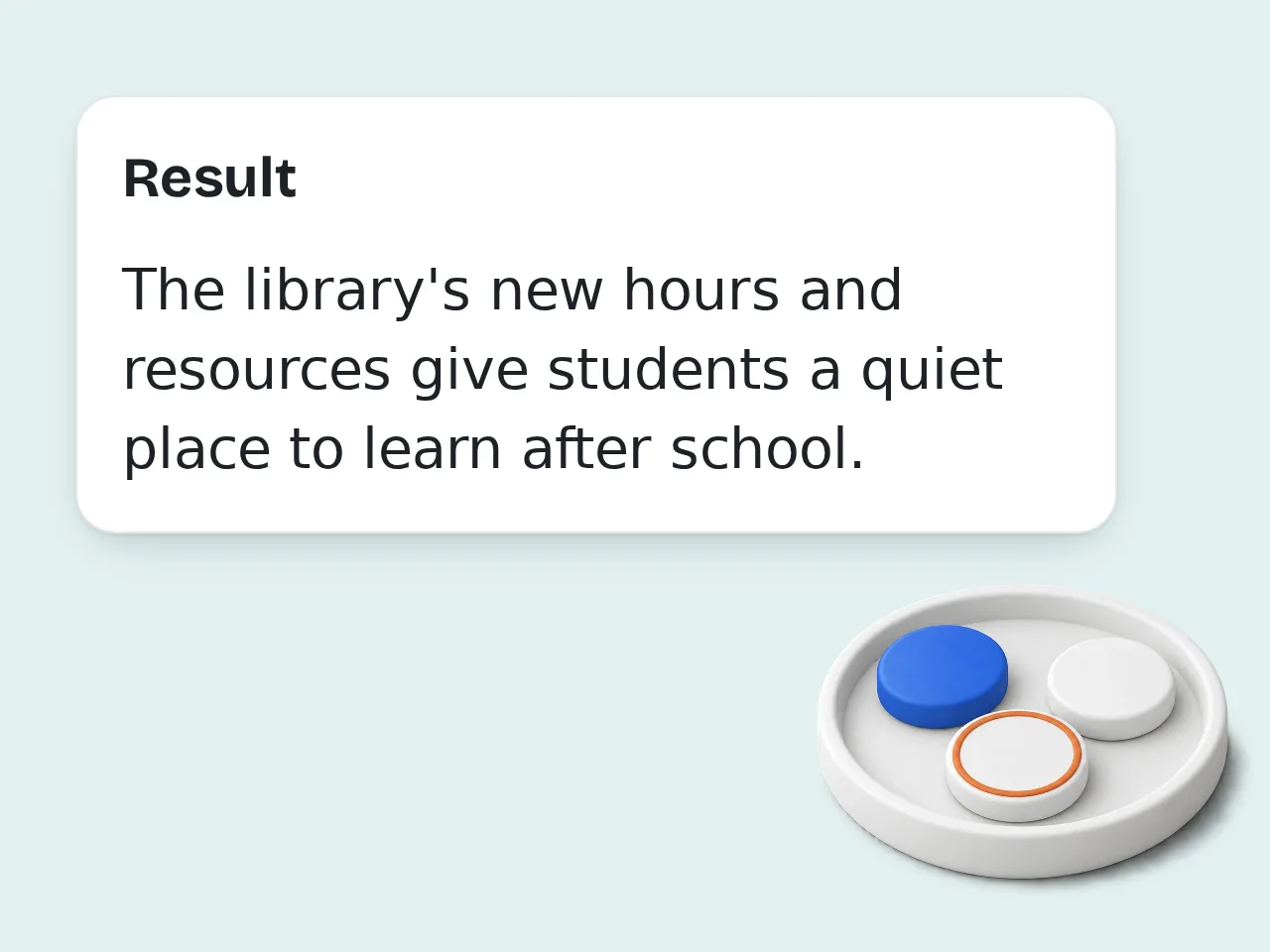
Read, copy, and use the result
The main idea finder returns a clean answer you can use for class notes, homework, article review, or quick reading checks right away.
Key Features of Main Idea Finder
Everything needed to find the main idea without getting lost in extra details
4 Main Idea Output Modes
Get one direct main idea sentence, add supporting details, ask for a simpler explanation, or separate topic from main idea in one click.
Reading-Level Friendly Explanations
Switch between elementary, middle school, high school, and adult wording so the answer matches the person reading it.
Works on Passages, Articles, Reports
Use the main idea finder on school passages, essays, articles, reports, and other text-heavy content without rewriting the source first.
Frequently Asked Questions about Main Idea Finder
Common questions about using the main idea finder
What is a main idea finder and how does it work?
A main idea finder reads a paragraph, article, or passage and points to the single core message the author is trying to communicate. Instead of giving a long summary, it isolates the central claim so the text makes sense faster. The tool looks for repeated concepts, topic sentences, emphasis, and the relationship between details. That helps it separate the main idea from examples, background facts, or side comments. It works best when you paste the actual passage, not just a title or loose topic.
How do I use the main idea finder to get the best results?
Paste the full paragraph or passage you want analyzed, not a chopped-up sentence or vague note. A complete passage gives the main idea finder enough context to see what the author is really building toward. If you have a title or assignment prompt, add that too. Then choose the output mode that fits your goal, such as main idea only or main idea plus supporting details. For schoolwork, the student-friendly mode usually gives the clearest answer without sounding robotic.
Is the main idea finder free to use?
Yes, the main idea finder is free to use. Guests get limited daily free tries without signing in, and free registered users have a monthly credit allowance for regular reading practice or homework help. All core settings stay available on the free tier, including output mode, reading level, and language selection. You can test the tool without adding payment details. If you need heavier use, higher-limit plans are available, but casual use is already covered. See the pricing page for current details.
How many times can I use the main idea finder per day?
Guests get limited daily free tries with no account. Free users have a monthly credit allowance, which is enough for most homework, revision sessions, and quick reading checks. That means you can use it across multiple passages in a typical week without running into limits too quickly. Students reviewing one article at a time usually stay well inside the free allowance. Subscribers have no daily limit for repeated classroom or work use. See the pricing page for current details.
Can I use the main idea finder without creating an account?
Yes. You can use the main idea finder without creating an account. Paste your text, choose your settings, and get the result right away. That makes it useful for one-off reading questions and quick comprehension checks. Creating a free account mainly helps if you want more monthly runs or expect to use the tool often for school or work. It is optional, not required. If you only need to check one passage, guest access is usually enough.
What can I use the main idea finder for?
The main idea finder is useful for reading comprehension homework, article review, note-taking, lesson prep, test practice, and quick report scanning. Anywhere you need the core message fast, it saves time. Students use it to understand passages before answering questions. Teachers use it to prepare simpler explanations. Professionals use it to pull the central point from memos, reports, and long updates. It works with school passages, essays, articles, reports, and many other text-heavy formats.
Does the main idea finder support supporting details and simple explanations?
Yes. The main idea finder can return only the main idea, the main idea with supporting details, a plain-language explanation, or a topic-versus-main-idea comparison. Those modes are designed for common classroom and reading tasks. Supporting details help when you need evidence from the passage, not just the answer. A simple explanation helps when the original wording feels too dense or academic. That makes the tool useful for both fast review and deeper study.
Why use a main idea finder instead of doing it manually?
Doing it manually works, but it takes longer, especially when a passage is packed with examples, transitions, or repeated background details. A main idea finder cuts through that noise and gives you a clean starting point fast. That speed matters when you are working through multiple passages, studying for a quiz, or reviewing documents under time pressure. You still use judgment, but you do not start from scratch. It is a time-saver, not a replacement for critical reading.
Why use the main idea finder instead of asking ChatGPT directly?
You can ask ChatGPT directly, but a dedicated main idea finder is built around one narrow job. The form already asks for the passage, output mode, reading level, and explanation style, so you do not have to design the prompt each time. That makes results more repeatable across homework sets, classroom tasks, and article reviews. The output also stays focused on the main idea instead of drifting into a broad summary. For repeated reading work, that consistency is a real advantage.
What if the output from the main idea finder is not what I expected?
Start by checking the passage you pasted. If it contains several unrelated ideas, unclear transitions, or missing sentences, the main idea finder has less to work with and the answer may feel broad. Try pasting a cleaner section, adding the title, or switching the output mode. The topic-versus-main-idea view is especially useful when the text looks informative but the real claim is easy to miss. If the passage itself is ambiguous, the tool should say that rather than pretend certainty.
Still have questions?
Contact our support teamReady to Find the Main Idea Faster?
Paste your text and get a clear answer in seconds, free and easy to use.