Textbook Summarizer
Turn long textbook chapters into clear notes, outlines, and review points
How to Use Textbook Summarizer
Get a useful chapter summary in 3 quick steps
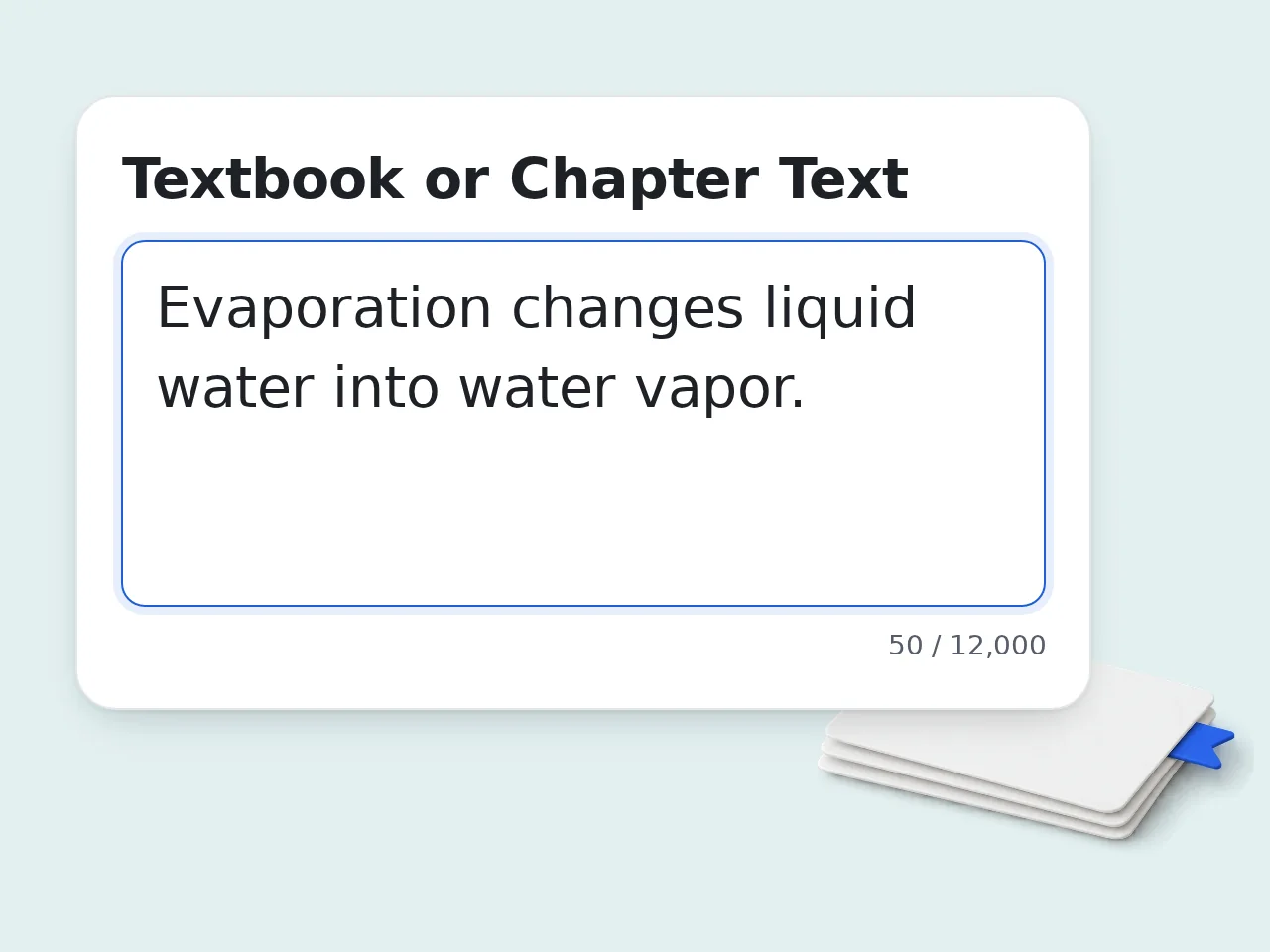
Paste the textbook text
Copy a chapter section, reading passage, or lecture notes into the box so the textbook summarizer can read the source material.
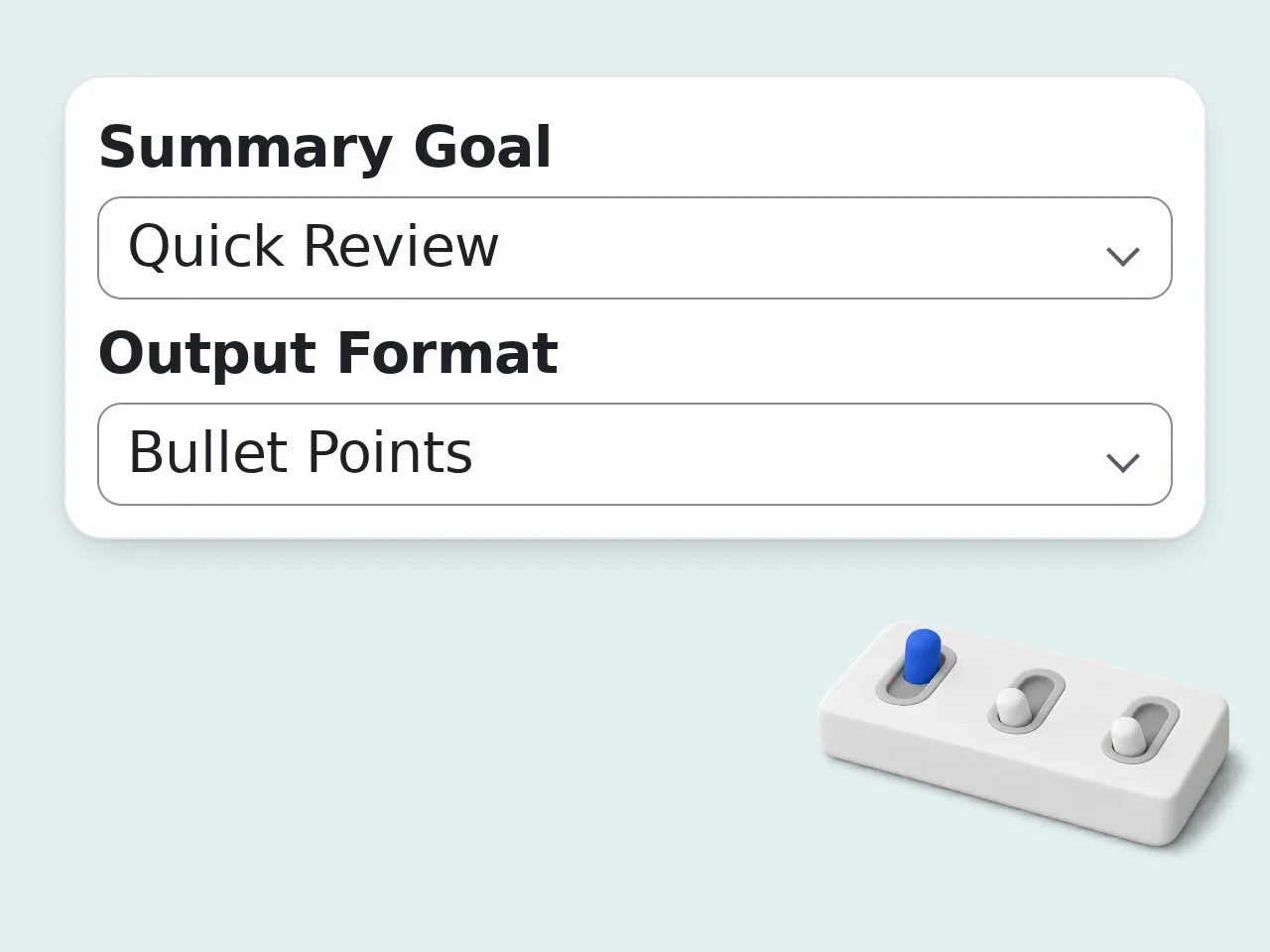
Choose your settings
Pick the summary goal, format, depth, and explanation level that fit your class, review task, or exam prep plan.
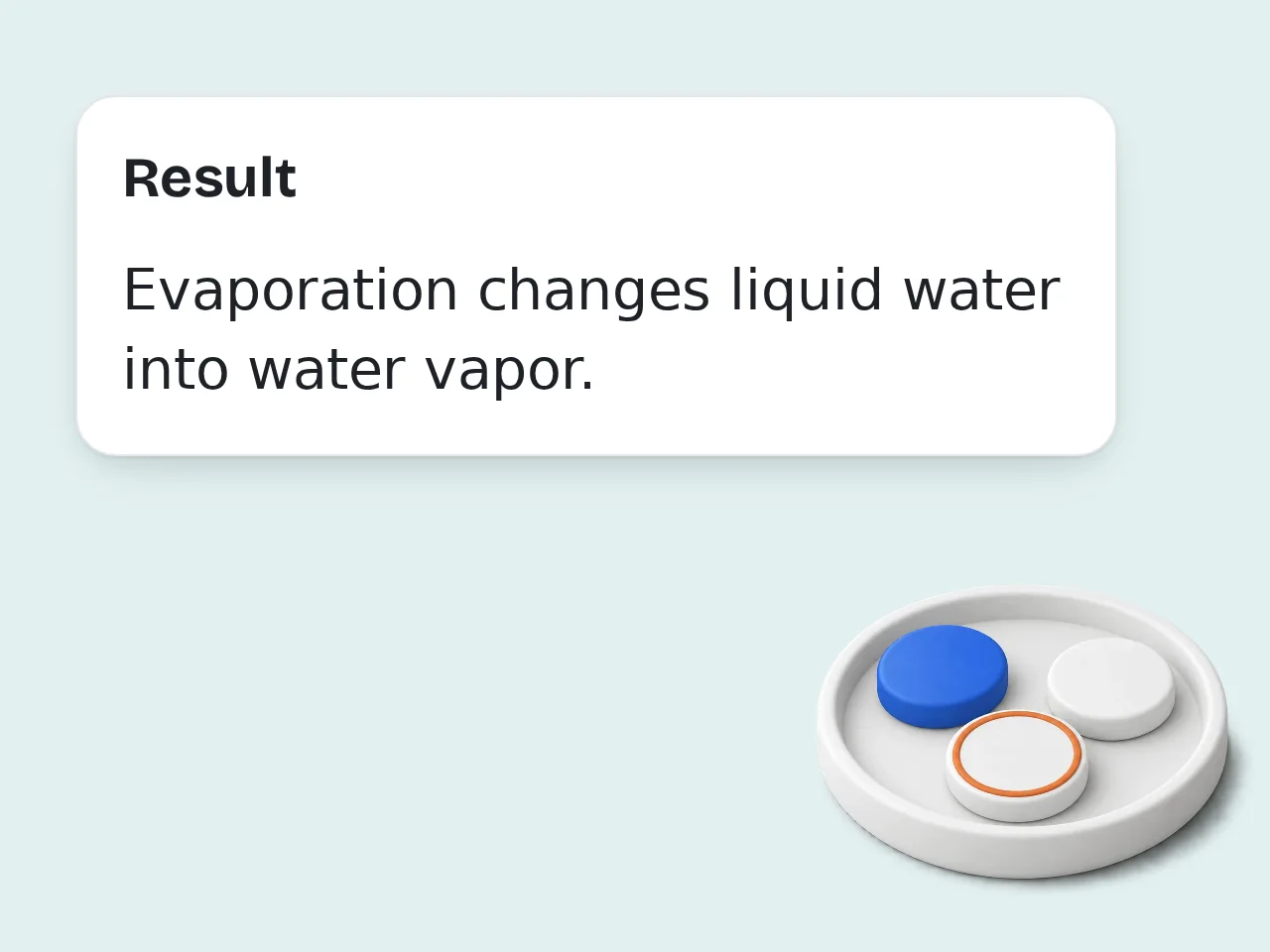
Generate and review
Read the summary, save the parts you need, and rerun the textbook summarizer with different settings if you want a shorter or deeper version.
Key Features of Textbook Summarizer
Study faster with formats that fit real classroom use
4 Study Formats in One Place
Switch between bullet points, short paragraphs, study outline, and Q&A depending on how you want to review the chapter.
Goal-Based Summary Modes
Use quick review, study notes, exam prep, or main ideas only so the summary matches the job you need done.
Simple or Advanced Explanations
Keep the language easy for first-pass reading or preserve more academic detail when technical terms matter.
Frequently Asked Questions about Textbook Summarizer
Common textbook summarizer questions, answered clearly
What is a textbook summarizer and how does it work?
A textbook summarizer takes a long chapter or reading passage and turns it into a shorter version that keeps the key ideas, definitions, and arguments. You paste the text, choose your settings, and get a cleaner study-ready result in seconds. The tool reads the source, spots the main claims, supporting details, and important terms, then rewrites them in a simpler structure such as bullet points, short paragraphs, an outline, or Q&A. That saves time when a chapter feels too dense. It works best for text-heavy material like history, biology, economics, and lecture readings.
How do I use the textbook summarizer for the best results?
Paste one chapter section or one clear reading passage at a time. Then choose the goal, output format, and summary depth before generating your textbook summary. A focused input almost always gives a cleaner result than dropping in an entire book at once. For quizzes, pick Exam Prep plus Bullet Points or Q&A. For class notes, Study Notes with Study Outline keeps the structure clear. For hard material, split long chapters into smaller parts and summarize each part separately.
Is this textbook summarizer free to use?
Yes, the textbook summarizer is free to try. Guests get limited daily free tries without creating an account, so you can test a chapter or reading before committing to anything. Free registered users have a monthly credit allowance, enough for weekly coursework and normal review sessions. Subscribers get higher limits for heavier study loads. If you only need quick chapter summaries, the free access covers most casual student use well. See the pricing page for current details.
How many times can I use the textbook summarizer per day?
If you are not signed in, guests get limited daily free tries with the textbook summarizer. That is enough for a couple of chapter sections, a reading assignment, or a quick exam review session. A free account gives you a monthly credit allowance. Subscribers get much higher availability, which fits users working through multiple textbooks, long reading lists, or intensive study weeks. If you hit the guest limit, saving your work and coming back later still works fine for light use. See the pricing page for current details.
Can I use the textbook summarizer without creating an account?
Yes, you can use the textbook summarizer without creating an account. Paste your text, choose the settings you want, and generate a summary right away. There is no signup wall before the first use. Guest access is useful when you just want to test a chapter, reduce one long passage, or turn lecture reading into quick notes before class. It keeps the workflow simple when time matters. If you end up using the tool often, a free account mainly helps by giving you more monthly runs.
What can I use a textbook summarizer for?
A textbook summarizer is useful for chapter preview, post-class review, exam preparation, note cleanup, and turning dense reading into faster revision material. It helps when you need the big picture before going back into the source. Students often use it to pull out key concepts, compare sections, and build study notes from long chapters. It also helps surface definitions, processes, and argument logic. It is strongest as a study aid, not as a substitute for reading every assigned page in full.
Does the textbook summarizer support different output styles?
Yes, the textbook summarizer supports multiple output styles so the same source text can become a different kind of study asset. You can turn a chapter into bullet points, short paragraphs, a study outline, or a Q&A review set. Different tasks need different formats. Bullet points are good for quick scanning, outlines show chapter structure, and Q&A helps with self-testing. If one format feels flat, try another before changing the source text itself.
Who benefits most from using a textbook summarizer?
Students benefit most from a textbook summarizer, especially when they are reading under time pressure or working through dense course material. It is also useful for tutors, teachers, and adult learners returning to study. The biggest gains show up when a user needs to understand structure quickly, extract definitions, or reduce textbook language into simpler phrasing. That is common in first-pass reading, revision, and exam prep. People with lower reading confidence often find the simple explanation mode especially helpful.
Why use a textbook summarizer instead of summarizing manually?
A textbook summarizer is faster than manual summarizing because it removes the first pass of cutting repetition and spotting the main idea structure. You still review the result, but the blank-page problem disappears immediately. Manual notes can take thirty minutes or more for one dense section. A good summary tool gives you a usable draft in seconds, which you can then refine with your own highlights, examples, or class comments. It saves the most time on repetitive chapter review, not on final deep reading for major exams.
How is this textbook summarizer different from using ChatGPT directly?
This textbook summarizer is built around a fixed study workflow, so you do not need to write prompts from scratch every time. You choose your goal, depth, style, and language, then get a consistent structure back. With ChatGPT directly, quality can change with the prompt. A dedicated tool reduces that friction and makes repeated chapter work easier. It is a better fit when you need routine, repeatable study output instead of open-ended conversation.
How can I get a better summary from the textbook summarizer?
Start with cleaner input. Remove page headers, footers, broken tables, or unrelated text before you generate the textbook summary. Cleaner source text leads to more accurate key points and less noise in the output. Next, match the settings to the task. Use simple explanation for difficult chapters, detailed depth for complex theory, and keep original terms when technical vocabulary matters for exams or assignments. If the result still feels broad, shorten the input and focus on one subsection at a time.
What if the summary is not what I expected?
If the textbook summary feels too short, switch from Brief to Balanced or Detailed. If it feels too vague, change the goal to Study Notes or Exam Prep and try again with a smaller section of text. Different formats also change how useful the result feels. A paragraph summary may seem thin, while the same source turned into bullets or Q&A can feel much clearer for revision. When a chapter is especially technical, rerun it in parts instead of forcing one huge summary.
Still have questions?
Contact our support teamReady to Use a Textbook Summarizer?
Paste a chapter and get clear study notes in seconds.