AI Lecture Summarizer
Turn messy lecture notes into clear study summaries instantly
How to Use the AI Lecture Summarizer
Get a study-ready summary in 3 steps
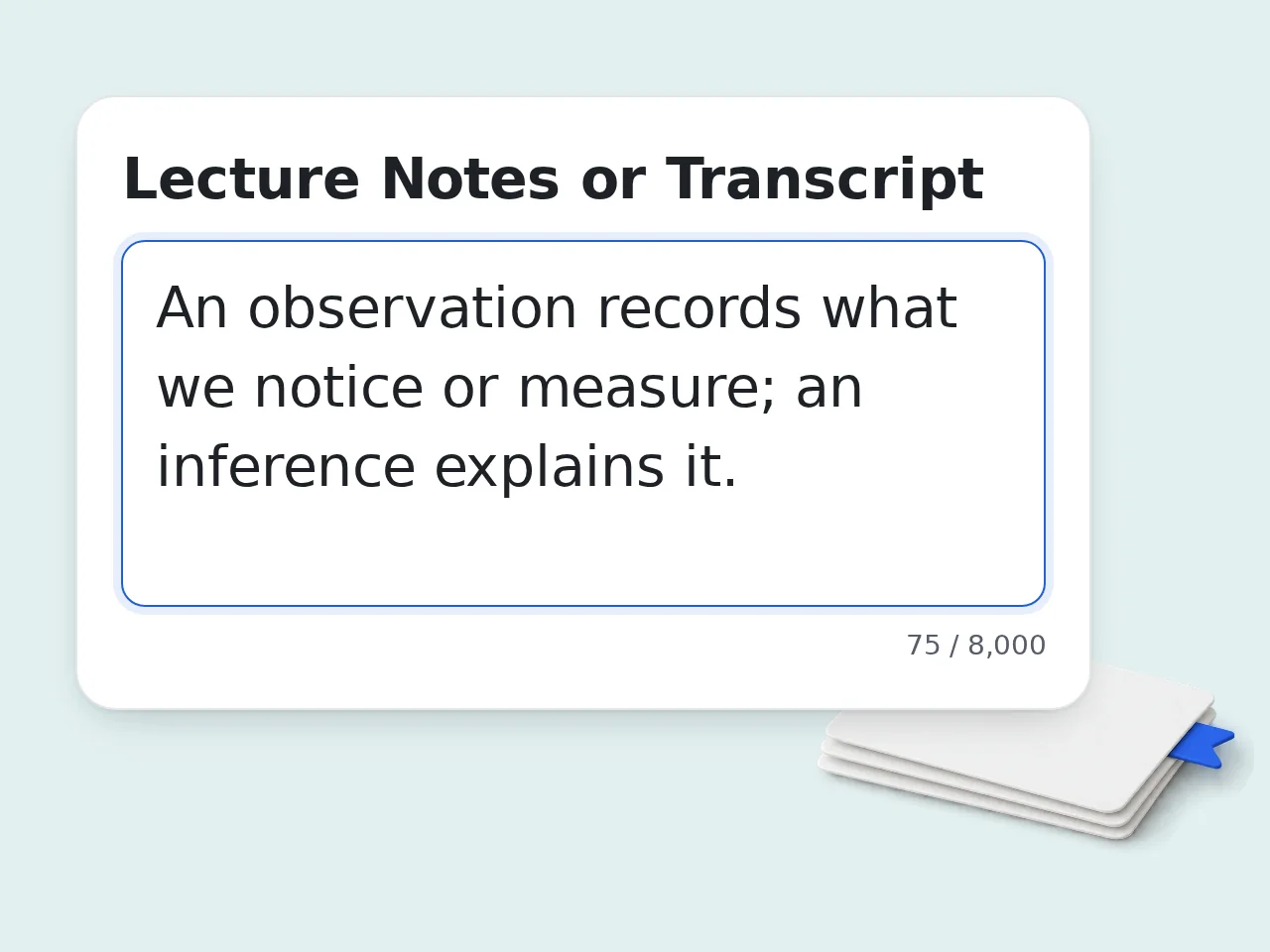
Paste your lecture notes or transcript
Copy your notes, a class transcript, or any lecture content into the text box. The AI lecture summarizer works with any format — messy notes included.
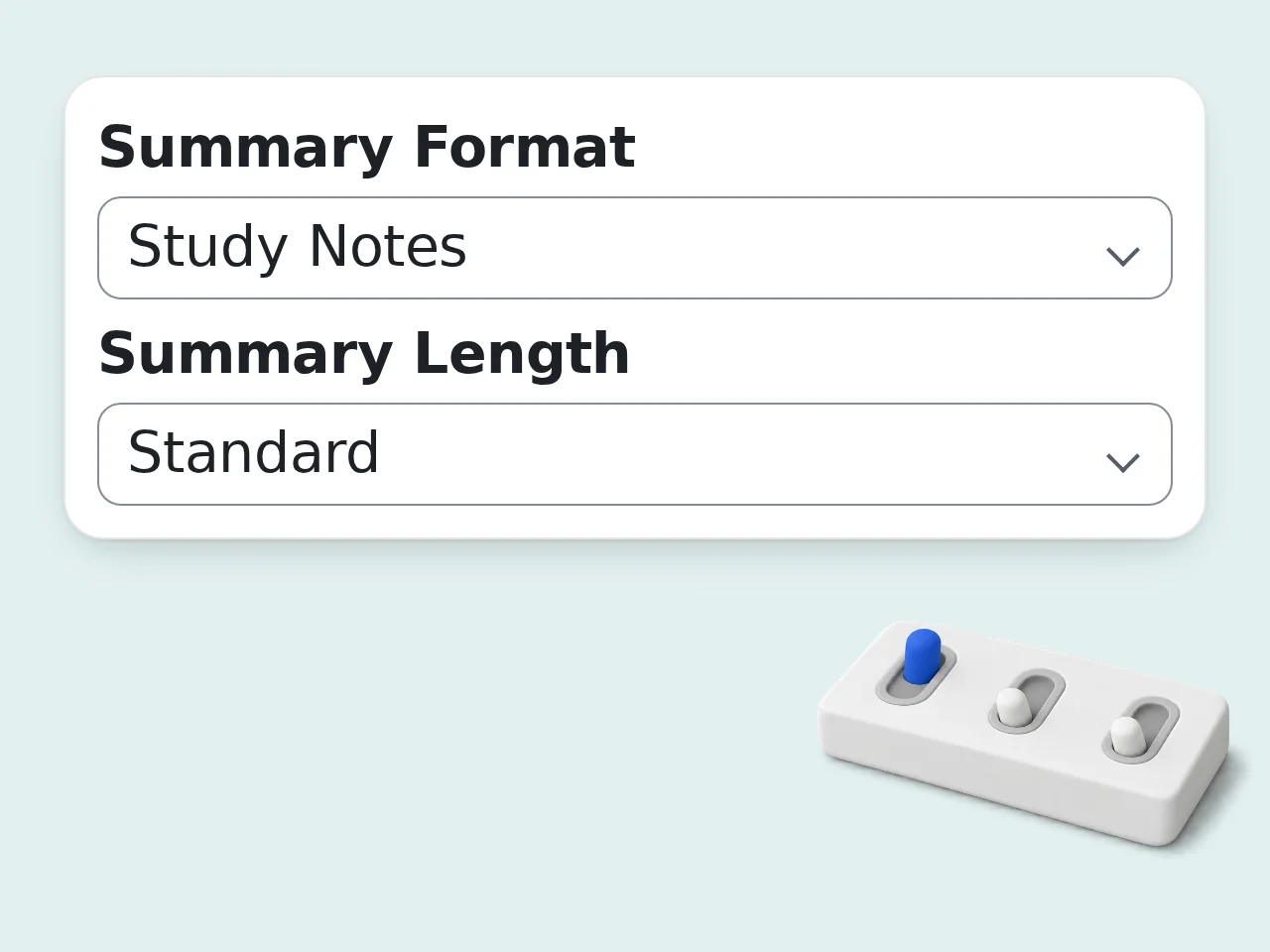
Choose your format and length
Select how you want the summary structured (bullet points, outline, study notes, or paragraph) and how detailed it should be.
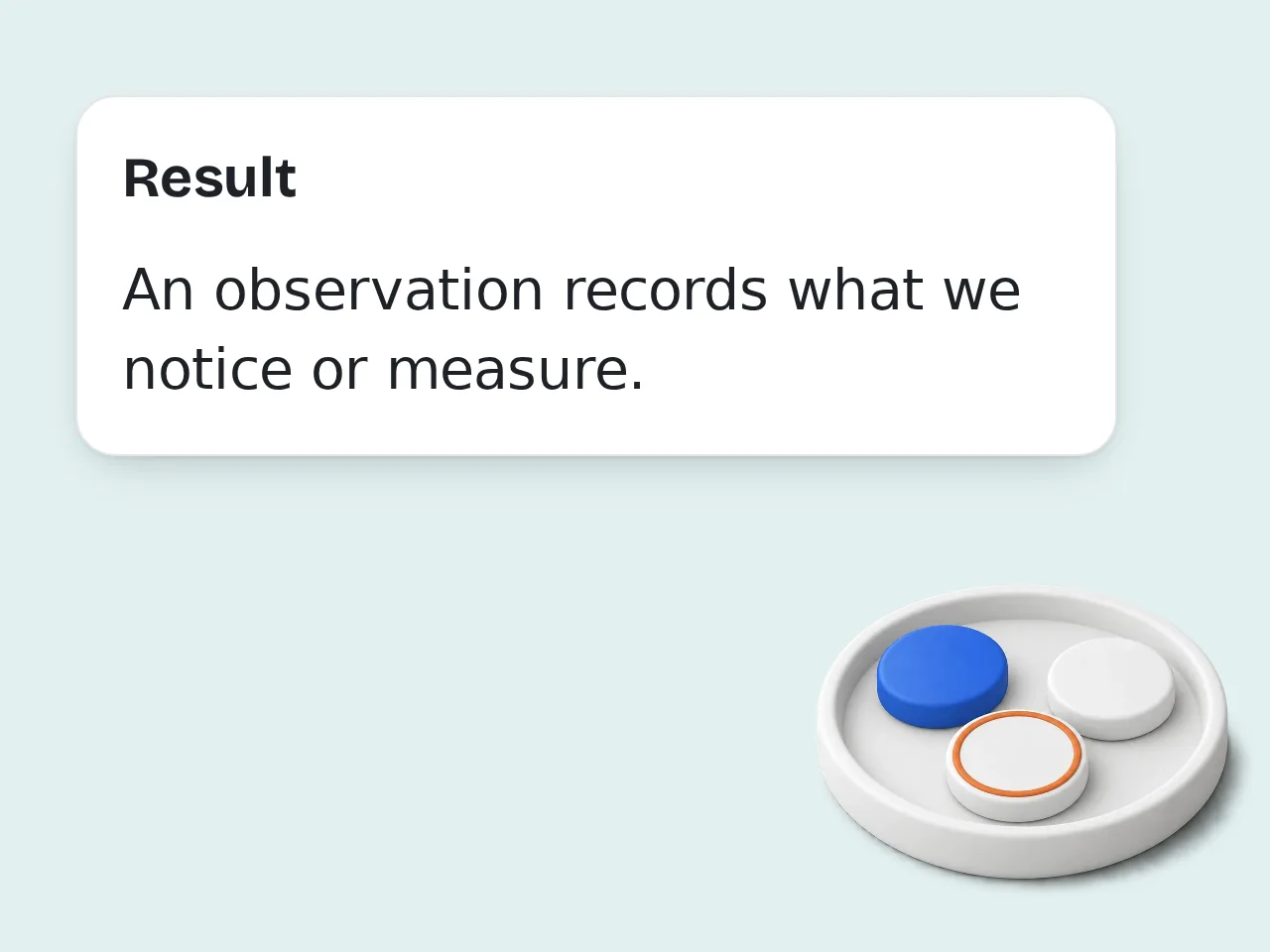
Click generate and review your summary
The lecture summarizer produces a clean, organized output instantly. Use the optional focus filter to highlight definitions, steps, or examples.
Key Features of AI Lecture Summarizer
Everything you need to turn lectures into study-ready notes
4 Summary Formats in One Tool
Choose bullet points, paragraph summaries, structured outlines, or study notes. Each format is designed for a different way of reviewing lecture content.
3 Detail Levels — Short to Detailed
Pick short for quick review, standard for full coverage, or detailed for thorough notes. The AI lecture summarizer adjusts depth based on what you select.
Focus on What Matters to You
Narrow the lecture summarizer to definitions, formulas, examples, or all content. Useful when you only need specific parts of a dense lecture.
Frequently Asked Questions with AI Lecture Summarizer
Common questions about the lecture summarizer answered
What is an AI lecture summarizer and how does it work?
An AI lecture summarizer takes your lecture notes or transcript and condenses them into a structured, easy-to-review summary. You paste the raw content, choose a format and length, and the AI reorganizes the material by topic instead of leaving it in the order it was written. This lecture summarizer supports four output formats: bullet points for scannable notes, structured outlines for topic hierarchy, paragraph summaries for flowing review, and study notes mode that highlights key terms with inline definitions. The AI works by identifying the main concepts, grouping related points, and removing filler or repetition — so what you get back is cleaner and more useful than the original.
How do I use the lecture summarizer to get the best results?
Paste as much of your raw lecture content as possible. The more context the AI lecture summarizer has, the better it groups and structures related ideas. If your notes include topic headings or timestamps, keep those in — they help the AI organize output more accurately. For exam prep, try the Study Notes format with the Definitions & Key Terms focus. For a general review, Bullet Points with Standard length works well. If the lecture covers a procedure or method, Formulas & Steps focus is the most useful setting. After generating, scan the Key Takeaways section first — that's where the most critical points are condensed. Then read through the full summary to check nothing important was missed.
Is the AI lecture summarizer free to use?
Yes, the AI lecture summarizer is completely free to use. You can generate summaries without creating an account, and free registered users get a higher usage limit. Guest users get limited daily free tries without signing up. Free accounts have a monthly credit allowance. Subscription plans are available if you need higher daily limits for heavy study sessions or multiple courses at once. All four summary formats, the focus filters, and the length controls are included at no cost in the free tier. See the pricing page for current details.
How many times can I use the lecture summarizer per day?
Without an account, you get limited daily free tries with the AI lecture summarizer. Free registered users have a monthly credit allowance. Subscription plans remove daily limits, which is useful if you're summarizing multiple lectures across different subjects or have heavy study weeks before exams. Each summary generation counts as one use, regardless of how long your lecture content is or which output format you select. See the pricing page for current details.
Can I use the lecture summarizer without creating an account?
Yes. Guest access lets you run the lecture summarizer without signing up. Guests get limited daily free tries with no account required — no email, no password, nothing. Creating a free account gives you a monthly credit allowance and lets you access your generation history. It takes about 30 seconds to sign up. For students who just need a quick summary before an exam, the guest option is enough. For regular weekly use across multiple courses, a free account makes more sense. See the pricing page for current details.
What types of lecture content can I summarize?
The AI lecture summarizer works with any text-based lecture content: handwritten notes typed up, typed class notes, copied transcripts from recordings, lecture slides text, or study guides you want condensed further. It handles content from any subject — science, humanities, business, law, medicine, engineering, and more. The Focus Area setting helps it adapt: use Formulas & Steps for math or science lectures, Definitions & Key Terms for vocabulary-heavy courses, and Examples & Applications for case-based subjects. For best results, paste complete lecture content rather than fragments. Partial notes still work, but more context produces a better-organized summary.
Why use this lecture summarizer instead of asking ChatGPT directly?
This AI lecture summarizer is built specifically for turning lecture notes into study materials — the interface is designed around that single task, so you don't need to write a prompt or explain what you want each time. The structured options (format, length, focus area) give you consistent, predictable output that's immediately usable for studying. With ChatGPT, you'd need to craft a detailed prompt every session to get formatted study notes rather than a generic summary. For occasional use, ChatGPT works fine. But if you're summarizing lectures regularly across multiple subjects, a dedicated tool with preset study-focused options saves time every single time.
What is the difference between the summary formats?
Bullet Points creates a hierarchical list with main topics as headers and supporting details indented below. Good for scanning quickly and identifying what to review further. Structured Outline uses a numbered system (1., 1a., 1b.) that shows the logical structure of the lecture clearly. Useful when the lecture followed a clear progression you want to map. Paragraph Summary writes flowing prose organized by topic instead of a list. Better for subjects where ideas connect continuously rather than standing alone. Study Notes mode bolds key terms inline and includes short definitions. Designed specifically for vocabulary-heavy lectures and exam preparation where memorizing terminology matters.
How does the lecture summarizer handle unclear or messy notes?
The AI lecture summarizer is designed to work with messy, fragmented notes — not just clean transcripts. It groups related ideas together even when they appear scattered through the source material. If your notes contain shorthand, abbreviations, or incomplete sentences, the AI interprets them based on context. Lecture content with filler words or repeated explanations gets condensed automatically without losing the core meaning. For notes that are very short or highly fragmented, the tool extracts what's available and may note when certain sections seem incomplete. Adding even brief context like the course subject helps it produce a more coherent result.
Can I use the AI lecture summarizer for exam preparation?
Yes — exam prep is one of the most common uses. Select Study Notes format with Definitions & Key Terms focus to build a vocabulary-focused review sheet directly from lecture content. For courses with formulas or methods, the Formulas & Steps focus extracts procedures clearly with numbered steps. Switching to Detailed length ensures you don't miss supporting information that might appear in exam questions. After generating, the Key Takeaways section at the bottom of every summary gives you a fast 3-5 point review of the lecture's most critical ideas — useful for final-hour cramming before a test.
What if the output from the lecture summarizer is missing something?
If a key point from your lecture didn't appear in the summary, it usually means that section of your notes was very brief or lacked context. Try switching to Detailed length and regenerating — the longer output captures more supporting information. You can also try changing the Focus Area to match the type of content you feel is missing. For example, if examples are being dropped, switch to Examples & Applications focus. If the issue persists, check whether that specific information was clearly stated in your pasted notes. The AI only works with what you provide — adding more complete notes usually resolves gaps in the output.
Who benefits most from using this AI lecture summarizer?
University and college students benefit most — especially those in lecture-heavy courses like law, medicine, business, and sciences where weekly content volume is high and reviewing everything is impractical. The lecture summarizer is also useful for professionals attending training sessions or conferences who want structured notes from recorded talks or written materials. High school students preparing for exams, ESL learners who want simplified versions of dense lecture content, and study groups looking for a shareable clean summary all find consistent value in the tool.
Still have questions?
Contact our support teamReady to Summarize Your Next Lecture?
Paste your notes and get a clean study summary in seconds. Free, no signup needed.