Paragraph Scrambler
Turn any passage into paragraph scramble worksheet practice with clear answer-ready structure
How to Use the Paragraph Scrambler
Create sentence order practice in three clear steps
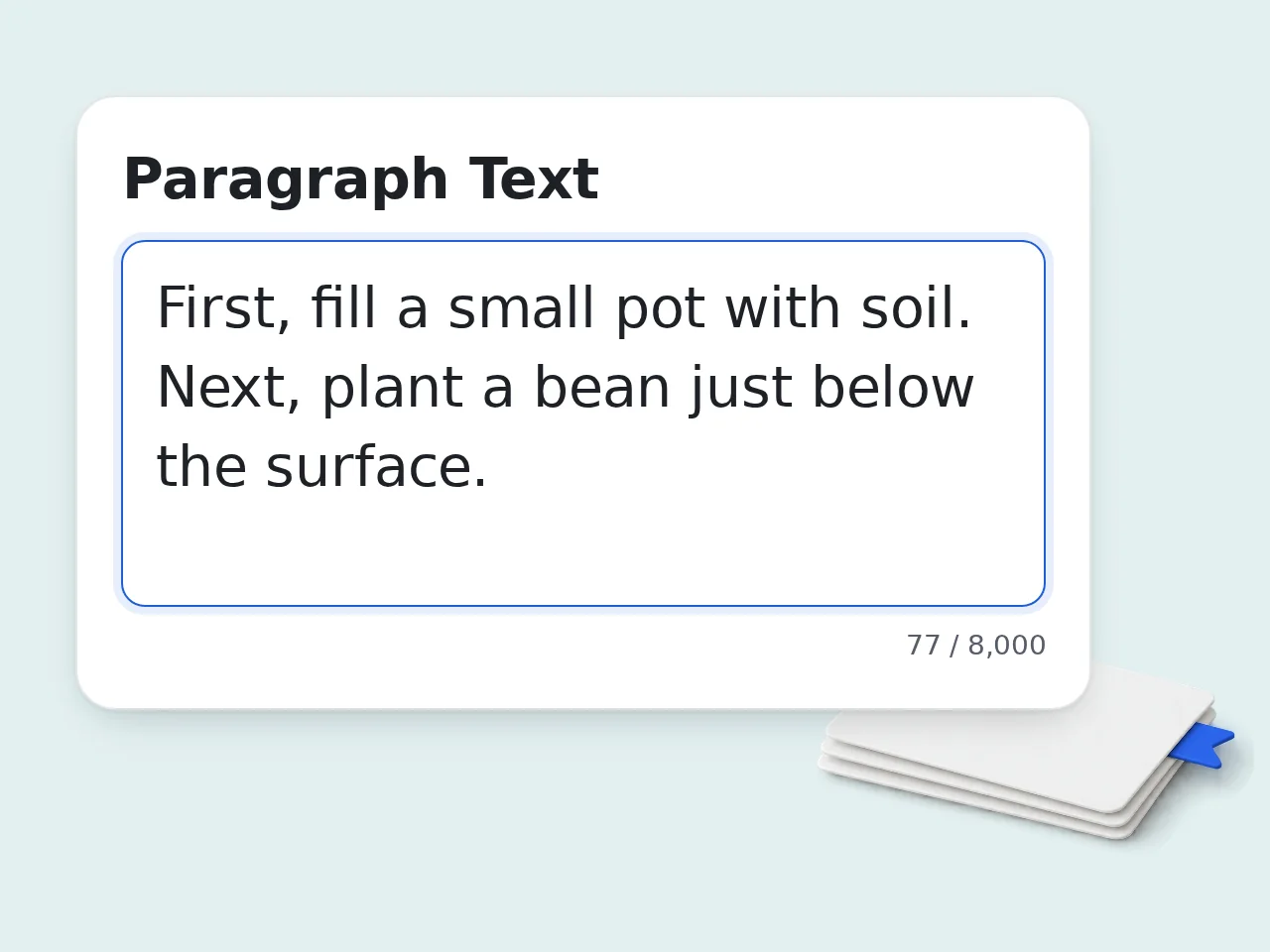
Paste Your Passage
Add one or more paragraphs to the paragraph scrambler. A short reading passage, writing sample, or class text works best when the ideas already follow a logical order.
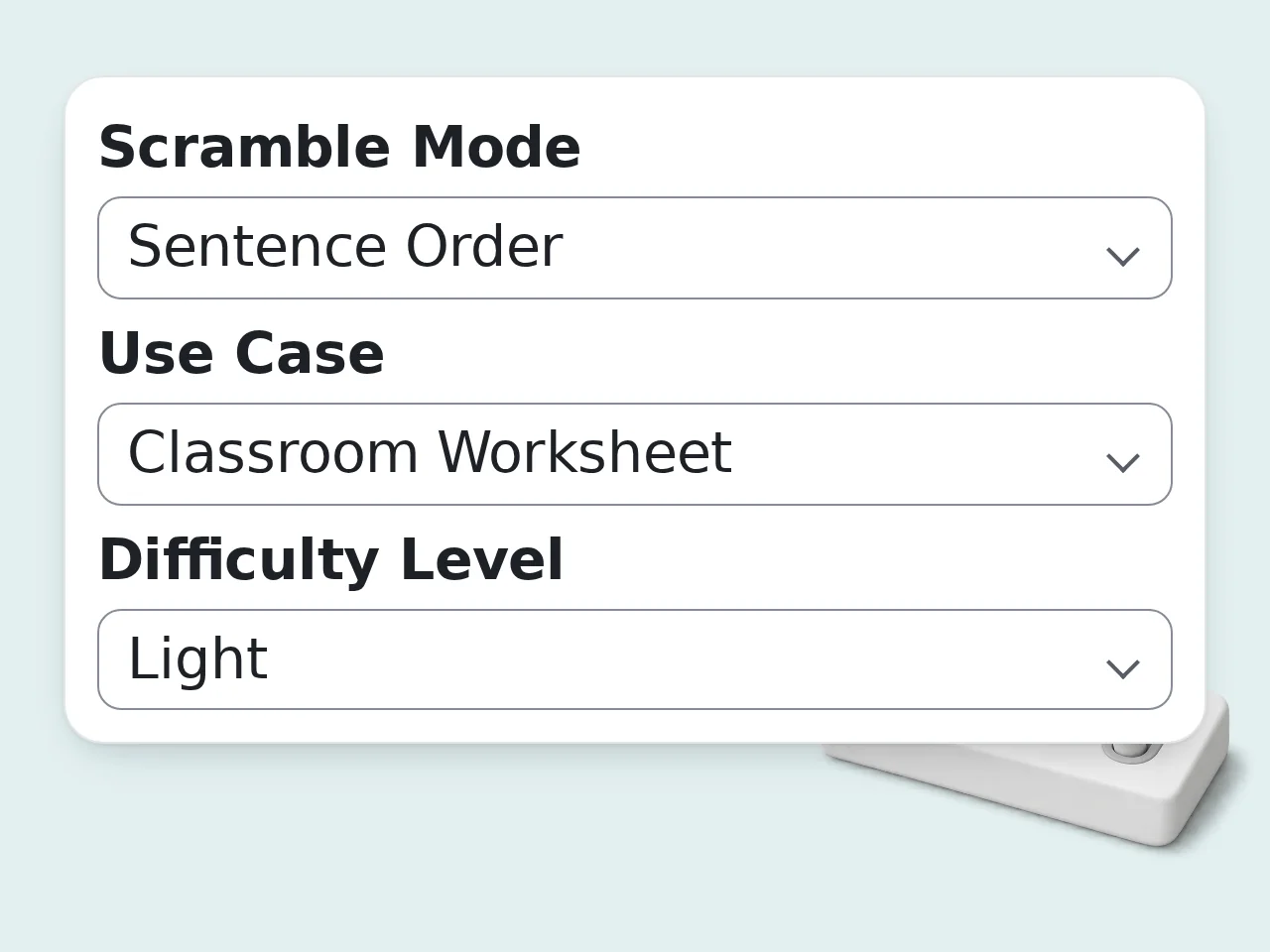
Choose the Right Settings
Select sentence order or paragraph order, pick a difficulty level, and decide whether you want a paragraph scramble worksheet, self practice sheet, or writing revision output.
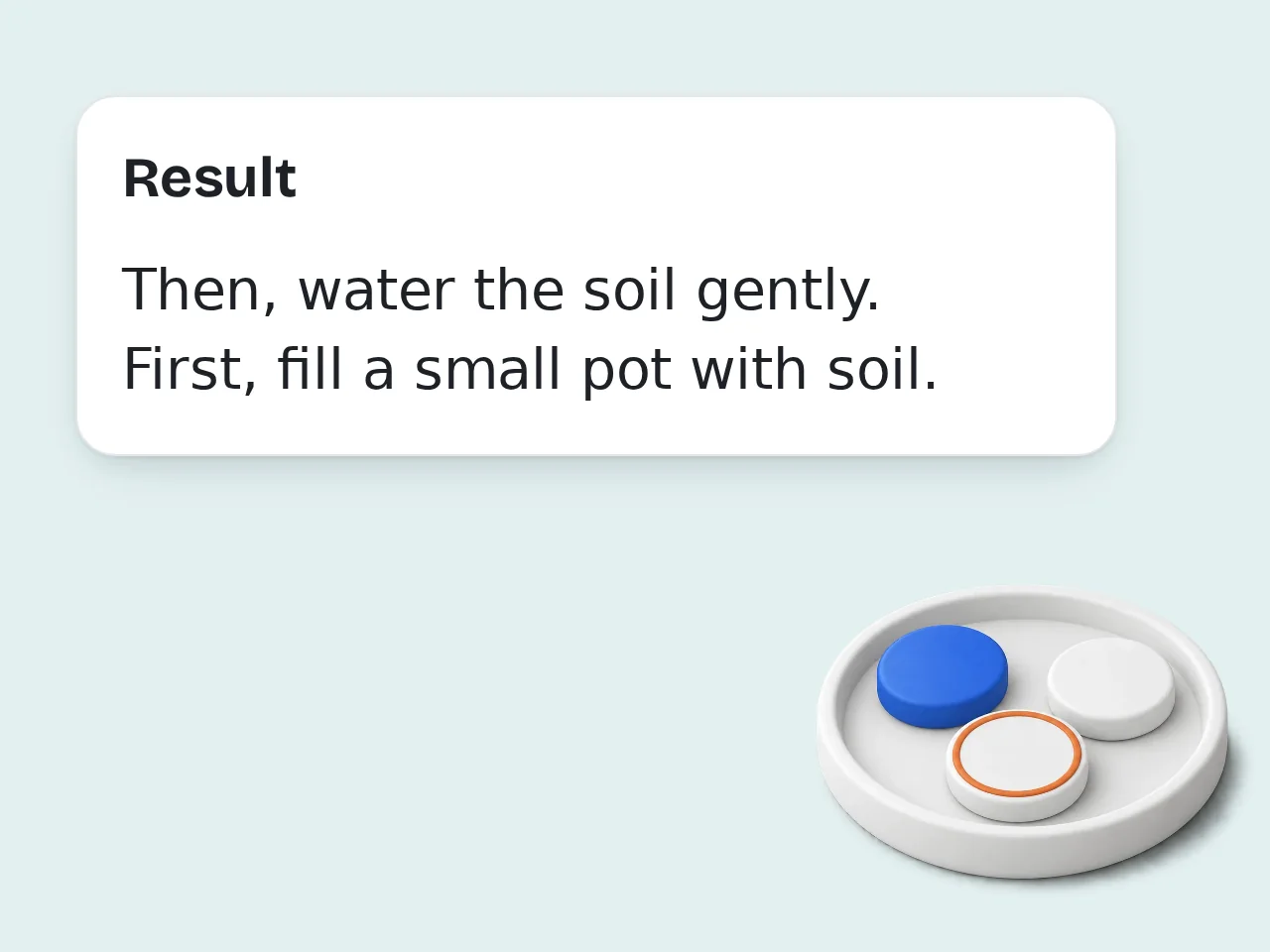
Generate and Review
Create the paragraph scrambler result, then review the scrambled version, directions, and optional answer key. Print it, share it, or use it for quick sentence order practice.
Key Features of Paragraph Scrambler
Everything needed to turn plain text into usable paragraph scramble practice
3 Scramble Modes for Practice
Choose sentence order, paragraph order, or a mixed paragraph scrambler challenge. Each mode keeps the task solvable instead of creating random chaos.
Answer Key and Worksheet Output
Build a paragraph scramble worksheet with short directions, numbered items, and an optional answer key. Teachers can copy, print, or edit it quickly.
Difficulty Control by Audience
Adjust the paragraph scrambler for elementary, middle school, high school, or adult learners. Lighter modes preserve clues, harder modes push deeper reasoning.
Frequently Asked Questions
Common questions answered
What is a paragraph scrambler and how does it work?
A paragraph scrambler takes a passage and rearranges the sentence order, paragraph order, or both so the reader has to rebuild the original logic. It turns a normal text into a sequencing task instead of leaving the writing untouched. Most users paste one short passage, choose a mode, and generate a ready activity within a minute. Teachers often use it for reading comprehension, while writers use it to test paragraph flow. The best paragraph scrambler keeps one clear answer path. That makes the practice useful instead of feeling random.
How do I use the paragraph scrambler to get the best results?
Start with a passage that already has a clear beginning, middle, and end. A paragraph scrambler works best when the source text contains transitions, topic sentences, and supporting details that can be logically rebuilt. Choose sentence order for shorter tasks, paragraph order for longer passages, or mixed mode for a stronger challenge. Match the difficulty to the learner instead of always picking the hardest setting. If you want cleaner sentence order practice, trim extra filler before generating. Tighter source text usually creates better scramble tasks.
Is this paragraph scrambler free to use?
Yes, this paragraph scrambler is free to use. You can open the tool, paste a passage, and generate a paragraph scramble worksheet without paying before you try it. The core experience includes scramble modes, worksheet formatting, and optional answer keys. That covers the common classroom, tutoring, and self study uses most people need day to day. If you only need quick sentence order practice or a fast classroom activity, the free access is usually enough to get started right away.
How many times can I use the paragraph scrambler per day?
Guests get limited daily free tries of the paragraph scrambler without logging in. Free registered users have a monthly credit allowance, and subscriber accounts get higher limits for heavier worksheet creation. Those limits are designed to cover casual sentence order practice for students and regular classroom prep for teachers. If you run many passages in one sitting, an account helps you avoid interruptions. For most people, one well prepared passage goes a long way. Plan a few strong paragraph scramble tasks instead of generating dozens of weak ones. See the pricing page for current details.
Can I use the paragraph scrambler without creating an account?
Yes, you can use the paragraph scrambler without creating an account. Paste your text, choose the settings, and generate a scramble activity directly in the page as a guest. An account mainly helps if you want more monthly runs or you expect to build many paragraph scramble worksheet files over time. The basic workflow stays simple either way. If you are testing the tool for a class or tutoring session, guest mode is enough for a quick trial before you decide whether you need more usage.
What can I use a paragraph scrambler for?
A paragraph scrambler is useful for reading comprehension, sentence order practice, paragraph sequencing, writing revision, homework sheets, and tutoring drills. It works anywhere the learner needs to rebuild structure instead of just spotting vocabulary. Teachers often turn one passage into a paragraph scramble worksheet, students use it for self study, and writers use it to check whether the logic of a draft is strong enough to survive reordering. It is especially helpful when learners understand words but still struggle with flow, transitions, or topic development.
Does the paragraph scrambler support answer keys and different output styles?
Yes, the paragraph scrambler can generate an answer key and present the task in different output styles. You can keep it as a worksheet, use a numbered list, or show a side by side comparison. That flexibility matters because a class handout, tutoring sheet, and writing revision task do not need the same layout. A clear answer key also saves teachers time during checking and discussion. If the passage is longer, numbered output usually stays easiest to read. For coaching or revision, side by side output often works better.
Who benefits most from using a paragraph scrambler?
Teachers, students, tutors, parents, and writers all benefit from a paragraph scrambler when the goal is to understand structure. It is especially strong for middle school, high school, and language learning practice. Teachers save prep time, students get focused sentence order practice, and tutors can quickly adjust difficulty for one learner. Writers also get a useful coherence check when a draft feels flat or repetitive. If someone struggles with transitions or topic flow, a paragraph scramble often reveals the weak spot faster than a normal worksheet.
Why use a paragraph scrambler instead of doing the exercise manually?
A paragraph scrambler saves setup time and removes the boring part of manually cutting, numbering, and rearranging every sentence yourself. You spend more energy on teaching or learning, and less on formatting the task. Manual prep also makes it easy to create accidental clues or uneven difficulty. A good paragraph scramble tool keeps the structure consistent and gives you a cleaner answer key. That matters when you need several practice sets in one week. Fast preparation usually means more consistent classroom use.
Why use this paragraph scrambler instead of asking ChatGPT directly?
A dedicated paragraph scrambler starts with the exact worksheet goal in mind, so the output is easier to use right away. You choose scramble mode, difficulty, answer key, and audience level without rewriting the same prompt every time. ChatGPT can help, but it often needs extra prompt tuning and manual cleanup before the result becomes a neat paragraph scramble worksheet. The process is slower if you repeat it often. If you want reliable sentence order practice with fewer prompt edits, a focused tool is usually the cleaner option.
How can I get better results from the paragraph scrambler?
Use source text with strong connectors, clear topic sentences, and a visible sequence of ideas. A paragraph scrambler produces better tasks when the original passage already has solid structure instead of loose notes. Keep each activity short enough for the learner's level. Four to eight sentences often works well for sentence order practice, while three to five short paragraphs fit a paragraph order task better. Add a teacher note when you want the result to focus on transitions, evidence order, chronology, or cause and effect.
What if the paragraph scrambler output is not what I expected?
If the paragraph scrambler output feels too easy, too hard, or too random, change the mode, trim the source passage, or lower the difficulty. Small input changes usually improve the activity faster than starting from scratch. Some passages are weak candidates because the original writing has unclear transitions or repeated ideas. In those cases, even a good paragraph scramble will feel messy because the source logic is already messy. Try a cleaner passage, add a teacher focus note, and regenerate. One careful revision usually fixes most output problems.
Still have questions?
Contact our support teamBuild a Better Paragraph Scrambler Task Now
Paste a passage, set the difficulty, and create a cleaner worksheet in minutes.