How to Restate a Question
Turn any prompt into a clear answer starter with a question restatement generator
How to Use How to Restate a Question
Create a better answer starter in three simple steps
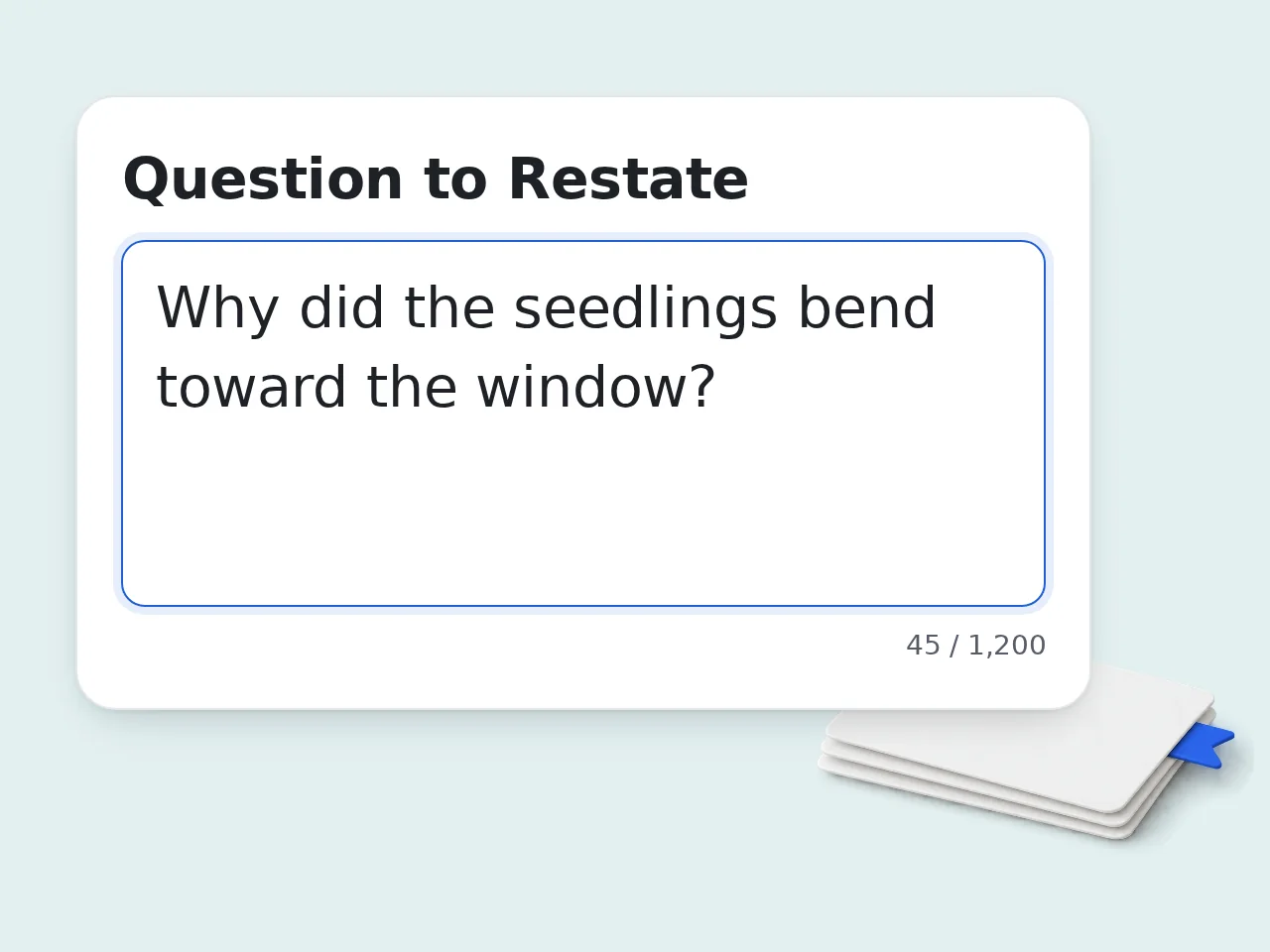
Paste the Full Question
Add the original prompt to the how to restate a question tool. Full wording helps the tool keep the subject, action, and expected answer clear.
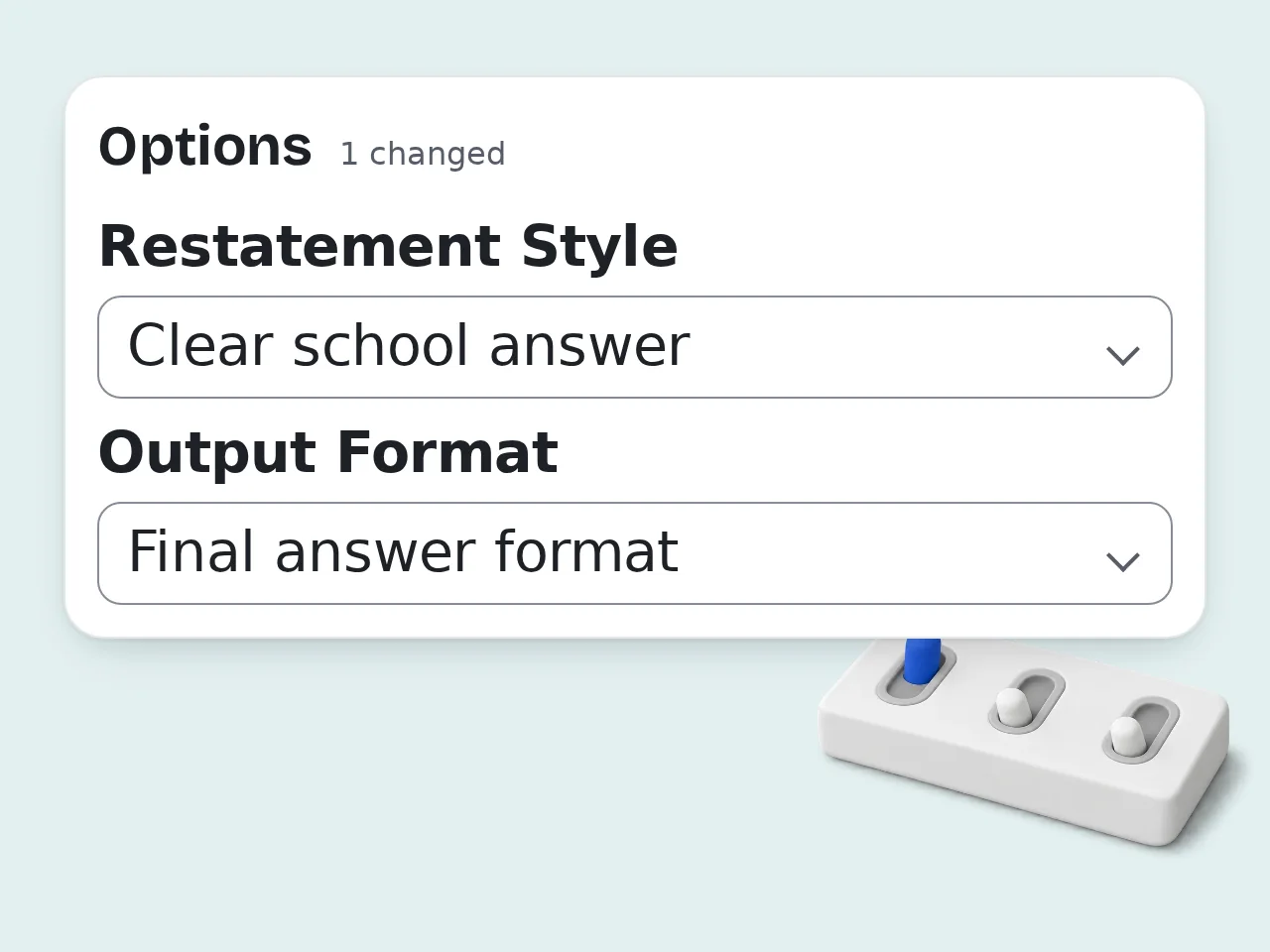
Choose Style and Format
Pick a restatement style and output format. You can ask for a short starter, guided question restatement examples, or a practice set.
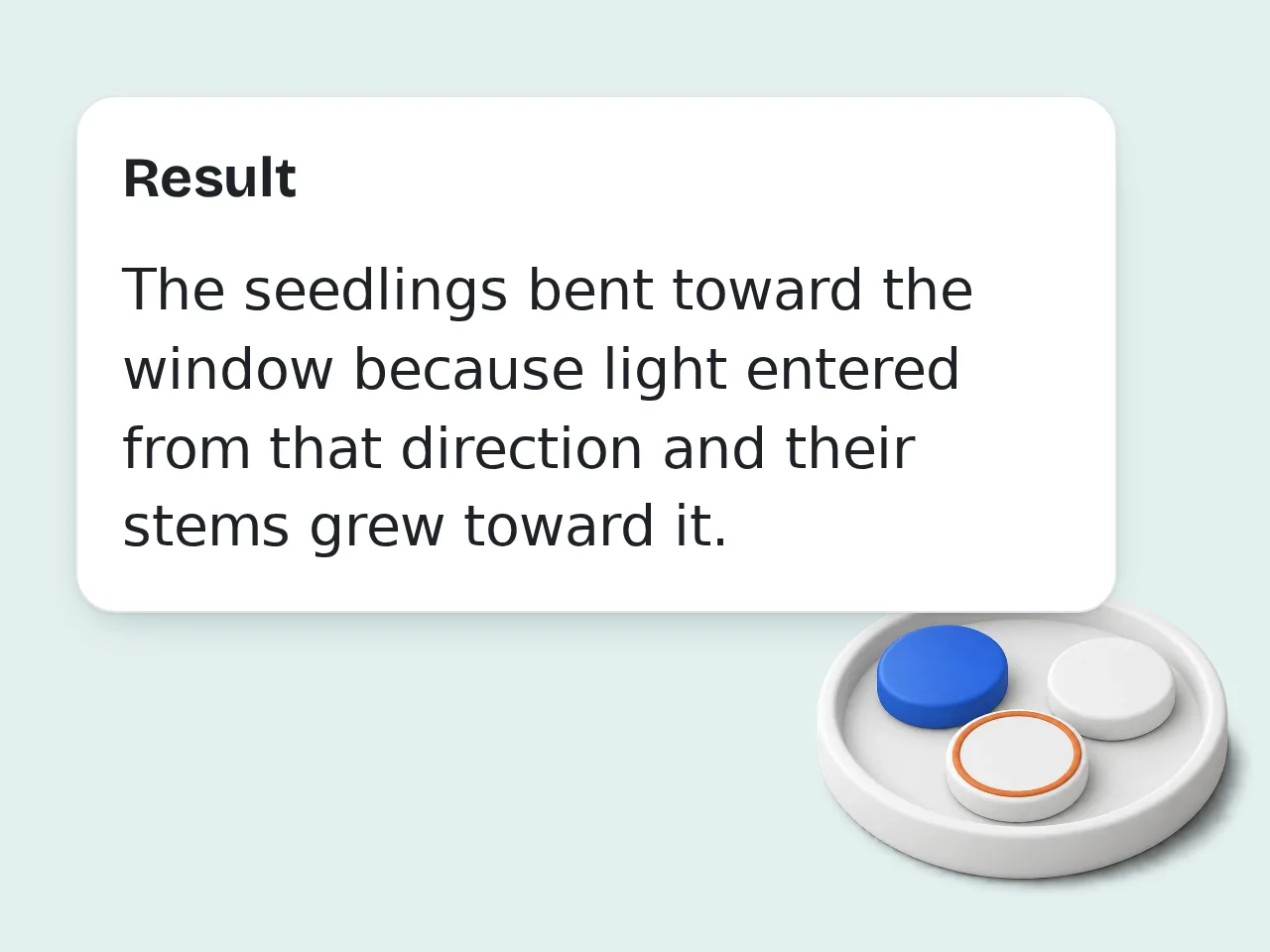
Review and Reuse
Read the restated question, compare it with the original, and use it to begin your answer. Edit small details if your assignment needs special wording.
Key Features of How to Restate a Question
Everything needed to turn a question into a complete answer starter
4 Restatement Styles
Use clear school, academic, concise, or kid-friendly phrasing. Each style helps you restate a question without losing the original meaning.
Guided Examples and Practice
Generate one answer starter, several examples, or a full practice set. The tool shows how question wording changes into a statement.
Context-Aware Answer Starters
Add your planned answer or grade level so the question restatement fits the assignment, audience, and expected response.
Frequently Asked Questions
Common questions answered
What is how to restate a question and how does it work?
How to restate a question means changing a question into a complete statement that can begin an answer. Instead of copying the question mark format, you keep the key words and turn them into a clear answer starter. For example, “Why is recycling important?” can become “Recycling is important because...” This helps students write full responses, teachers grade faster, and readers understand the answer without seeing the original prompt. The tool does that conversion for you, then shows why the new sentence works.
How do I use how to restate a question to get better answers?
Paste the original prompt into the tool, choose a style, and decide whether you want one answer starter or guided examples. The best results come from using the full question instead of a shortened fragment. If you already know the answer, add it in the context box. The tool can then combine the restated question with your idea while keeping the sentence complete and natural. For school work, choose the clear school answer style first. It is usually easiest to understand.
Is this how to restate a question tool free to use?
Yes, this how to restate a question tool is free to try. You can paste a question, generate a restated answer starter, and review the explanation without paying before you use it. The free workflow covers common classroom prompts, essay questions, reading responses, discussion questions, and short-answer practice. It is designed for quick help rather than a complicated writing setup. If you only need occasional question restatement practice, the free access is usually enough.
How many times can I use the question restatement generator per day?
Guests get limited daily free tries with the question restatement generator without logging in. Free registered users have a monthly credit allowance, while subscriber accounts receive higher limits for regular writing work. Those limits fit most homework checks, tutoring sessions, and teacher demonstrations. If you are preparing many examples for a class, signing in gives you more room. To save runs, paste the full question and context together before generating. See the pricing page for current details.
Can I use this question restatement tool without an account?
Yes, you can use this question restatement tool without creating an account. Paste the prompt, pick a style, and generate a restated version directly as a guest. An account mainly helps when you need more monthly uses or want a steadier workflow for homework, tutoring, or classroom prep. The basic restating process stays the same either way. Guest mode is good for testing one or two questions before deciding whether you need more usage.
What can I use a restate the question tool for?
A restate the question tool helps with short answers, reading responses, essay prompts, discussion replies, test preparation, and classroom writing practice. It is useful whenever the answer should begin as a complete sentence. Students can learn the pattern, teachers can create examples, and tutors can show why a stronger answer starter improves clarity. The tool also helps English learners see how question word order changes. Use it when the first sentence feels awkward or incomplete.
Does the tool support examples for restating questions?
Yes, the tool can show examples for restating questions, not just a single final sentence. Choose guided examples or practice set if you want to see multiple versions and quick notes about what changed. This matters because some questions need a direct answer starter, while others need a more academic or kid-friendly restatement. Seeing examples makes the pattern easier to repeat without help. For learning, examples are usually better than final-only output.
Who benefits most from learning how to restate a question?
Students, teachers, tutors, parents, English learners, and test takers benefit most from learning how to restate a question. The skill makes answers clearer and reduces incomplete sentence problems. Younger students often use it for reading responses, while older students use it for essays, evidence-based answers, and exams. Teachers can use the tool to model better answer starters quickly. Anyone who freezes at the first sentence can use it as a simple writing scaffold.
Why use a question restatement generator instead of doing it manually?
A question restatement generator saves time and shows the pattern clearly when manual rewriting feels confusing. It quickly identifies the subject, removes the question format, and creates a complete answer starter. Manual restating is still a useful skill, but beginners often leave in question words or create sentence fragments. The generator gives a clean model they can compare against their own attempt. Use it as a learning aid, not just a shortcut.
Why use this tool instead of asking ChatGPT how to restate a question?
This tool is faster than asking ChatGPT because the form is already built for question restatement. You do not need to write a long prompt or explain the output format every time. The settings cover school answer starters, academic phrasing, concise wording, kid-friendly explanations, and practice examples. That makes the result more predictable for repeated homework or teaching use. ChatGPT can still help with broad writing, but a focused tool removes setup friction.
How can I improve my question restatement skills?
Improve your question restatement skills by keeping the key nouns, removing the question word, and starting the answer as a statement. Then check whether the sentence still makes sense without the original question. Practice with simple prompts first, such as “What is your favorite book?” before moving to why, how, or compare-and-contrast questions. Harder prompts need more careful wording. After using the tool, rewrite one version yourself to build the habit.
What if the restated question does not sound right?
If the restated question does not sound right, add more context, choose another style, or shorten the original prompt. Some prompts are vague, overloaded, or written as fragments, so the tool may need more detail. Check whether the output answers the same question, uses a complete sentence, and keeps important keywords. If one part feels wrong, edit that part instead of replacing everything. For tricky essay prompts, guided examples usually produce better results than final-only output.
Still have questions?
Contact our support teamReady to Restate a Question Clearly?
Paste a prompt and get a complete answer starter in seconds.