AI Dialogue Generator
Create realistic conversations for stories, scripts, roleplay, and scenes
How to Use
Create dialogue in 3 simple steps
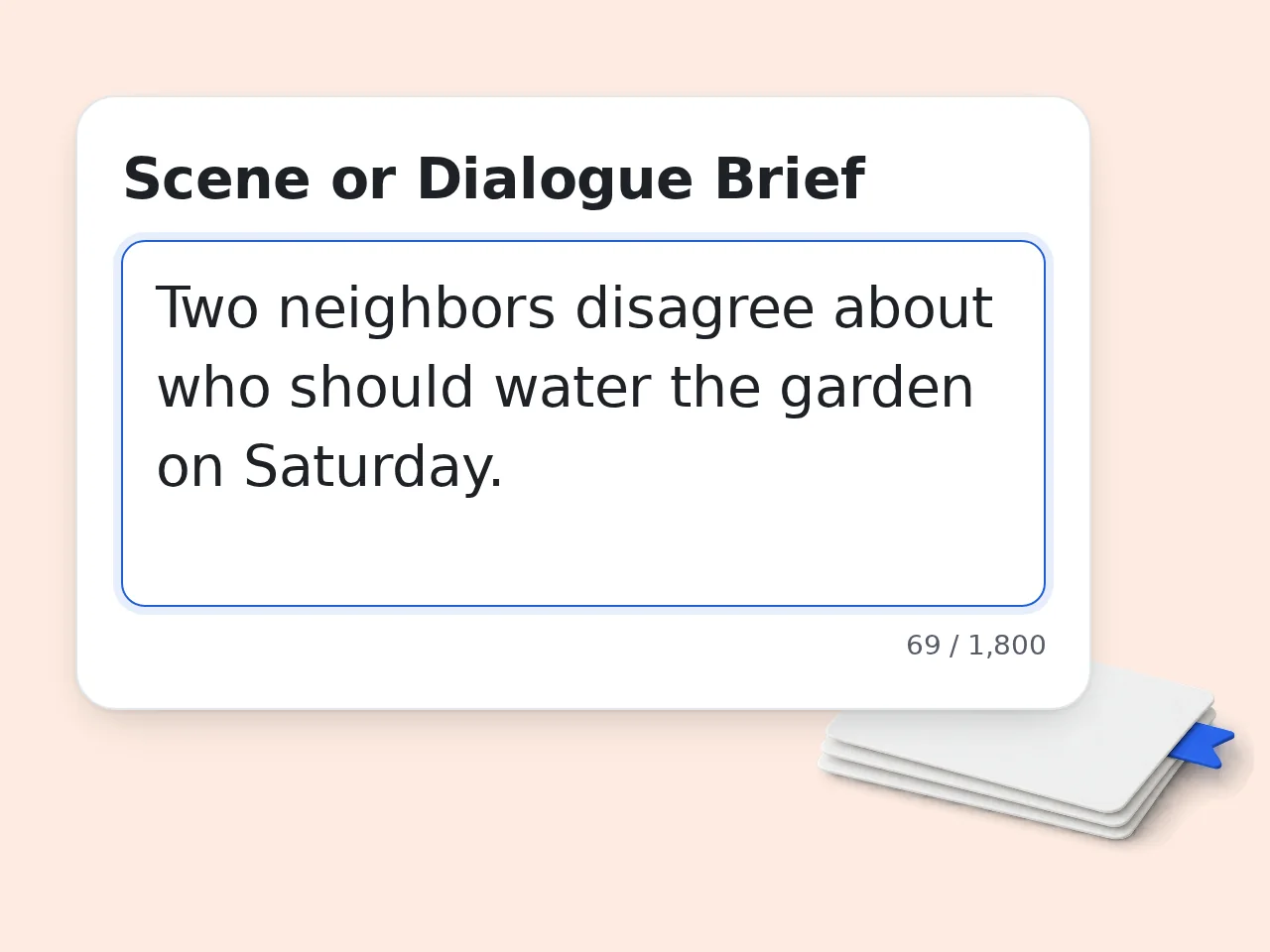
Describe the Scene
Enter what is happening, who is speaking, and why the conversation matters. The AI dialogue generator uses this brief to shape the exchange.
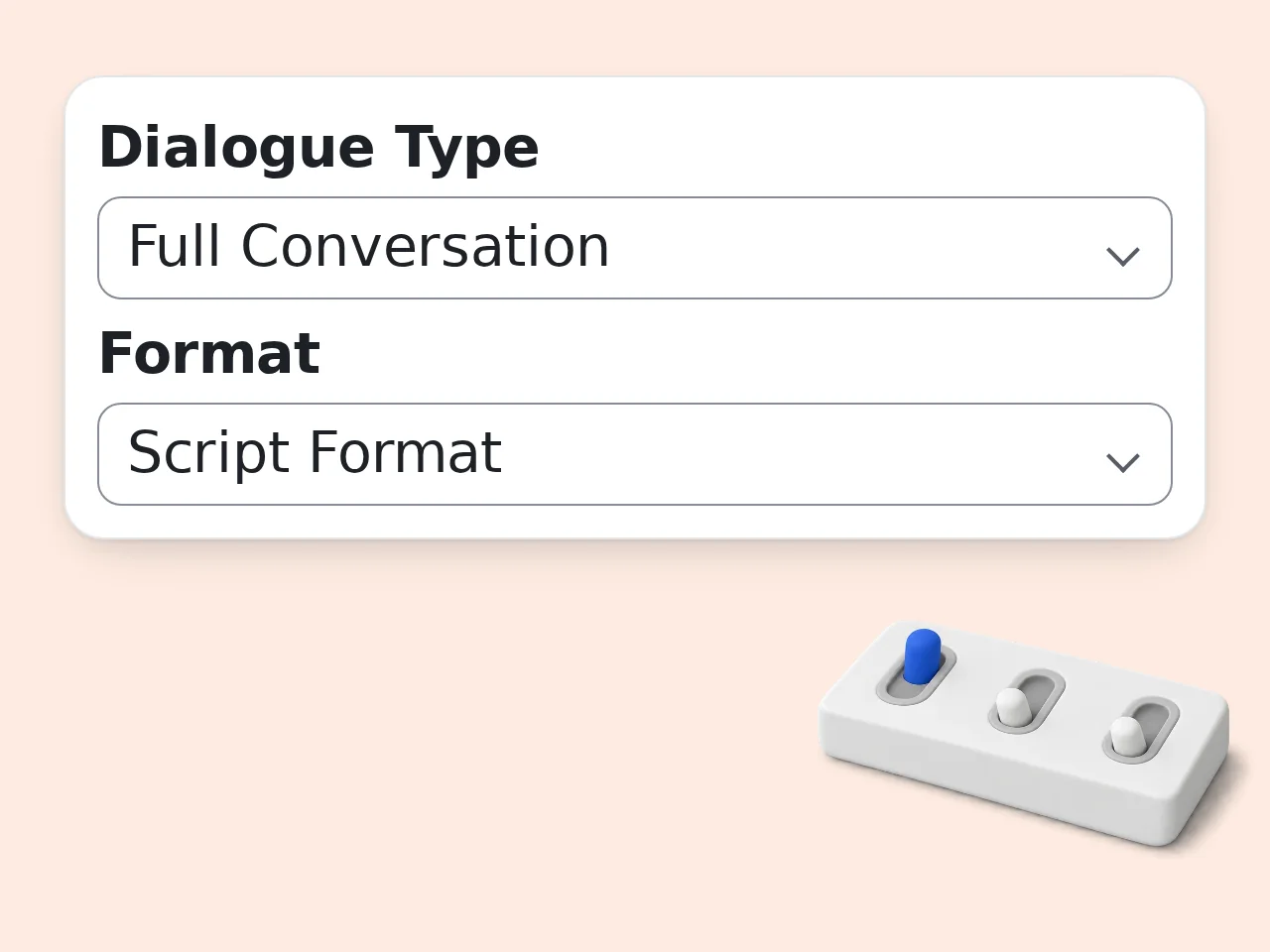
Choose Format and Tone
Pick script, narrative, or chat format, then choose a tone such as natural, tense, funny, dramatic, or romantic.
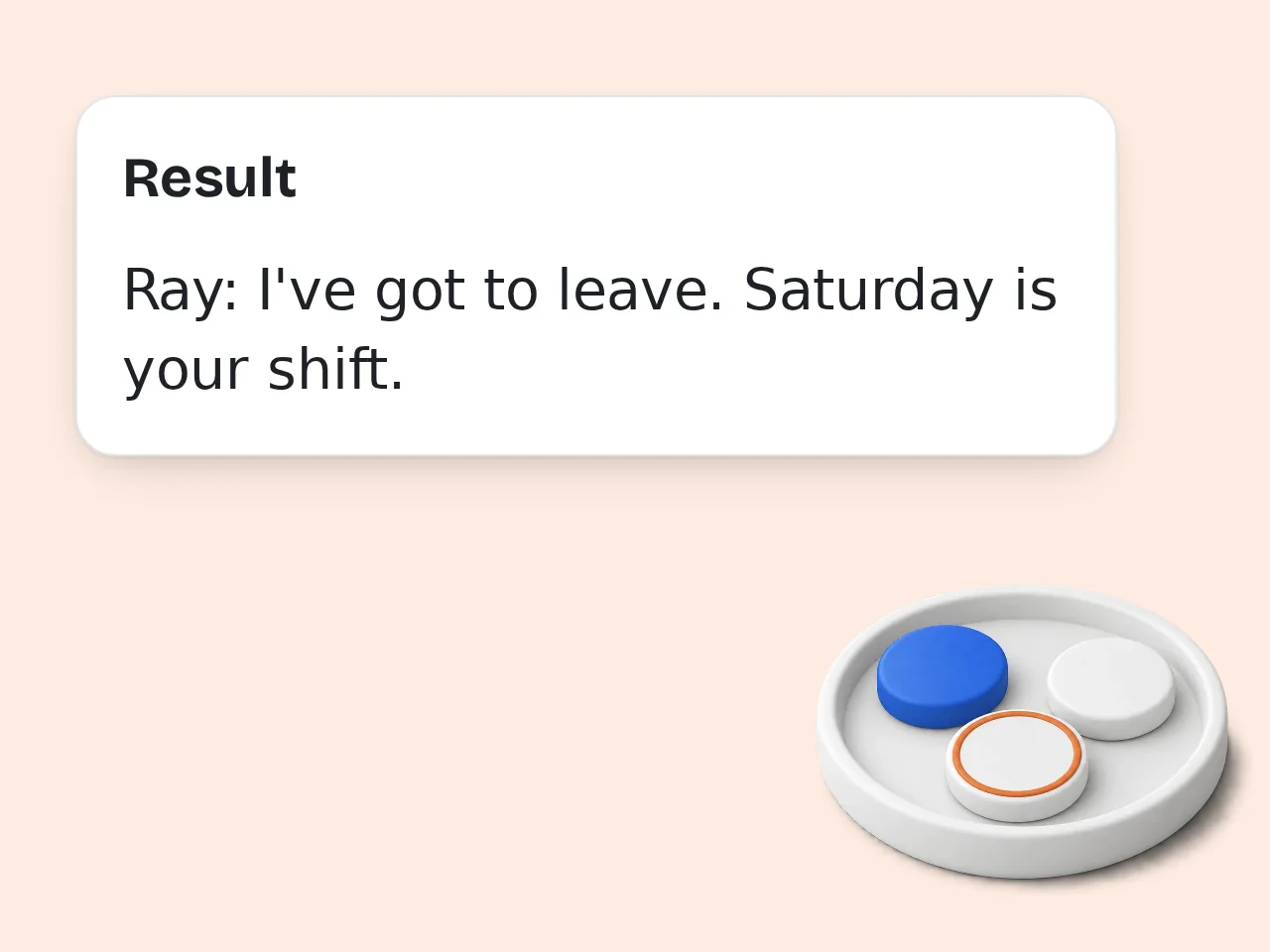
Generate and Edit
Generate the dialogue, copy the useful lines, and revise names, pacing, or subtext until each character sounds right.
Key Features
Everything needed to write natural dialogue faster
Scene-Based Dialogue Drafts
Turn a short scene brief into a clear exchange with speaker intent, conflict, and emotional movement. The AI dialogue generator keeps the conversation focused on what the scene needs to accomplish.
Script and Narrative Formats
Choose clean script lines, narrative prose with action beats, or chat-message style. This makes the dialogue writer useful for fiction, videos, podcasts, games, and classroom examples.
Tone and Length Controls
Set the conversation to natural, tense, funny, dramatic, or romantic. Pick a short, medium, or long output so the generated dialogue fits your draft instead of overwhelming it.
Frequently Asked Questions
Common questions about the AI dialogue generator
What is an AI dialogue generator?
An AI dialogue generator is a writing tool that turns a scene idea into realistic conversation. You describe the situation, characters, tone, and format, then get dialogue for stories, scripts, roleplay, lessons, or social content. It helps when you know what should happen in a scene but the spoken lines feel stiff. Use the draft as a starting point, then adjust wording so each character sounds exactly right.
How do I use the AI dialogue generator?
Type the scene or conversation goal, add character notes, choose a dialogue type, select script or narrative format, then click generate. The AI dialogue generator builds a clear exchange around conflict, intent, and tone. Better inputs produce better dialogue, so include relationship details, secrets, setting, and what each person wants. If the first version is close but not perfect, regenerate with a sharper tone or more specific character notes.
Is the AI dialogue generator free to use?
Yes, the AI dialogue generator is free to try. Guests get limited daily free tries without an account, free registered users have a monthly credit allowance, and subscribers get higher limits. Free access includes the main dialogue options, tone controls, formats, and output language selection. For casual writing, practice scenes, classroom examples, or quick script drafts, the free tier is usually enough. See the pricing page for current details.
How many times can I use the AI dialogue generator per day?
Guests get limited daily free tries with the AI dialogue generator. Free registered accounts have a monthly credit allowance, while subscribed users receive higher limits for frequent creative work. The exact number of runs depends on your credit balance. If you write often, copy useful dialogue drafts into your own editor for later revision. See the pricing page for current details.
Can I use the AI dialogue generator without an account?
Yes. You can use the AI dialogue generator without creating an account, using the free daily guest allowance. No login is needed to test a scene, create a short exchange or draft a quick script conversation. An account is helpful if you want more monthly usage or need to keep working across multiple scenes. Start without signup, then register only if the tool becomes part of your regular writing workflow.
What can I use an AI dialogue generator for?
You can use an AI dialogue generator for fiction scenes, screenplay drafts, roleplay prompts, classroom dialogues, customer conversation examples, interview scripts, skits, podcasts, and game character lines. It is useful whenever two or more voices need to sound natural. Writers often use it to break through blank-page moments, test emotional beats, or explore alternate versions of the same scene before choosing the strongest one.
Does the AI dialogue generator support script format?
Yes, the AI dialogue generator supports script format, narrative prose, and chat-message style. Script format uses speaker names and clean lines, while narrative style adds action beats and dialogue tags around the spoken words. Choose script format for plays, videos, podcasts, and scenes that need easy scanning. Choose narrative style for short stories, novels, or fiction passages where body language and setting matter.
How does the AI dialogue generator make conversations sound natural?
The AI dialogue generator uses the scene goal, character details, tone, and format to shape rhythm and word choice. Instead of only producing perfect sentences, it can include hesitation, disagreement, implied meaning, emotional changes, and short action beats. Natural dialogue usually comes from tension: each speaker wants something, avoids something, or hides something. Add those details to your prompt and the result will feel less flat.
Why use an AI dialogue generator instead of writing manually?
Use an AI dialogue generator when you need momentum, alternate options, or a quick first draft. Manual writing gives full control, but it can stall when the scene goal is clear and the lines are not. The tool gives you material to react to. You can keep strong lines, cut weak ones, and rewrite voices. That makes it useful for drafting, not a replacement for final creative judgment.
Why use this dialogue generator instead of a general chatbot?
A focused dialogue generator gives you dedicated fields for scene brief, characters, dialogue type, format, tone, length, and output language. A general chatbot can write dialogue too, but you must explain the structure every time. This tool keeps the setup simple and repeatable. It is faster when you need a specific kind of conversation rather than a broad writing assistant that requires a long custom prompt.
How can I get better results from the AI dialogue generator?
Add specific pressure to the scene. Instead of writing “two friends talk,” write what each friend wants, what they are hiding, where they are, and why the conversation matters now. Give one or two voice details for each character, such as blunt, nervous, formal, sarcastic, or careful. The AI dialogue generator works best when the characters have conflicting goals and the scene has a clear emotional turn.
Can I generate dialogue for more than two characters?
Yes. The AI dialogue generator can handle more than two characters if you list them in the character notes and describe each person’s role in the scene. For best results, keep the main conflict between two or three speakers. Large group scenes can become noisy, so name every speaker clearly and explain who leads the conversation, who resists, and who changes the direction.
Still have questions?
Contact our support teamCreate Dialogue That Sounds Human
Write the scene brief, choose a tone, and generate a usable conversation in seconds.