AI Conclusion Generator
Write clear conclusions for essays, reports, articles, and research papers
How to Use the AI Conclusion Generator
Create a polished conclusion in 3 quick steps
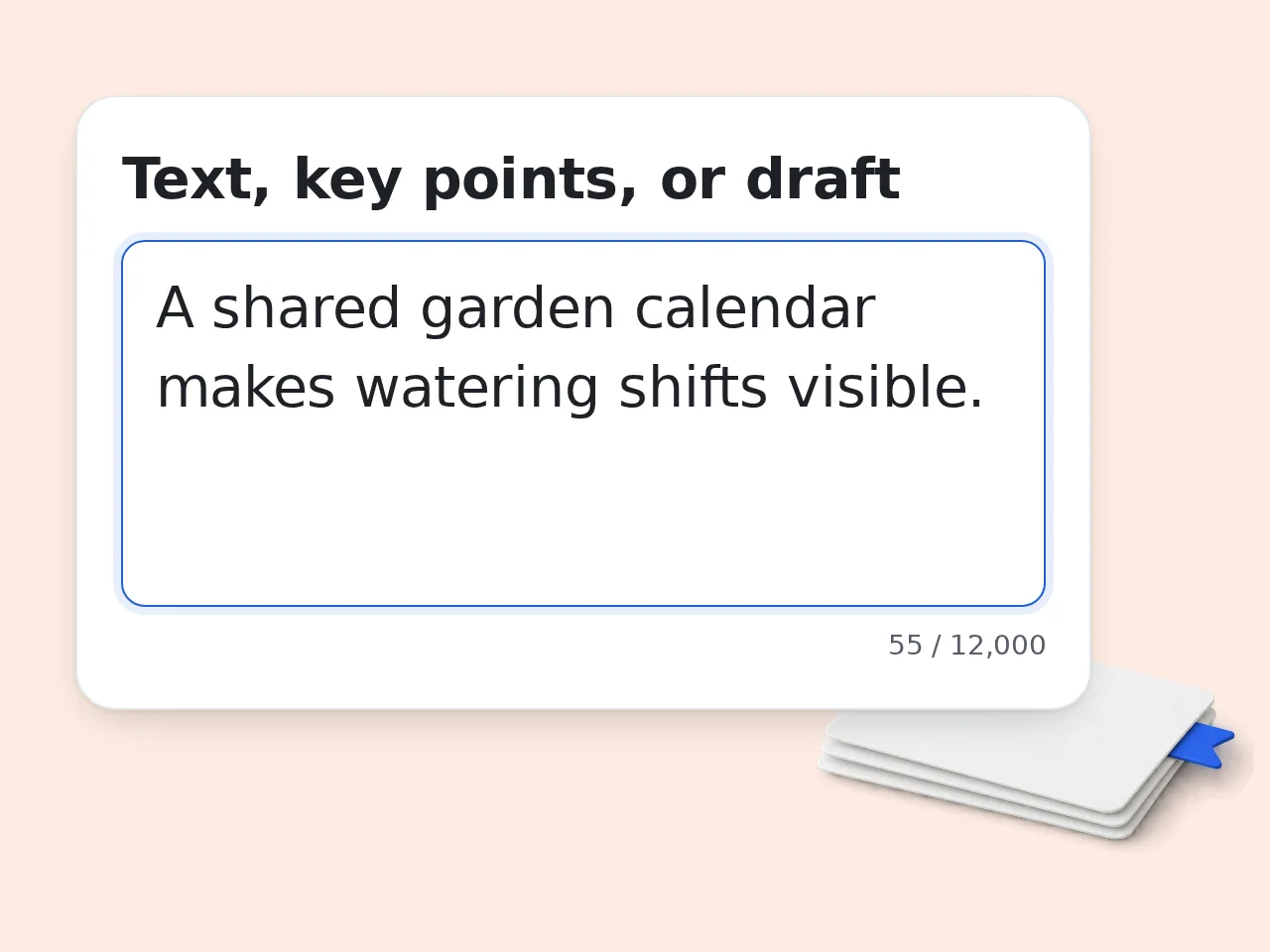
Paste your text or key points
Add the essay, report, article, outline, or notes that need a conclusion. Clear input gives the generator stronger context.
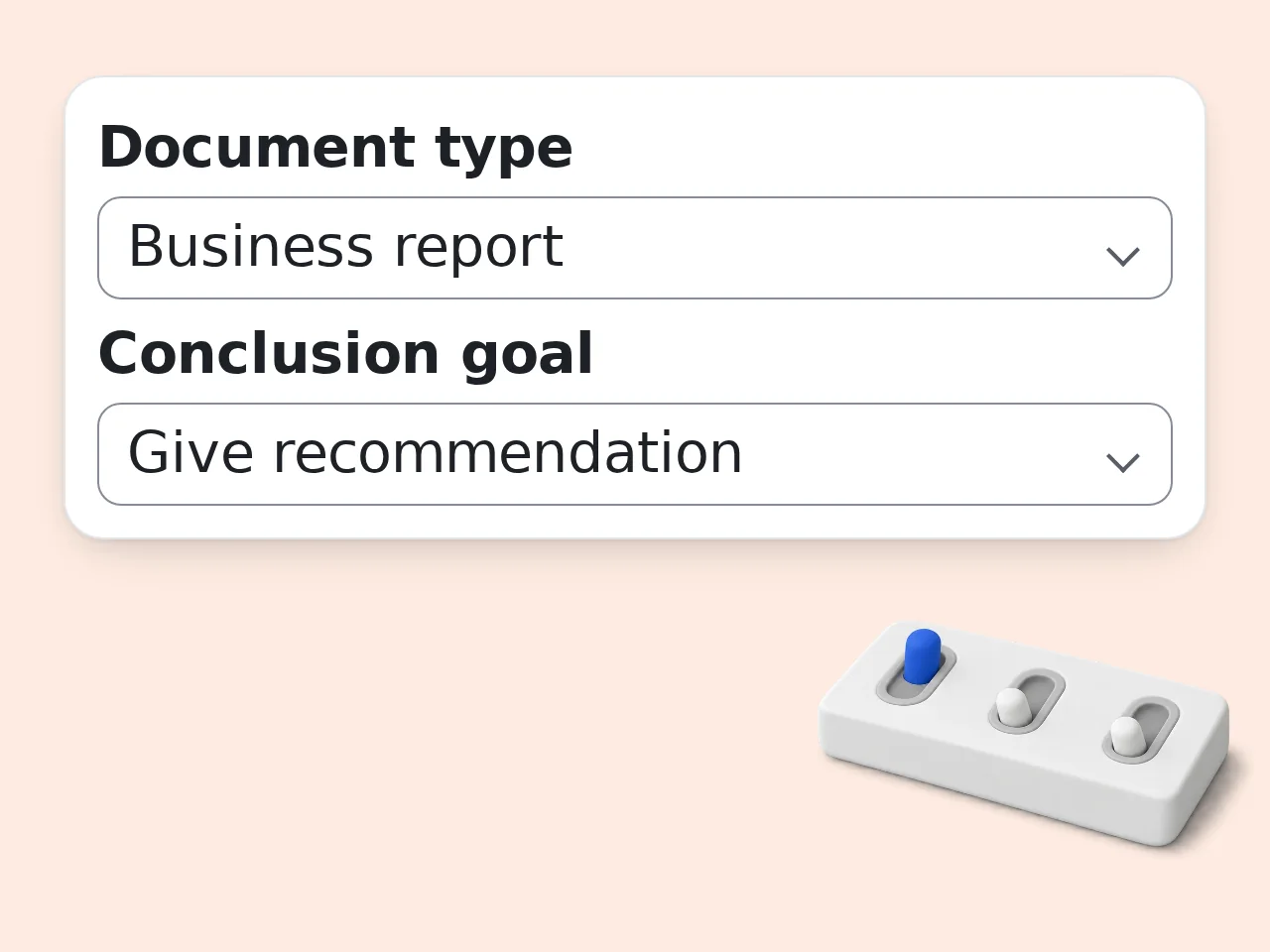
Choose type, goal, tone, and length
Pick the document format and ending style so the conclusion fits your assignment, report, post, or presentation.
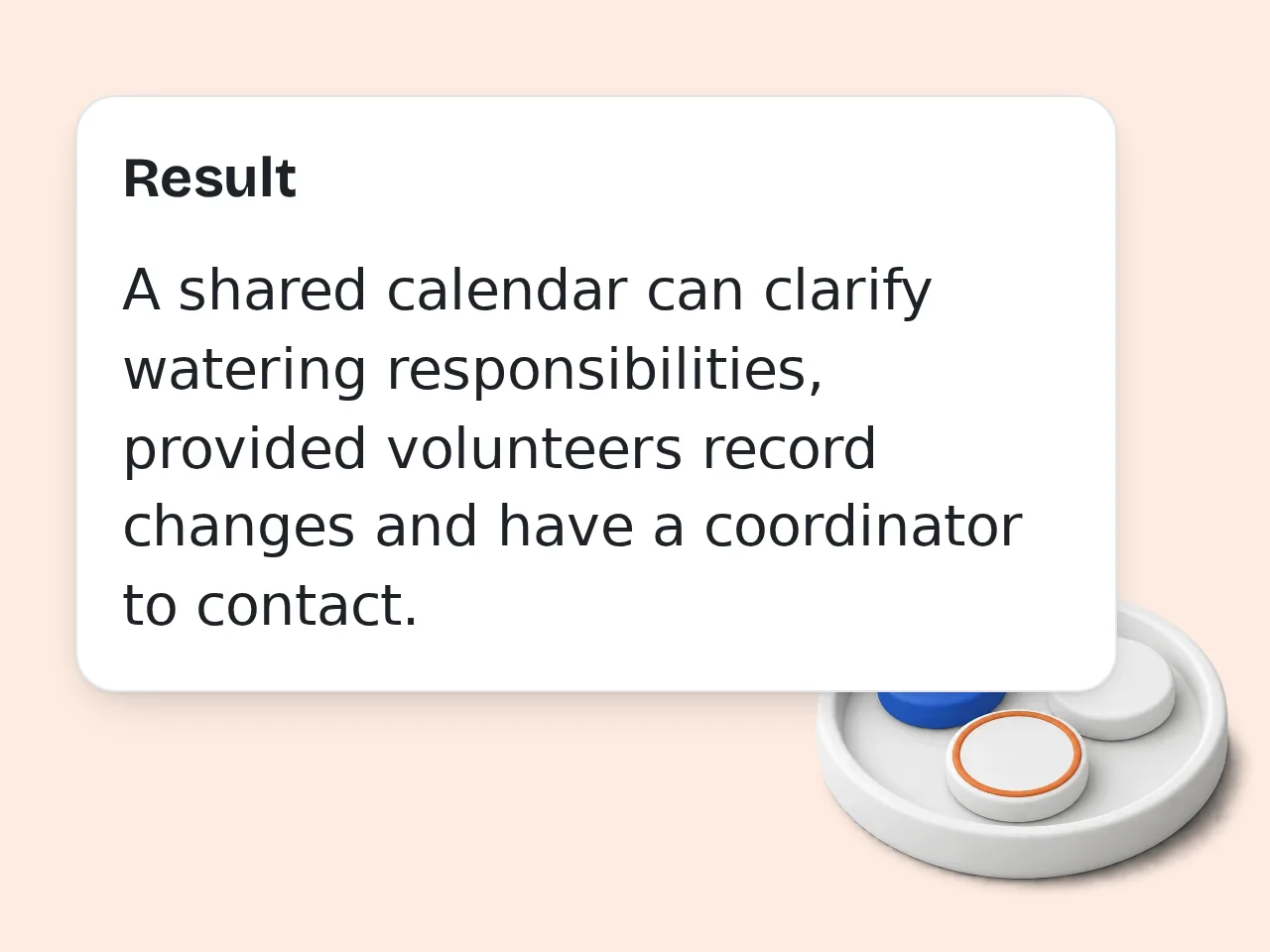
Generate and revise the ending
Copy the generated conclusion, review it for accuracy, and adjust the final sentence to match your own voice.
Key Features of AI Conclusion Generator
Everything needed to turn key points into a strong ending
Works for 5 Document Types
Generate conclusions for essays, research papers, articles, business reports, presentations, and speeches with structure adjusted for each format.
Goal-Based Conclusion Writing
Choose whether the ending should summarize, persuade, recommend action, reflect on meaning, or close with a call to action.
Tone and Length Controls
Create a short, medium, detailed, academic, professional, persuasive, or warm conclusion without rewriting the prompt yourself.
Frequently Asked Questions about AI Conclusion Generator
Common questions about conclusion AI generator tools
What is an AI conclusion generator?
An AI conclusion generator creates a closing paragraph from your draft, notes, or key points. It helps summarize the main idea, connect the strongest supporting points, and end with a clear final message. This tool works for essays, research papers, articles, business reports, presentations, and blog posts. Paste your text, choose tone and length, then generate a conclusion you can revise or copy. For best results, include the argument or key findings instead of only giving a title.
How do I use the AI conclusion generator?
Paste your text or key points into the main field, choose the document type, select a conclusion goal, and click generate. The AI conclusion generator will create a closing paragraph based on the information you provide. If you need a formal school paper, choose Academic tone. For work documents, choose Professional. If you want a short ending, choose the 50–80 word length. After generation, read the conclusion once and adjust any wording that needs your personal voice.
Can this conclusion generator write an essay conclusion?
Yes. Choose Essay as the document type and paste your essay draft, outline, or key arguments. The conclusion generator can restate the thesis in fresh words, connect the main evidence, and end with a final insight. It is especially useful when your essay already has a clear argument but the ending feels repetitive. The tool avoids simply copying the introduction and focuses on a stronger final paragraph. Always check that the conclusion matches your teacher’s requirements before submitting.
Can I use it for research papers?
Yes. The AI conclusion generator can help with research paper conclusions when you provide the main findings, research question, and implications. Choose Research paper and Academic tone for a more formal result. The tool can summarize findings, mention limitations if you include them, and point toward future research without inventing unsupported claims. Do not use it to create citations or data that are not already in your paper.
Is the AI conclusion generator free?
Yes, the AI conclusion generator is free to try. Guests get limited daily free tries, and free registered users have a monthly credit allowance. Core settings are available, including document type, goal, tone, length, audience, and output language. You do not need to write a complicated prompt from scratch. Higher limits are available for users who need conclusions regularly. See the pricing page for current details.
What should I paste into the tool?
Paste the draft, outline, summary, or bullet points that the conclusion should cover. If your text is long, include the introduction, main arguments, findings, and any final message you want to emphasize. For short assignments, a few detailed bullet points may be enough. For research or business writing, include the outcome, evidence, and recommended next step. The clearer the input, the less generic the conclusion will be.
Does the tool support different tones?
Yes. You can choose clear, academic, professional, persuasive, or warm tone. Tone changes word choice, sentence rhythm, and how direct the ending feels. Academic tone fits essays and research papers. Professional tone works for reports and proposals. Persuasive tone is better when the ending needs to convince the reader or drive action. If the first result feels too stiff, switch to warm or clear tone and generate again.
Can it make a short conclusion?
Yes. Choose the short length option to generate a conclusion around 50–80 words. This works well for brief essays, blog posts, short reports, and presentation endings. Short conclusions should still do three things: remind the reader of the core point, connect the main evidence, and leave a final takeaway. If the source text is complex, the short version may focus only on the most important idea.
Will the conclusion be original?
The conclusion is generated from your input and restates your ideas in new wording. It should not copy long sections of your text unless you ask for a very close rewrite. Still, you should review the result before using it. Make sure it reflects your actual argument, does not add unsupported claims, and sounds like the rest of your document. For academic work, follow your school’s AI and citation rules.
Can it write conclusions for business reports?
Yes. Choose Business report and Professional tone to create a clear ending for reports, proposals, market research, project updates, or performance summaries. The tool can summarize what matters, explain business impact, and close with recommendations or next steps if you choose that goal. For best results, include the main finding, audience, and decision the reader needs to make.
Why use this instead of asking ChatGPT directly?
A dedicated conclusion AI generator is faster because the form already asks for document type, goal, tone, length, audience, and extra instructions. You do not need to rebuild the prompt every time. That structure is useful when you repeatedly write essays, reports, blog posts, or presentations and want consistent endings. ChatGPT is flexible, but this page is simpler when the task is specifically writing a conclusion.
What if the generated conclusion is not right?
If the output feels off, change one setting at a time. Try a different tone, shorten the length, or add clearer key points in the source text. Most weak conclusions come from broad or incomplete input. You can also use the extra instruction field to say what to avoid or what final message must be emphasized. Treat the result as a strong draft, then polish the last sentence so it fits your voice.
Still have questions?
Contact our support teamReady to Finish Your Draft?
Paste your text or key points and generate a clear conclusion in seconds.