Paragraph Expander
Make paragraphs longer with clearer detail, better flow, and less filler
How to Use the Paragraph Expander
Expand my paragraph in three quick steps
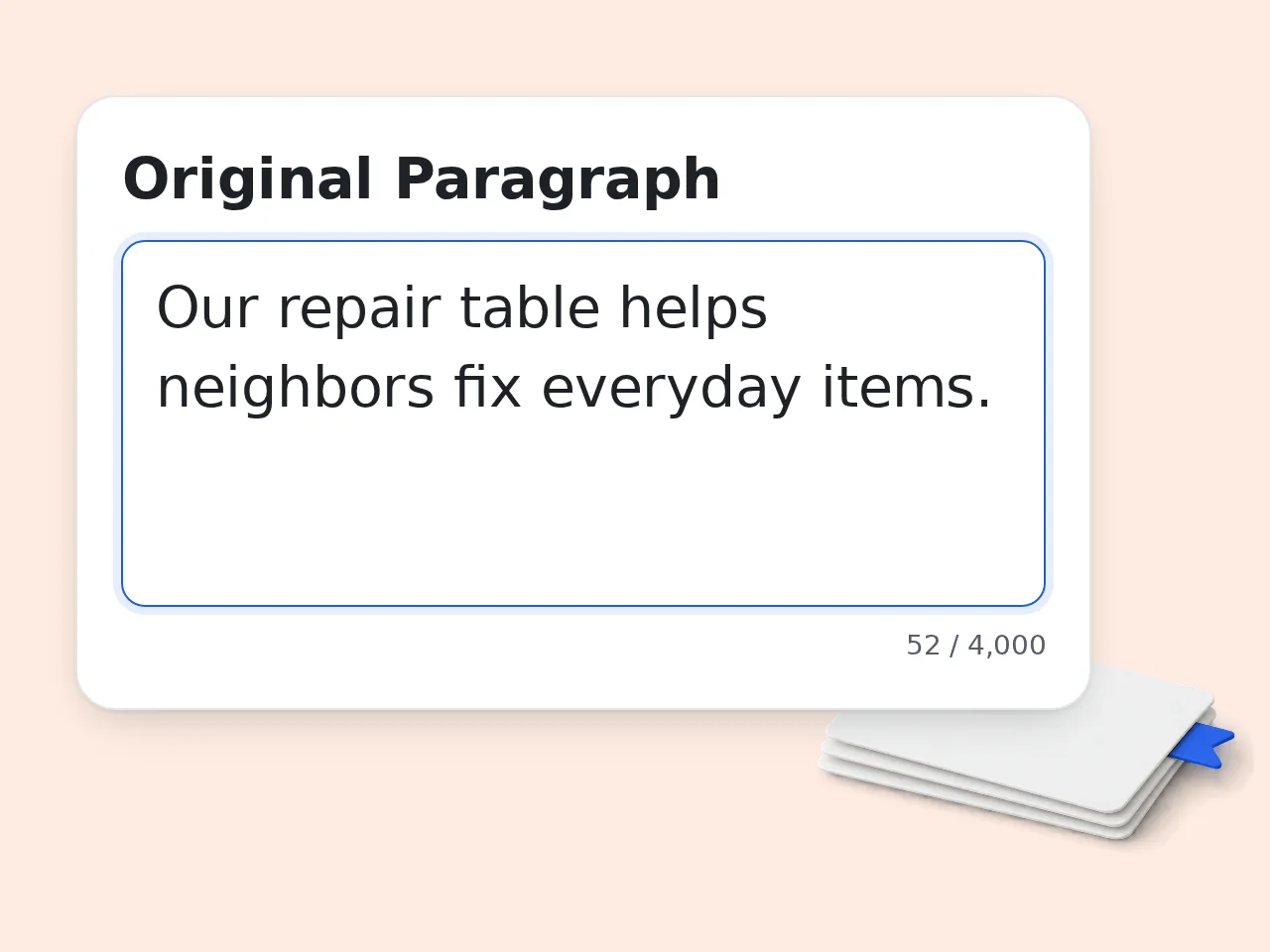
Paste Your Short Paragraph
Add the text you want to improve. The paragraph expander works best with one clear idea, a short draft, or a paragraph that feels too thin.
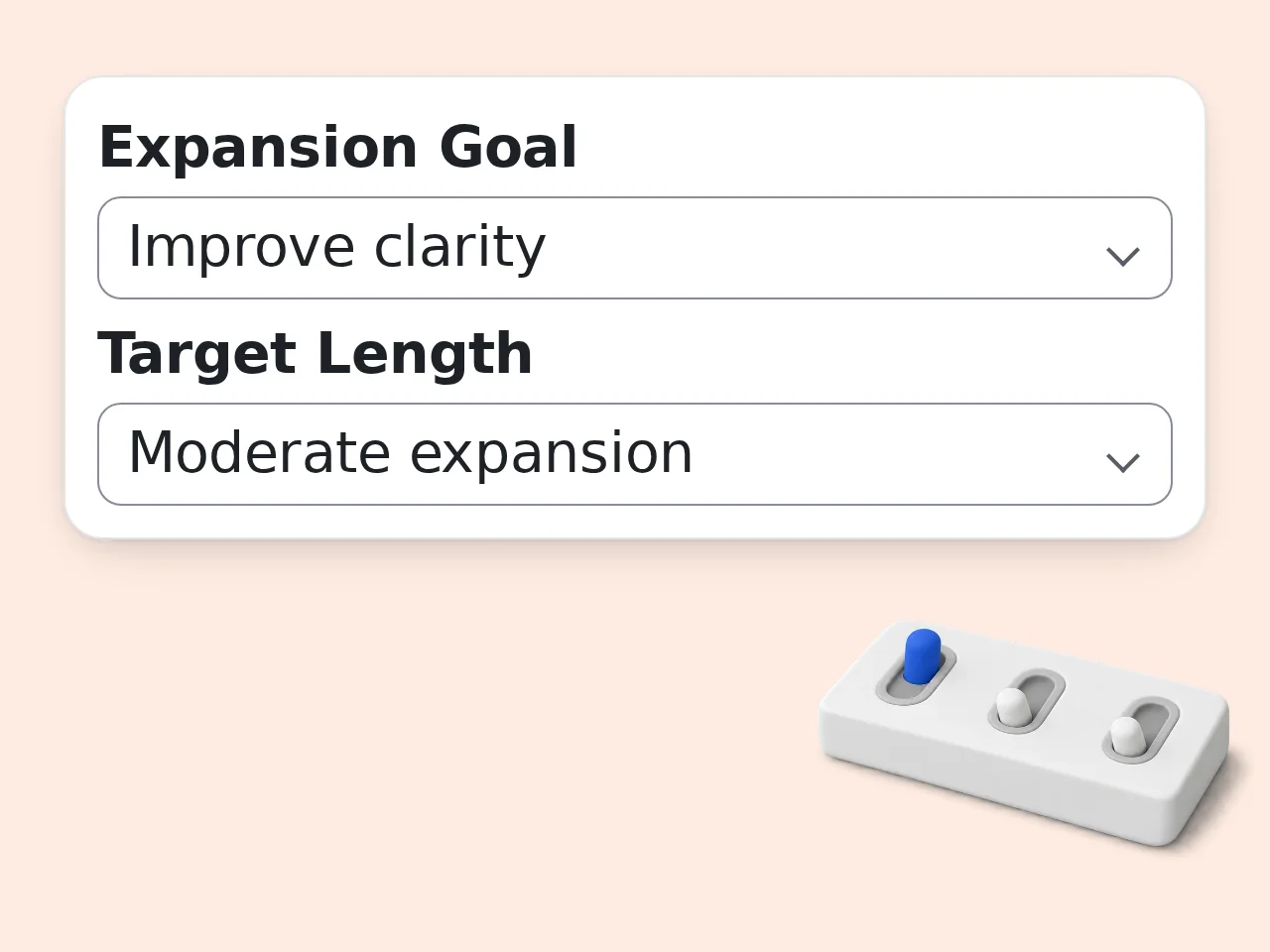
Choose Goal and Length
Select whether you want more detail, clearer logic, academic depth, SEO depth, or a target word count. Then choose the output length and tone.
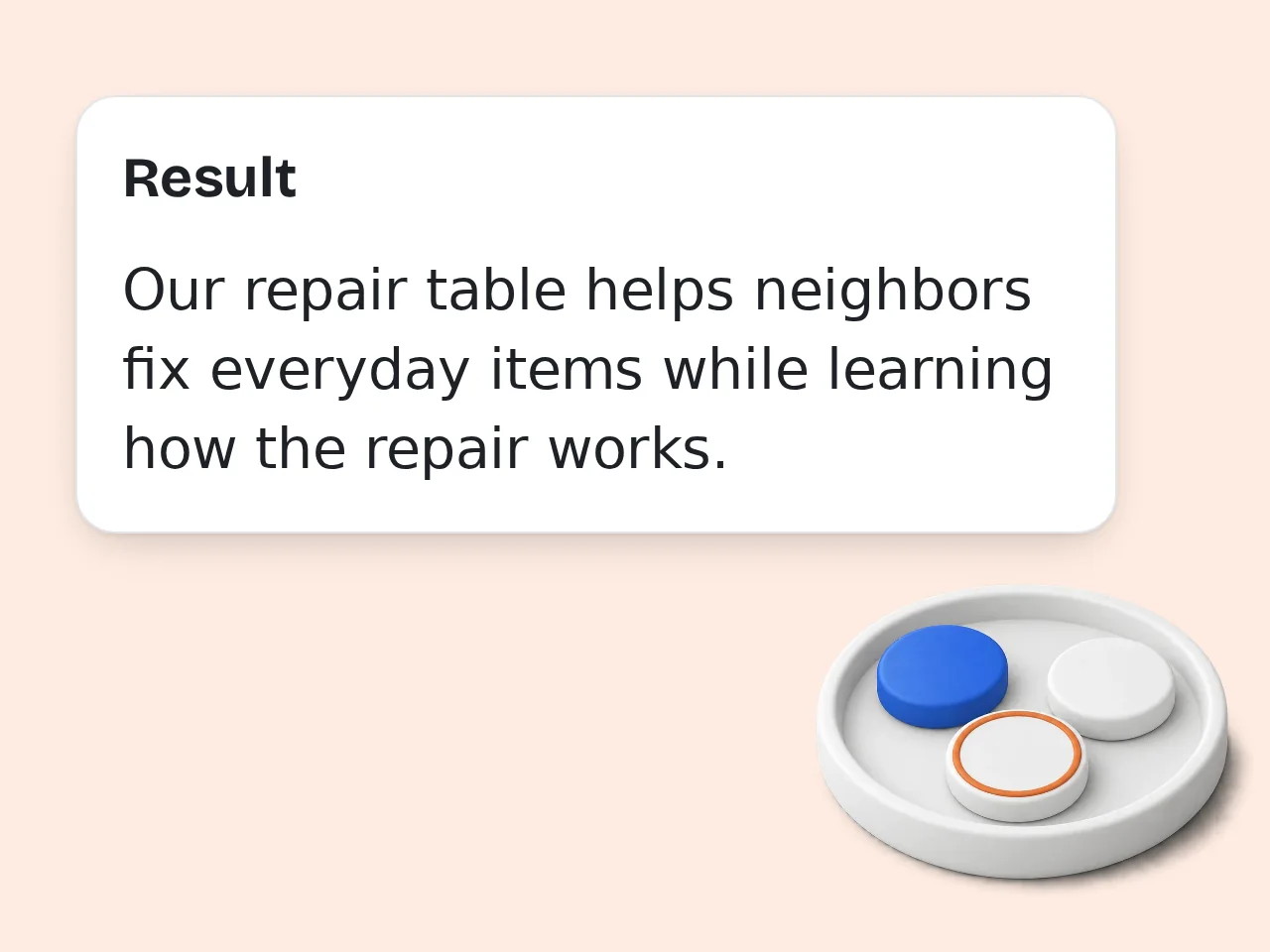
Generate and Edit
Create the expanded paragraph, read it once, and adjust any facts or voice details. Use the result as a stronger draft, not a blind final copy.
Key Features of Paragraph Expander
Flexible paragraph expansion for school, work, SEO, and everyday writing
5 Expansion Goals
Use the paragraph expander to add detail, reach a word count, improve clarity, add academic depth, or build SEO-friendly explanation.
Length and Tone Controls
Choose moderate expansion, about 100 words, about 200 words, or double length. Match the tone to academic, casual, professional, natural, or persuasive writing.
Meaning-Safe Expansion
Pick strict, balanced, or creative meaning control so the expanded paragraph stays close to your source or adds light examples when appropriate.
Frequently Asked Questions with Paragraph Expander
Clear answers about AI paragraph expander use, limits, quality, and best practices
What is a paragraph expander and how does it work?
A paragraph expander turns a short paragraph into a longer, clearer version by adding relevant detail, context, examples, and transitions. It keeps the main idea from your original text and builds around it instead of replacing it. You paste a paragraph, choose a goal, select a length, and generate an expanded paragraph. The tool can help with essays, reports, blog sections, emails, study notes, and drafts that feel too thin. For best results, start with one clear idea. A focused source paragraph gives the paragraph expander better material to develop.
How do I use a paragraph expander to get better results?
Start by pasting a complete paragraph with a clear main point. A paragraph expander works best when the original text already says what you mean, even if it needs more detail or stronger explanation. Choose the expansion goal carefully: word count for length, clarity for simpler logic, academic depth for formal writing, or SEO depth for web content. Then pick a tone that matches where the text will be used. Avoid pasting disconnected notes. If the input is messy, clean the core idea first, then expand it.
Is this paragraph expander free to use?
Yes, this paragraph expander is free to use. You can paste a short paragraph, choose the settings, and generate expanded text without paying before you try the tool. Guest use is available for quick tasks, and registered accounts get more monthly usage. The free access covers common needs such as making a paragraph longer, adding clarity, or building a fuller draft. If you expand many paragraphs every day, an account gives you more room to work without stopping.
How many times can I use the paragraph expander per day?
Guests get limited daily free tries of the paragraph expander without logging in. Free registered users have a monthly credit allowance, while subscribers get higher limits for heavier writing work. Those limits are enough for quick essay fixes, article sections, short reports, and occasional paragraph expansion. If you are editing a long document, expand one section at a time for cleaner results. A single good expansion often helps more than several rushed generations. Review the output before running another version. See the pricing page for current details.
Can I use the paragraph expander without creating an account?
Yes, you can use the paragraph expander without creating an account. Paste your paragraph, select the expansion settings, and generate a longer version directly as a guest. An account is useful when you need more monthly runs or want to use the tool regularly for school, work, or content writing. The basic workflow stays the same either way. Guest mode is best for testing the tool or handling a quick paragraph that needs more detail right now.
What can I use a paragraph expander for?
A paragraph expander can help with essays, blog posts, product descriptions, emails, reports, discussion answers, study notes, and social captions that need more depth. It is most useful when the idea is correct but underdeveloped. Students use it to explain points more fully, writers use it to add supporting detail, and marketers use it to turn thin copy into clearer website content. It can also improve transitions between ideas. Use it as a drafting helper, not a replacement for judgment. Always check facts and tone before publishing.
Does the paragraph expander preserve the original meaning?
The paragraph expander is designed to preserve the original meaning while adding useful detail. The meaning-control setting lets you choose strict, balanced, or lightly creative expansion depending on how much new context you want. Strict mode avoids new claims and stays close to your wording. Balanced mode adds reasonable explanation and transitions. Creative mode may add generic examples when they make the paragraph easier to understand. For school, legal, medical, or factual writing, use strict or balanced mode and verify every statement.
Who benefits most from an AI paragraph expander?
Students, bloggers, marketers, teachers, job seekers, and professionals benefit from an AI paragraph expander when a short draft needs more substance. It is especially helpful for people who know the idea but struggle to explain it fully. A student can expand an argument, a blogger can deepen a section, and a professional can make a brief update easier to understand. The tool saves time at the rough-draft stage. It works best for improving your own draft. It should not be used to hide copied work or invent unsupported facts.
Why use a paragraph expander instead of expanding text manually?
A paragraph expander saves time by suggesting details, transitions, and clearer wording faster than manual rewriting. It helps you move past a thin draft without staring at the same sentence for too long. Manual expansion is still valuable for final judgment, but it can be slow when you only need a stronger first pass. The tool gives you a fuller version that you can edit, shorten, or personalize. Use the generated text as a starting point. Your final review makes it sound like you.
Why use this paragraph expander instead of asking ChatGPT directly?
A focused paragraph expander gives you the right controls without writing a long prompt each time. You can set the goal, length, tone, meaning control, and output format before generating. ChatGPT can do similar work, but repeated paragraph expansion often requires prompt tuning and manual reminders about length or meaning. A dedicated tool makes the workflow faster for common writing tasks. If you expand paragraphs often, saved structure matters. Fewer prompt decisions usually means cleaner output.
How can I make a paragraph longer without adding filler?
To make a paragraph longer without filler, add explanation, examples, context, transitions, and cause-and-effect details that support the main idea. A paragraph expander can help find those useful additions. Good expansion answers the reader’s next question. Instead of repeating the same point, it explains why the point matters, how it works, or where it applies. That makes the paragraph longer and stronger. If a sentence does not add meaning, delete it. Length alone is not the goal.
What if the expanded paragraph is not what I expected?
If the expanded paragraph is not what you expected, adjust the goal, length, tone, or meaning-control setting and generate again. Small setting changes usually fix the problem faster than rewriting the whole input. If the result adds too much, choose strict meaning control or a shorter target length. If it feels shallow, choose academic depth, SEO depth, or add a short note explaining the audience. The source paragraph matters most. Clear input gives the paragraph expander a better path.
Still have questions?
Contact our support teamMake Your Paragraph Longer Now
Paste a short draft and turn it into a clearer, fuller paragraph in seconds.