Free Sentence Rewriter
Rewrite sentences online with clearer wording, better tone, and smoother flow.
How to Use the Free Sentence Rewriter
Rewrite a sentence in 3 quick steps.
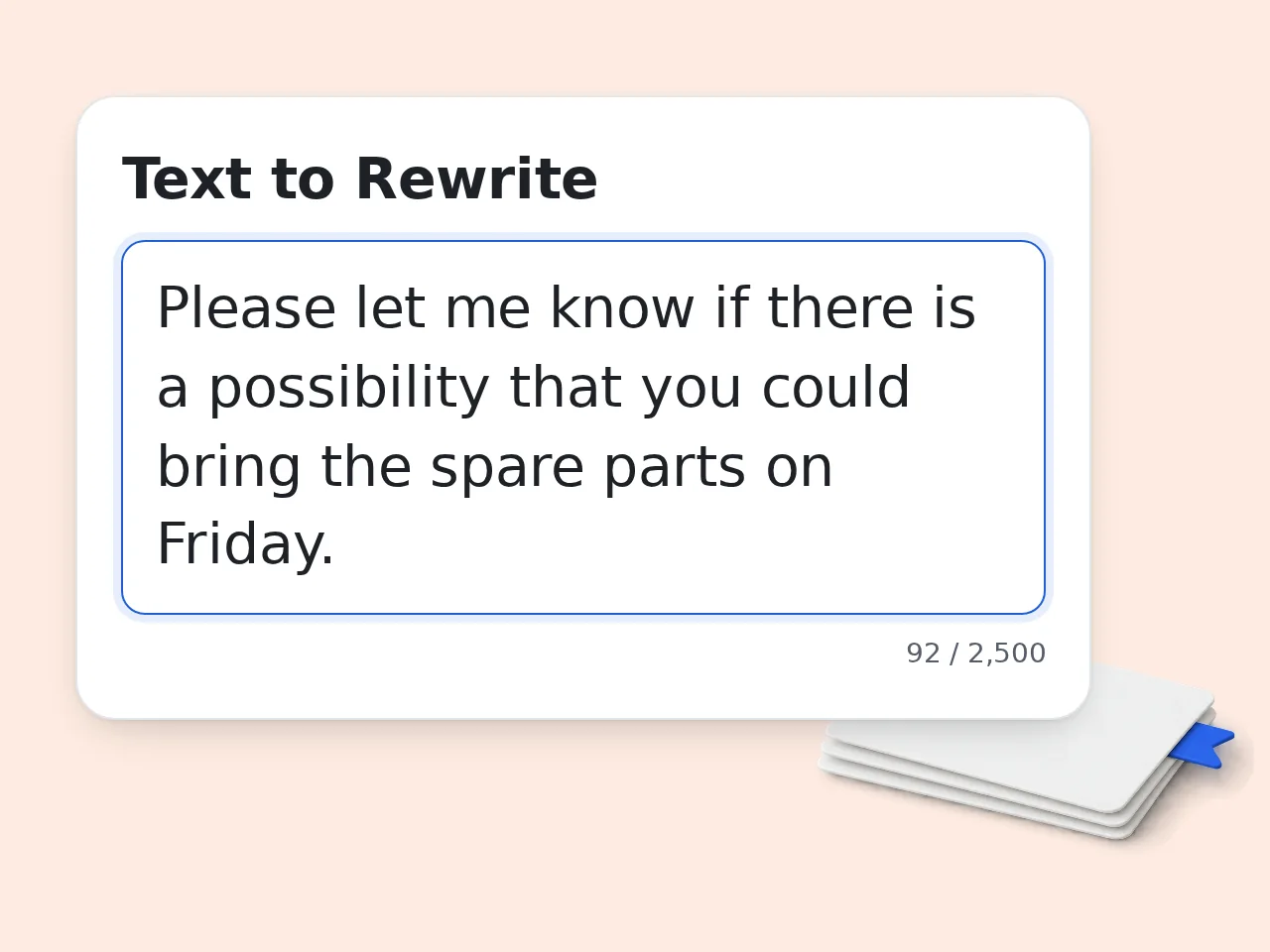
Paste the Sentence
Enter one sentence or a short passage into the free sentence rewriter. Include enough context so the rewrite keeps the exact meaning.
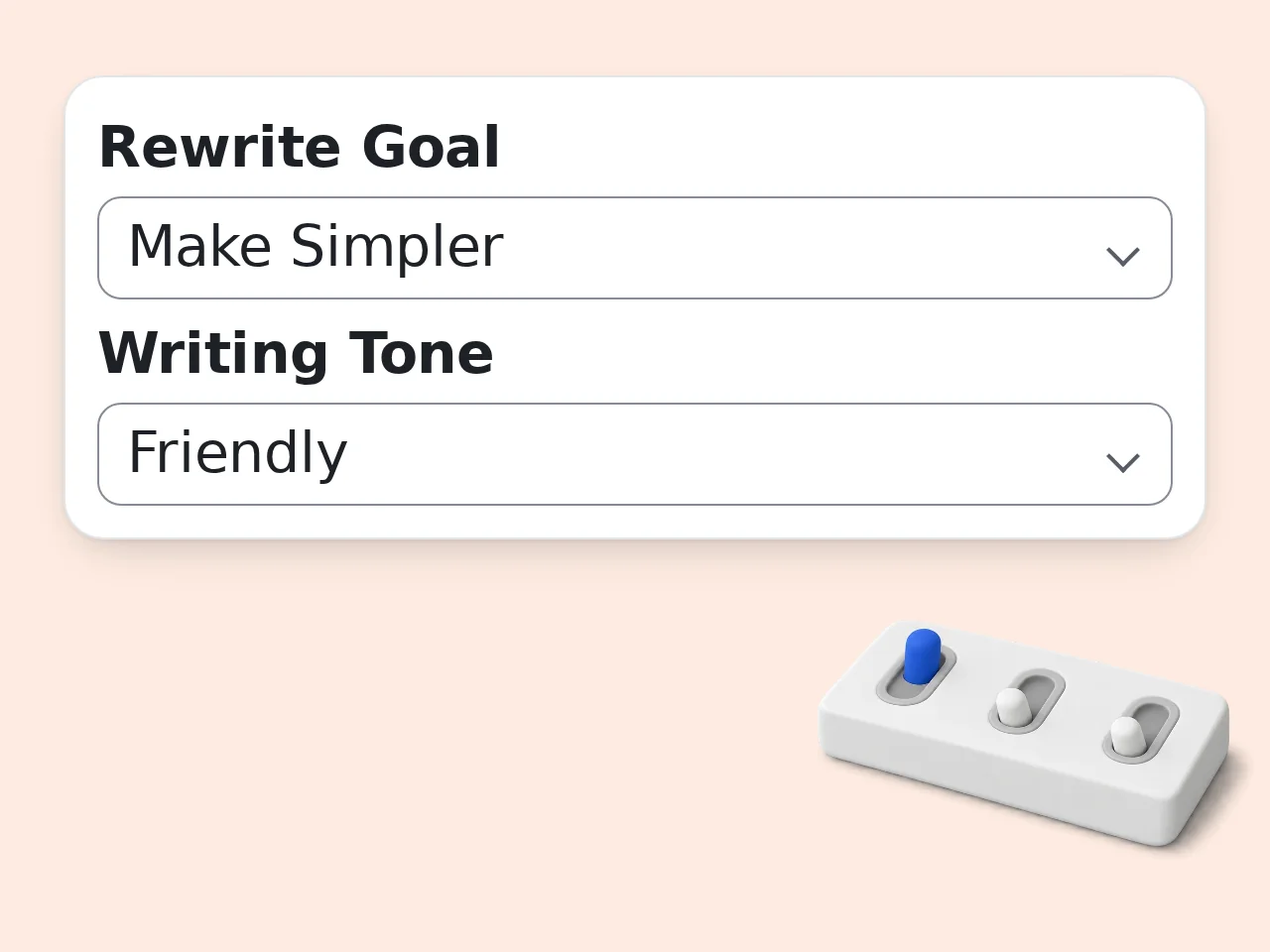
Choose Goal and Tone
Select what you want changed: clarity, tone, length, simplicity, professionalism, or natural wording. Add audience context if the sentence is for a specific place.
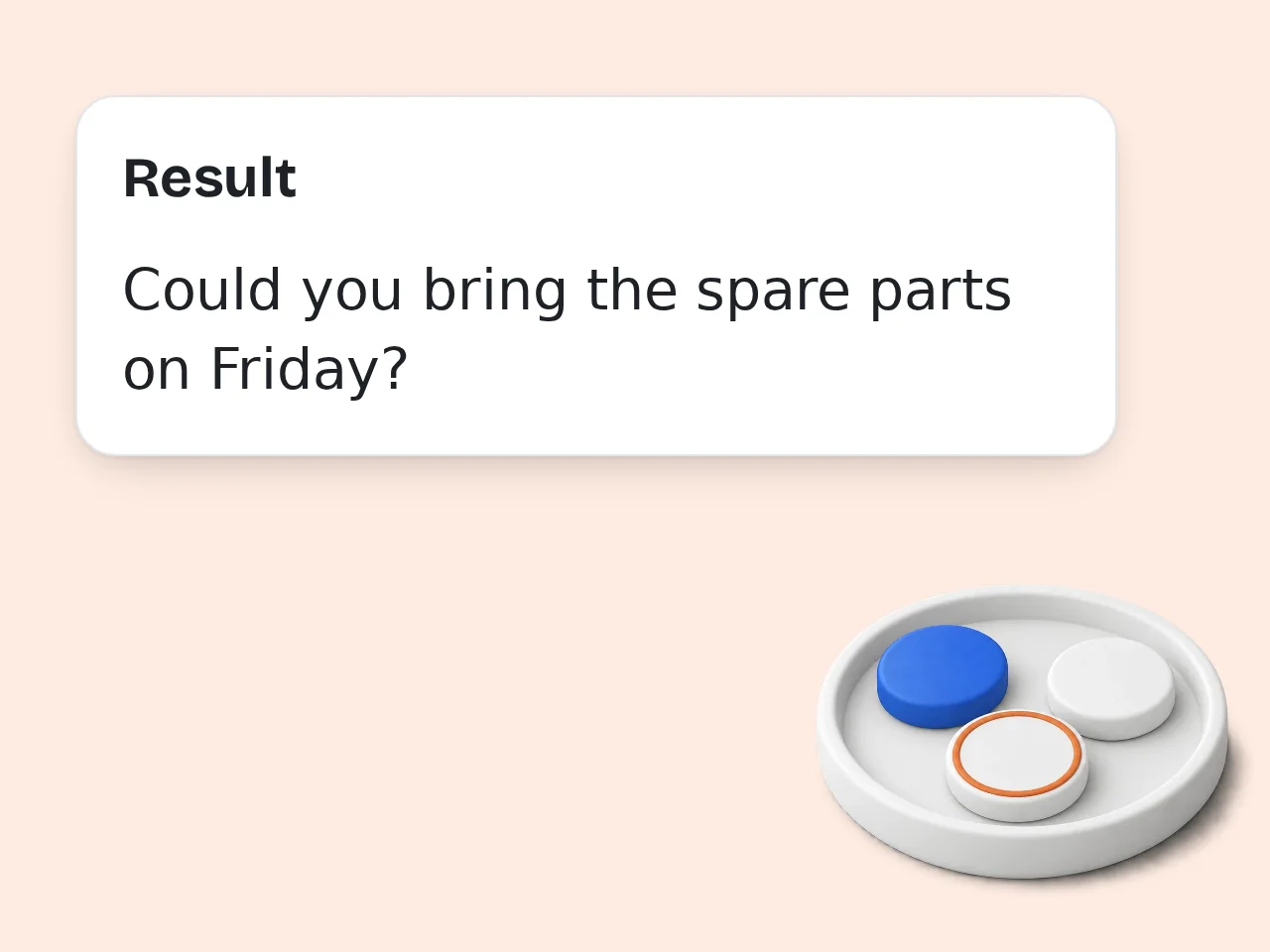
Copy the Rewrite
Review the rewritten sentence, copy the best version, or generate again with different settings. Use protected terms when certain wording must not change.
Key Features of Free Sentence Rewriter
Simple controls for clearer rewritten sentences.
6 Rewrite Goals
Improve clarity, change tone, make writing professional, simplify complex sentences, shorten long wording, or humanize stiff text. Each mode gives the sentence rewriter a clear editing direction.
Tone-Aware Sentence Rewriting
Choose natural, professional, academic, friendly, formal, or confident tone. The rewritten sentence keeps your meaning while matching the audience and context you have in mind.
Protected Terms Control
Add names, quotes, product terms, or technical phrases that should stay unchanged. This keeps rewritten sentences safer for essays, client emails, reports, and specialized writing.
Frequently Asked Questions
Common questions about using a free sentence rewriter.
What is a free sentence rewriter?
A free sentence rewriter is an AI writing tool that rewrites a sentence in clearer, smoother wording while keeping the original meaning. It helps you improve sentence structure, word choice, tone, and readability without starting from scratch. Use it for essays, emails, reports, captions, resumes, and short messages. Paste one sentence or several short sentences, choose a rewrite goal, and get a cleaner version in seconds. For best results, include the full sentence and any words that must stay unchanged. That gives the sentence rewriter enough context to protect your meaning.
How do I use this free sentence rewriter?
Paste your sentence into the text box, choose a rewrite goal, pick a tone, and click generate. The free sentence rewriter will return a polished version that matches your selected purpose. You can improve clarity, make a sentence professional, simplify wording, shorten text, change tone, or humanize stiff writing. Advanced settings let you add audience context and protected terms. If the first rewrite feels too formal or too short, adjust the tone or output length and run it again for a better fit.
Is the free sentence rewriter actually free?
Yes, the free sentence rewriter can be used without payment. Guest users get limited daily free tries, and free registered users have a monthly credit allowance. The main rewriting features are available in the free experience, including tone control, clarity improvement, shortening, simplification, and natural rewrites. Subscribers receive higher limits for heavier use. For occasional writing help, guest access is enough. If you rewrite sentences regularly for study or work, a free account gives more room. See the pricing page for current details.
How many times can I use the sentence rewriter per day?
Guests get limited daily free tries with the sentence rewriter without creating an account. Free registered users have a monthly credit allowance, while subscribers receive higher limits. These limits help keep the tool fast and available while still giving casual users enough rewrites for emails, homework, captions, or quick edits. Each generation uses your available quota. If you hit the guest limit, register for a free account. It is the simplest way to continue rewriting without waiting until the next day. See the pricing page for current details.
Can I use the sentence rewriter without creating an account?
Yes, you can use the sentence rewriter without creating an account. Guests get limited daily free tries, so quick sentence edits do not require sign-up. A free account is useful when you need more rewrites during the month. Free users have a monthly credit allowance, making the tool more practical for regular writing tasks. Use guest mode for one-off edits. Create a free account when rewriting becomes part of your normal study, work, or content workflow. See the pricing page for current details.
What can I use a sentence rewriter for?
You can use a sentence rewriter to improve awkward sentences, rewrite emails, polish essay lines, simplify complex wording, shorten long sentences, and create clearer versions of captions or messages. It is especially useful when the idea is right but the wording feels clumsy. Students, professionals, creators, marketers, and non-native English writers can all benefit from cleaner phrasing. The tool works best for sentence-level edits. For full documents, rewrite one paragraph at a time so the output stays focused.
Does this AI sentence rewriter keep my original meaning?
Yes, the AI sentence rewriter is designed to keep your original meaning while improving wording, flow, and tone. It should not change facts, names, numbers, or the core message. You can add protected terms in the advanced field when certain names, quotes, product terms, or technical phrases must remain unchanged. That makes the rewrite safer for formal or specialized text. Always review the final sentence before publishing. AI can improve expression, but you should confirm that nuance and context are still accurate.
Why use a sentence rewriter instead of rewriting manually?
A sentence rewriter is faster than manual rewriting when you already know what you want to say but cannot find the right words. It gives polished alternatives in seconds. Manual editing often takes several attempts, especially when changing tone or simplifying complex phrasing. The tool quickly shows clearer structures, stronger verbs, and smoother sentence flow. Use it as a drafting partner, not a replacement for judgment. Pick the version that best matches your voice and purpose.
Why use this tool instead of asking ChatGPT directly?
This tool is faster than a general chat prompt because the rewrite controls are already built into the form. You choose goal, tone, length, audience, and protected terms without writing instructions. General AI chat can rewrite sentences well, but results vary depending on prompt quality. A focused sentence rewriter reduces setup time and keeps the task narrow. Use this tool for quick edits. Use broader chat when you need planning, explanations, or full writing strategy.
How can I get better results from the sentence rewriter?
Give the sentence rewriter a complete sentence, choose a clear goal, and add audience context when tone matters. Specific input produces more accurate and natural rewritten sentences. For example, “make this professional for a client email” gives better guidance than only pasting a vague phrase. Use protected terms for names, quotes, or technical wording. If the output is close but not perfect, change one setting at a time. Tone and length usually have the biggest effect.
What if the rewritten sentence is not what I expected?
If the rewritten sentence is not what you expected, adjust the rewrite goal, tone, or output length and generate again. Small setting changes often produce a better sentence immediately. Use “Make Simpler” when the output feels too complex, “Make Professional” when it feels too casual, and “Humanize” when it sounds stiff or robotic. Add context if the audience matters. You can also combine the best parts of several versions. The strongest final sentence is often a light edit of the AI output.
Can I use this sentence rewriter for essays and school work?
Yes, you can use the sentence rewriter for essays and school work when your goal is to improve clarity, grammar, or wording while keeping your own ideas. It is helpful for polishing topic sentences, simplifying difficult lines, and making paragraph transitions smoother. Do not use rewritten text to hide copied work or avoid required citation. When using outside sources, cite them properly. A sentence rewriter changes wording, but it does not remove the need to credit ideas.
Still have questions?
Contact our support teamReady to Rewrite Your Sentence?
Paste a sentence and get a cleaner version in seconds.